

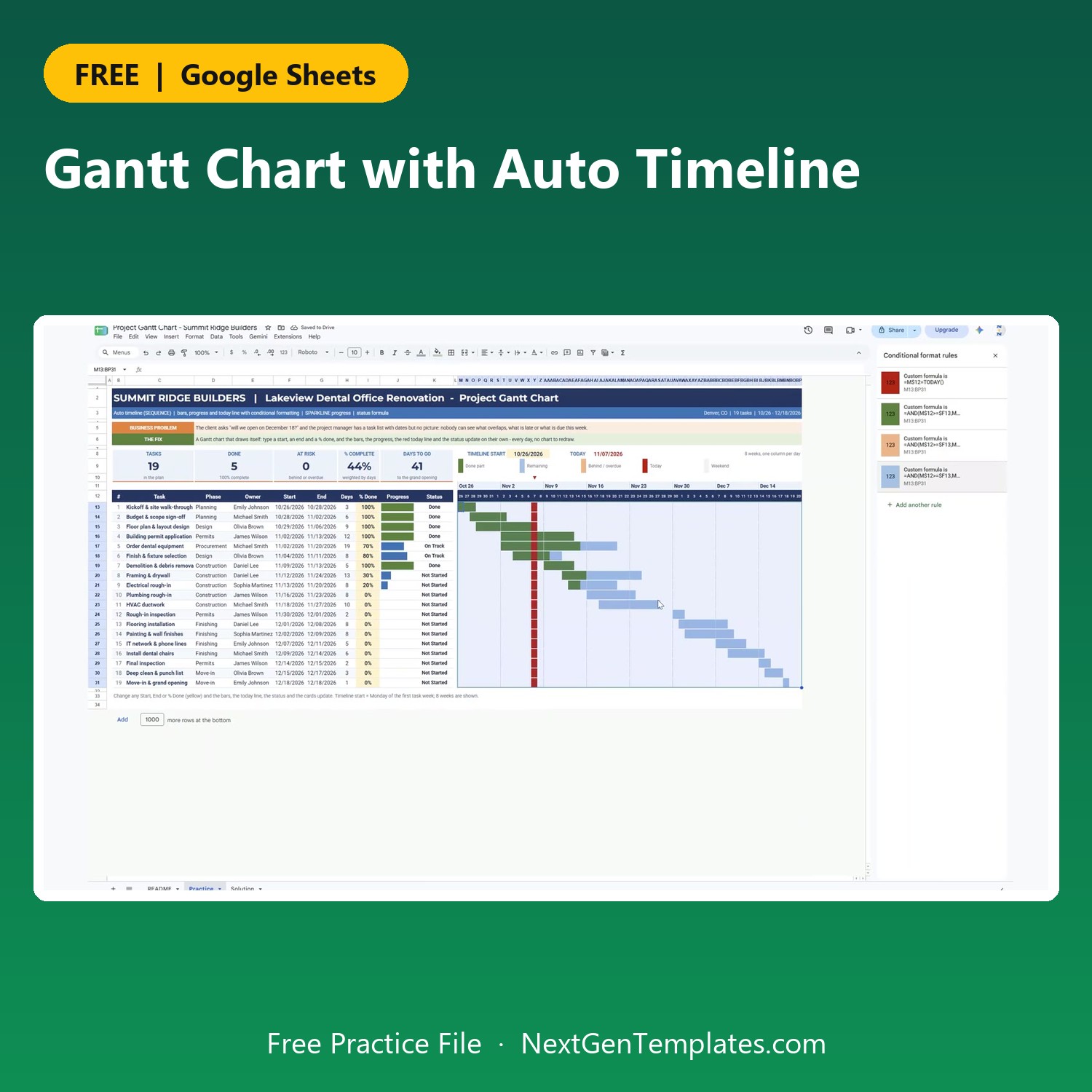
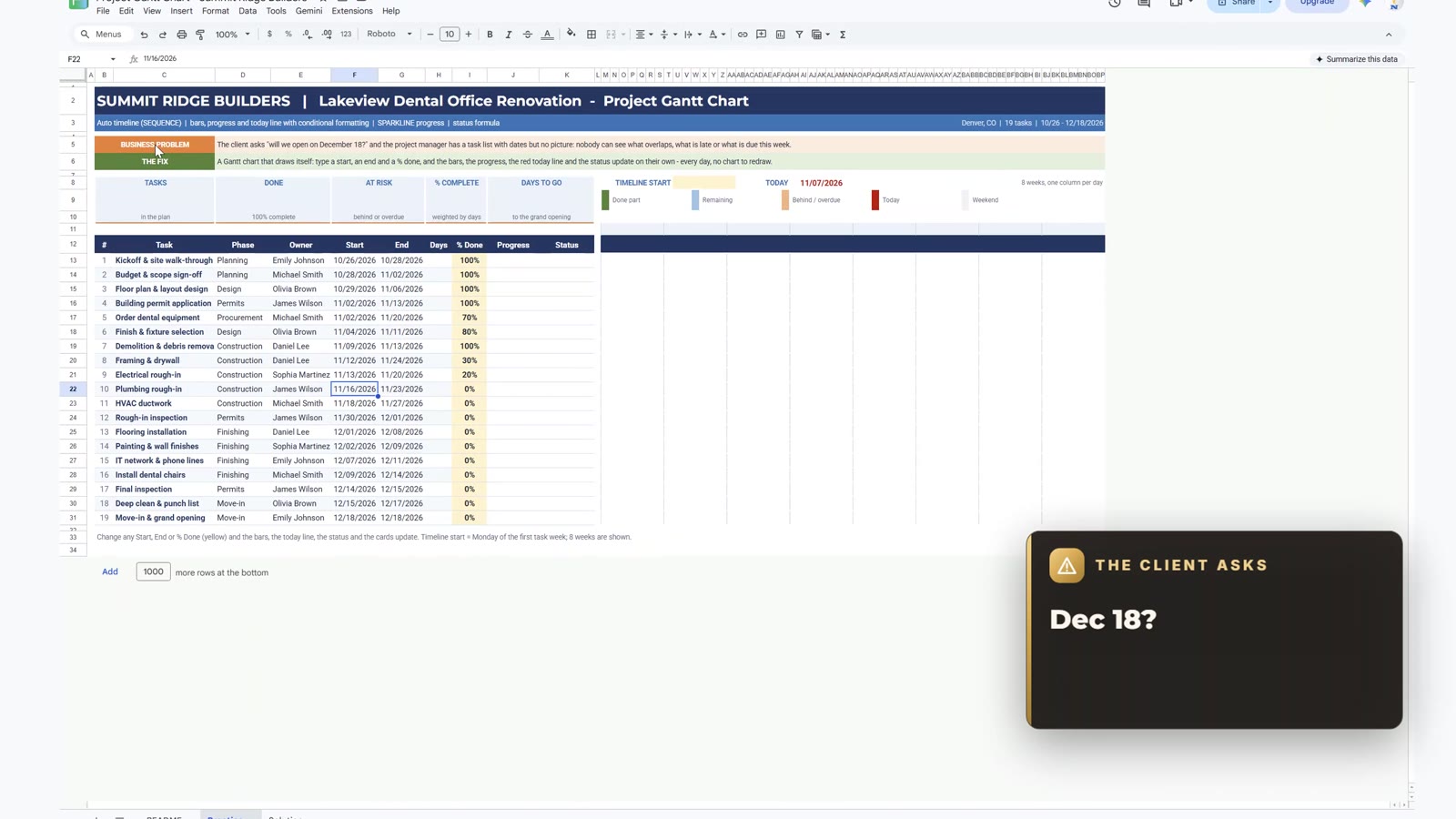

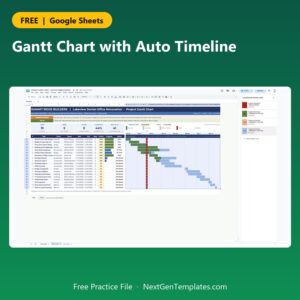
The Gantt Chart with Auto Timeline is a free Google Sheets practice file that goes with our step by step tutorial. Plan a project with an automatic timeline, progress bars, a red today line and a status for every task. Formulas only, no Apps Script or add-ons.
What you will practise
- Timeline built with SEQUENCE and WEEKDAY
- Progress bars with SPARKLINE
- Today line with conditional formatting
- Status for every task
What you download
You get a short PDF with your “Make a copy” link to the Google Sheet. The price is $0.
How to use it
- Download the file from your order email or your account.
- Open the PDF, click the copy link and choose Make a copy.
- Follow the video and build each step.
- Check your work against the finished solution.
Video tutorial
Watch the video or read the written guide with screenshots.
All company names and figures in the file are fictional sample data.

Reviews
There are no reviews yet.