

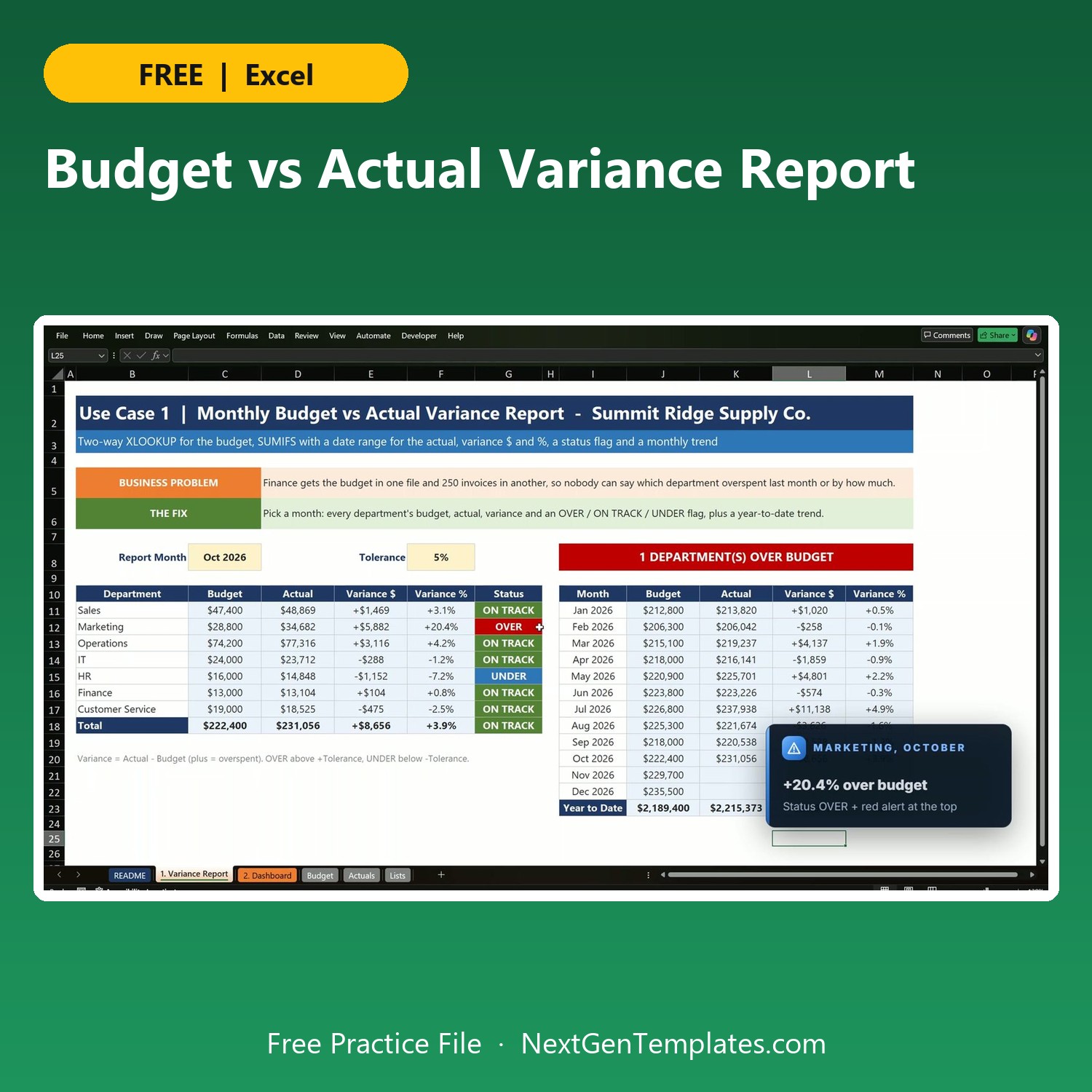
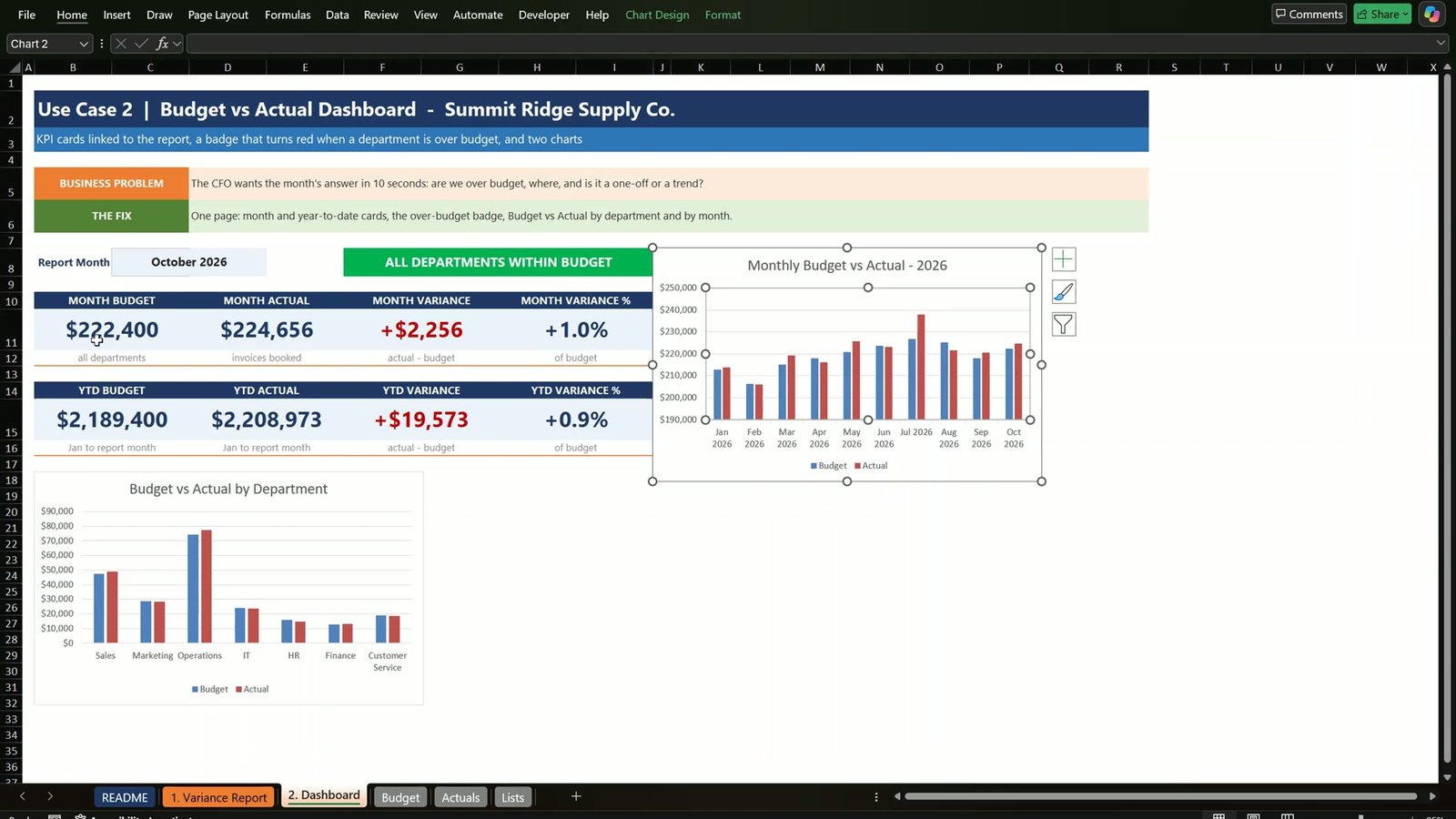
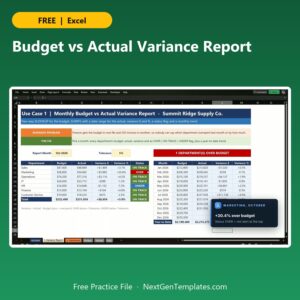
The Budget vs Actual Variance Report is a free Excel practice file that goes with our step by step tutorial. See which department overspent in any month: budget, actual spend, variance, variance % and an over / on track / under status, plus a monthly trend and a dashboard.
What you will practise
- Two-way XLOOKUP pulls the budget by department and month
- SUMIFS with a date range totals the actual invoices
- Status colors and an over-budget alert label
- Year to date totals and two charts on the dashboard
What you download
You get a ZIP with two Excel workbooks: the Practice file (build it yourself) and the finished Solution file. The price is $0.
How to use it
- Download the file from your order email or your account.
- Unzip it and open the Practice workbook in Excel.
- Follow the video and build each step.
- Check your work against the finished solution.
Video tutorial
Watch the video or read the written guide with screenshots.
All company names and figures in the file are fictional sample data.
Reviews
There are no reviews yet.