
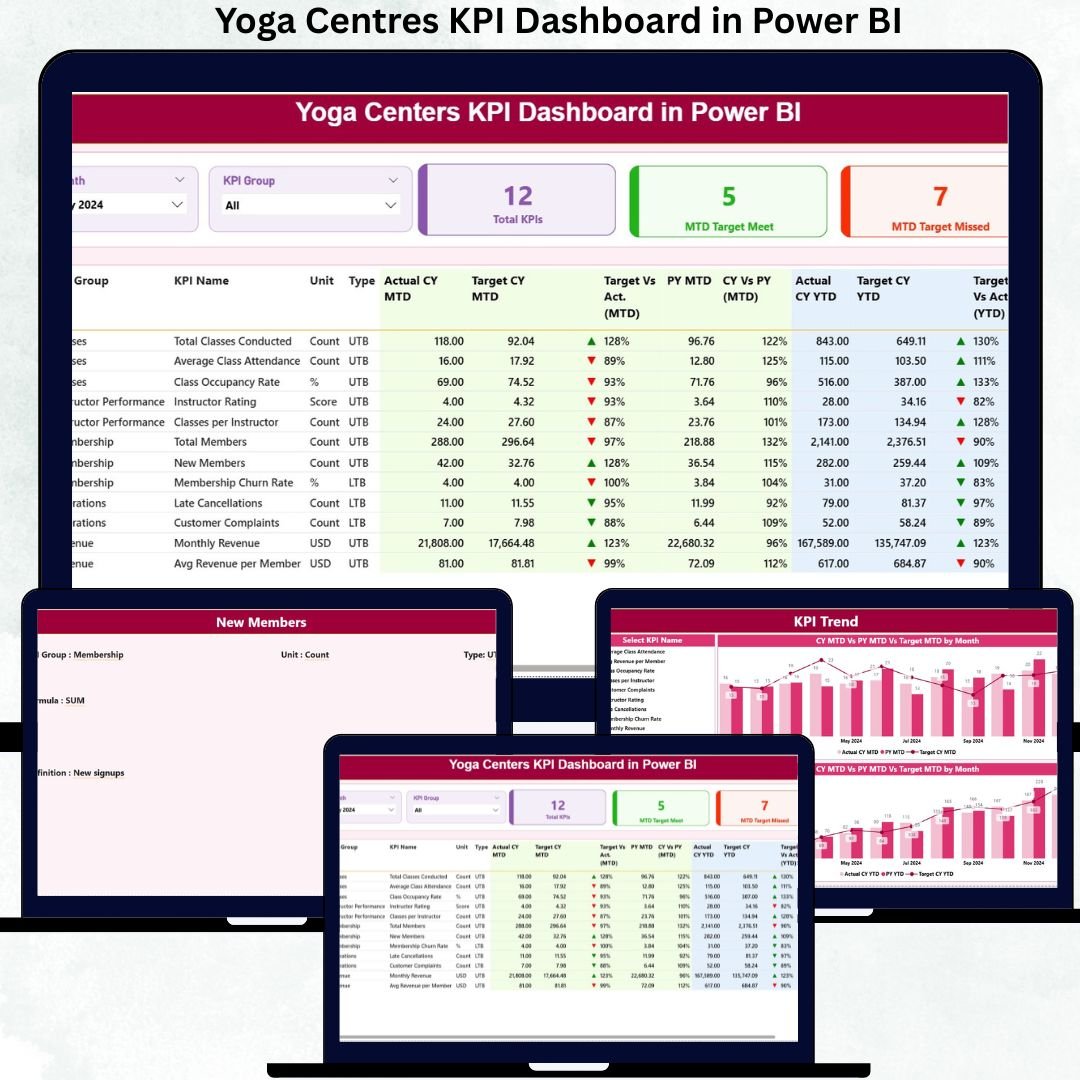
Running a yoga centre is not only about teaching mindfulness and wellness—it is also about tracking performance, revenue, attendance, instructor efficiency, and customer satisfaction with clarity. Yoga Centres KPI Dashboard in Power BI When data stays scattered across Excel files or manual reports, trends remain hidden, decisions get delayed, and growth slows down.
The Yoga Centres KPI Dashboard in Power BI solves this problem by transforming routine operational data into clear, visual, and actionable insights. Yoga Centres KPI Dashboard in Power BI This ready-to-use dashboard helps yoga studio owners, managers, and wellness entrepreneurs monitor targets, actual performance, trends, and year-over-year comparisons from one interactive screen.
Yoga Centres KPI Dashboard in Power BI Built using Excel as the data source and Power BI for visualization, this dashboard keeps data entry simple while delivering professional-grade analytics—without any coding or advanced BI skills.
🧘 Key Features of Yoga Centres KPI Dashboard in Power BI
📊 Centralized KPI Tracking – View all yoga centre KPIs on one screen
🎯 MTD & YTD Performance Monitoring – Track short-term and long-term results
✅ Target vs Actual Comparison – Instantly identify KPIs meeting or missing targets
📉 Previous Year Benchmarking – Compare growth and consistency
🔼🔽 Visual Status Indicators – Green ▲ & Red ▼ icons for quick decisions
📈 KPI Trend Analysis – Spot seasonal patterns and performance gaps
🎛️ Interactive Slicers – Filter by Month and KPI Group
📂 Excel + Power BI Model – Easy updates and powerful visuals
📦 What’s Inside the Yoga Centres KPI Dashboard
This dashboard includes three professionally designed analytical pages, each serving a specific business need:
🟢 Summary Page
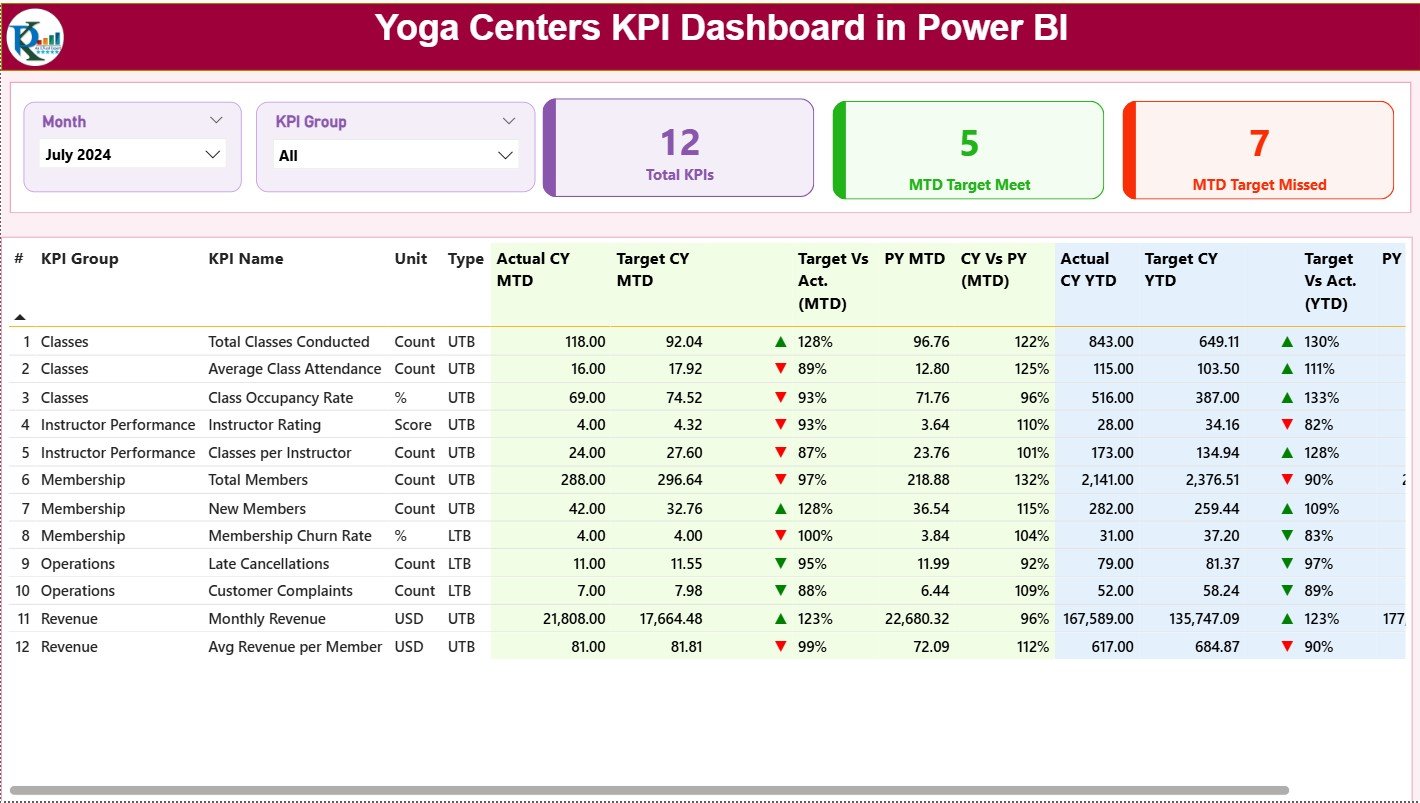
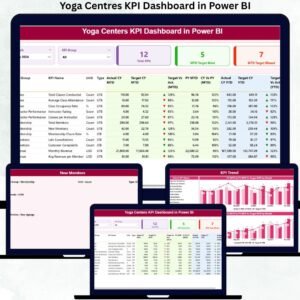
Acts as the control centre of your yoga business. It displays Total KPIs, MTD Target Met, and MTD Target Missed cards, along with a detailed KPI performance table showing Actuals, Targets, Previous Year values, MTD & YTD ratios, and performance icons.
📉 KPI Trend Page
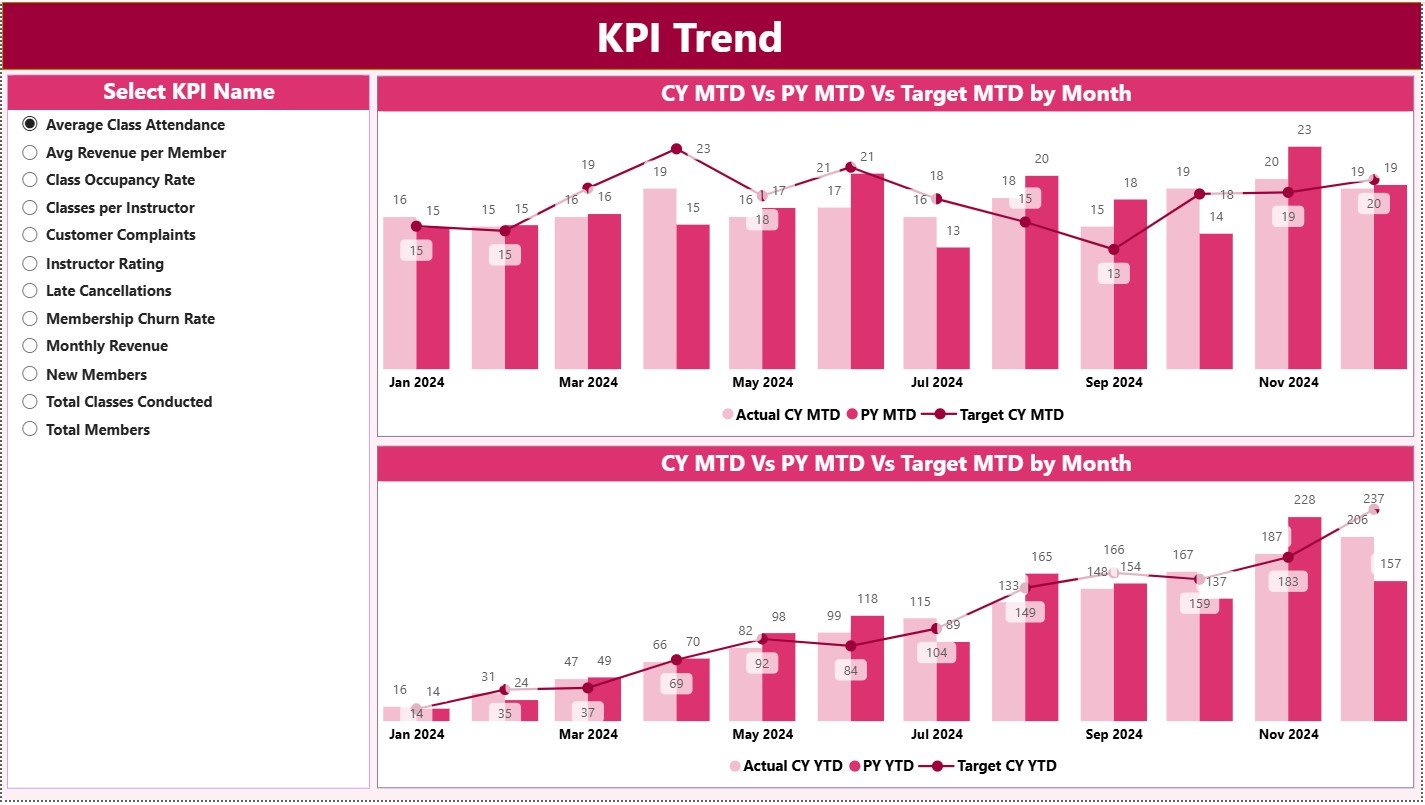
Allows deep trend analysis. Select a KPI and instantly view MTD and YTD combo charts comparing Current Year, Previous Year, and Target values, helping you identify improvement or decline patterns.
📘 KPI Definition Page (Drill-Through)
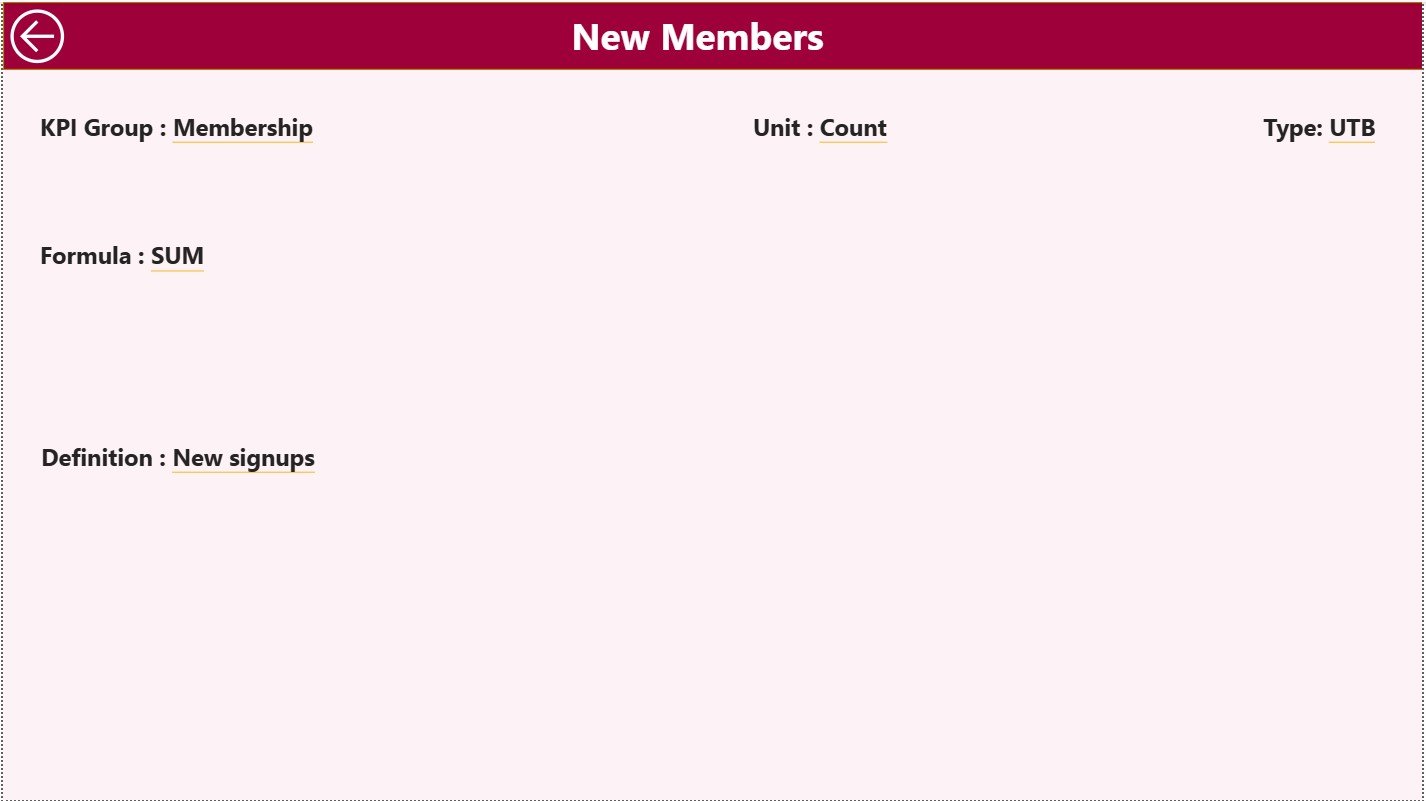
A hidden reference page showing KPI Formula, Definition, Unit, and KPI Type (LTB / UTB). It ensures transparency, consistency, and clarity across all users.
📂 Excel Backend Sheets
-
Input_Actual – Enter actual MTD and YTD KPI values
-
Input_Target – Maintain monthly and yearly targets
-
KPI Definition – Define KPI logic, units, and performance type
🛠️ How to Use the Yoga Centres KPI Dashboard
✅ Step 1: Enter actual KPI values in Input Actual
✅ Step 2: Maintain targets in Input Target
✅ Step 3: Define KPIs clearly in KPI Definition
✅ Step 4: Refresh the Power BI file
✅ Step 5: Track KPIs, trends, and performance gaps instantly
This dashboard is beginner-friendly, scalable, and quick to deploy.
👥 Who Can Benefit from This Dashboard?
🧘 Yoga Studio Owners
📍 Multi-Location Yoga Centre Managers
📊 Operations & Performance Teams
💰 Finance & Revenue Managers
📈 Wellness Business Consultants
👔 Founders & Leadership Teams
Any yoga or wellness business looking for clarity, control, and growth will benefit from this dashboard.
🔗 Click here to read the Detailed blog post
🎥 Visit our YouTube channel to learn step-by-step video tutorials























Reviews
There are no reviews yet.