Retail operations never slow down. Store teams manage promotions, inventory checks, audits, staff activities, sales events, and daily operational tasks—often all at once. When these activities are tracked using emails, notebooks, or disconnected spreadsheets, confusion quickly builds. Tasks overlap, deadlines are missed, and responsibilities become unclear.
That is exactly where the Retail Task Calendar in Excel becomes a powerful, organized, and highly practical solution.
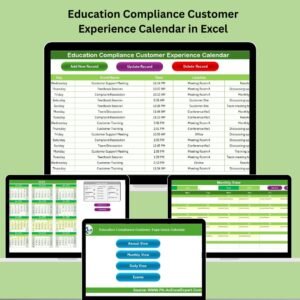
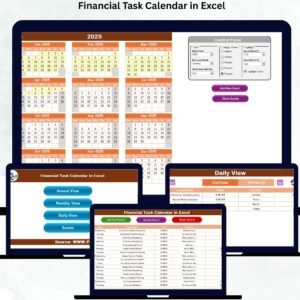
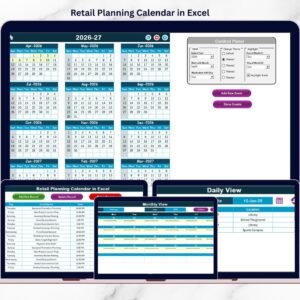
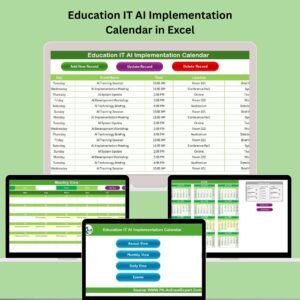
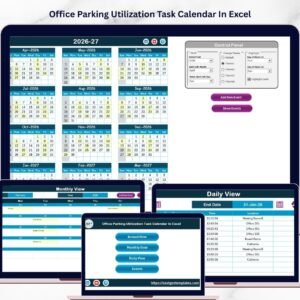
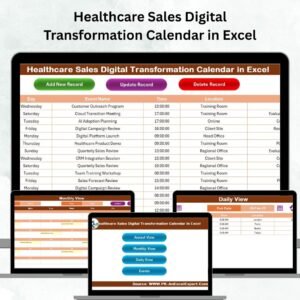
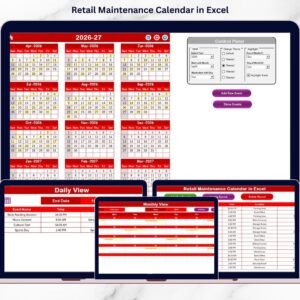
This ready-to-use Excel calendar helps retail teams plan, schedule, and track tasks and events across annual, monthly, and daily views—all from one centralized workbook. Instead of juggling multiple planning tools, managers get full visibility into retail operations with clear timelines, structured event data, and visual highlights. As a result, teams execute tasks on time and stay aligned throughout the year.
✅ Key Features of Retail Task Calendar in Excel
📌 Centralized Retail Task Planning
Manage all retail activities, events, and tasks in one Excel workbook.
📅 Multiple Calendar Views
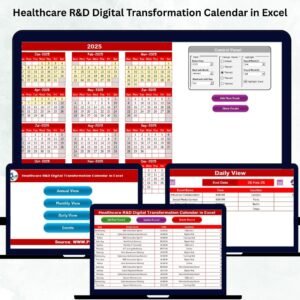
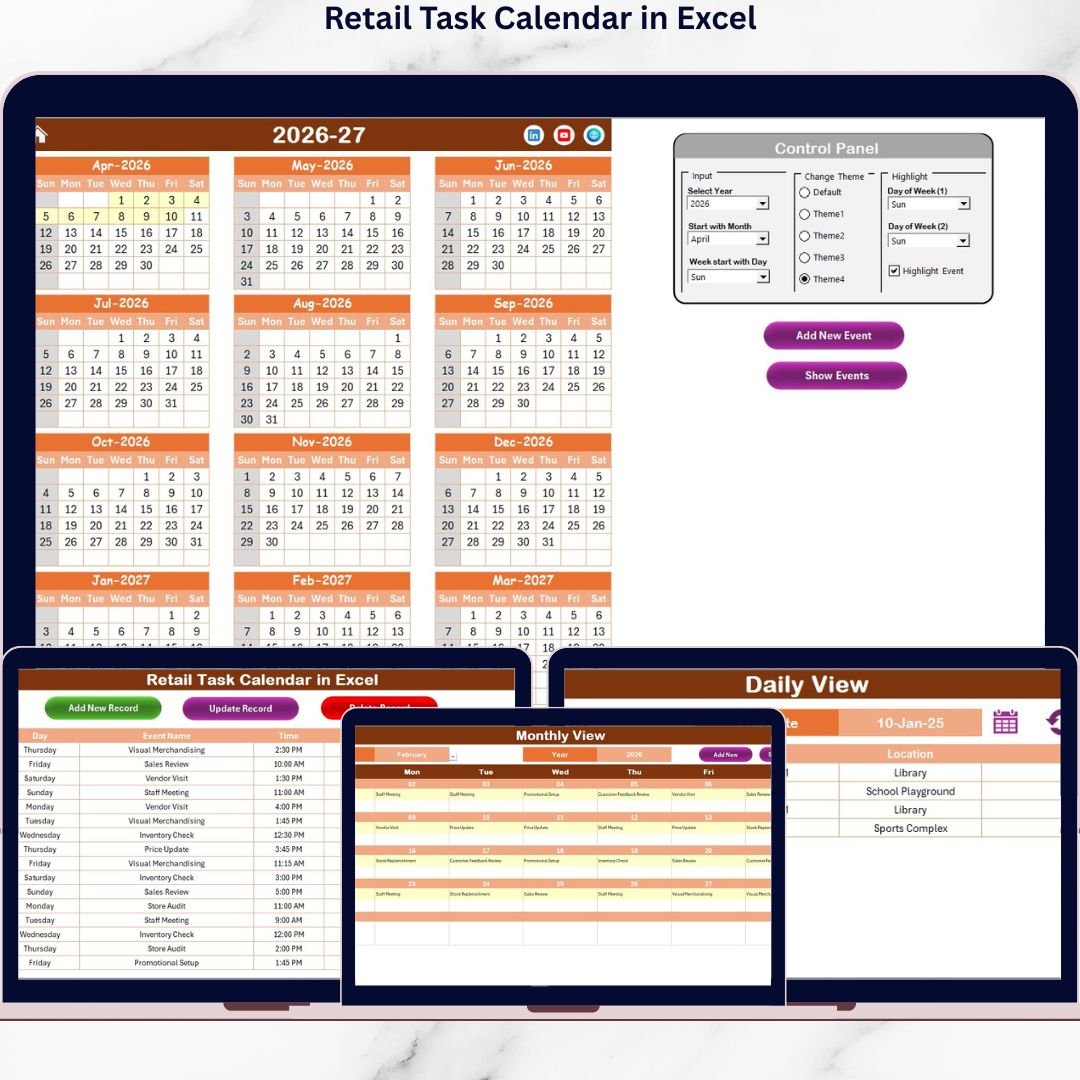
Plan strategically with Annual View, manage workloads with Monthly View, and execute precisely using Daily View.
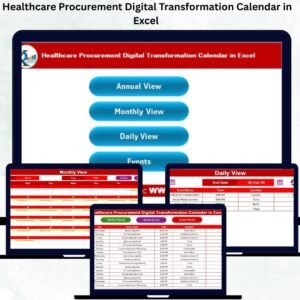
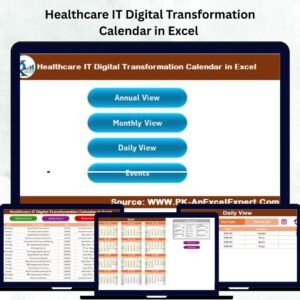
🏠 Smart Home Navigation Page
Jump instantly to any section using clear navigation buttons—no scrolling required.
📝 Event Management Using Forms
Add, update, or delete tasks easily using built-in event forms.
🎨 Custom Color Themes
Apply one of five color themes to personalize the calendar layout instantly.
🟨 Event & Day Highlights
Highlight weekends, selected weekdays, and event days for better visibility.
🔄 Auto-Updating Calendar Views
Any change in the Events sheet updates all calendar views automatically.
🧩 Fully Customizable Structure
Adapt the calendar to match your retail workflows and store formats.
📦 What’s Inside the Retail Task Calendar in Excel
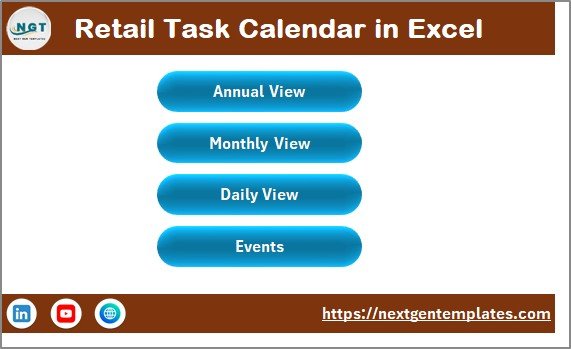
🏠 Home Sheet
Acts as the index page with buttons for:
-
Annual View
-
Monthly View
-
Daily View
-
Events Sheet
This design makes navigation quick and user-friendly.
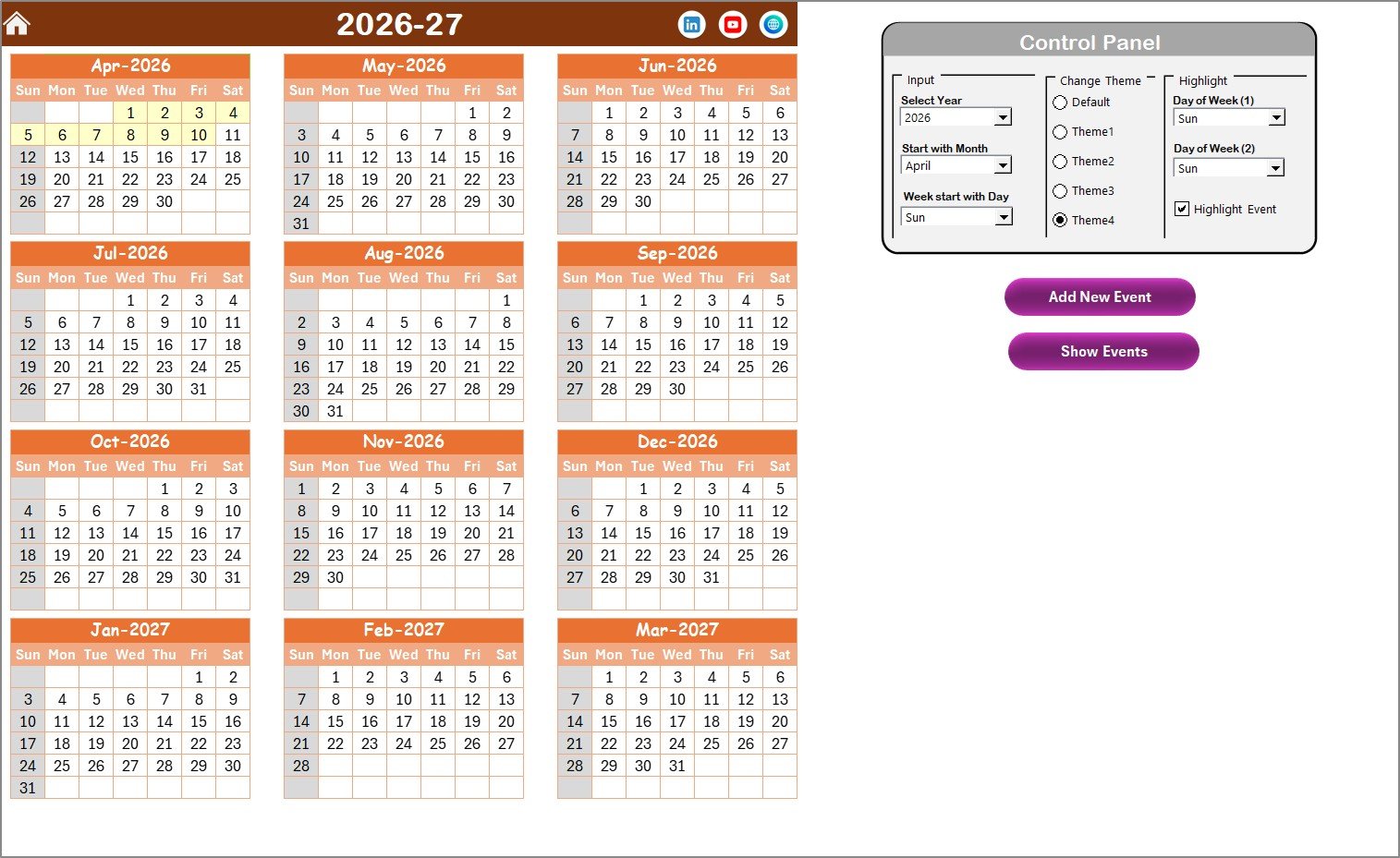
📆 Annual View Sheet
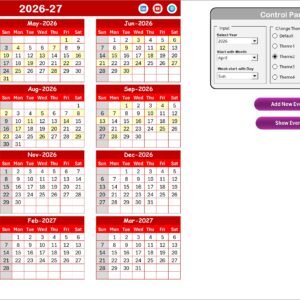
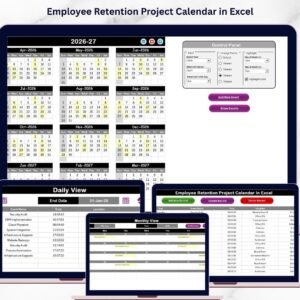
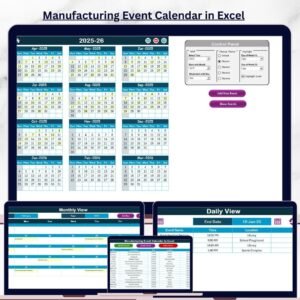
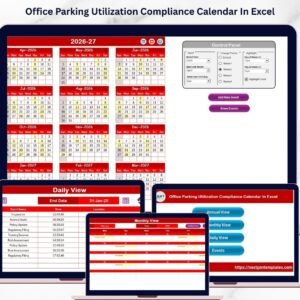
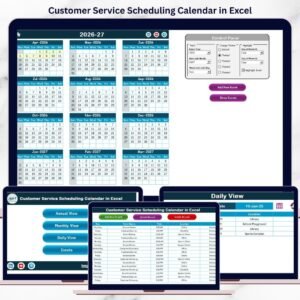
Displays all 12 months on one screen for long-term retail planning.
Includes:
-
Year, starting month, and week-start controls
-
Five selectable color themes
-
Highlight options for weekends or specific days
-
Event highlighting in yellow
-
Add New Event and Show Event buttons
This view is ideal for promotions, audits, seasonal campaigns, and annual planning.
📅 Monthly View Sheet
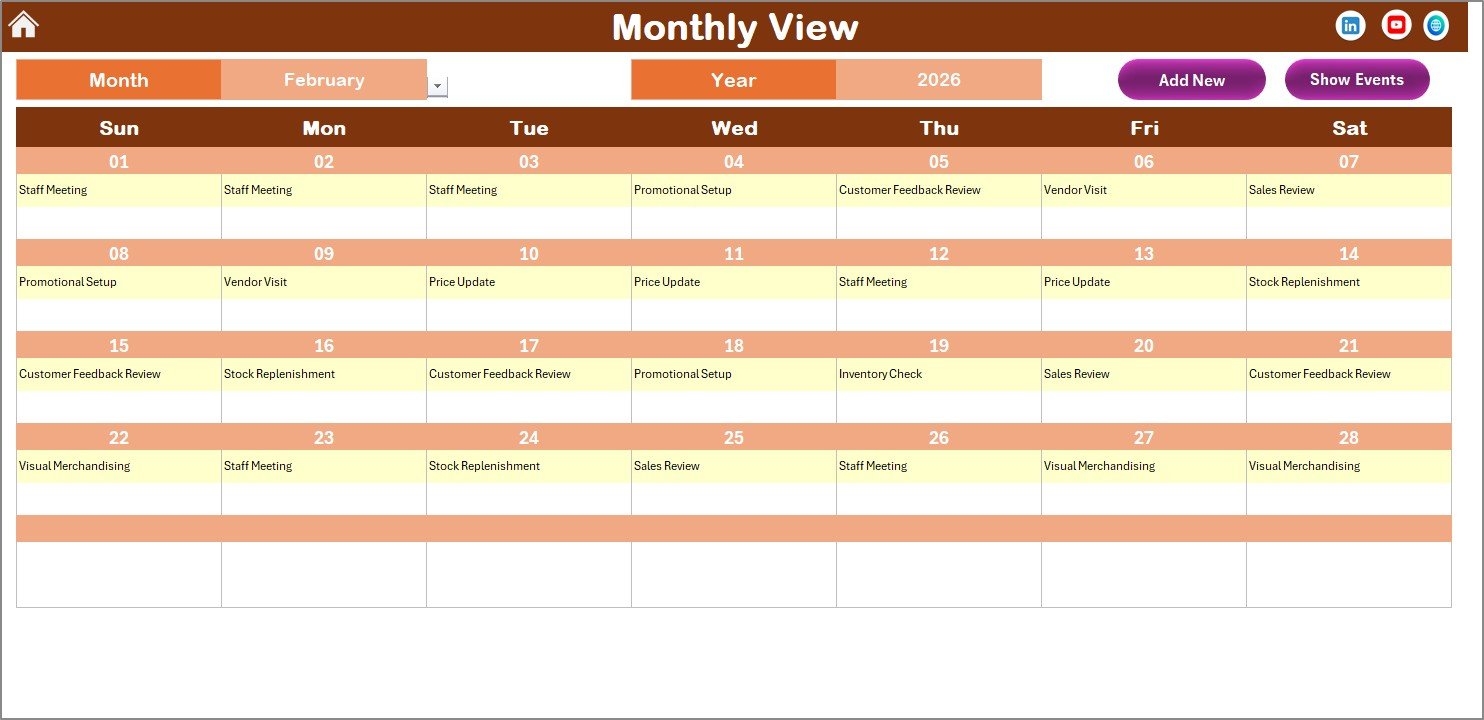
Shows a detailed single-month calendar.
Features:
-
Month and Year selection
-
Event indicators on dates
-
“More than 1…” message for multiple events
-
Add New Event and Show Event buttons
Perfect for monthly coordination and planning.
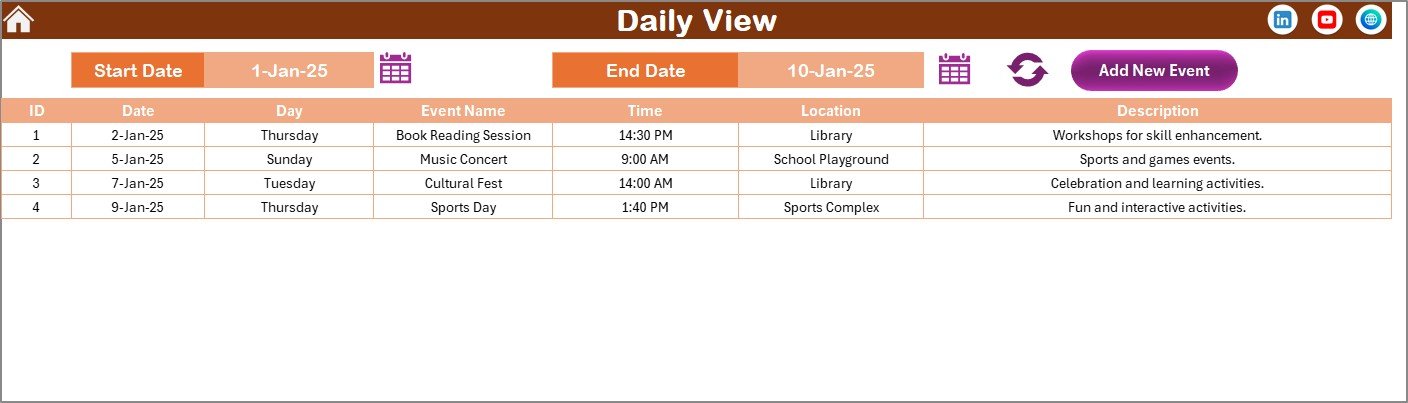
📋 Daily View Sheet
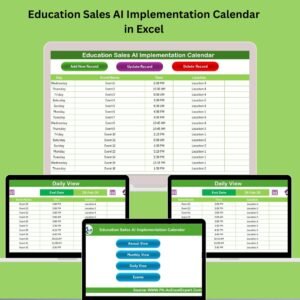
Focuses on execution and task lists.
Users can:
-
Select start and end dates
-
Refresh to view all events in that range
Displays:
-
Event Name
-
Date
-
Time
-
Location
-
Description
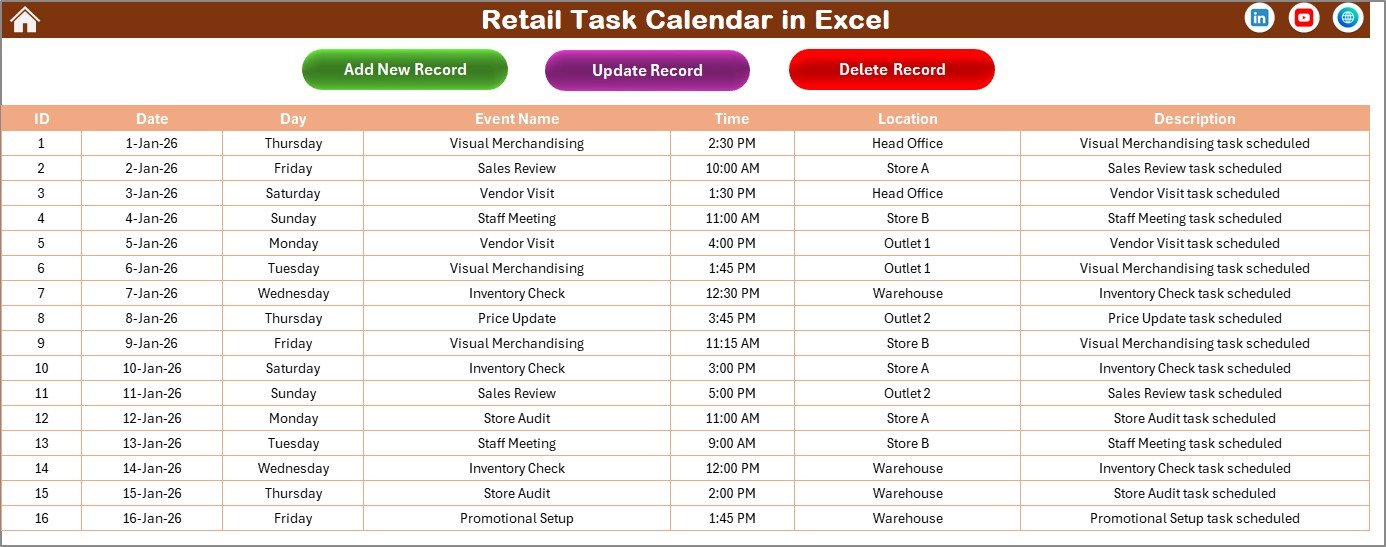
📂 Events Sheet (Database)
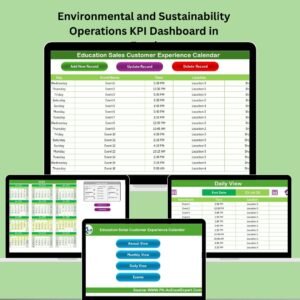
Stores all event records centrally.
Captured fields include:
-
Event ID (auto-generated)
-
Date and Day
-
Event Name
-
Time
-
Location
-
Description
Buttons allow users to:
-
Add new records
-
Update existing records
-
Delete records
🛠️ How to Use the Retail Task Calendar in Excel
1️⃣ Open the Home Sheet and choose the required calendar view
2️⃣ Add retail tasks using the Add New Event button
3️⃣ Enter event details in the form and submit
4️⃣ View events automatically in Annual, Monthly, and Daily views
5️⃣ Highlight important days or weekends
6️⃣ Update or delete events whenever required
Because everything updates automatically, teams always see accurate and current information.
👥 Who Can Benefit from This Retail Task Calendar
🛍️ Retail Store Managers
📦 Operations & Supply Teams
🎯 Merchandising Teams
🏢 Franchise & Multi-Store Managers
🏬 Small & Medium Retail Businesses
📊 Retail Operations Planners
Whether you manage one store or multiple locations, this calendar adapts to your needs.
📘 Click here to read the Detailed blog post
▶️ Visit our YouTube channel to learn step-by-step video tutorials
👉 Youtube.com/@PKAnExcelExpert