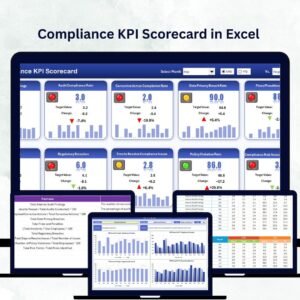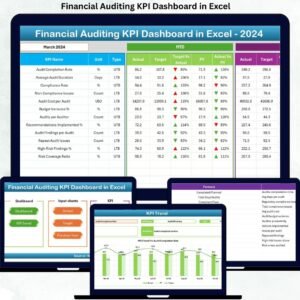

Cyber threats are evolving every single day. Regulations are becoming stricter. Leadership demands transparency. And security teams are under constant pressure to prove that audits are truly effective.So how do you track compliance, measure risk exposure, and monitor remediation progress without juggling multiple spreadsheets?You need a structured, automated, and data-driven system.
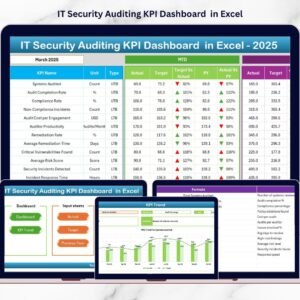
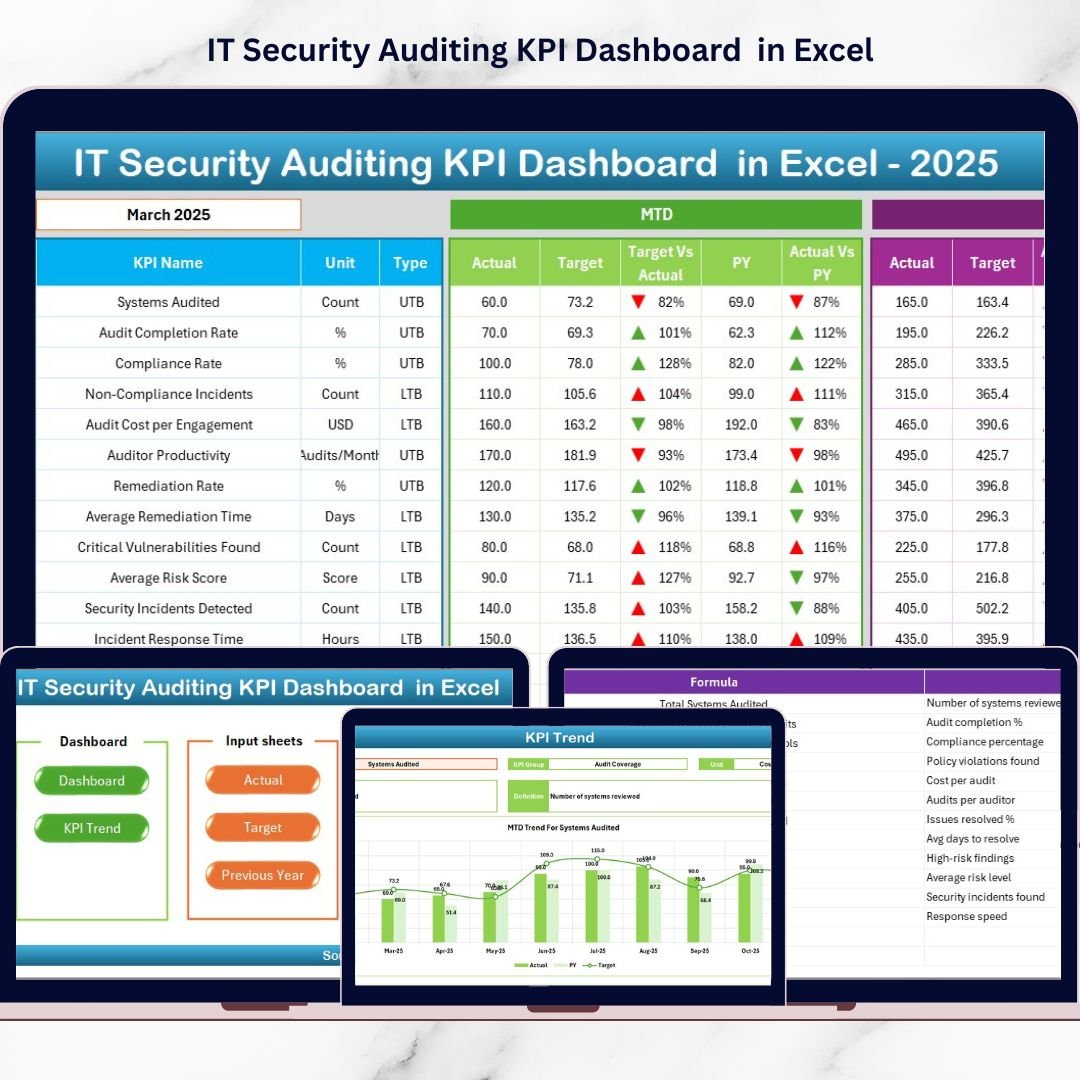
The IT Security Auditing KPI Dashboard in Excel is a ready-to-use performance management solution designed to help organizations monitor security audit KPIs with clarity and confidence. Instead of manually reviewing reports, you get instant MTD (Month-to-Date) and YTD (Year-to-Date) insights, target comparisons, trend analysis, and year-over-year benchmarking — all in one powerful Excel workbook.
This dashboard centralizes audit metrics, improves governance visibility, and helps security leaders make faster, smarter decisions.
🔥 Key Feature of IT Security Auditing KPI Dashboard in Excel
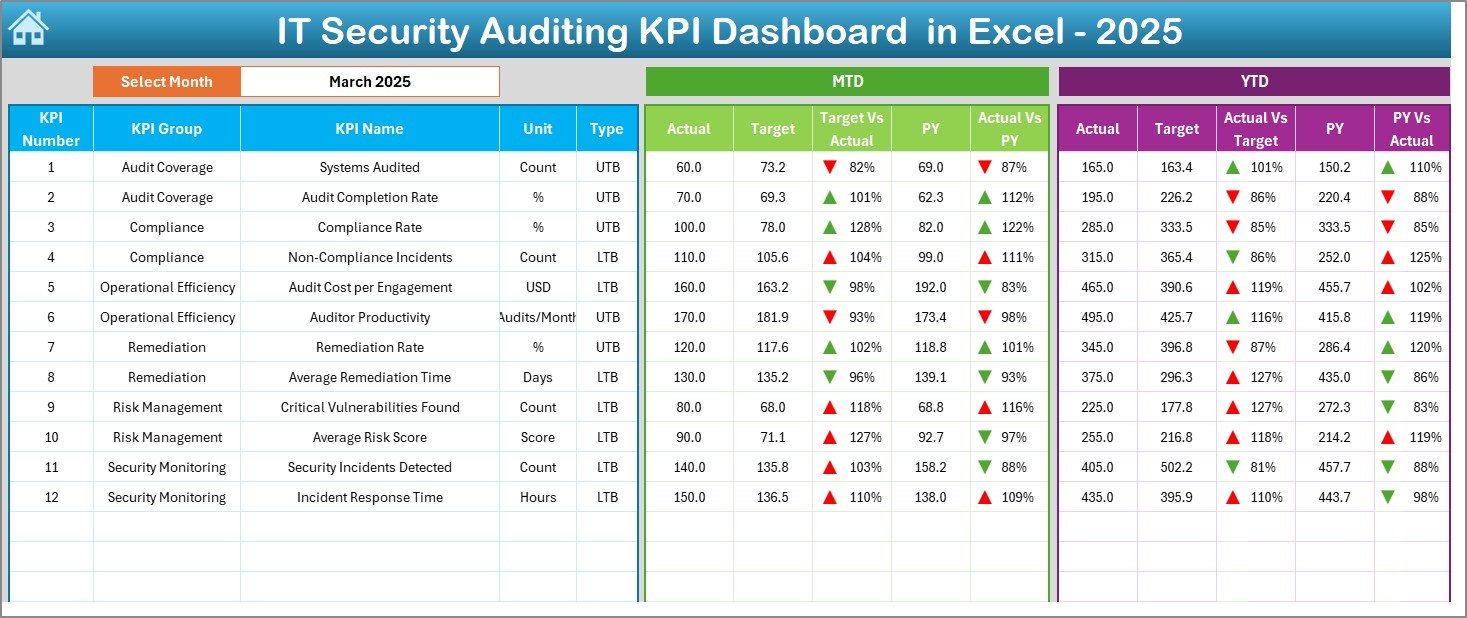
📊 Interactive Dashboard with Month Selector (Cell D3) – Select any month and instantly update all KPIs, comparisons, and charts automatically.
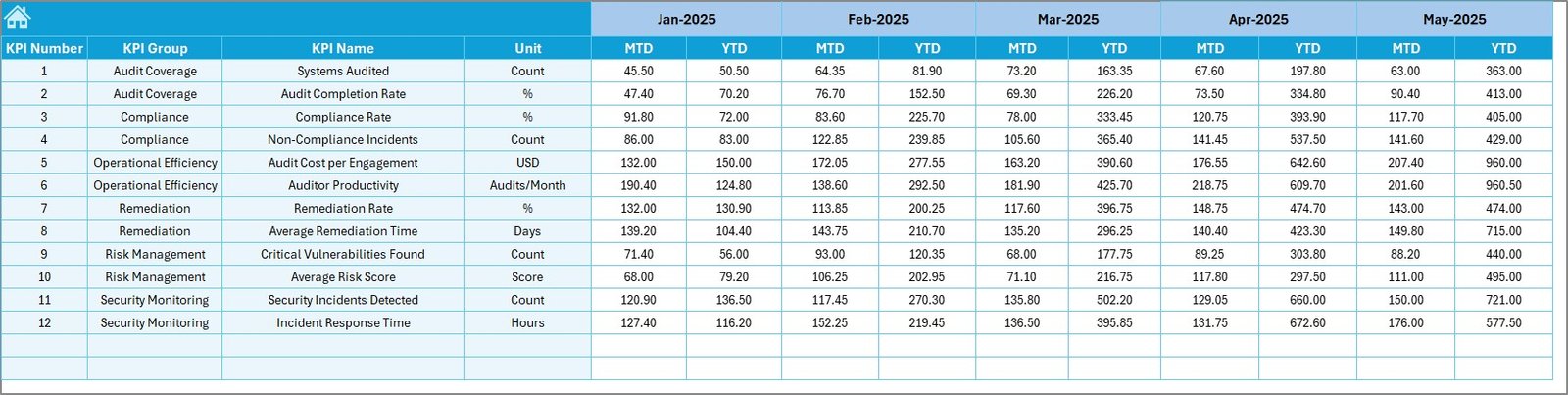
🎯 MTD & YTD Performance Tracking – Compare Actual vs Target and Actual vs Previous Year with dynamic calculations.
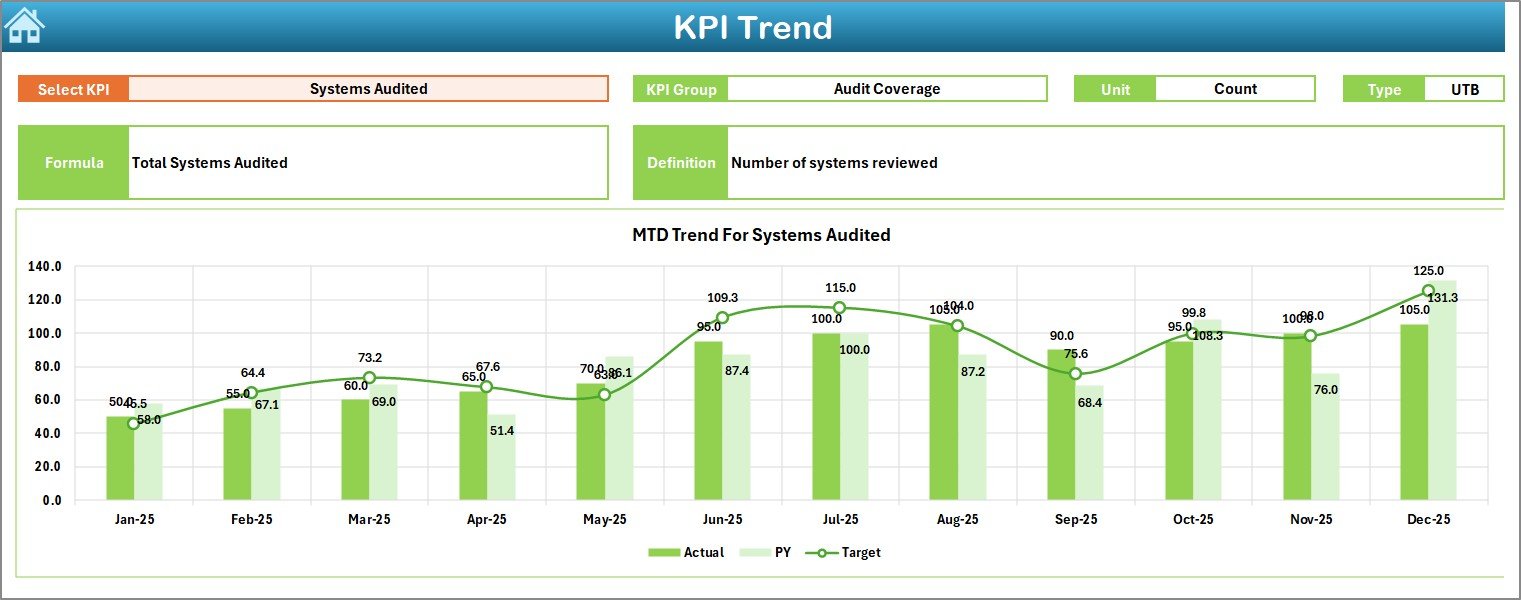
📈 Visual Trend Analysis – Dedicated Trend Sheet displaying KPI Group, Unit, Type (LTB/UTB), Formula, Definition, and performance charts.
📌 Target vs Actual Monitoring – Identify compliance gaps and underperforming audit areas immediately.
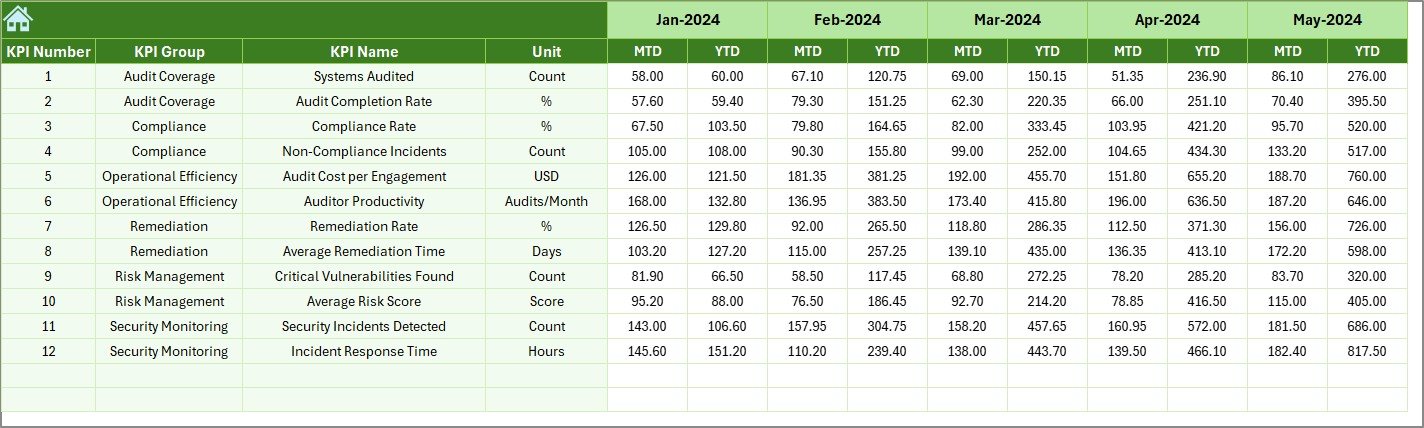
📉 Year-Over-Year Benchmarking – Measure growth and long-term performance consistency using the Previous Year Sheet.
🧾 Structured KPI Definition Sheet – Maintain standardized KPI names, groups, formulas, and definitions for documentation clarity.
🔄 Automated Calculations & Conditional Formatting – Up/down arrows and indicators highlight performance direction instantly.
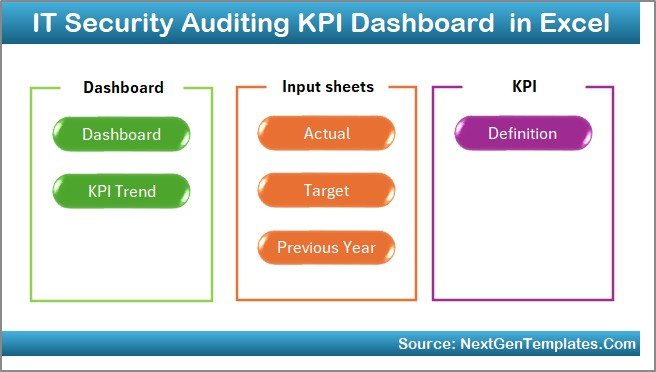
📂 7 Structured Worksheets – Summary, Dashboard, Trend, Actual Input, Target, Previous Year, and KPI Definition.
📦 What’s Inside the IT Security Auditing KPI Dashboard in Excel
When you download this template, you get a professionally structured Excel workbook containing:
✔ Summary Page with 6 navigation buttons for quick access
✔ Main Dashboard displaying MTD & YTD metrics
✔ Trend Analysis Sheet with visual charts
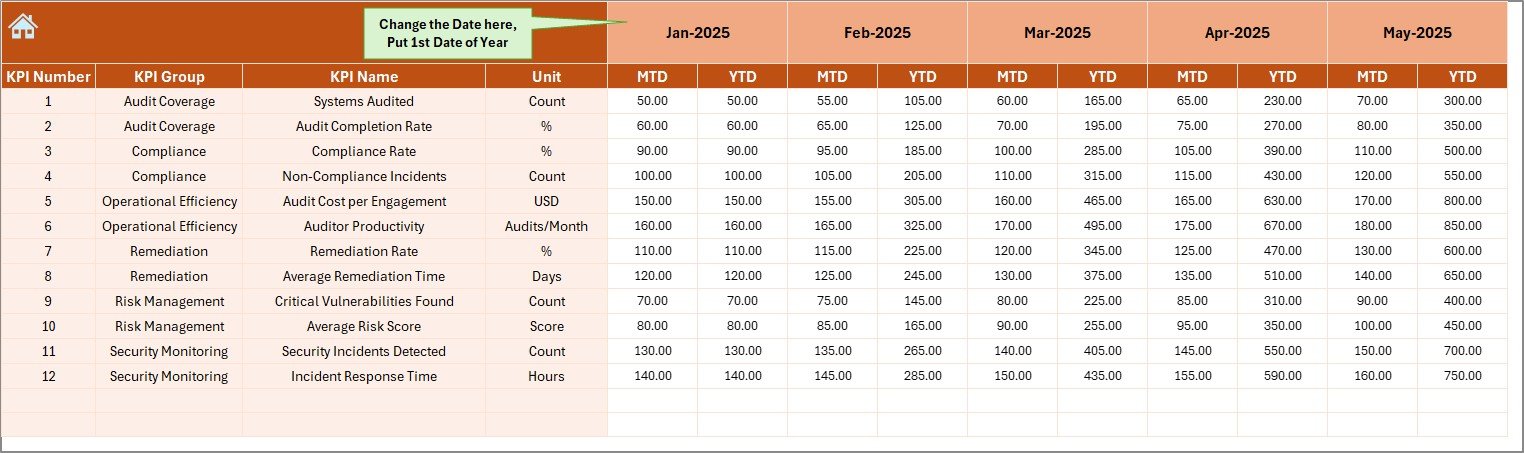
✔ Actual Numbers Input Sheet for monthly data entry
✔ Target Sheet to set KPI goals
✔ Previous Year Sheet for benchmarking
✔ KPI Definition Sheet for governance documentation
It is fully organized, easy to navigate, and ready to customize according to your organization’s security framework.
⚙ How to Use the IT Security Auditing KPI Dashboard in Excel
Using this dashboard is simple and structured:
1️⃣ Enter the first month in the Actual Input Sheet (Cell E1).
2️⃣ Input monthly MTD and YTD values.
3️⃣ Enter KPI targets in the Target Sheet.
4️⃣ Add previous year numbers for benchmarking.
5️⃣ Define KPIs clearly in the KPI Definition Sheet.
6️⃣ Select any month from the Dashboard (Cell D3).
That’s it.
The dashboard updates automatically — no complex formulas required from your side.
👥 Who Can Benefit from This IT Security Auditing KPI Dashboard?
This dashboard is ideal for:
🔐 IT Security Managers
📊 Internal Audit Teams
🏢 Compliance Officers
🛡 Risk & Governance Professionals
🏦 Financial Institutions
🏥 Healthcare Organizations
🏢 Enterprises handling sensitive data
Whether you are preparing for compliance audits, strengthening governance frameworks, or presenting performance reports to leadership, this template simplifies the entire process.
By tracking KPIs such as:
-
Number of Security Audits Conducted
-
Critical Vulnerabilities Identified
-
Compliance Rate (%)
-
Average Remediation Time
-
Incident Response Time
-
Risk Exposure Score
-
Patch Management Compliance
You gain measurable, actionable insights.
Instead of guessing, you make decisions backed by numbers.
Instead of scattered reports, you get centralized control.
Instead of delayed remediation, you act quickly.
This dashboard improves transparency, enhances compliance monitoring, strengthens risk management, and supports data-driven governance.
If you want better visibility, stronger audit performance, and measurable compliance tracking — this Excel solution gives you exactly that.
Click here to read the Detailed blog post
Watch the step-by-step video tutorial: