Missed renewals? Overlapping client meetings? Last-minute compliance surprises? If your insurance workflow still depends on sticky notes, scattered spreadsheets, or disconnected calendar apps, you are silently losing time — and potentially losing customers.
The Insurance Task Calendar in Excel is a ready-to-use, professional scheduling system built specifically for insurance teams who manage daily deadlines, policy renewals, claim follow-ups, audits, meetings, and internal reviews. Instead of juggling multiple tools, you can plan, track, and manage every insurance activity inside one structured Excel calendar.
This template is designed to keep insurance professionals organized, proactive, and productive. With annual planning, monthly tracking, daily monitoring, and a central events database, you get full visibility over your workload — without paying for expensive scheduling software.
Moreover, the calendar includes a clean navigation system, event forms, date highlight options, and easy customization features, so it feels like a smart scheduling app — but inside Excel.
🚀 Key Features of Insurance Task Calendar in Excel
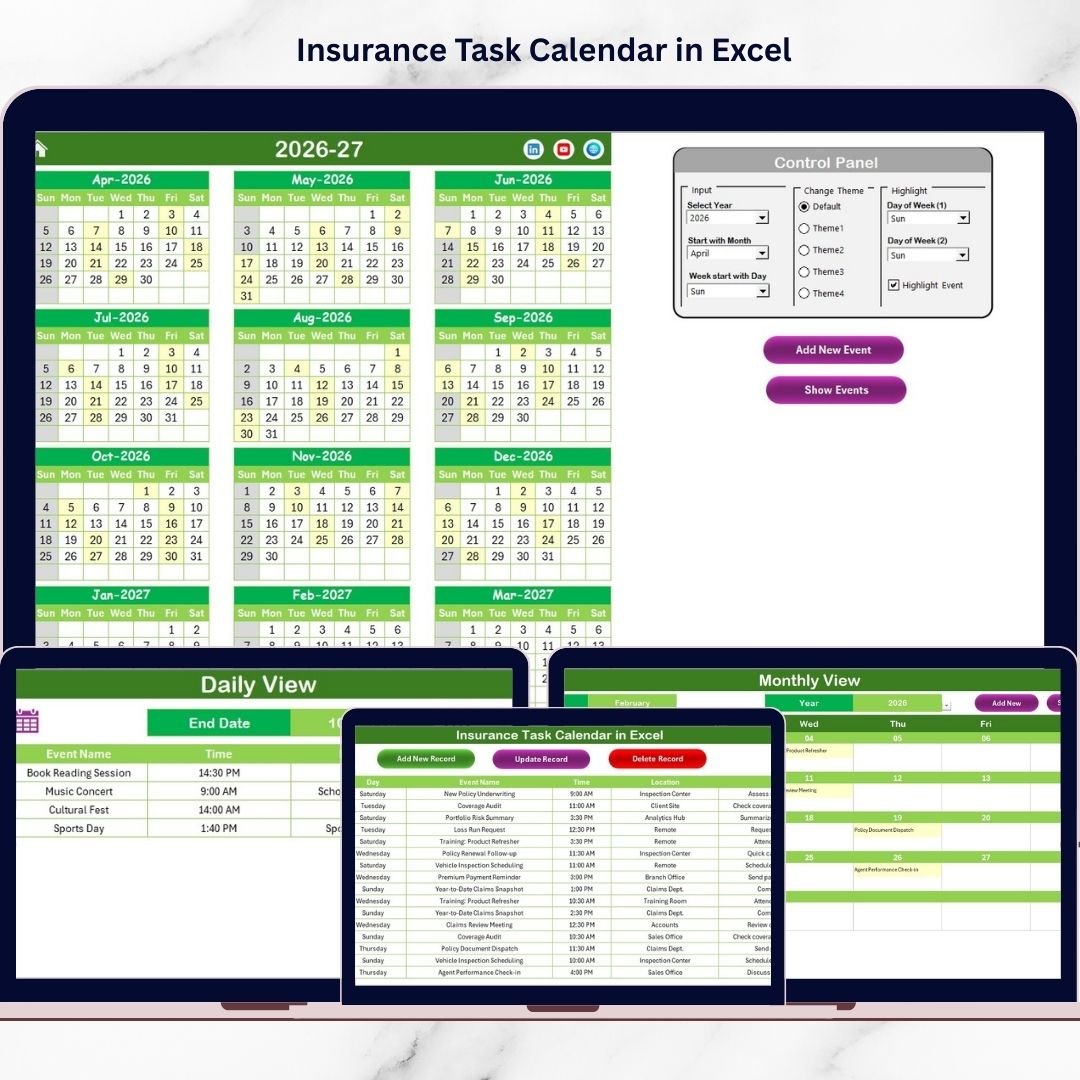
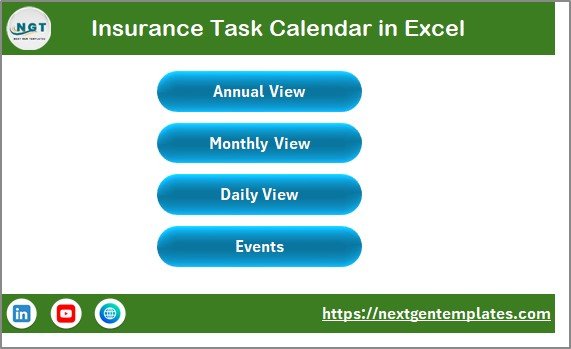
✅ Home Navigation Dashboard for quick access to all views
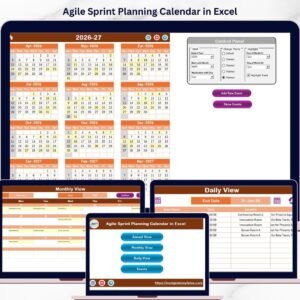
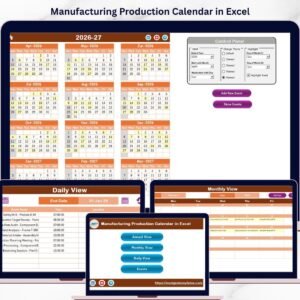
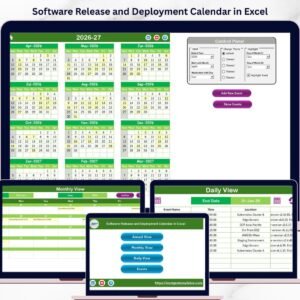
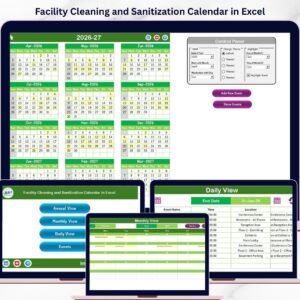
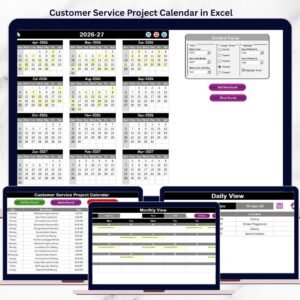
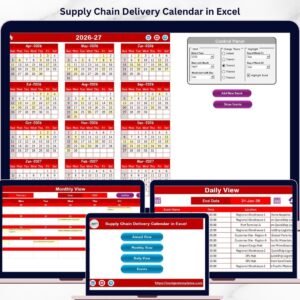
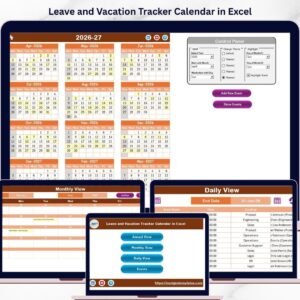
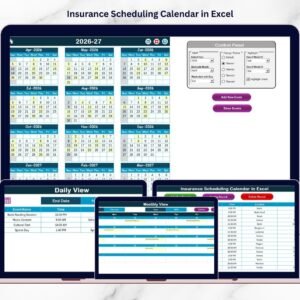
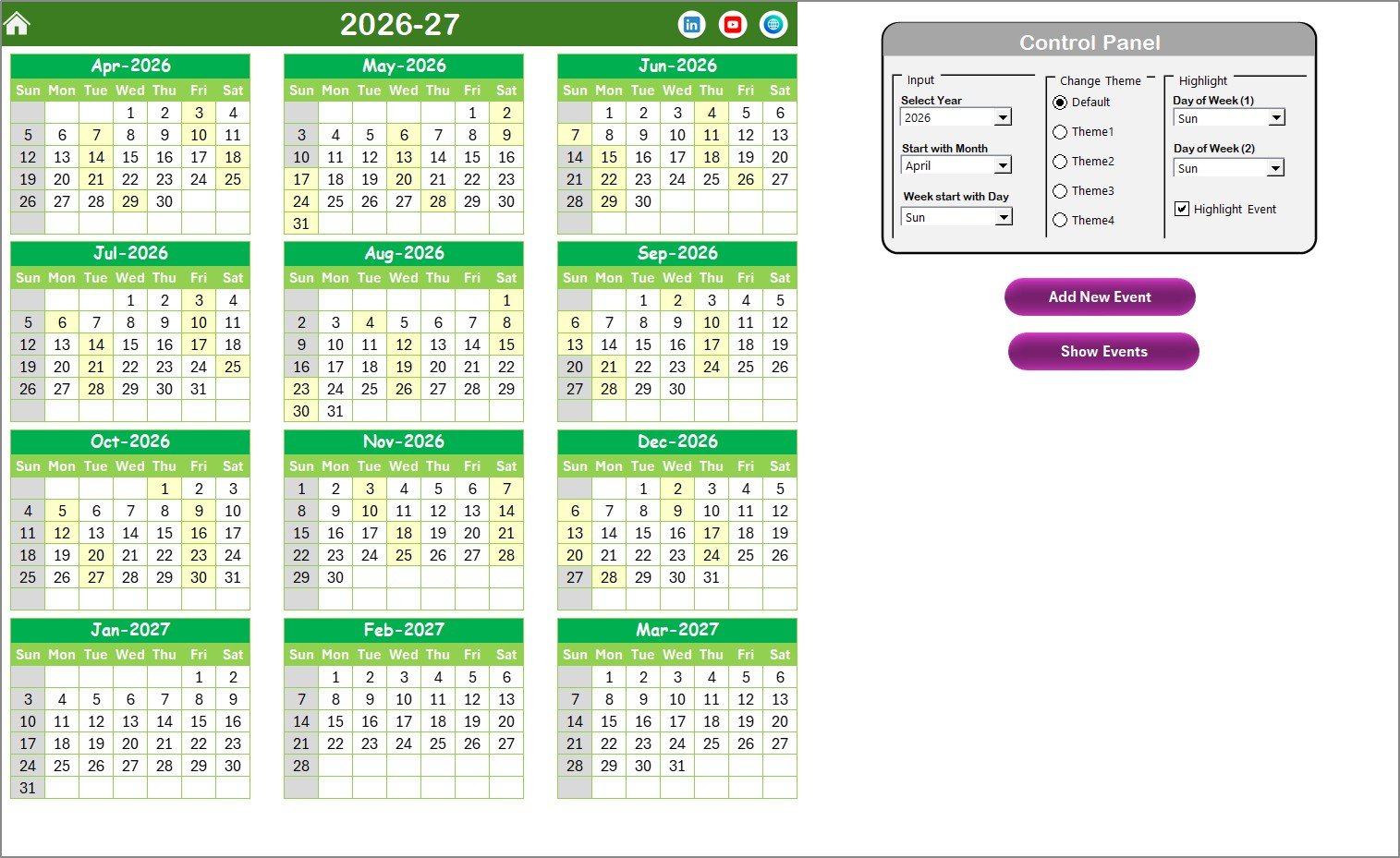
📅 Annual View showing all 12 months on one screen for big-picture planning
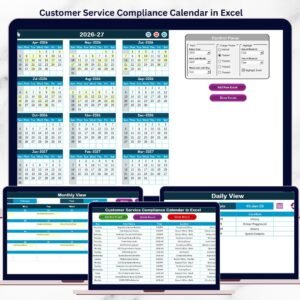
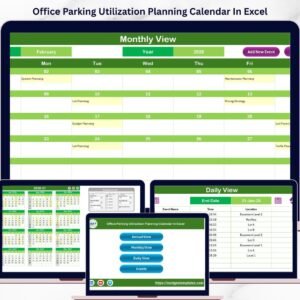
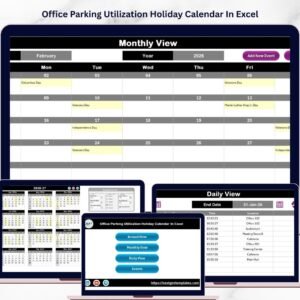
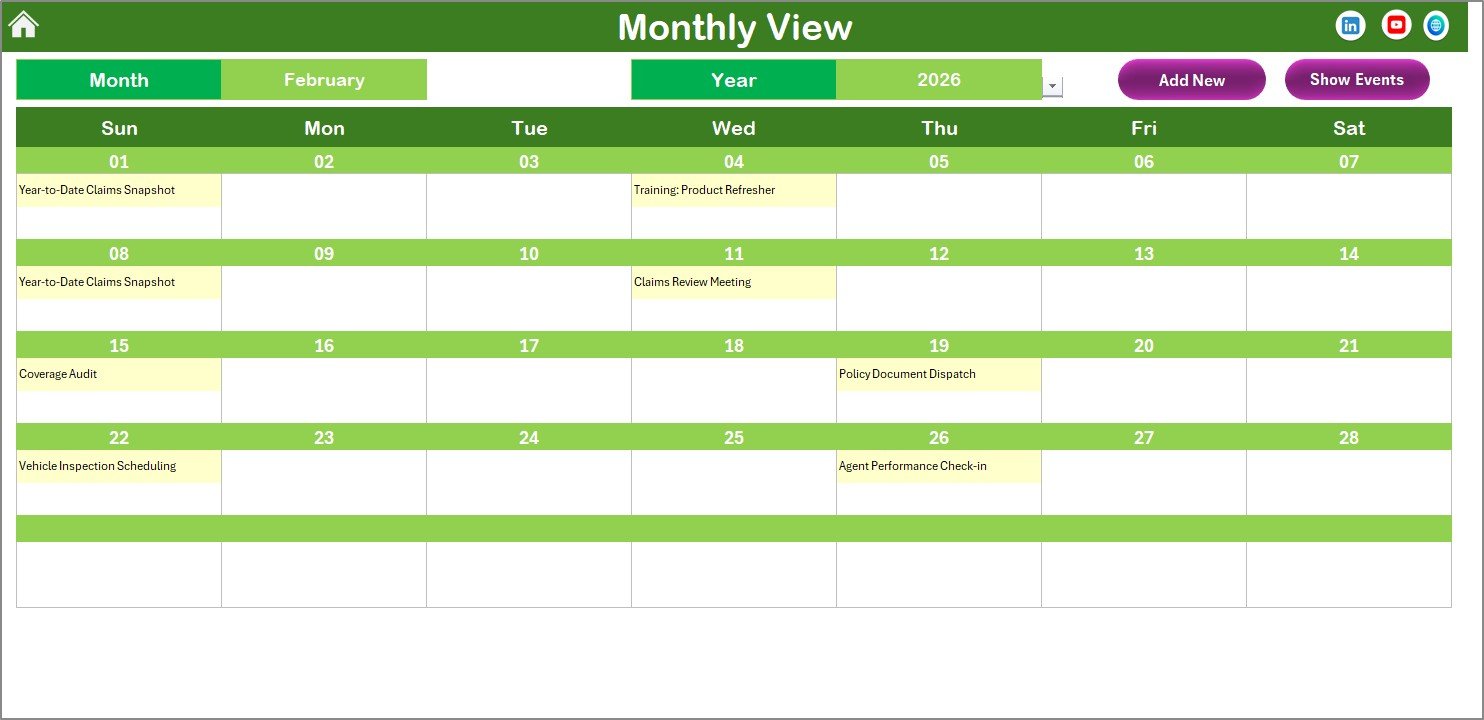
🗓️ Monthly View for focused scheduling and busy-day visibility
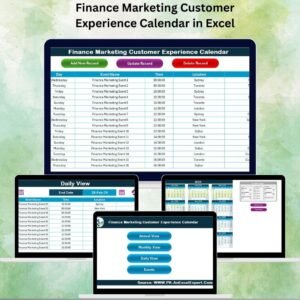
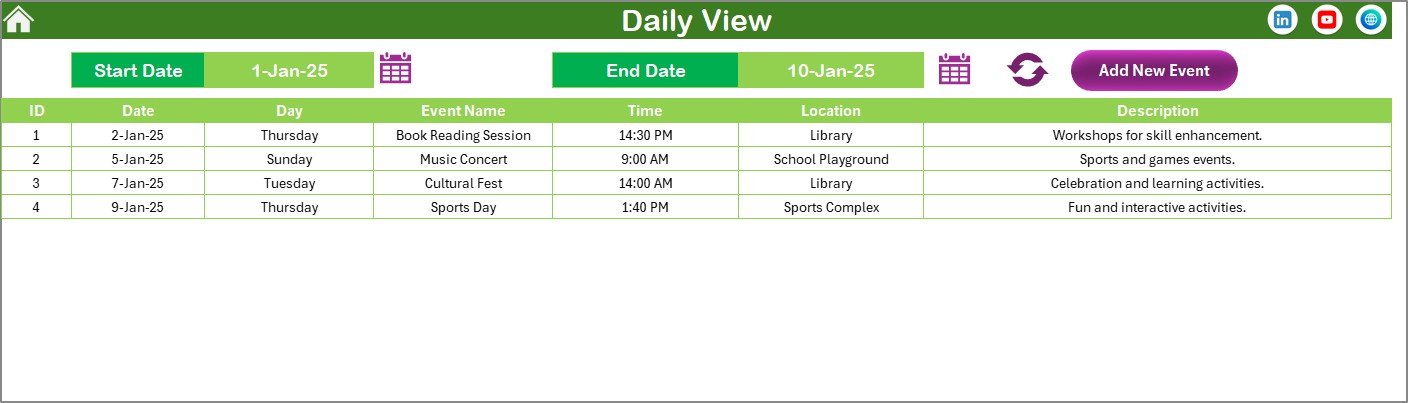
🧾 Daily View to track detailed events across a selected date range
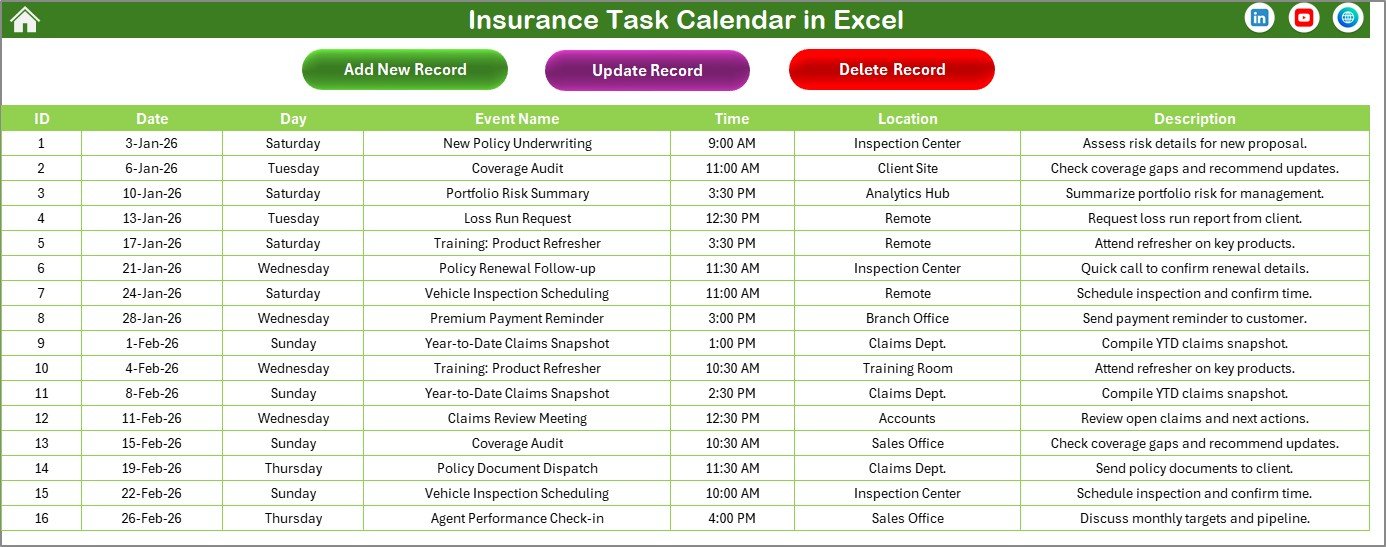
🗂️ Events Database Sheet to store, update, and delete event records
🎨 Multiple Color Themes to personalize the calendar instantly
🟨 Event Highlighting so important dates stand out clearly
📌 Weekend / Weekday Highlighting to mark specific days automatically
➕ Add New Event Forms to create events quickly without manual formatting
🔍 Show Event Buttons to view scheduled events instantly for selected dates
As a result, you can manage renewals, meetings, compliance tasks, and follow-ups without forgetting anything.
📦 What’s Inside the Insurance Task Calendar in Excel
This calendar workbook includes 5 interactive worksheets that work together seamlessly:
🏠 Home Sheet — Navigation hub with buttons for Annual, Monthly, Daily, and Events Database
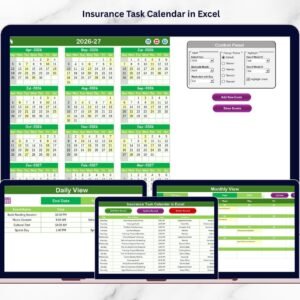
📆 Annual View Sheet — Year selection, starting month/day options, themes, weekday highlighting, and event highlighting
🗓️ Monthly View Sheet — Select month/year, view schedule, and see “more than 1…” when multiple events exist
📋 Daily View Sheet — Select start/end date, refresh to see a detailed list including time, location, and descriptions
🧠 Events Sheet (Database) — Stores ID, date, event name, time, location, description, and supports add/update/delete
Everything is structured so you can schedule insurance work faster and manage events like a real system.
🛠️ How to Use the Insurance Task Calendar in Excel
Using this calendar is super simple, even if you only know basic Excel:
1️⃣ Set your Year, Starting Month, and Starting Weekday
2️⃣ Choose a Theme to match your preferred style
3️⃣ Click Add New Event and select a date
4️⃣ Enter event details like time, location, and description
5️⃣ Use Monthly View to plan the month ahead
6️⃣ Use Daily View to monitor tasks across a date range
7️⃣ Maintain your schedule using Update and Delete options in the Events database
Because events are stored centrally, the calendar stays accurate and organized automatically.
👥 Who Can Benefit from This Insurance Task Calendar in Excel
This template is perfect for professionals and teams who manage insurance deadlines daily:
🧑💼 Insurance Agents handling renewals and client appointments
📑 Policy Managers managing policy schedules and reviews
🧾 Claims Teams tracking claim follow-ups and documentation deadlines
🏢 Brokers coordinating multiple client timelines
✅ Compliance Officers managing audits and regulatory activities
📞 Customer Service Teams scheduling callbacks and support tasks
If you want fewer missed deadlines and a smoother workflow, this calendar is built for you.
### Click here to read the Detailed blog post
Visit our YouTube channel to learn step-by-step video tutorials
👉 https://youtube.com/@PKAnExcelExpert