
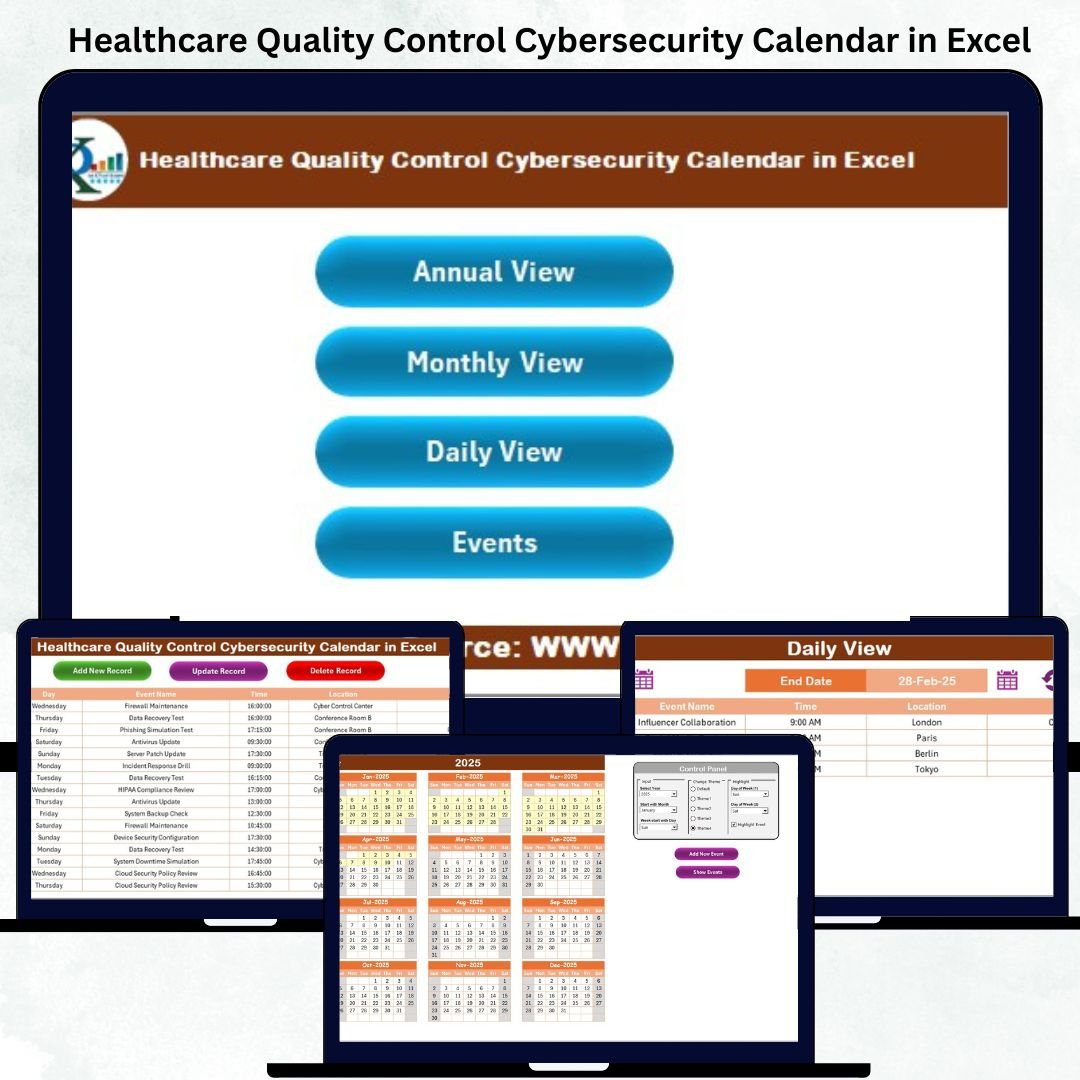
In the fast-evolving world of digital healthcare, ensuring quality control and cybersecurity isn’t optional — it’s a necessity. Hospitals, clinics, and healthcare service providers deal with sensitive patient information daily, making it crucial to have a structured system to track, monitor, and manage security and quality events.
Introducing the Healthcare Quality Control Cybersecurity Calendar in Excel — a powerful, ready-to-use tool designed to simplify compliance tracking, cybersecurity management, and quality control scheduling — all inside one interactive Excel file. 🩺💻
This dynamic calendar helps you stay organized, secure, and compliant — without complex software or coding.
⚙️ Key Features of the Healthcare Quality Control Cybersecurity Calendar in Excel
✨ 5 Interactive Sheets for Complete Control
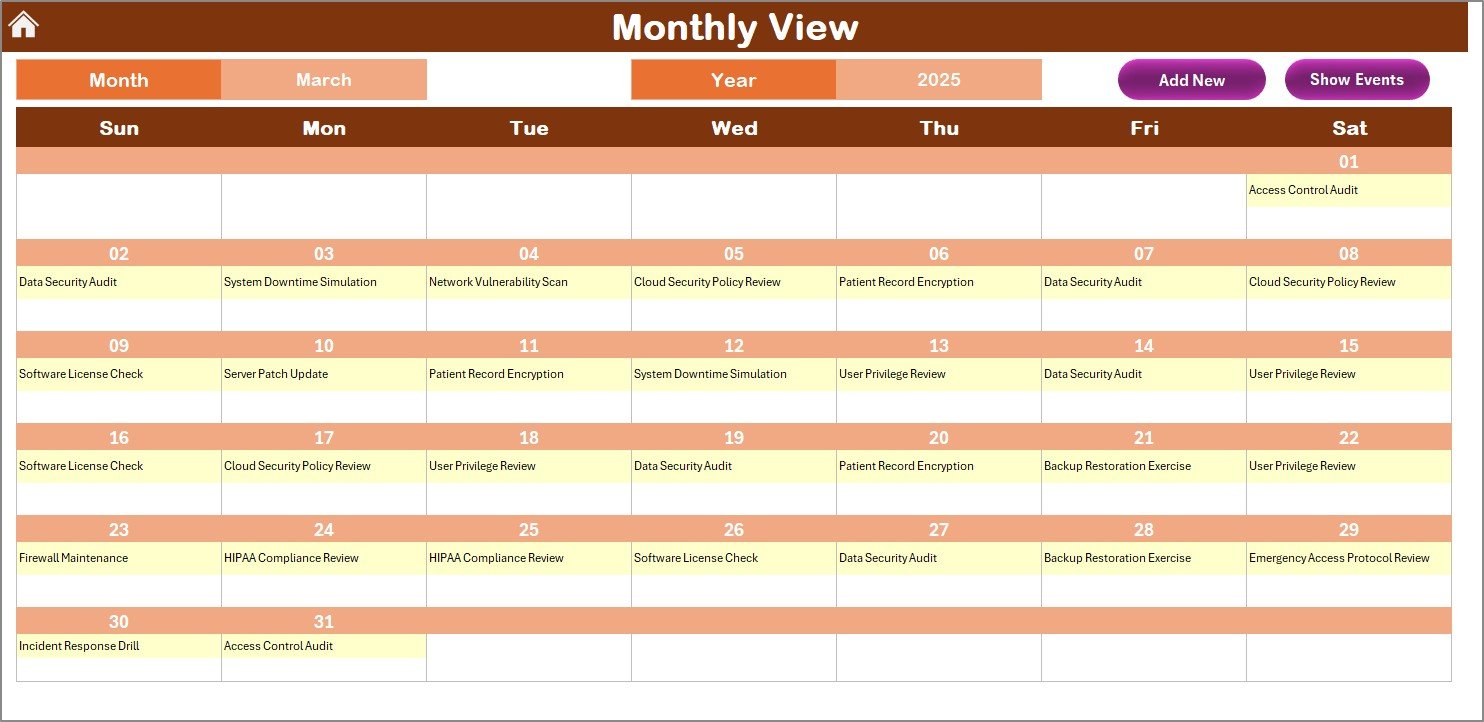
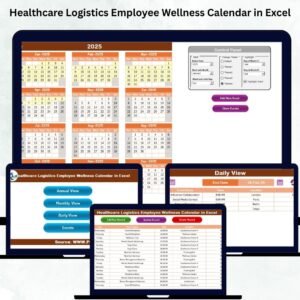
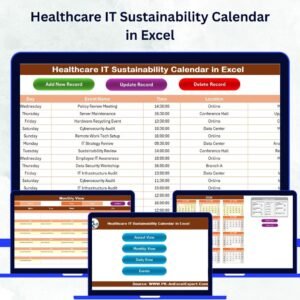
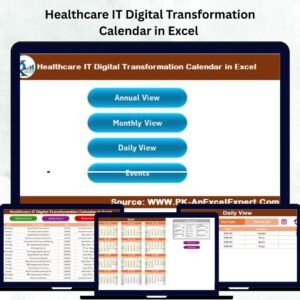
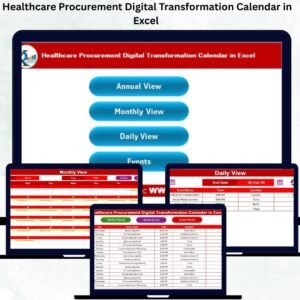
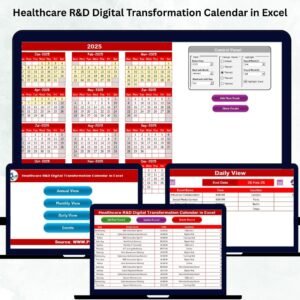
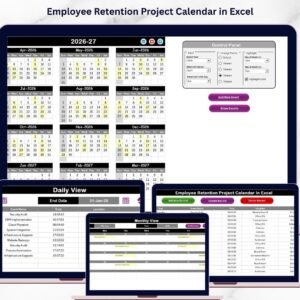
Includes Home, Annual View, Monthly View, Daily View, and Events tabs — each serving a unique purpose for seamless navigation and event tracking.
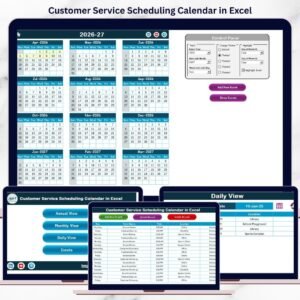
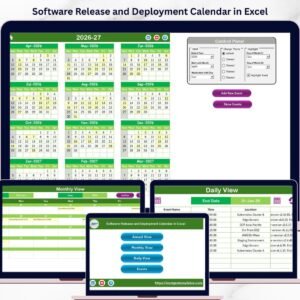
📅 Annual, Monthly & Daily Views
Easily switch between high-level yearly overviews or detailed day-by-day tracking to plan audits, cybersecurity drills, or compliance reviews.
🎨 Customizable Themes & Controls
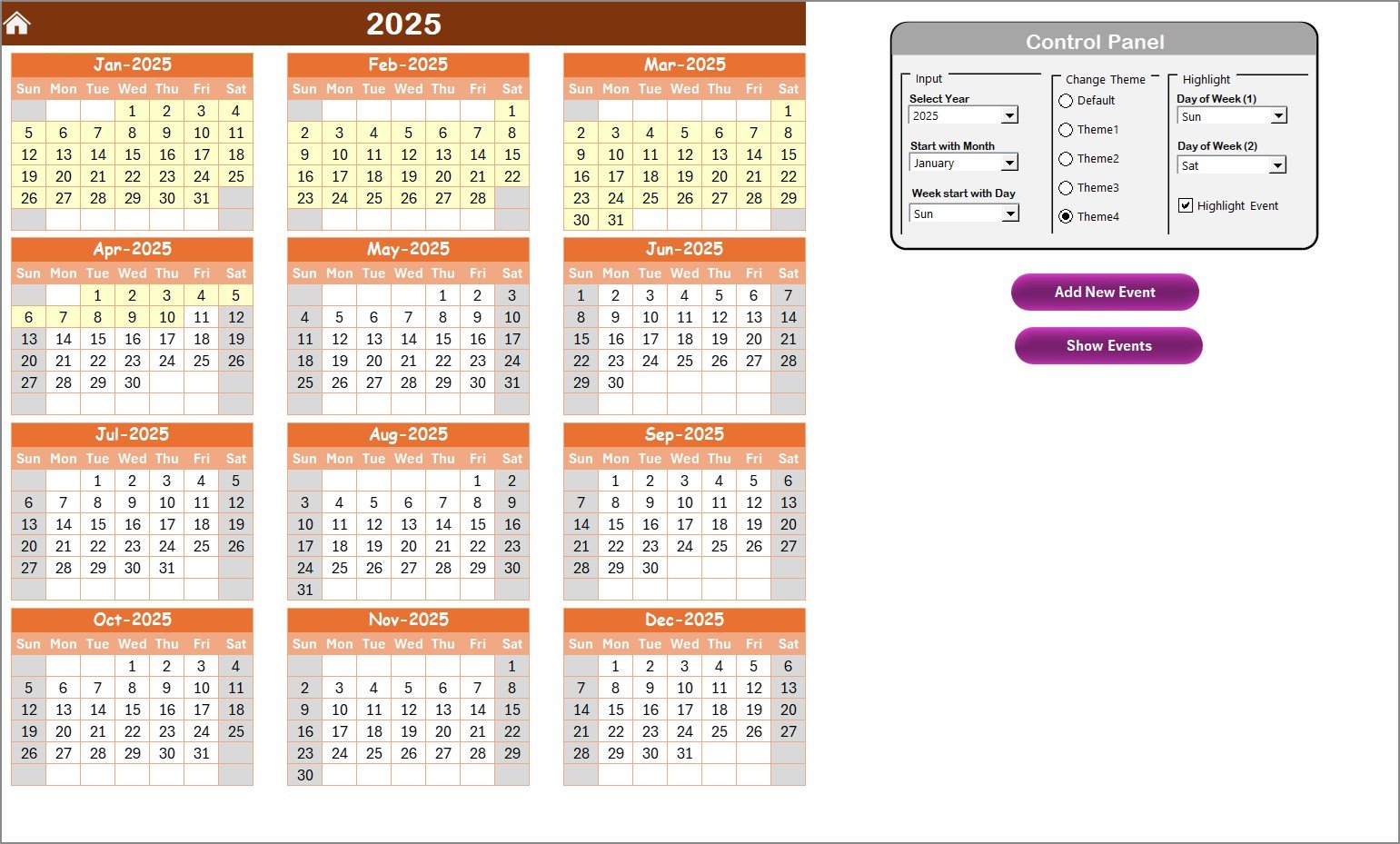
Choose from 5 color themes, adjust start month, and week start day, or highlight key days (weekends, non-working days, or event dates) with just one click.
🔐 Cybersecurity & Quality Event Management
Add and monitor activities like firewall audits, patient data reviews, staff training, or vulnerability scans — all from one sheet.
🧩 Built-in Automation
Use buttons like “Add New Event” and “Show Event” to instantly create or view records — no manual formulas or coding required.
📊 Centralized Event Database
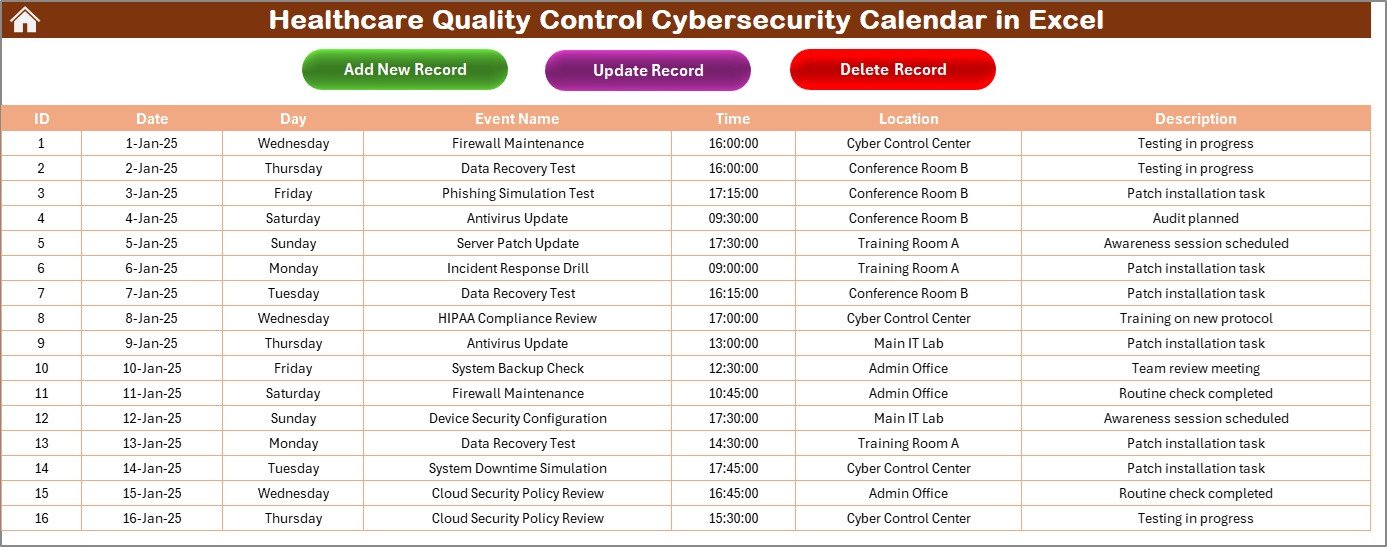
All events are securely stored in a structured Events Sheet with fields like ID, Date, Day, Event Name, Time, Location, and Description — keeping your data clean and searchable.
💡 Integration Ready
Sync it with Microsoft Outlook, SharePoint, or even Power BI to automate reminders and visualize trends.
📂 What’s Inside the Healthcare Quality Control Cybersecurity Calendar
When you download this Excel file from NextGenTemplates.com, you’ll receive a professionally designed workbook containing:
-
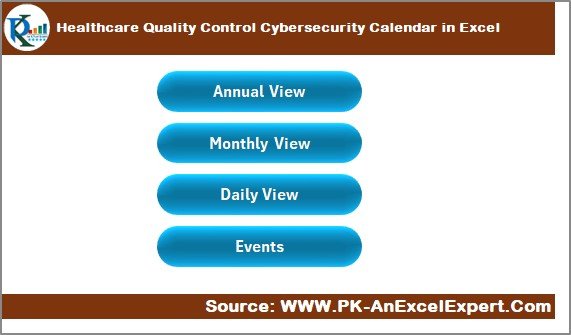
Home Sheet: A control hub with navigation buttons.
-
Annual View Sheet: Displays all 12 months with event highlights.
-
Monthly View Sheet: A focused monthly planner for operational scheduling.
-
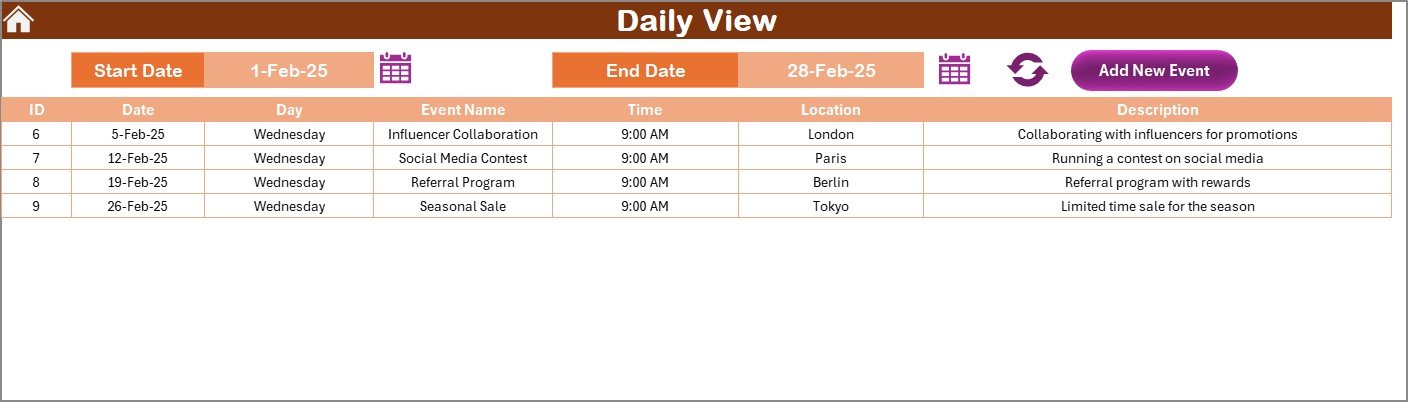
Daily View Sheet: Filter-based date range tracker for daily supervision.
-
Events Sheet: A master data table for every event record.
Every sheet is preformatted with dropdowns, control panels, and interactive features — making it a ready-to-use solution for healthcare administrators and IT managers alike.
🧭 How to Use the Healthcare Quality Control Cybersecurity Calendar
1️⃣ Open the Home Sheet and select your view (Annual, Monthly, or Daily).
2️⃣ Set your Year and Month in the control panel.
3️⃣ Add new events using the “Add Event” button for any scheduled task or audit.
4️⃣ Use filters to view activities for specific days or ranges.
5️⃣ Highlight key events like cybersecurity workshops, audit deadlines, or staff training.
6️⃣ Update regularly to keep the data accurate and actionable.
No technical skills are needed — everything runs within Excel using simple buttons and dropdown menus. 🧑💻
👥 Who Can Benefit from This Excel Calendar
🏥 Hospitals & Clinics: Track compliance, security checks, and quality audits.
🧑⚕️ Healthcare Administrators: Manage staff training and regulatory deadlines.
🖥️ IT & Cybersecurity Teams: Plan system checks, backups, and incident responses.
📊 Compliance Officers: Maintain a log of all inspections and certifications.
🏢 Healthcare Startups & Networks: Coordinate quality programs across departments.
Whether you’re a small clinic or a large hospital chain, this Excel tool ensures complete visibility and control over your cybersecurity and quality processes.
✅ Why Choose This Template?
-
Easy-to-use & visually professional
-
Customizable to match your organization’s style
-
Perfect for HIPAA, ISO, and NABH compliance tracking
-
Saves time, reduces manual work, and boosts accountability
Click here to read the detailed blog post
Watch the step-by-step video tutorial:







Reviews
There are no reviews yet.