Running a Healthcare Facility? Missing One Deadline Can Cost You More Than Money ⚠️
Hospitals, clinics, laboratories, and healthcare institutions operate in a highly regulated and time-sensitive environment. Equipment maintenance, compliance audits, staff training, inspections, and regulatory reporting must happen on schedule. However, many healthcare teams still rely on scattered spreadsheets or manual planners.
The result?
Missed deadlines.
Compliance risks.
Operational delays.
Patient safety concerns.
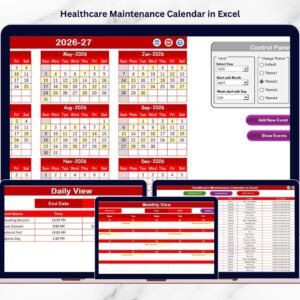
The Healthcare Maintenance Calendar in Excel provides a structured, ready-to-use system that helps healthcare organizations manage all annual, monthly, and daily activities in one powerful workbook.
Instead of confusion, you get clarity.
Instead of reactive management, you gain proactive control.
This interactive Excel template centralizes maintenance planning, compliance tracking, and event management — without requiring expensive scheduling software.
Key Feature of Healthcare Maintenance Calendar in Excel 📅
This professionally designed template includes intelligent features built specifically for healthcare operations:
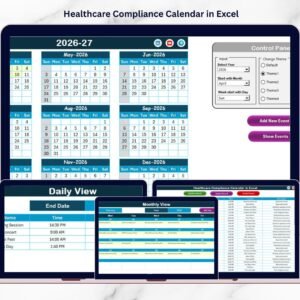
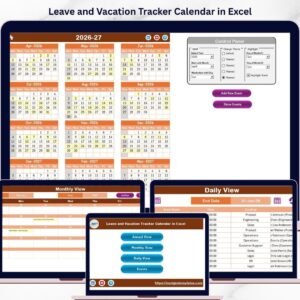
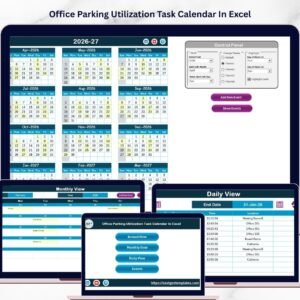
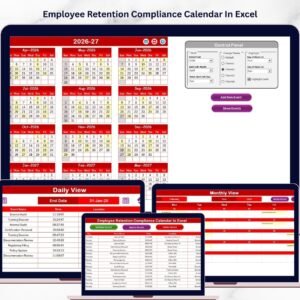
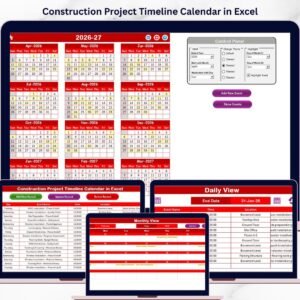
✅ Annual, Monthly & Daily Calendar Views – Plan at every level.
✅ Interactive Control Panel – Customize year, month, and week settings instantly.
✅ 5 Color Theme Options – Match your organization’s branding.
✅ Highlight Feature – Highlight selected weekdays and important events.
✅ Add New Event Form – Enter events quickly using a structured form.
✅ Event Database Management – Add, update, or delete records easily.
✅ Date Range Filtering – Review events between selected dates.
✅ Auto-Generated Event ID – Organized and structured record management.
Because everything works inside Excel, your team can use it immediately without training.
What’s Inside the Healthcare Maintenance Calendar in Excel 📁
You receive a fully structured Excel file with 5 organized worksheets:
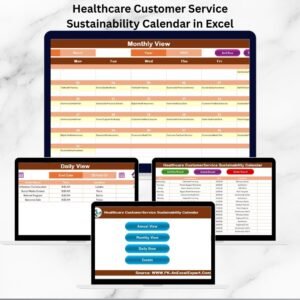
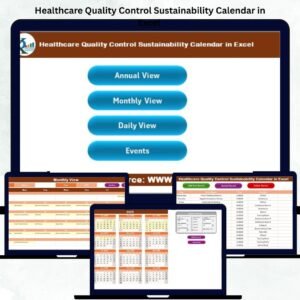
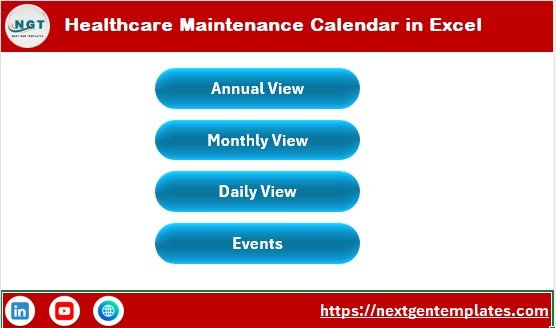
🏠 1️⃣ Home Sheet – Navigation Center
Acts as an index page with quick navigation buttons:
-
Annual View
-
Monthly View
-
Daily View
-
Events
Switch between calendar views instantly and maintain workflow efficiency.
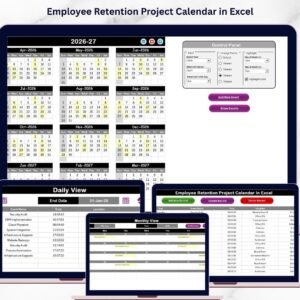
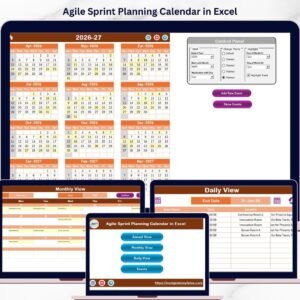
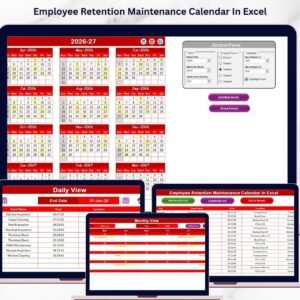
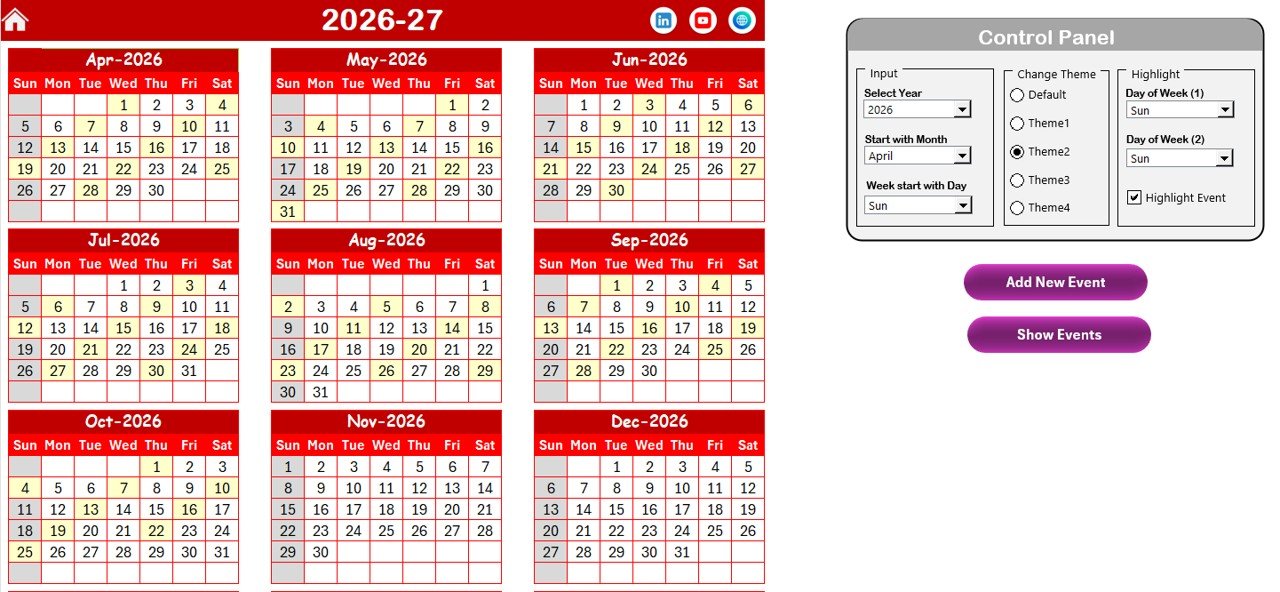
📆 2️⃣ Annual View Sheet – Complete Year Overview
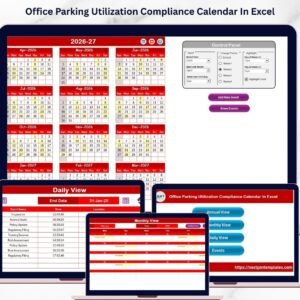
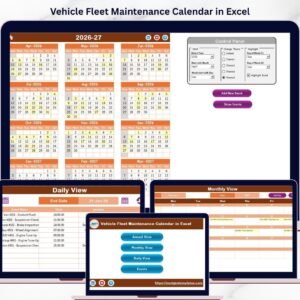
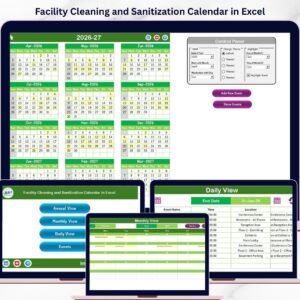
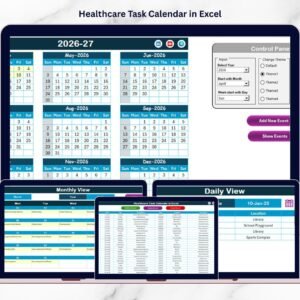
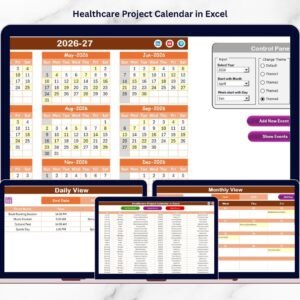
View all 12 months in one structured layout.
Control Panel Includes:
🔹 Input Group
-
Select Year
-
Choose Starting Month
-
Set Starting Day of Week
🔹 Change Theme Group
Choose from 5 professional color themes that apply to the entire workbook.
🔹 Highlight Group
-
Highlight 2 selected weekdays
-
Enable event highlighting (yellow)
Add New Event Button – Select a date and open the event form instantly.
Show Event Button – View all events scheduled for that date.
This sheet supports long-term planning and compliance visibility.
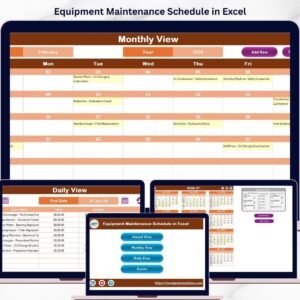
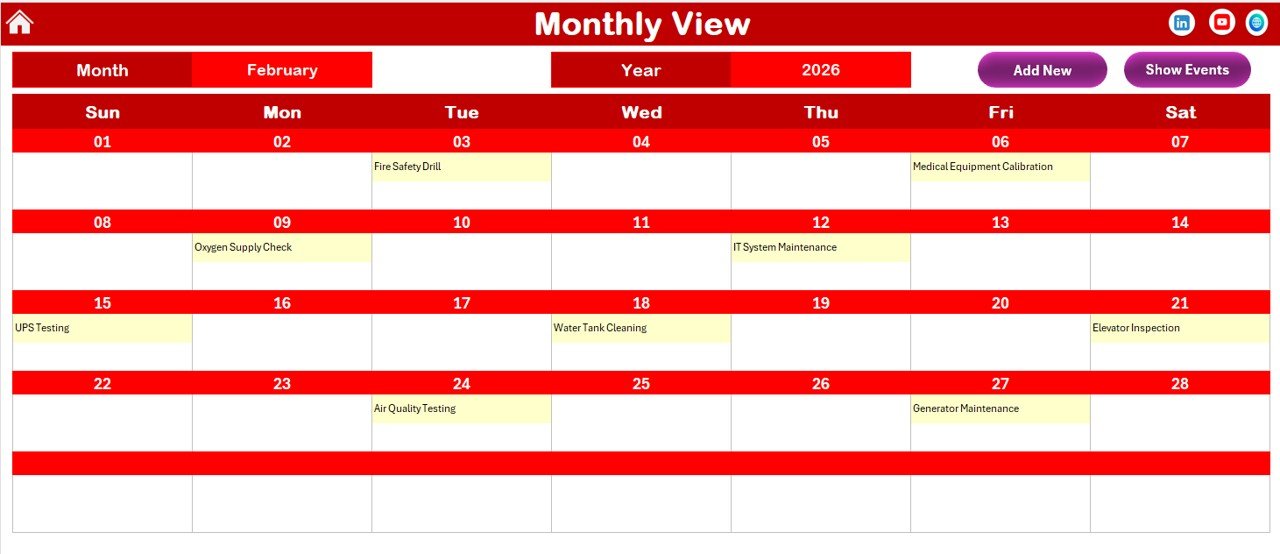
📅 3️⃣ Monthly View Sheet – Focused Planning
Select any Month and Year from the dropdown.
The calendar updates automatically.
If a date contains:
-
One event → It displays directly.
-
Multiple events → Shows “more than 1…” for clarity.
Add and Show Event buttons simplify task management.
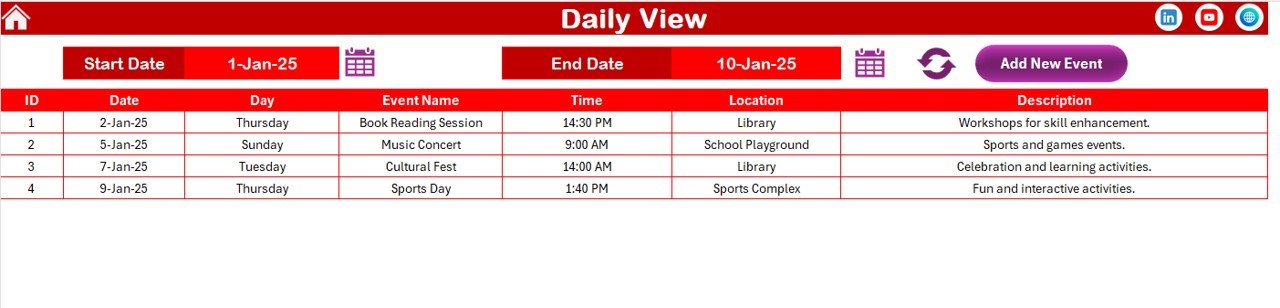
📋 4️⃣ Daily View Sheet – Detailed Monitoring
Enter:
-
Start Date
-
End Date
Click Refresh to view all events within that date range.
This feature helps compliance officers and administrators monitor activities efficiently.
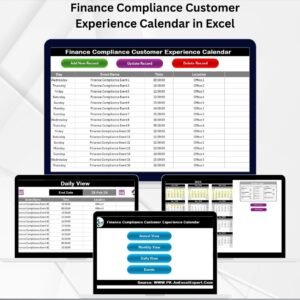
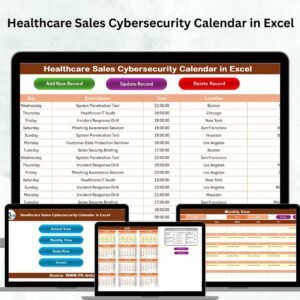
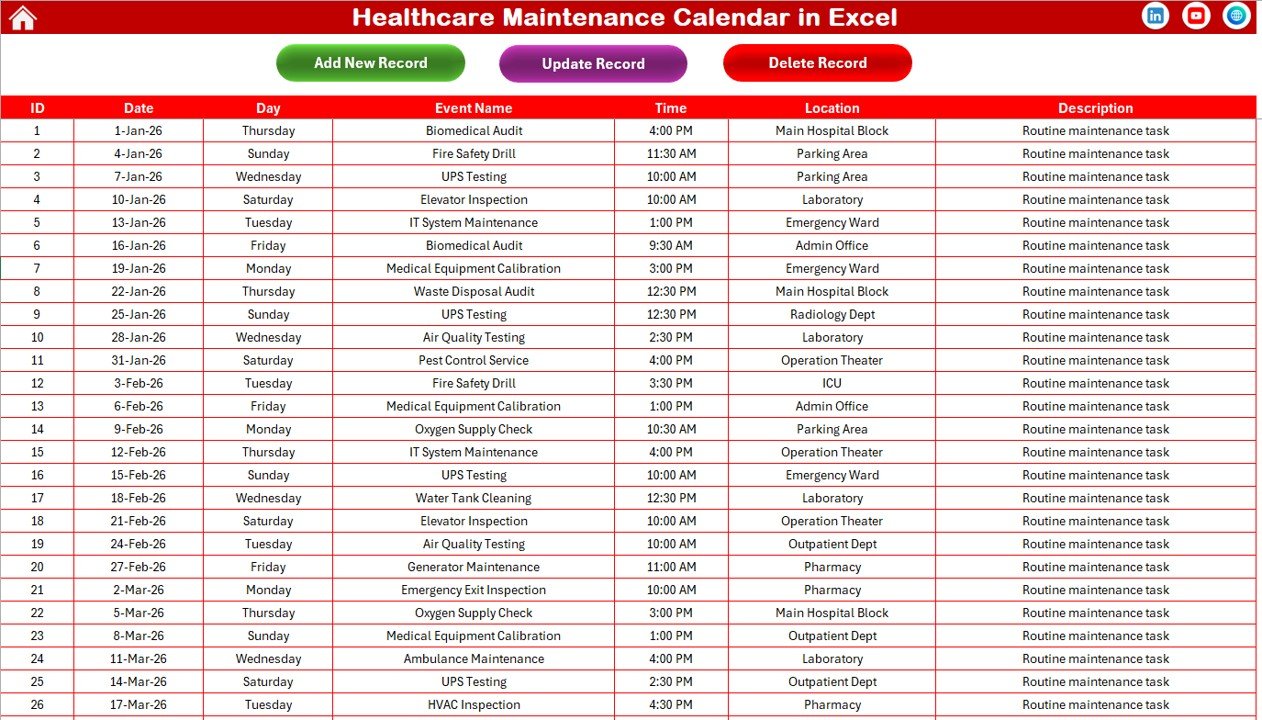
🗂 5️⃣ Events Sheet – Central Event Database
Stores structured event records with:
-
ID (Auto-generated)
-
Date
-
Day
-
Event Name
-
Time
-
Location
-
Description
Management Buttons:
-
Add New Record
-
Update Existing Record
-
Delete Record
All changes reflect across calendar views automatically.
How to Use the Healthcare Maintenance Calendar in Excel ⚙️
Step 1: Define Events
Enter maintenance schedules, inspections, audits, and deadlines.
Step 2: Customize Calendar
Adjust year, themes, and highlight settings.
Step 3: Add Events via Form
Use the Add New Event button for structured data entry.
Step 4: Monitor Monthly & Daily Views
Review upcoming deadlines regularly.
Step 5: Update Records as Needed
Modify or delete events through the Events sheet.
Within minutes, your healthcare scheduling becomes structured and organized.
Who Can Benefit from This Healthcare Maintenance Calendar in Excel 👥
This template is ideal for:
✔ Hospital Administrators
✔ Clinic Managers
✔ Compliance Officers
✔ Biomedical Engineers
✔ Maintenance Teams
✔ Healthcare Operations Managers
Whether you manage a small clinic or a large hospital network, this calendar adapts to your needs.
How This Calendar Reduces Compliance Risk 🛡
It helps you:
🔹 Track regulatory deadlines
🔹 Schedule preventive maintenance
🔹 Highlight audit dates
🔹 Monitor inspection timelines
🔹 Maintain historical records
🔹 Prevent missed compliance actions
Because important dates are highlighted and centrally stored, risk reduces significantly.
Instead of scrambling before audits, you stay prepared all year.
If operational efficiency, compliance control, and structured maintenance matter to your organization — this Healthcare Maintenance Calendar in Excel becomes an essential management tool.
Click here to read the Detailed blog post
Visit our YouTube channel to learn step-by-step video tutorials
👉 Youtube.com/@PKAnExcelExpert