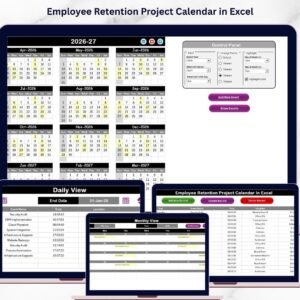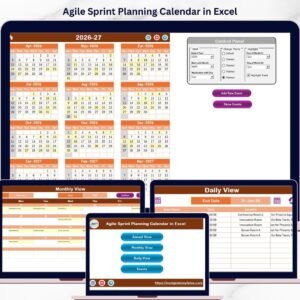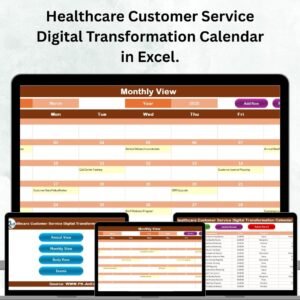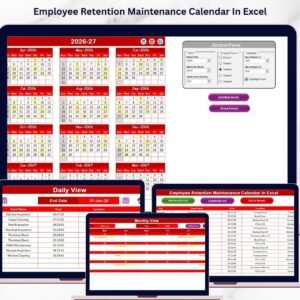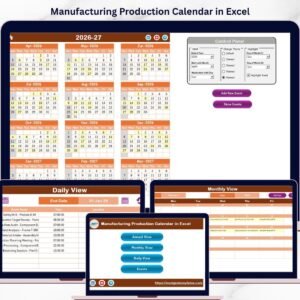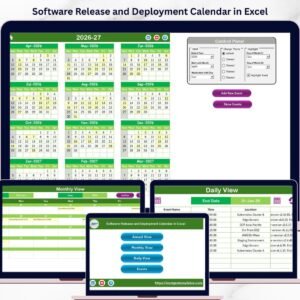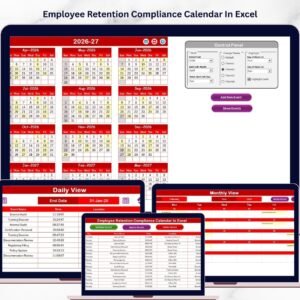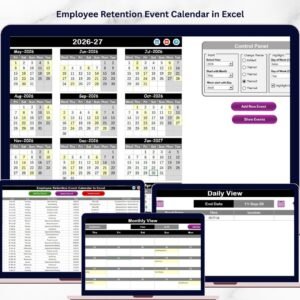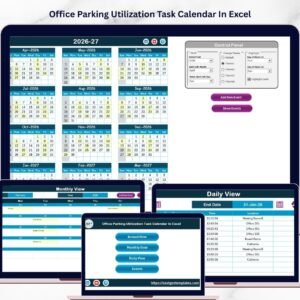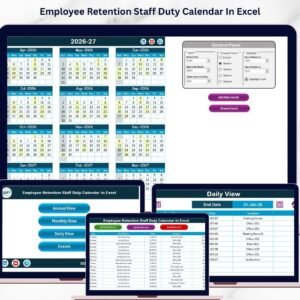
Healthcare never pauses. 🏥 Hospitals operate 24/7. Clinics manage appointments daily. Emergency teams respond anytime. That means your holiday planning, event scheduling, and operational coordination must be precise and organized.
If you are still tracking healthcare holidays using scattered files or manual sheets, you are risking double bookings, missed events, and scheduling conflicts.
Introducing the Healthcare Holiday Calendar in Excel — a ready-to-use, interactive, and professionally designed Excel workbook built specifically for hospitals, clinics, diagnostic centers, and healthcare organizations.
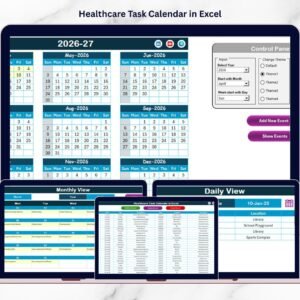
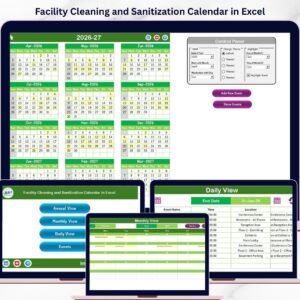
This powerful calendar system helps you manage annual holidays, monthly schedules, daily events, and a centralized event database — all in one structured Excel file. With automation, color themes, highlight controls, and event forms, you gain full visibility and control. 🚀
Let’s explore what makes this calendar a must-have for every healthcare organization.
🔥 Key Feature of Healthcare Holiday Calendar in Excel
This template is designed for simplicity, control, and automation.
📅 5 Structured Worksheets – Home, Annual View, Monthly View, Daily View, and Events Database.
🎨 5 Customizable Color Themes – Match your hospital branding with one click.
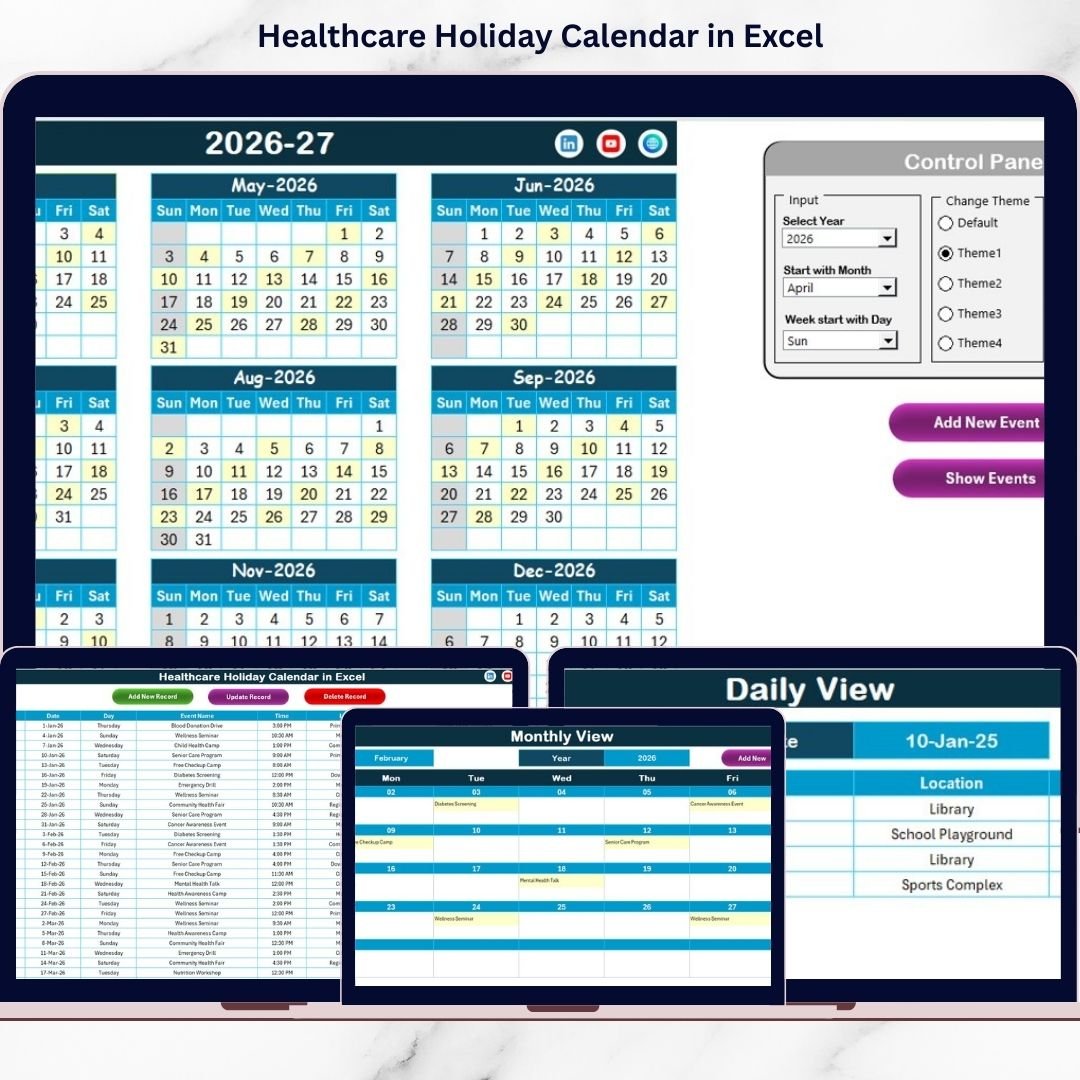
📊 Interactive Annual Control Panel – Change Year, Starting Month, and Starting Day instantly.
🟡 Event Highlight Feature – Highlight important healthcare events automatically.
🖱️ Add New Event Form – Enter Event Name, Time, Location, and Description easily.
🔎 Show Event Function – Click any date to instantly see scheduled events.
📈 Real-Time Calendar Updates – Views update automatically when you change inputs.
🗂️ Centralized Event Database – All records stored in one structured sheet.
This is not just a calendar — it’s a healthcare scheduling management system in Excel.
📦 What’s Inside the Healthcare Holiday Calendar in Excel
This product includes 5 powerful worksheets:
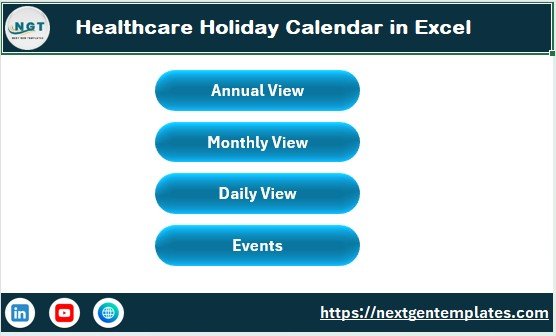
1️⃣ Home Sheet – Navigation Hub
The Home sheet acts as your dashboard.
It includes navigation buttons for:
-
Annual View
-
Monthly View
-
Daily View
-
Events
Users can move across sheets instantly without confusion.
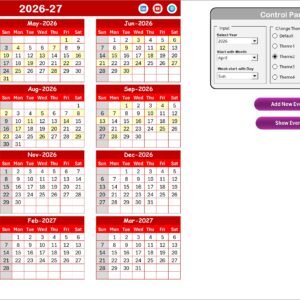
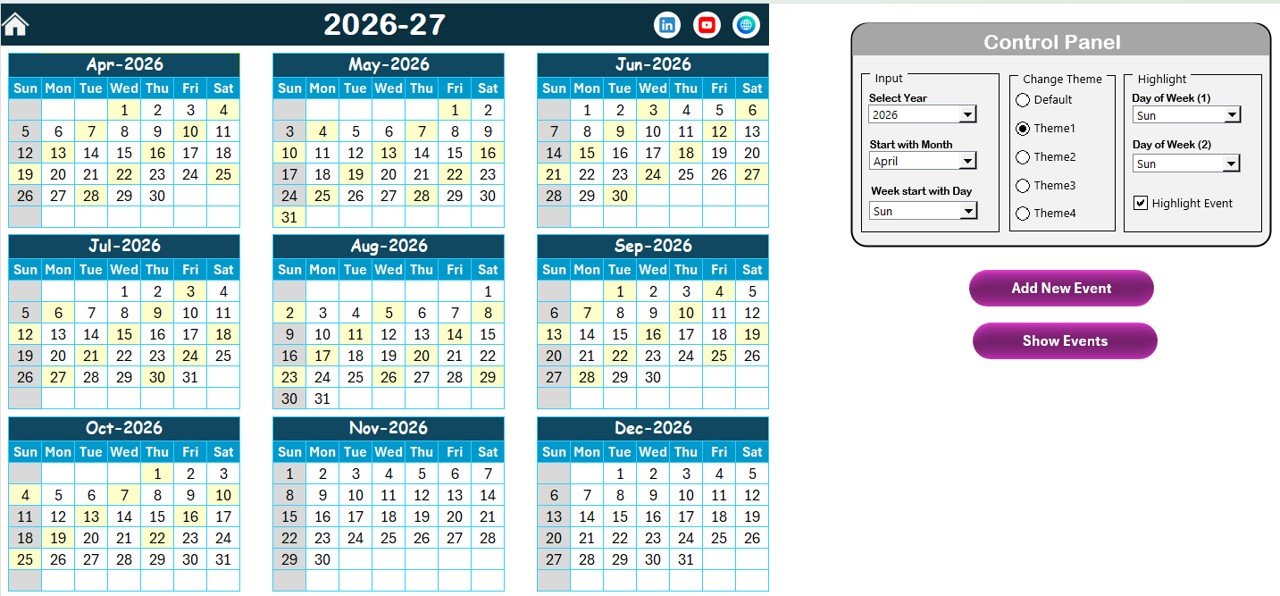
2️⃣ Annual View – 12 Months at a Glance
See the entire year in one sheet.
The Control Panel allows you to:
-
Select Year
-
Change Starting Month
-
Choose Starting Day of Week
-
Apply Color Themes
-
Highlight Two Days of the Week
-
Enable Event Highlight Checkbox
When you update these settings, the calendar adjusts automatically.
The Add New Event and Show Event buttons allow fast event management directly from the calendar view.
Perfect for yearly planning, holiday mapping, and executive-level visibility.
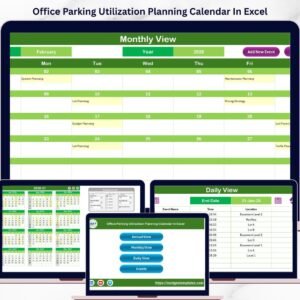
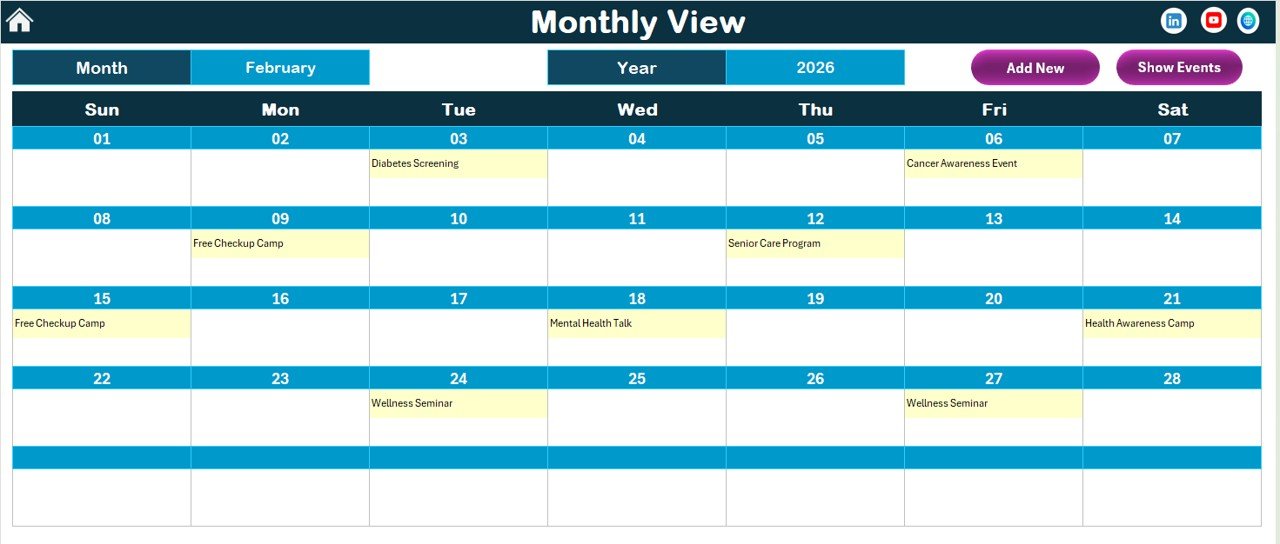
3️⃣ Monthly View – Focused Planning
Displays one selected month clearly.
At the top, select Month and Year — Excel updates instantly.
If multiple events exist on one day, it displays:
“More than 1…” to avoid clutter.
Includes Add and Show Event buttons for quick updates.
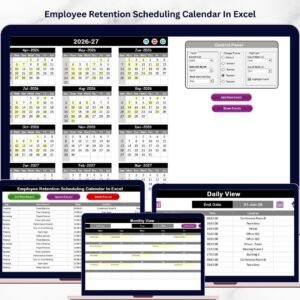
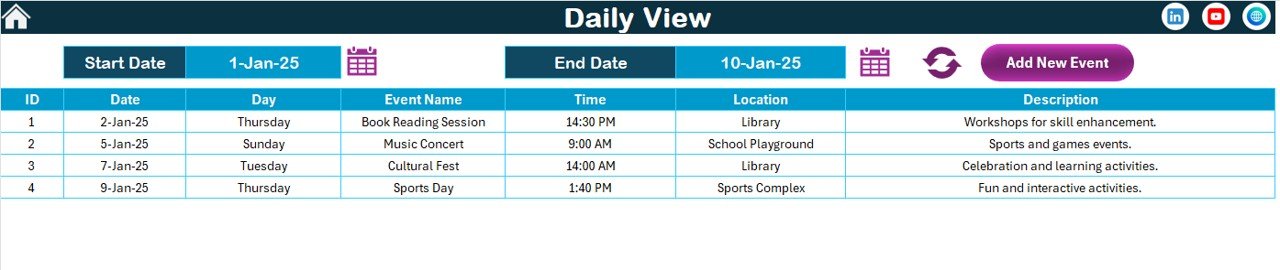
4️⃣ Daily View – Detailed Event Tracking
Choose Start Date and End Date using calendar icons.
Click Refresh.
Excel displays:
-
Event Date
-
Event Time
-
Location
-
Description
Perfect for detailed coordination, reporting, and operational review.
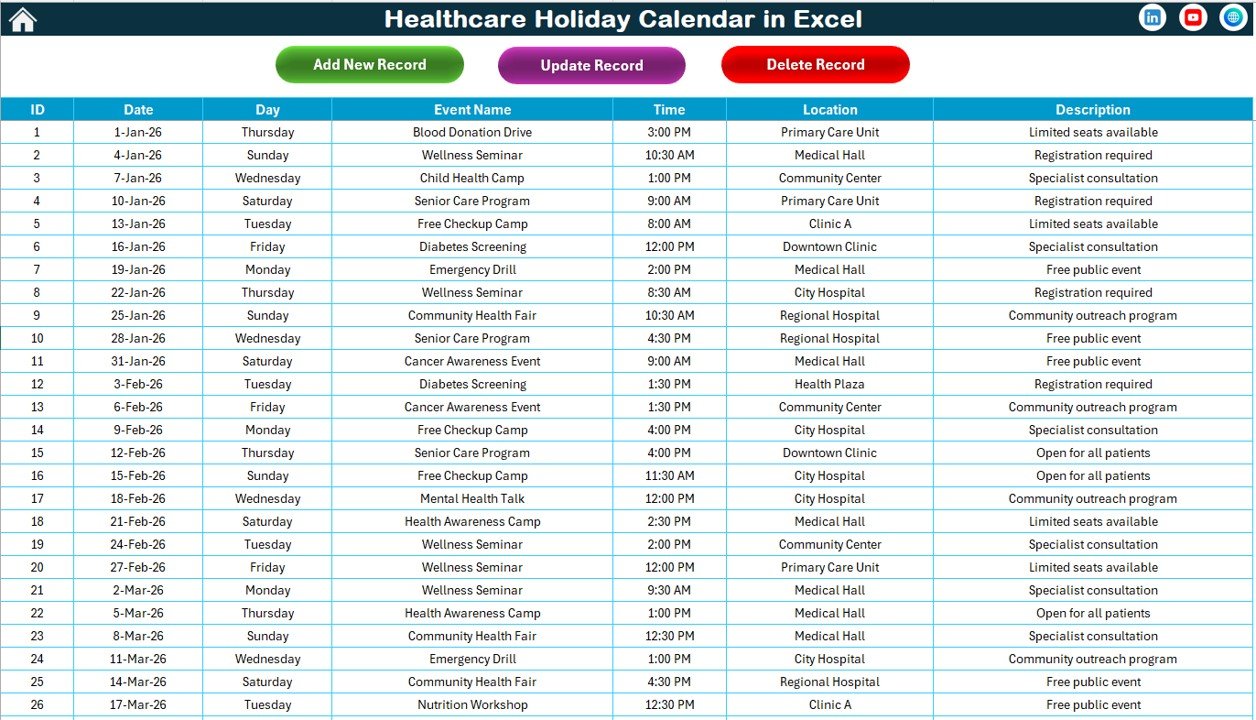
5️⃣ Events Sheet – Central Database
This sheet stores all event records.
Control Buttons Include:
-
Add New Record
-
Update Existing Record
-
Delete Record
All calendar views pull data from this database automatically.
🛠️ How to Use the Healthcare Holiday Calendar in Excel
Using this calendar is extremely simple.
Step 1: Select the Year in Annual View.
Step 2: Choose highlight days (e.g., Saturday and Sunday).
Step 3: Click Add New Event and enter details.
Step 4: Use Monthly or Daily View to monitor events.
Step 5: Update or delete records from Events Sheet if required.
Everything updates automatically — no complex setup needed.
👥 Who Can Benefit from This Healthcare Holiday Calendar in Excel
This template is ideal for:
-
Hospital Administrators
-
HR Departments
-
Operations Managers
-
Clinic Coordinators
-
Medical Facility Planners
-
Healthcare Project Managers
Whether you manage a large hospital or a small clinic, this calendar ensures structured planning and operational clarity.
Healthcare scheduling must be precise. With this Excel calendar, you gain:
✔ Annual visibility
✔ Monthly focus
✔ Daily event tracking
✔ Centralized data
✔ Automated controls
✔ Customizable themes
Stop juggling multiple sheets. Start managing healthcare holidays and events professionally. 🏥✨
Click hare to read the Detailed blog post
Visit our YouTube channel to learn step-by-step video tutorials
👉 https://youtube.com/@PKAnExcelExpert