

Key Features of Equipment Maintenance Schedule in Excel
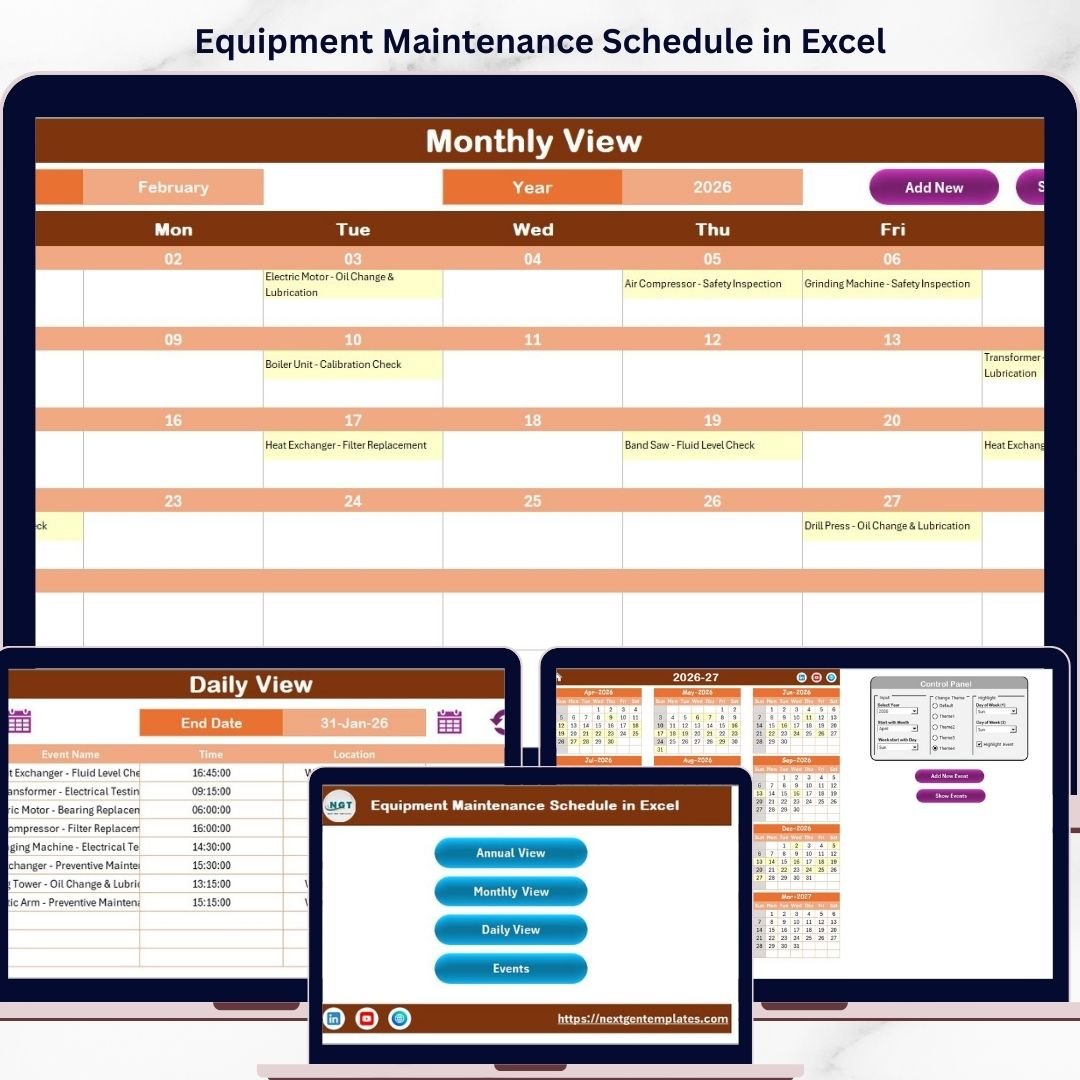
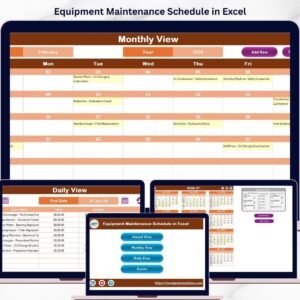
Introducing the Equipment Maintenance Schedule in Excel, a ready-to-use, comprehensive calendar template designed to streamline your equipment maintenance management. This dynamic Excel workbook features 5 intuitive worksheets crafted for effortless navigation and maximum productivity.
- 📅 Home Sheet Tab: Your dashboard and index sheet with four easy navigation buttons – Annual View, Monthly View, Daily View, and Events – so you can jump directly to the section you need.
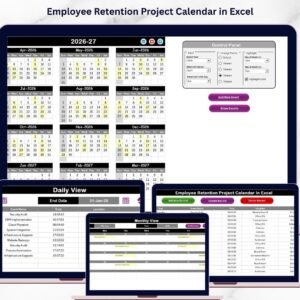
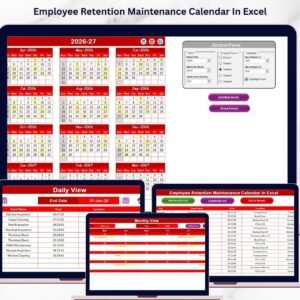
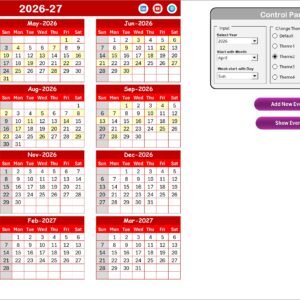
- 📆 Annual View Sheet Tab: Displays a full 12-month calendar with a powerful control panel. Customize your calendar by selecting the year, starting month, and week start day. Choose from 5 vibrant color themes to suit your style, and highlight weekends or specific days with ease. Add or view maintenance events directly from this sheet with simple buttons.
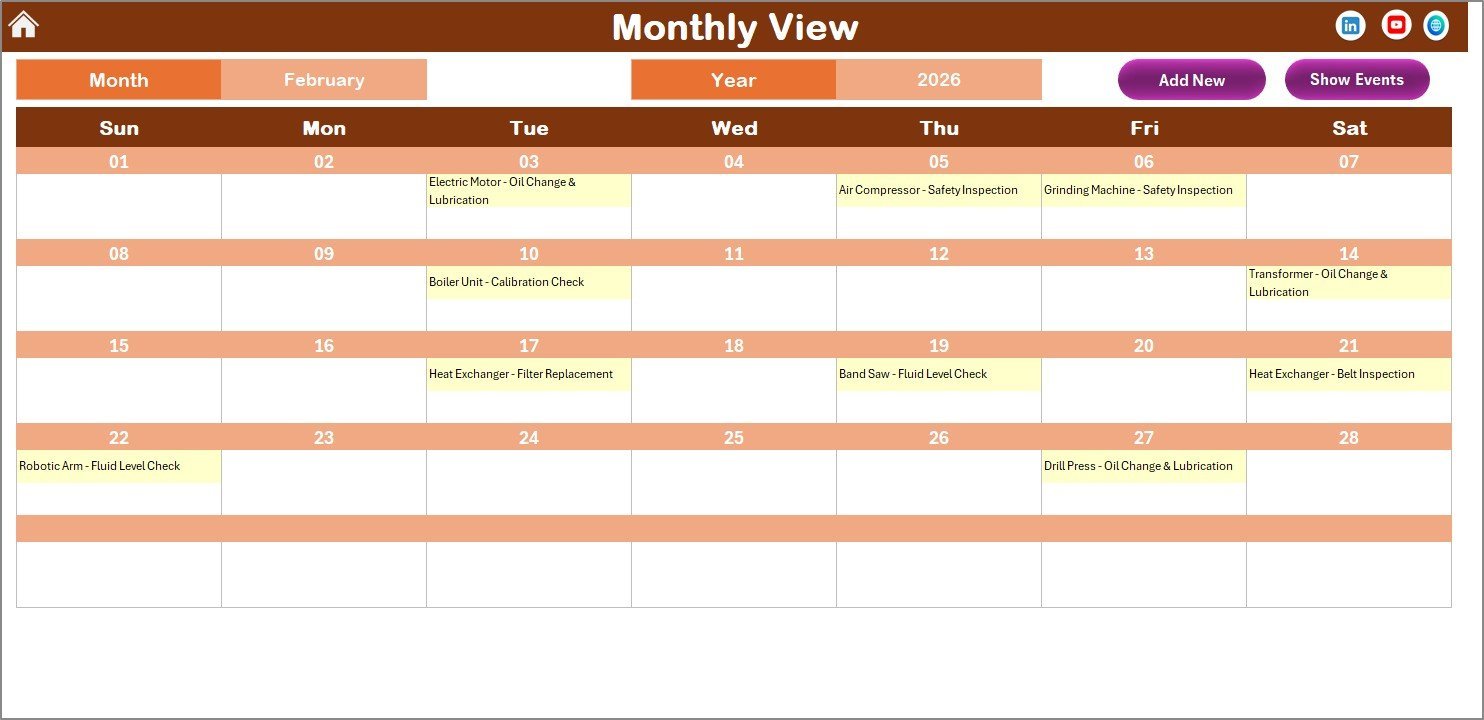
- 🗓️ Monthly View Sheet Tab: Focus on one month at a time. Select your desired month and year to see all scheduled events. Easily add new maintenance tasks or view detailed event lists.
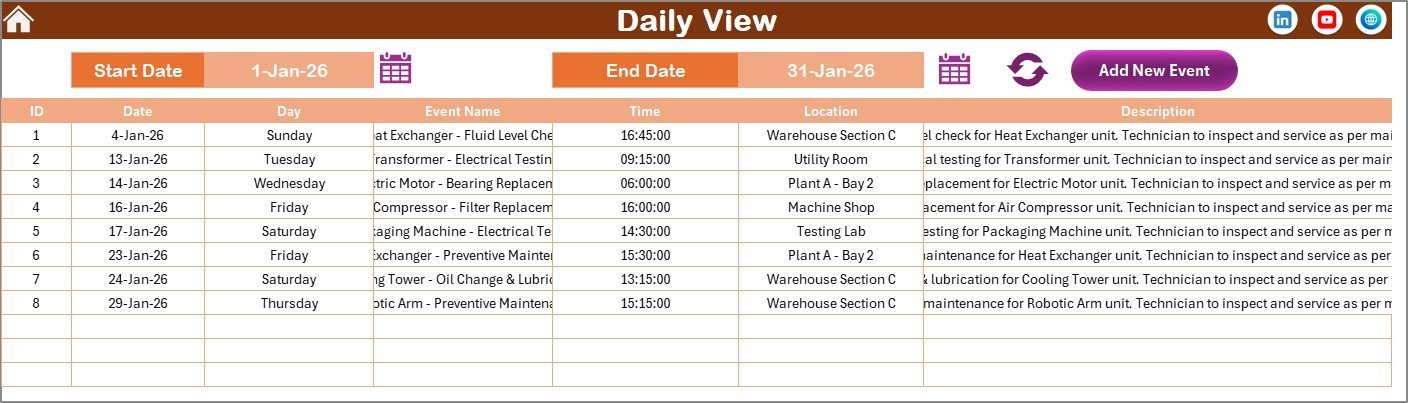
- 📋 Daily View Sheet Tab: View detailed lists of maintenance events for any chosen date range. Simply select start and end dates, refresh, and get an instant overview of your maintenance schedule.
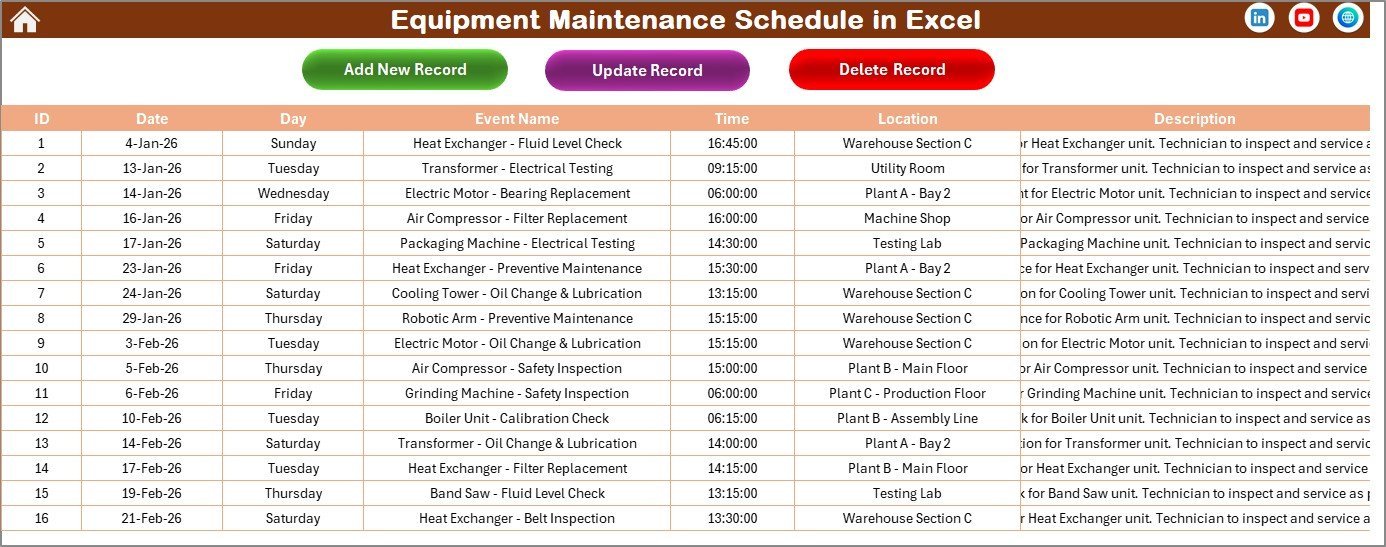
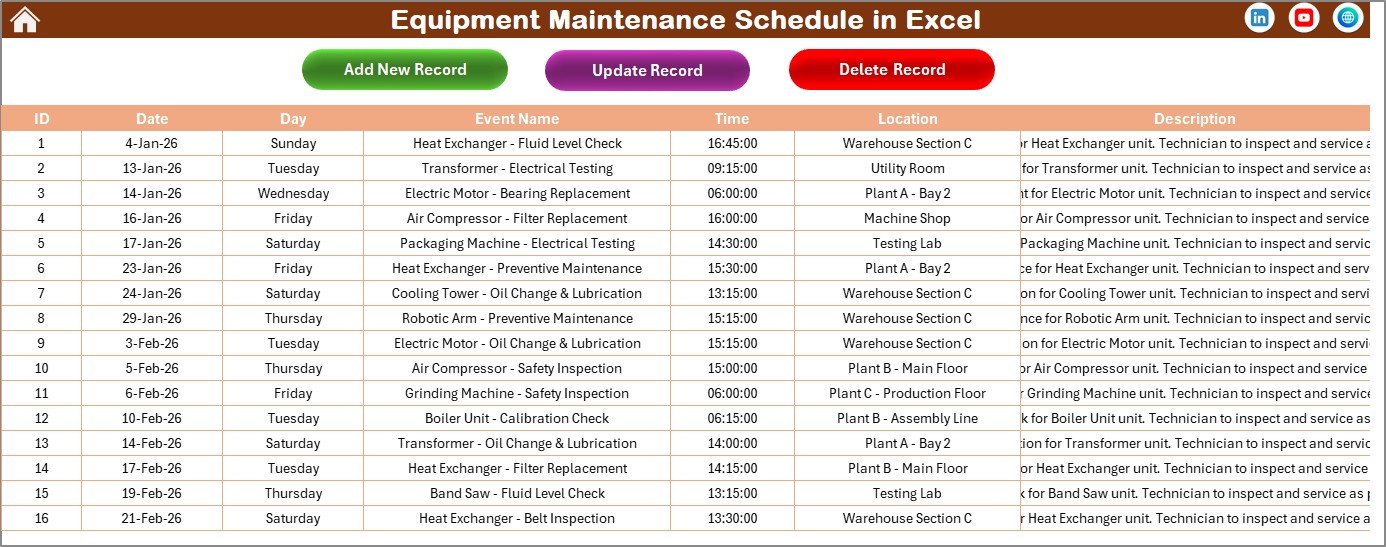
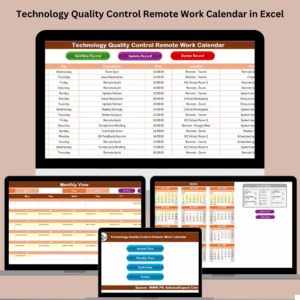
- 🗃️ Events Sheet Tab: The master database capturing every maintenance event detail – ID, Date, Day, Event Name, Time, Location, and Description. Manage your records effortlessly with add, update, and delete functions.
This template is designed for seamless interaction, enabling you to maintain your equipment schedule accurately and efficiently, ensuring no maintenance event is missed. Its user-friendly interface requires no advanced Excel skills, making it suitable for all users.
What’s Inside the Equipment Maintenance Schedule in Excel
The package includes a fully editable Excel workbook with five structured worksheets:
- 🏠 Home Sheet: Navigate quickly between views with clickable buttons.
- 📅 Annual View: 12-month calendar with customizable year, start month, week day, and themes.
- 🗓️ Monthly View: Detailed monthly calendar showing events with add and show event features.
- 📋 Daily View: Comprehensive event list filtered by date ranges for detailed tracking.
- 🗃️ Events Database: Complete event record management with add, update, and delete options.
Each sheet is interlinked, creating a fluid and intuitive experience. Buttons for adding new events or viewing existing ones enhance productivity and prevent scheduling conflicts.
How to Use the Equipment Maintenance Schedule in Excel
Getting started is effortless:
- 🖱️ Use the Home Sheet to navigate between annual, monthly, daily views, or the events database.
- 🎛️ In the Annual View, set the year, starting month, and week start day via the control panel. Choose your preferred theme and highlight specific weekdays or weekends. Add or view events using the buttons.
- 📅 For focused scheduling, switch to the Monthly View. Select the month and year, then add or view events on specific dates.
- 📋 The Daily View lets you analyze maintenance tasks over a selected date range. Choose start and end dates, refresh the data, and manage events efficiently.
- 🗃️ Manage your entire event database on the Events Sheet. Add new maintenance activities, update details, or delete obsolete records with simple form-based controls.
Thanks to its intuitive interface and built-in automation, this Excel template saves you time and minimizes errors in equipment maintenance scheduling.
Who Can Benefit from This Equipment Maintenance Schedule in Excel
This template is ideal for:
- 🏭 Facility Managers looking to optimize equipment upkeep and reduce downtime.
- 🔧 Maintenance Teams needing a clear, organized schedule of daily, monthly, and annual tasks.
- 🏢 Small to Medium Businesses without complex maintenance software but requiring efficient tracking.
- 🛠️ Industrial Engineers aiming to monitor and plan preventive maintenance effectively.
- 📊 Project Managers who want to integrate equipment maintenance into overall project timelines.
- 💼 Operations Managers seeking a cost-effective way to monitor equipment lifecycle and service schedules.
- 📅 Anyone responsible for scheduling and tracking equipment maintenance events with ease and reliability.
With this tool, avoid costly repairs, reduce equipment downtime, and enhance operational efficiency by keeping your maintenance schedule at your fingertips.
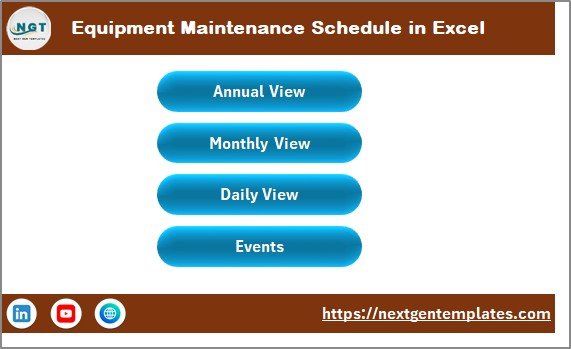
Equipment Maintenance Schedule in Excel
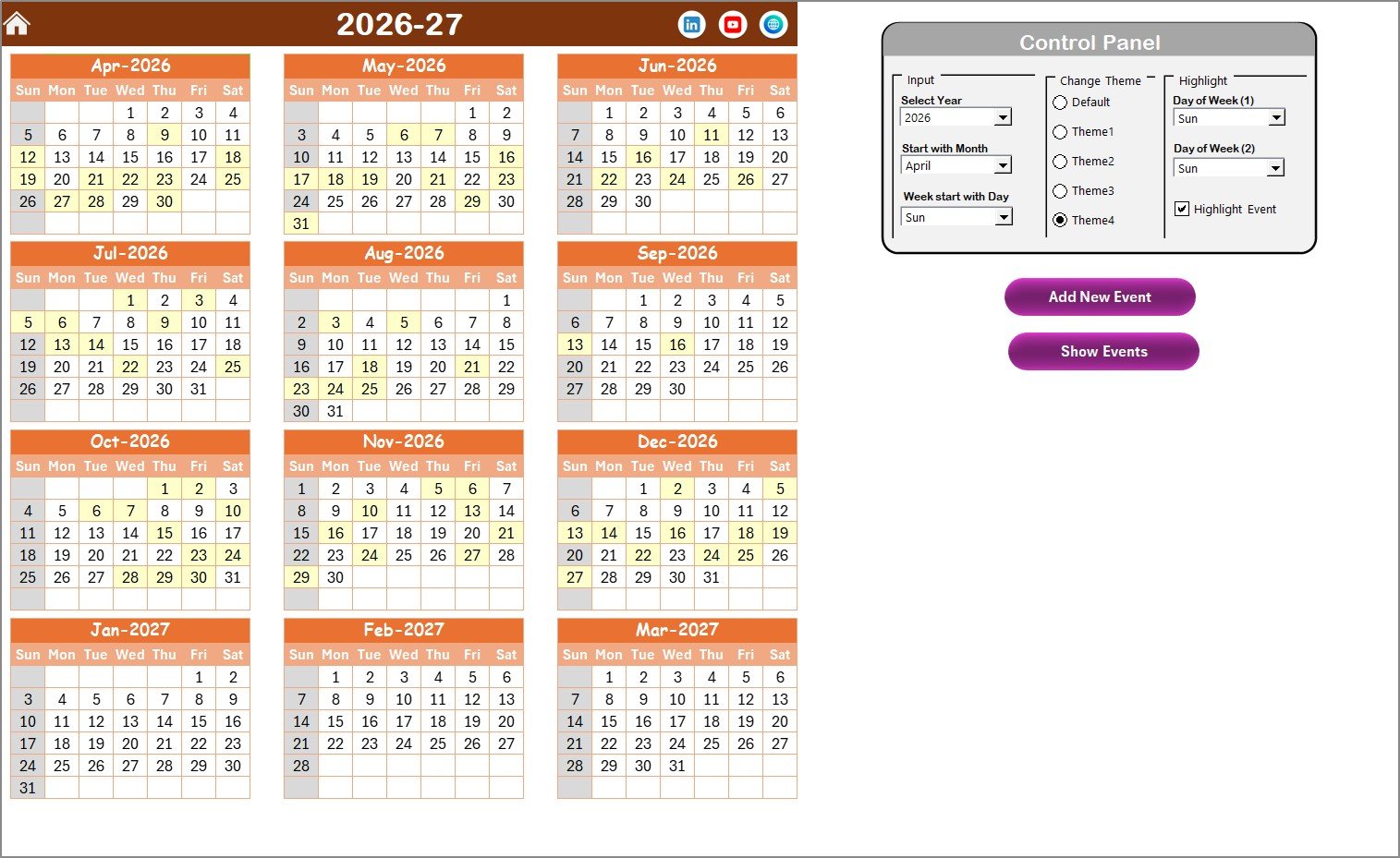
Annual View Sheet tab
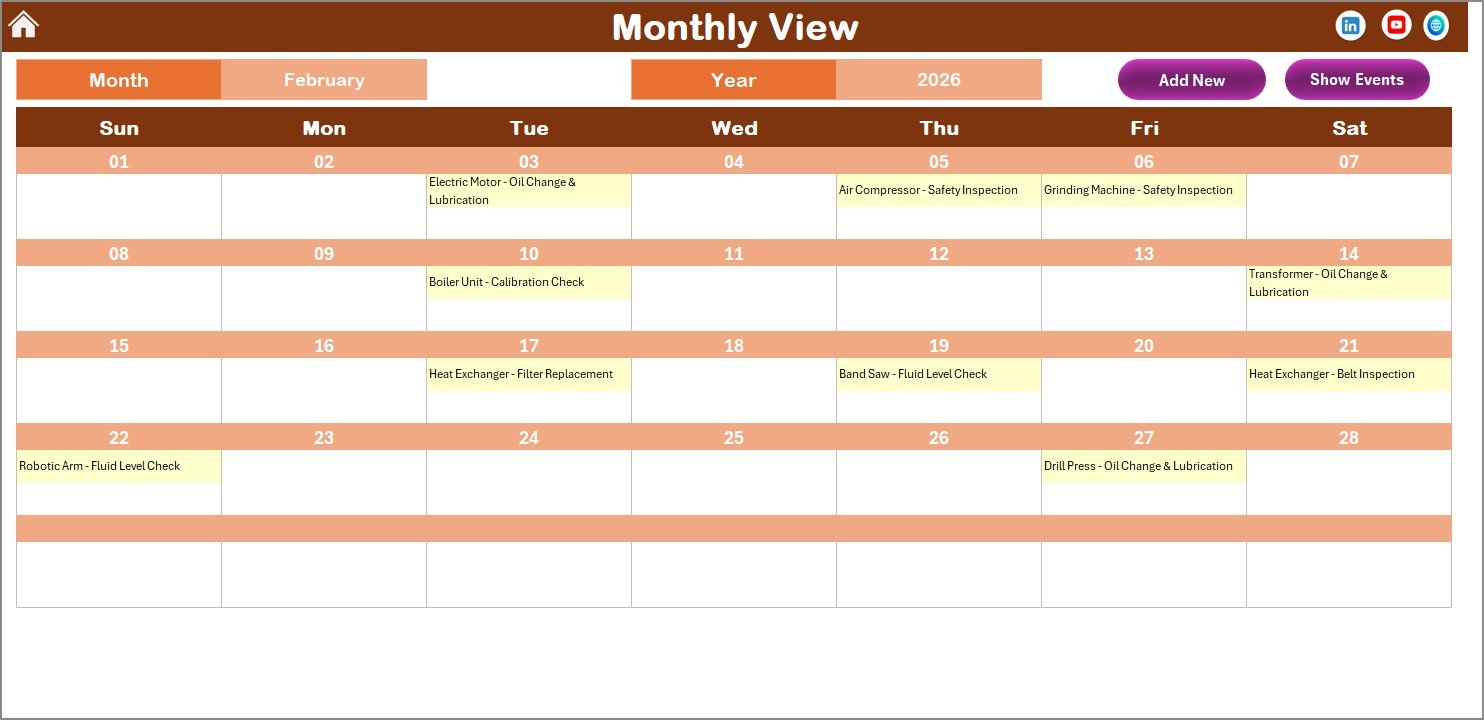
Monthly View Sheet tab
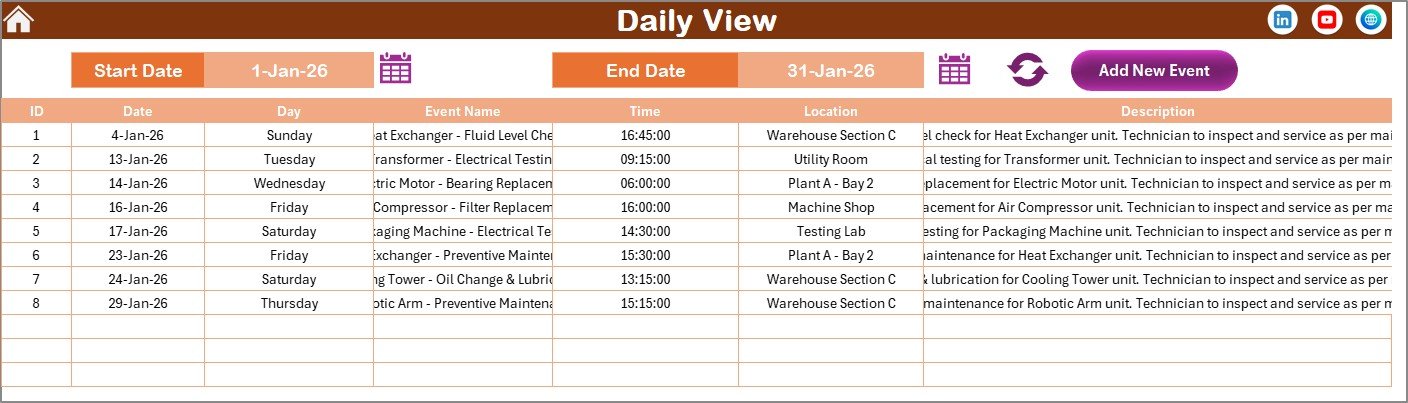
Daily View Sheet tab
Events Sheet tab
Click here to read the Detailed blog post.
Visit our YouTube channel to learn step-by-step video tutorials.












Reviews
There are no reviews yet.