
Key Features of Construction Project Timeline Calendar in Excel
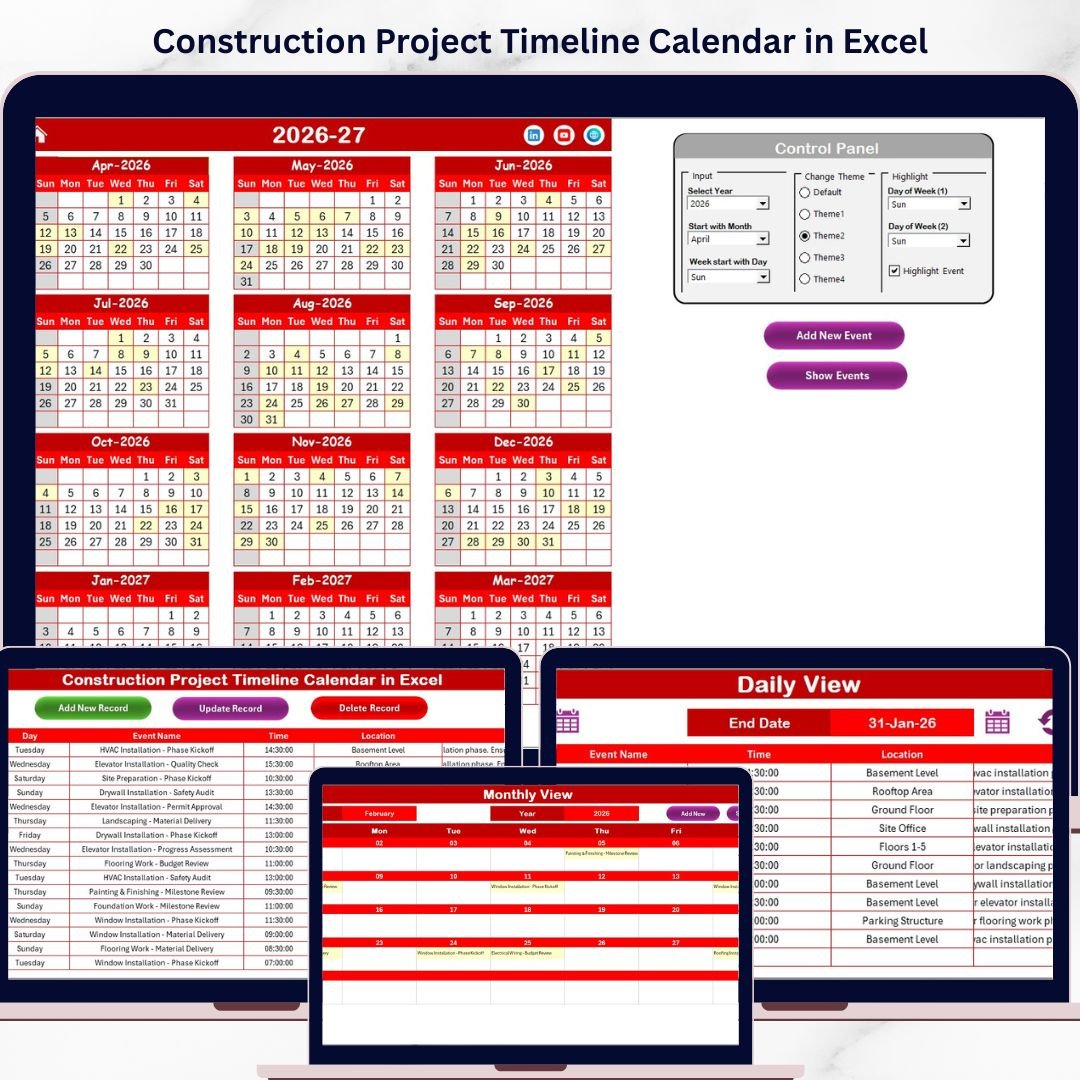
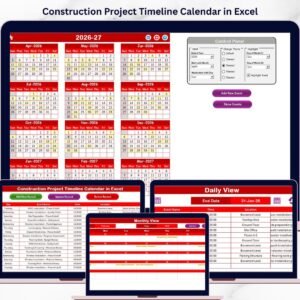
Introducing the Construction Project Timeline Calendar in Excel, a powerful and ready-to-use digital template designed to streamline your construction project management. This calendar template is crafted with precision to help you visualize, plan, and track your project timelines effortlessly. With 5 intuitive worksheets, it offers annual, monthly, and daily views, plus an events database to keep everything organized in one place.
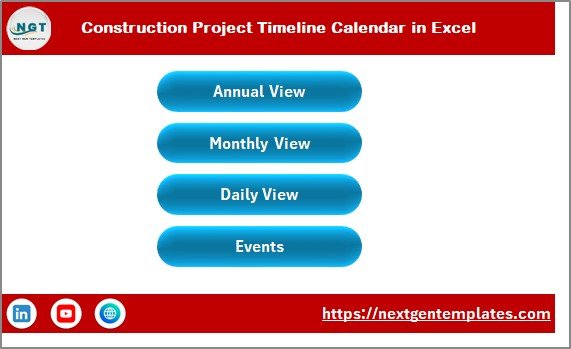
📅 Home Sheet Tab: Acts as the control center for your calendar with easy navigation buttons to jump between Annual View, Monthly View, Daily View, and Events sheets.
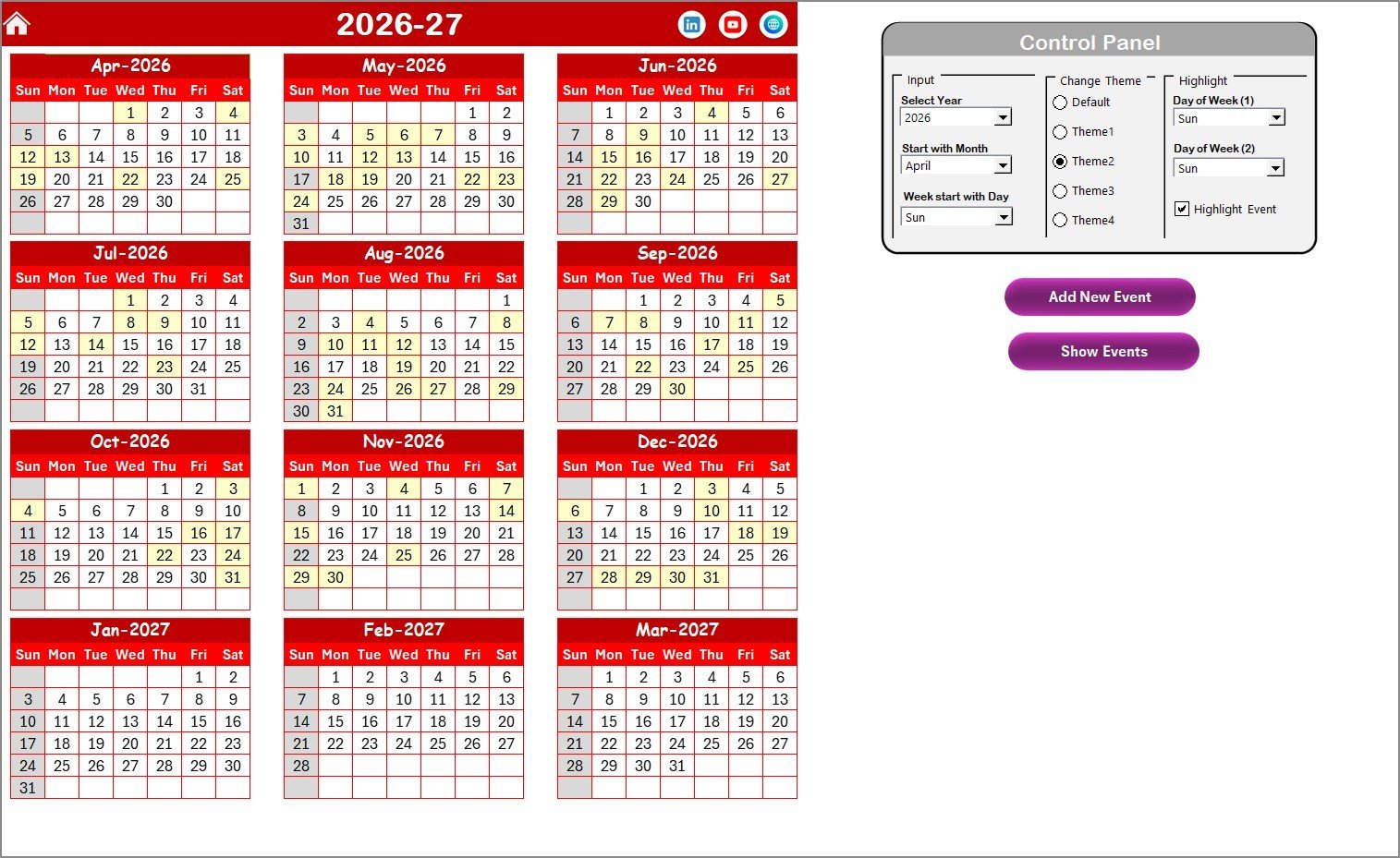
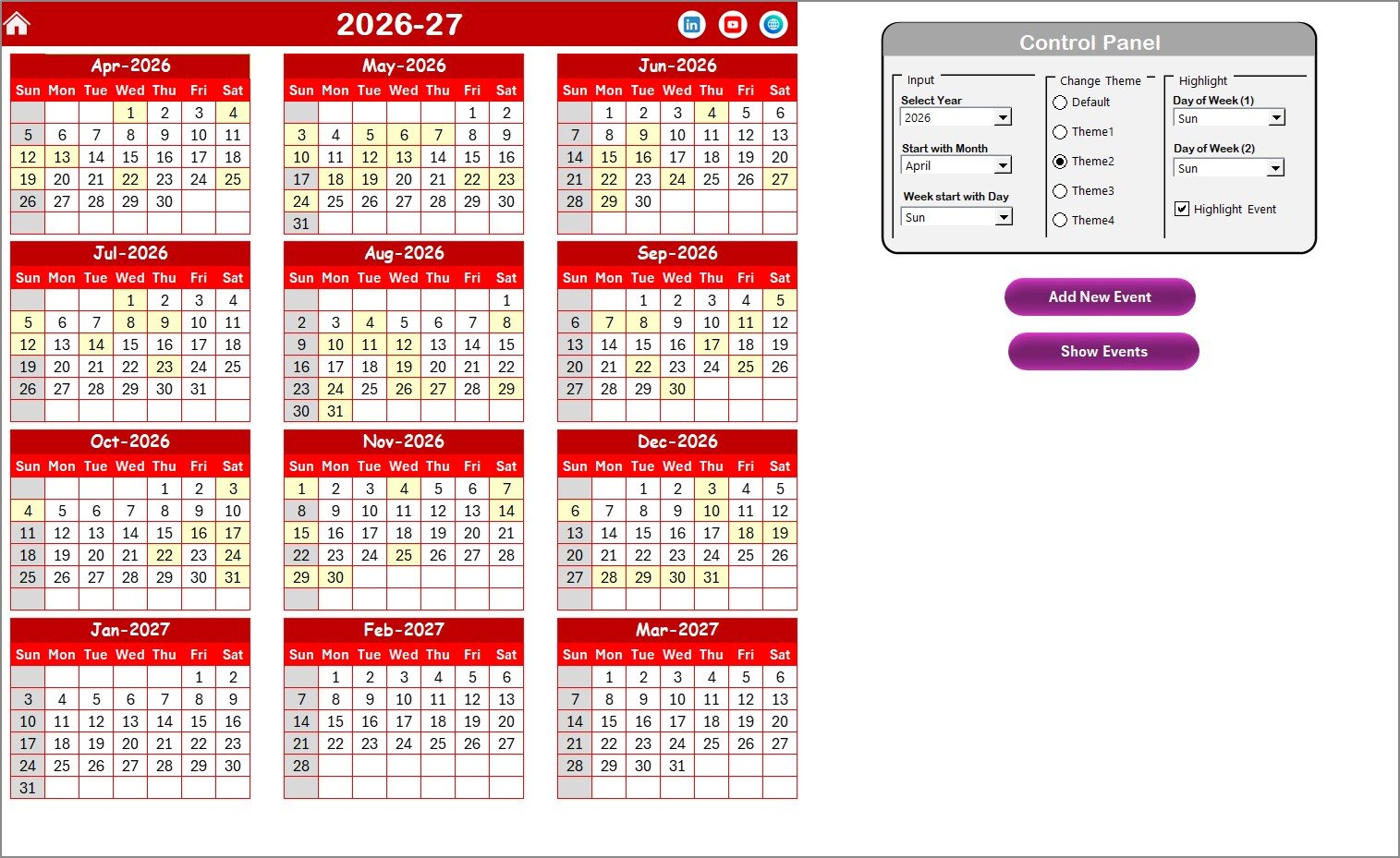
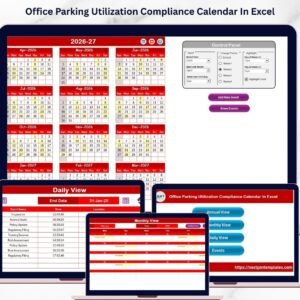
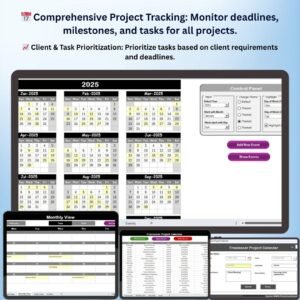
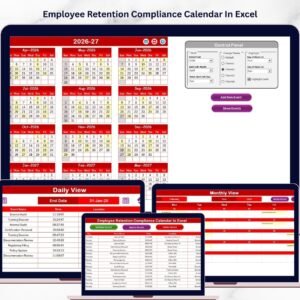
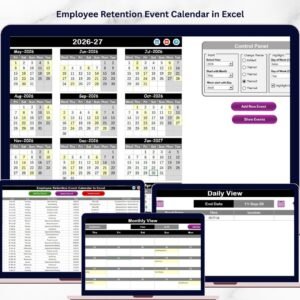
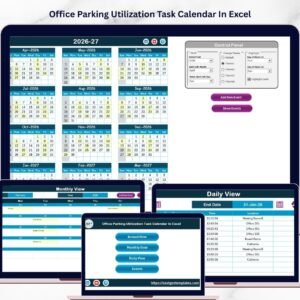
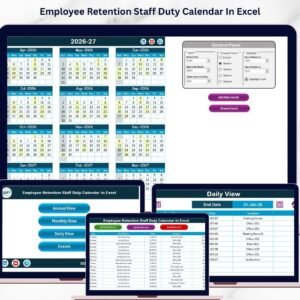
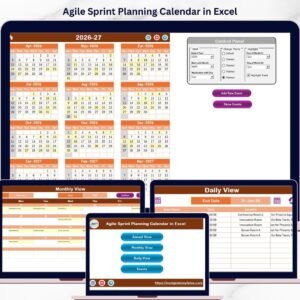
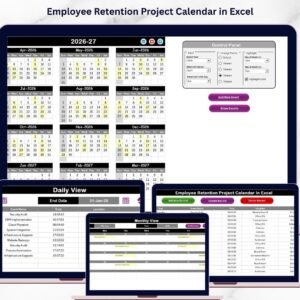
📅 Annual View Sheet Tab: Showcases a full 12-month calendar where you can select the year, starting month, and the starting day of the week. Customize your calendar with five vibrant color themes and highlight specific weekdays or special events for quick visual references. The control panel includes buttons to add new events or review existing ones directly from the calendar.
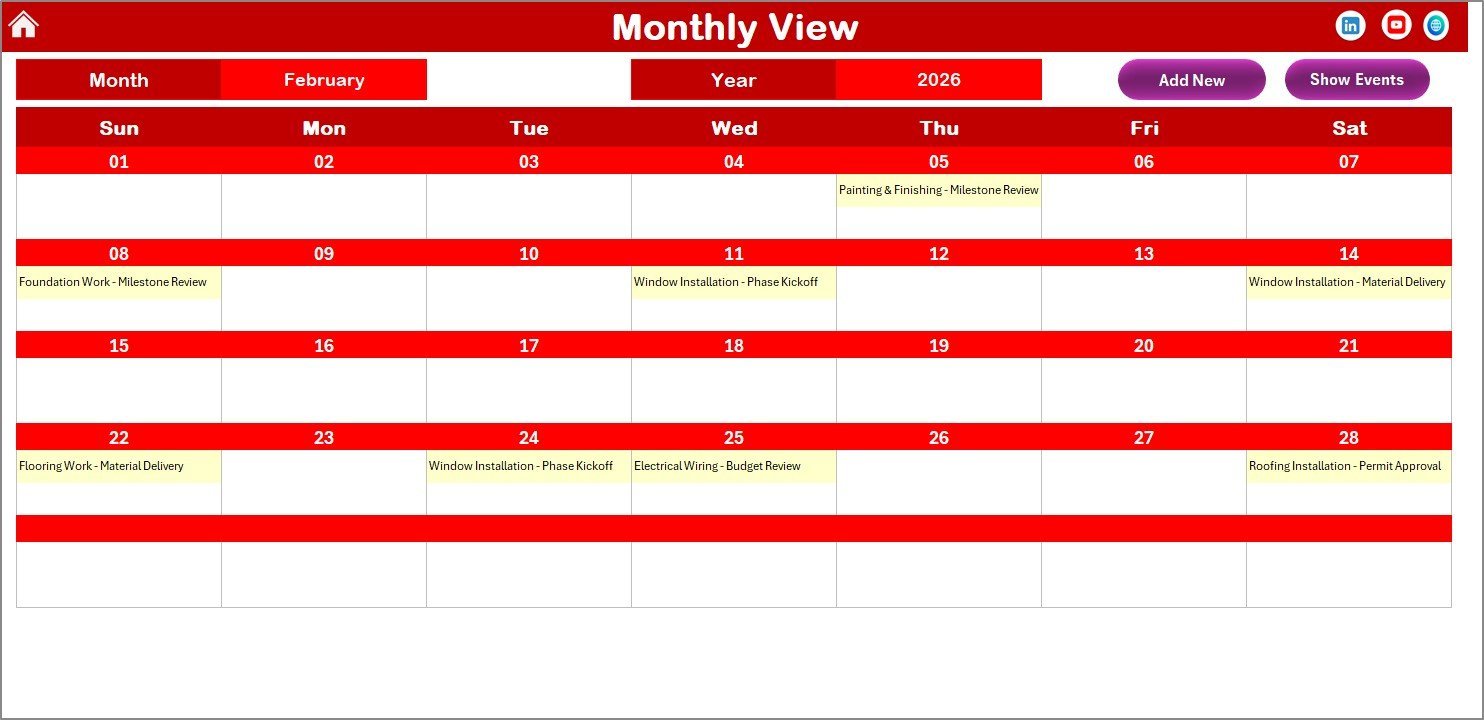
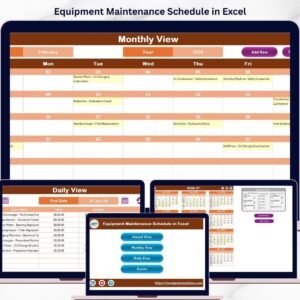
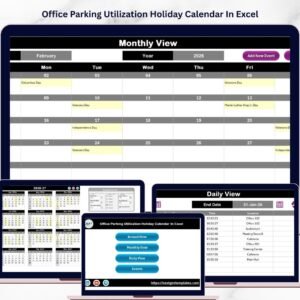
📅 Monthly View Sheet Tab: Focus on a single month by selecting the desired month and year. This sheet displays all events happening throughout the month, with a smart indicator if multiple events fall on the same day. Easily add or view events with dedicated buttons placed at the top.
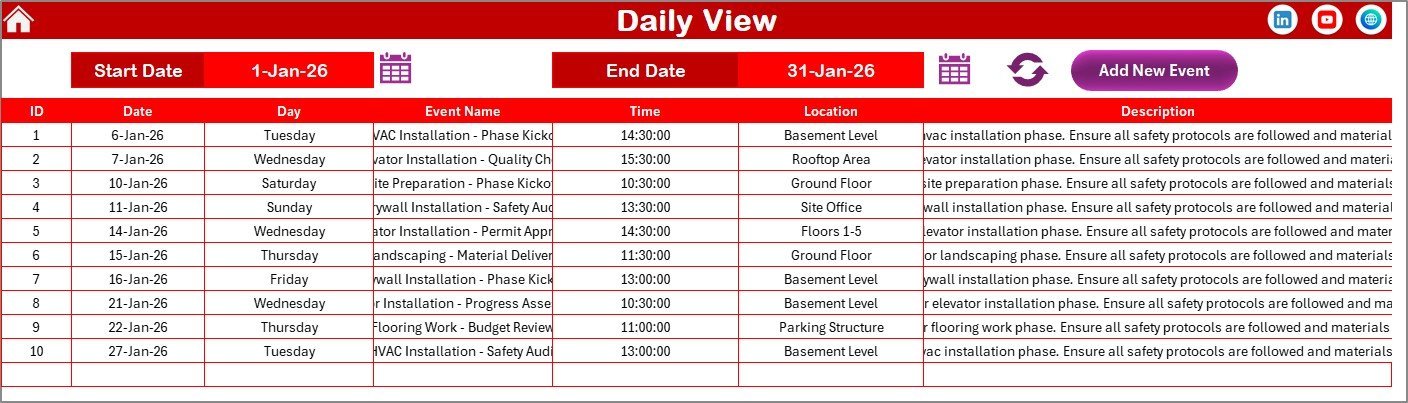
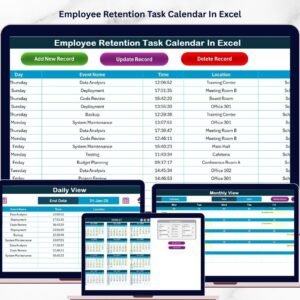
📅 Daily View Sheet Tab: Provides a detailed list of all events within a selected date range. Use the date pickers to define your range and refresh to view the latest updates. Quickly add new events with a convenient button.
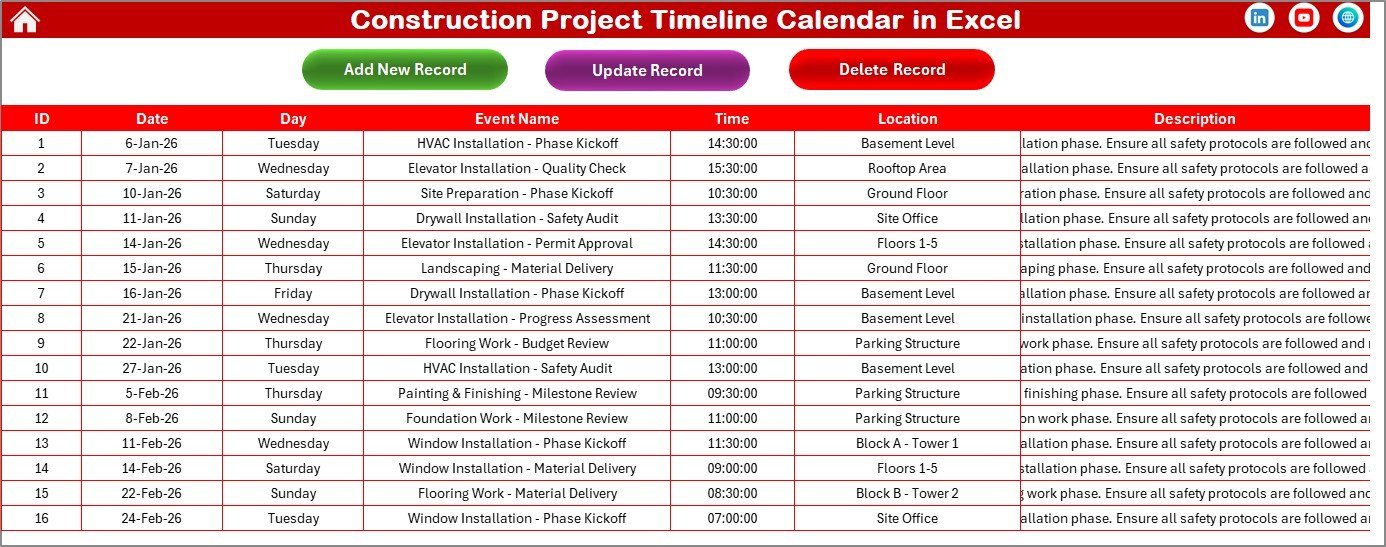
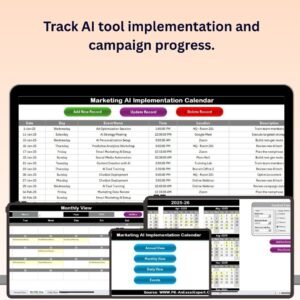
📅 Events Sheet Tab: The heart of your calendar where all event information is stored and managed. Each event entry includes an auto-generated ID, date, day, event name, time, location, and a short description. Manage your records efficiently by adding, updating, or deleting entries with easy-to-use buttons.
What’s Inside the Construction Project Timeline Calendar in Excel
- 📌 Five comprehensive worksheets: Home, Annual View, Monthly View, Daily View, and Events database.
- 📌 Annual calendar with customizable year, starting month, and weekday settings.
- 📌 Five color themes to tailor your calendar’s look and feel.
- 📌 Highlight specific weekdays or event dates for enhanced visibility.
- 📌 Easy-to-use buttons for adding and viewing events across all views.
- 📌 Event management system with add, update, and delete functionality.
- 📌 Visual indicators for multiple events on the same date in monthly view.
- 📌 User-friendly forms to input event details quickly and efficiently.
How to Use the Construction Project Timeline Calendar in Excel
🚀 Start with the Home sheet to navigate between different calendar views.
🚀 In the Annual View, select the year and starting month to generate the yearly calendar automatically. Customize your calendar’s look using the theme options and highlight important days or weekends.
🚀 To add an event, simply select a date on any calendar view and click the Add New Event button. Fill out the event details in the form and submit. The event will instantly appear on all relevant calendar views.
🚀 Use the Show Event button to view all events scheduled for a particular date.
🚀 For detailed event listings, switch to the Daily View and select your date range. Refresh to update the list as needed.
🚀 Manage your events centrally in the Events sheet where you can add new records, update existing ones, or delete outdated events with ease.
Who Can Benefit from This Construction Project Timeline Calendar in Excel
👷♂️ Construction Managers & Supervisors: Plan, monitor, and track project milestones efficiently.
🏗️ Project Teams: Coordinate tasks and deadlines while ensuring everyone stays on the same page.
📅 Contractors & Subcontractors: Manage timelines and schedule resources effectively.
🏢 Architects & Engineers: Align project phases with accurate event tracking and scheduling.
📈 Business Owners: Gain full visibility into project progress and key dates to make informed decisions.
🎯 Event Planners & Coordinators: Adapt the calendar to manage multiple construction-related events seamlessly.
This Construction Project Timeline Calendar in Excel is your all-in-one digital assistant to keep your construction projects organized, on schedule, and transparent.
Click here to Read detailed blog post
Visit our YouTube channel to learn step-by-step video tutorials
Construction Project Timeline Calendar in Excel
Annual View Sheet tab

Monthly View Sheet tab

Daily View Sheet tab

Events Sheet tab












Reviews
There are no reviews yet.