

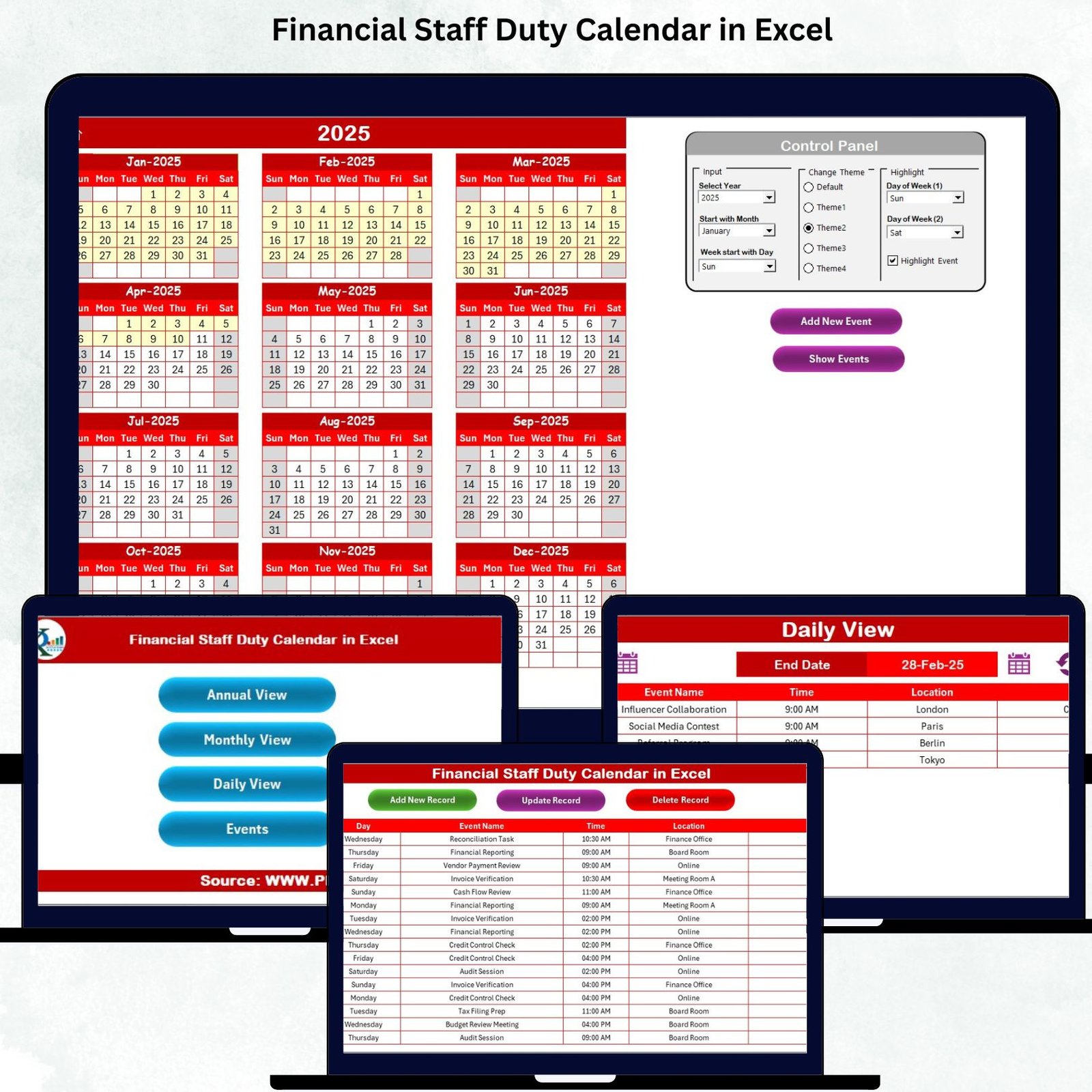

Managing a finance department means dealing with daily deadlines, compliance tasks, reporting cycles, audits, payroll, reconciliations, and countless moving parts. When responsibilities grow but tracking remains manual, teams face delays, confusion, and unnecessary stress. That’s exactly why the Financial Staff Duty Calendar in Excel is a game-changing productivity tool. It brings clarity, structure, and accountability into your finance operations—without needing any advanced software.
This ready-to-use Excel template helps finance teams plan, track, and manage every duty across annual, monthly, and daily timelines. With built-in features, automated navigation buttons, a complete event database, custom themes, and quick event forms, this calendar becomes your team’s centralized command center for smooth financial operations.
Whether you manage reporting deadlines, tax submissions, audit schedules, invoice approvals, or team duty allocations, this calendar gives your department a single source of truth that keeps everyone aligned.Financial Staff Duty Calendar in Excel
✨ Key Features of the Financial Staff Duty Calendar in Excel
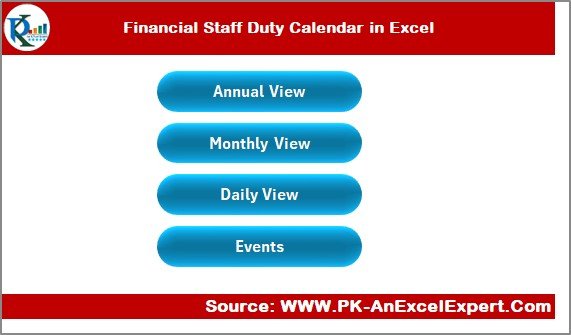
📌 1. Easy Navigation Panel
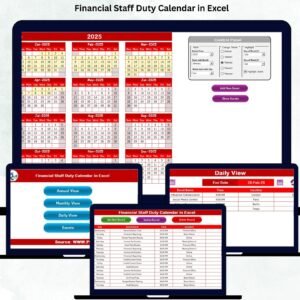
Jump instantly between Annual View, Monthly View, Daily View, and Events using ready-made buttons. No scrolling, no searching—just fast access.
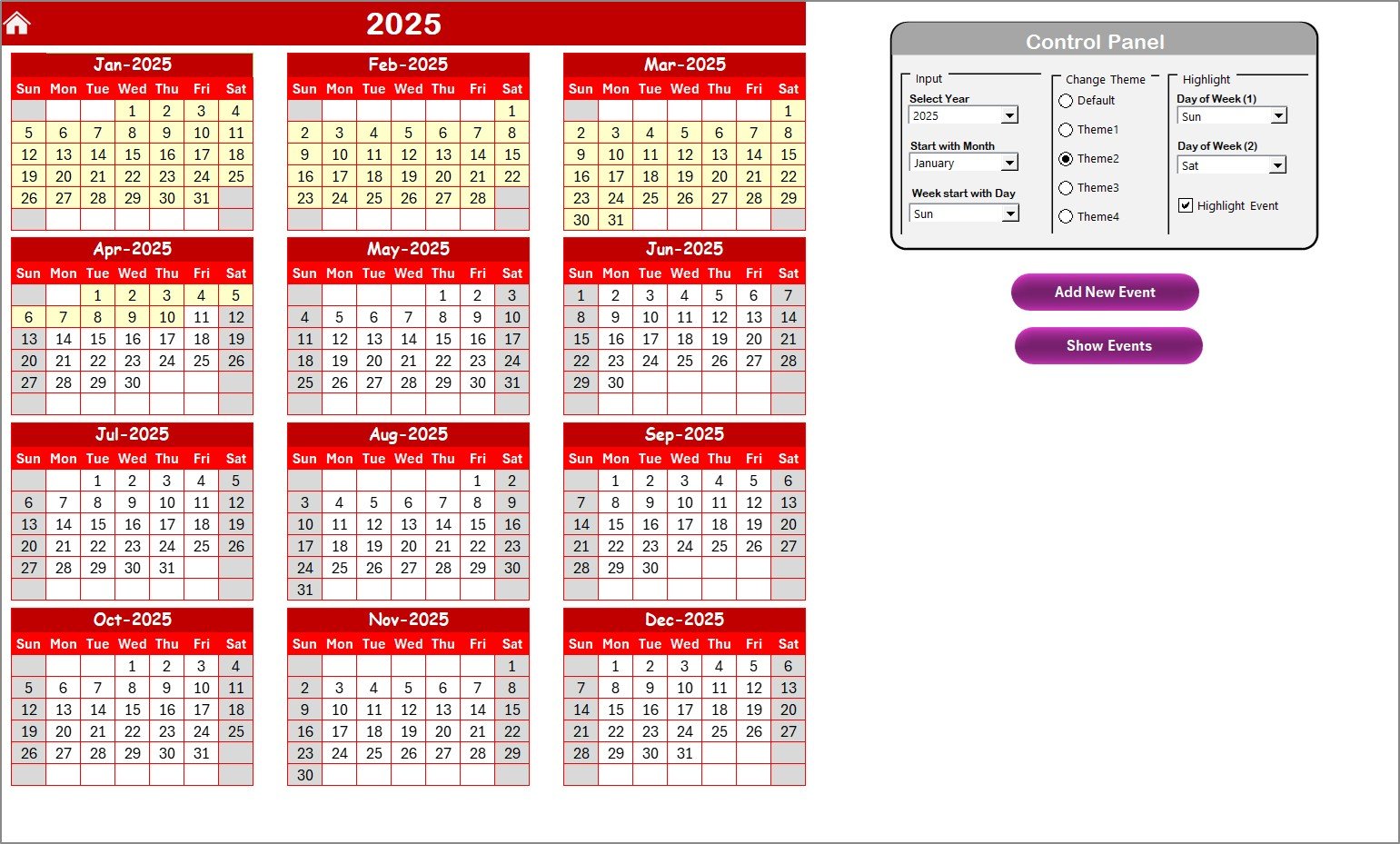
📌 2. Annual Calendar With Full Control Panel
View all 12 months at once and customize:
Year
Starting Month
Start Day of Week
Theme Colors (5 themes available)
Highlighting for Weekends & Event Days
Financial Staff Duty Calendar in Excel
Perfect for planning audits, compliance cycles, and year-end activities.
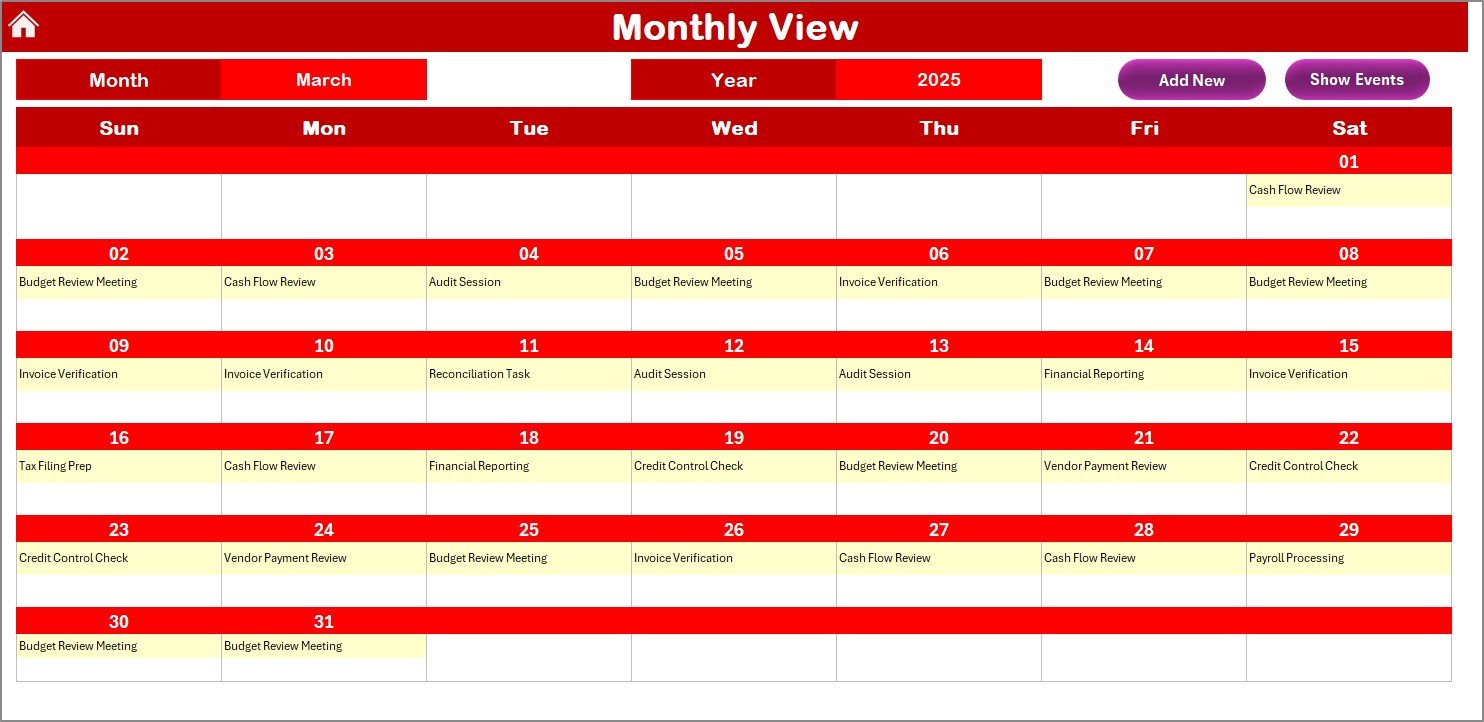
📌 3. Monthly Duty Planner
A clean, dynamic layout that updates the monthly view with:
Visible daily duties
“More than 1…” indicator for multiple events
Add/View event buttons
Ideal for tracking payroll, tax cycles, approvals, and closing schedules.
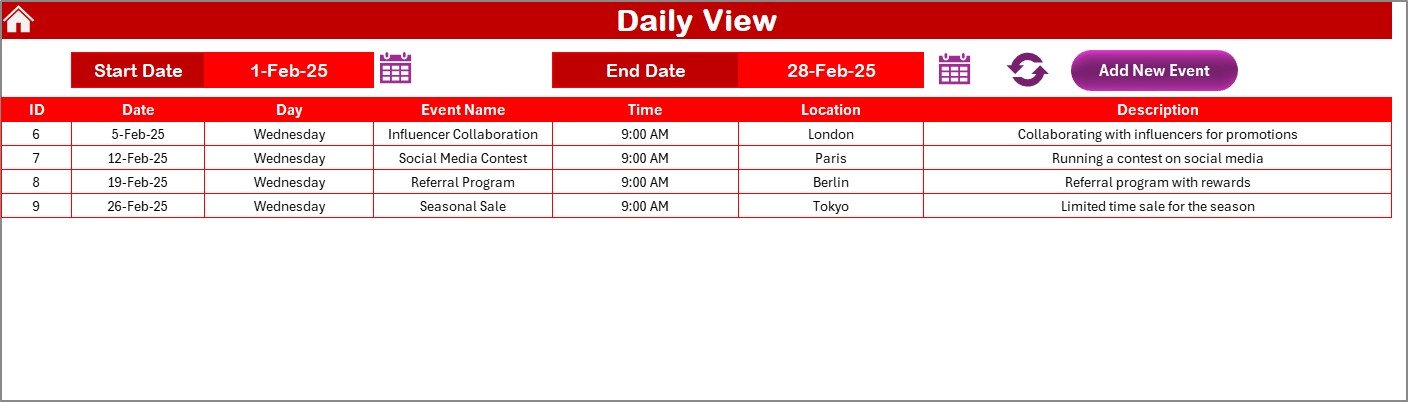
📌 4. Daily View for Date-Range Planning
Select a start and end date to instantly see all duties within the chosen period. Great for:
Audit weeks
Month-end closings
Vendor payment cycles
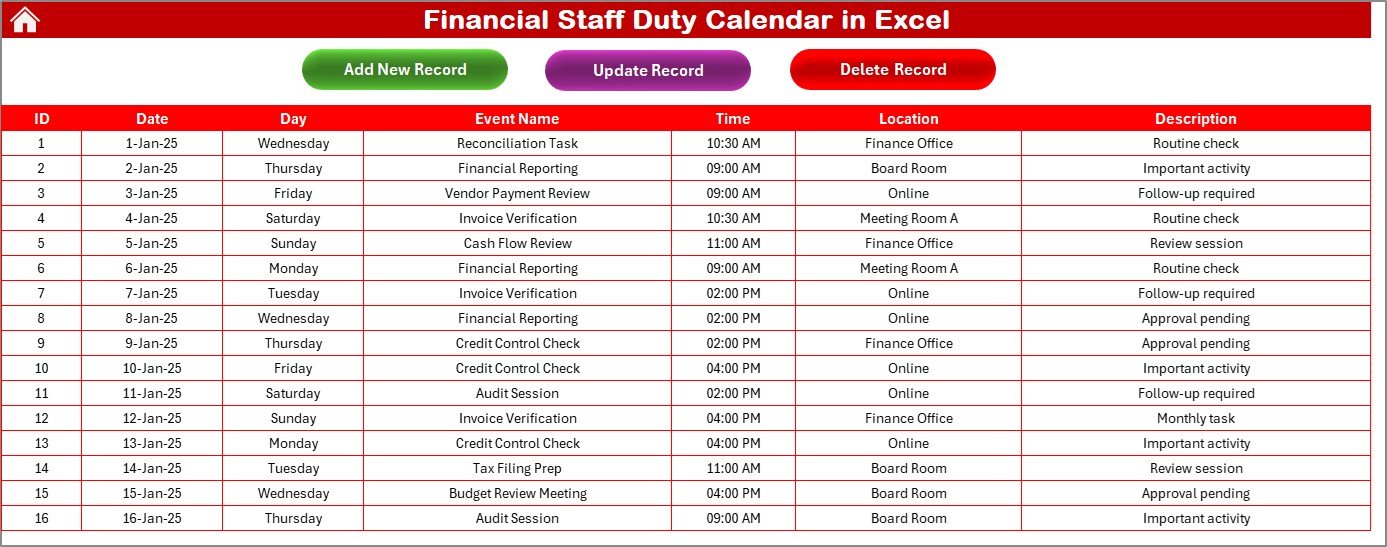
📌 5. Events Database (Master Table)
Stores complete duty records with:
Auto ID
Date
Event Name
Time
Location
Description
Includes Add, Update, and Delete buttons for full control.
📦 What’s Inside the Financial Staff Duty Calendar in Excel
Inside the file, you get a fully automated and professionally designed Excel system containing:
Home Sheet (Quick Navigation Hub)
Annual View Calendar with Theme & Highlight Controls
Monthly View Calendar with Instant Filters
Daily View Duty Planner
Events Database with Add/Update/Delete Forms
Fully editable and customizable fields
Built-in macros for fast event handling
Color-coded highlights for better visibility
Everything is designed to help your finance team stay organized, informed, and ahead of every deadline.
📝 How to Use the Financial Staff Duty Calendar in Excel
Using this tool is extremely simple—even for Excel beginners:
🔹 Step 1 — Go to the Home Sheet
Click any of the 4 navigation buttons to visit the desired view.
🔹 Step 2 — Set the Year & Month
Use the Control Panel to choose:
Year
Starting month
Week start day
🔹 Step 3 — Add Duties & Events
Use the Add Event button on any sheet to enter details using the input form.
🔹 Step 4 — Monitor Duties Daily, Monthly & Annually
Use:
Annual View for long-term planning
Monthly View for detailed tasks
Daily View for short-range duties
🔹 Step 5 — Update or Delete Duties Anytime
Manage all records easily from the Events Sheet.
This template makes duty management organized, fast, and error-free.
🎯 Who Can Benefit from This Financial Staff Duty Calendar in Excel
This product is ideal for:
👨💼 Finance Managers
Track team duties, deadlines, and workloads at a glance.
🧑💻 Accountants
Stay on top of reporting tasks, month-end closing, and reconciliations.
🧾 Tax & Compliance Teams
Never miss filing dates or statutory deadlines again.
🏦 Corporate Finance Departments
Plan audits, budgeting cycles, and year-end closures effectively.
🧑🤝🧑 Finance Teams in SMEs & Enterprises
Improve coordination, accountability, and communication.
📚 Students & Learners
Understand real-world finance scheduling workflows.
In short—anyone handling recurring finance duties will benefit immensely from this template.
### Click here to read the Detailed Blog Post
Watch the step-by-step video tutorial:
Visit our YouTube channel to learn step-by-step video tutorials —
👉 YouTube.com/@PKAnExcelExpert
Compatibility and Requirements
- Works in Microsoft Excel desktop on Windows with macros enabled. The Add, Update and Delete event buttons run on macros, so the file does not run in Excel for the web, Google Sheets or mobile apps.
- Microsoft explains how to turn macros on in Enable or disable macros in Microsoft 365 files.
Frequently Asked Questions
Which views does the calendar include?
It has a Home sheet with navigation buttons, an Annual View, a Monthly View, a Daily View and an Events database sheet.
What can I change in the Annual View?
You can set the year, the starting month and the start day of the week. You can also pick one of 5 color themes and turn on highlighting for weekends and event days.
How do I add a duty to the calendar?
Click the Add Event button on any sheet and fill in the input form. Each record stores an auto ID, date, event name, time, location and description.
Can I edit or delete a duty later?
Yes. The Events sheet has Add, Update and Delete buttons, so you can change or remove any record.
What happens when a day has more than one duty?
The Monthly View shows a “More than 1…” indicator on that day, and you can open the events from the view buttons.
Related Finance and Calendar Templates
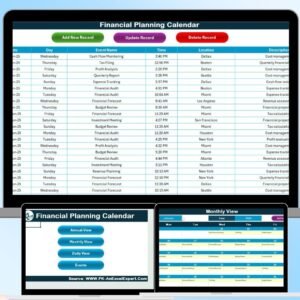
- Financial Planning Calendar in Excel: a calendar for planning finance activities
- Financial Audit Calendar in Excel: a calendar for scheduling audits
- Financial Staff Duty Checklist in Excel: a checklist version of the same duties
- Tax Filing Calendar in Excel: a calendar for tax submission dates
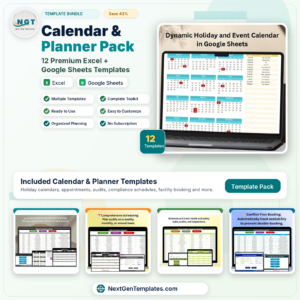
- Calendar & Planner Pack: 12 Excel and Google Sheets calendar and planner templates in one download
Browse all Excel calendar templates.





























Reviews
There are no reviews yet.