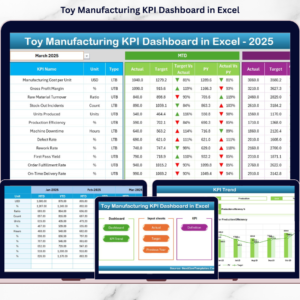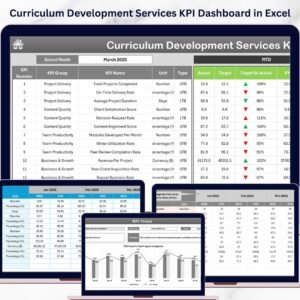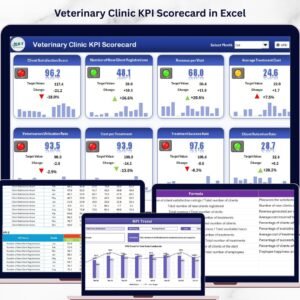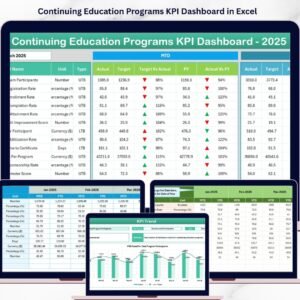

Managing sports equipment manufacturing is not just about producing goods — it is about maintaining efficiency, controlling quality, reducing downtime, and achieving production targets consistently. Without a structured monitoring system, manufacturers often struggle to understand operational performance clearly.
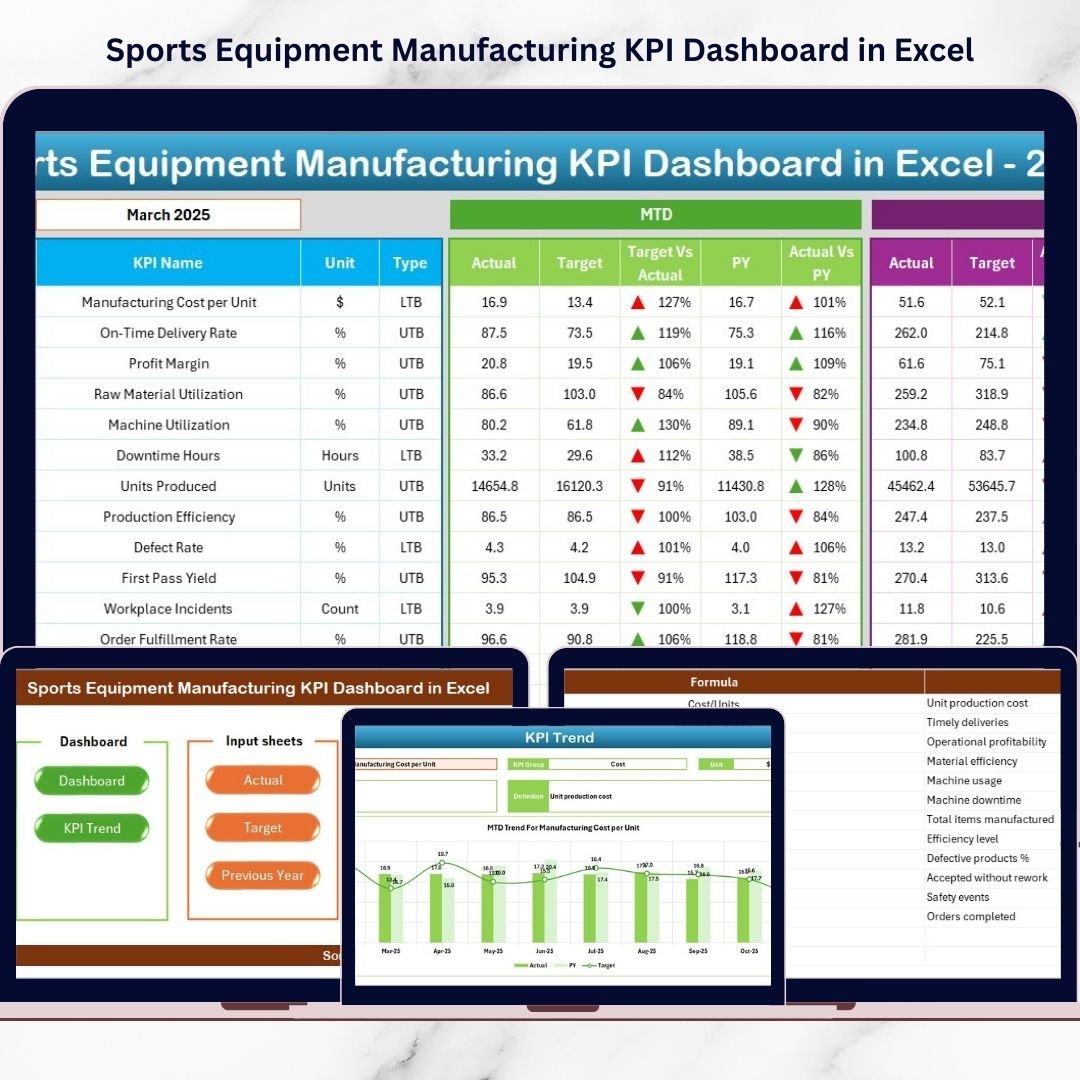
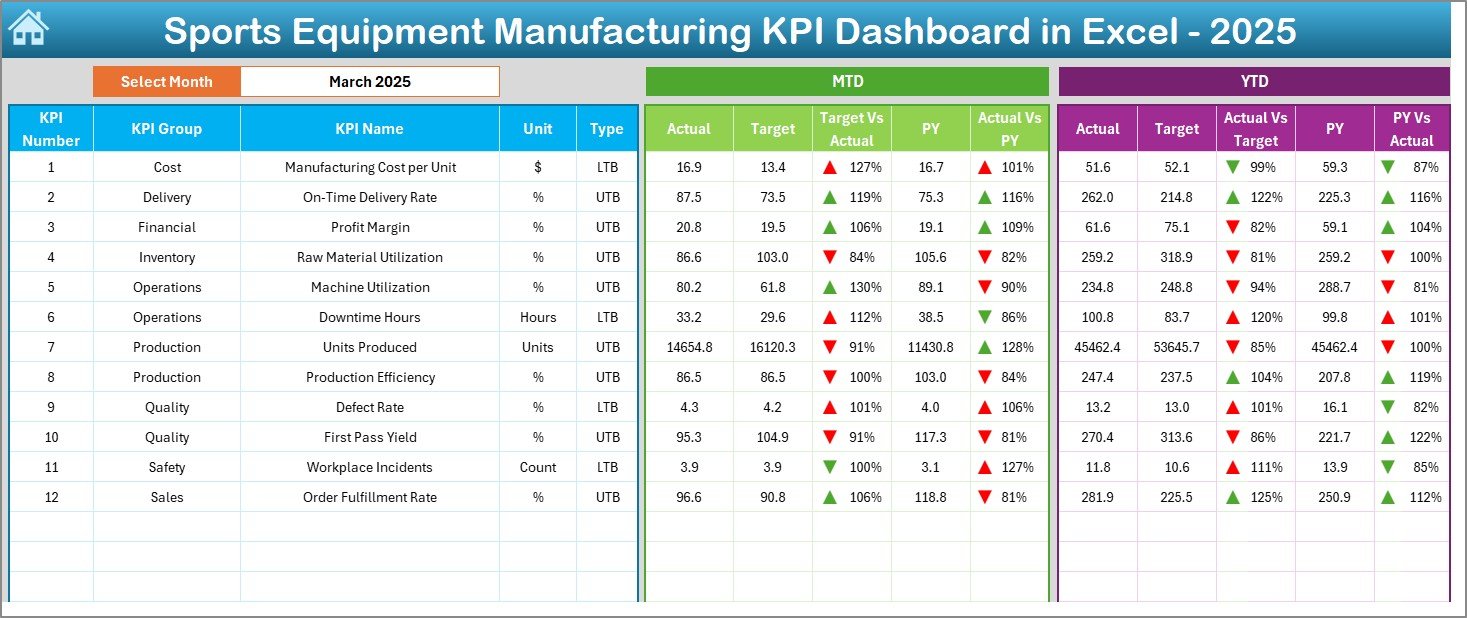
The Sports Equipment Manufacturing KPI Dashboard in Excel is a powerful, ready-to-use performance management tool designed to transform complex manufacturing data into clear, actionable insights. Instead of managing multiple spreadsheets and manual reports, this dashboard centralizes all critical KPIs into one intelligent Excel system.
With automated calculations, visual indicators, and dynamic analysis, decision-makers can instantly evaluate performance, compare targets, and identify improvement opportunities. Whether you manage production lines, quality processes, or operational efficiency, this dashboard helps you make faster and smarter decisions.
🚀 Key Features of Sports Equipment Manufacturing KPI Dashboard in Excel
✅ Interactive dashboard with automated KPI calculations
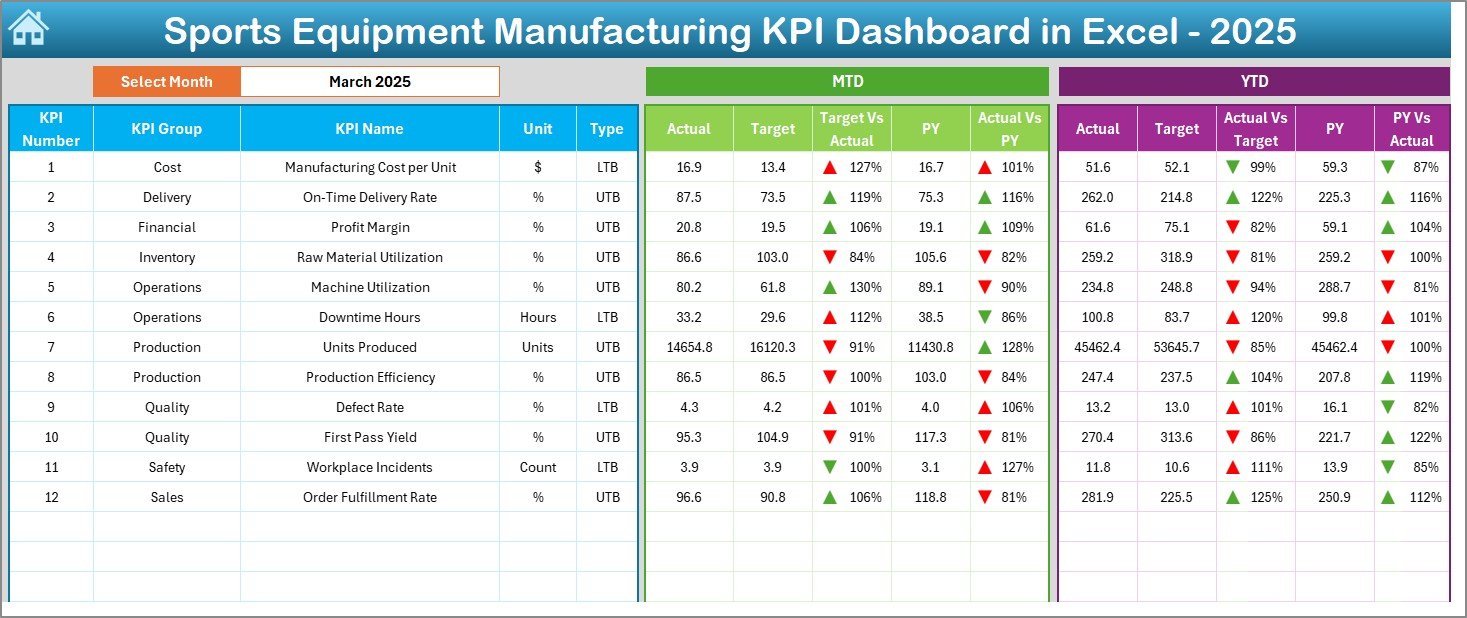
✅ Monthly (MTD) and Year-to-Date (YTD) performance tracking
✅ Actual vs Target and Previous Year comparisons
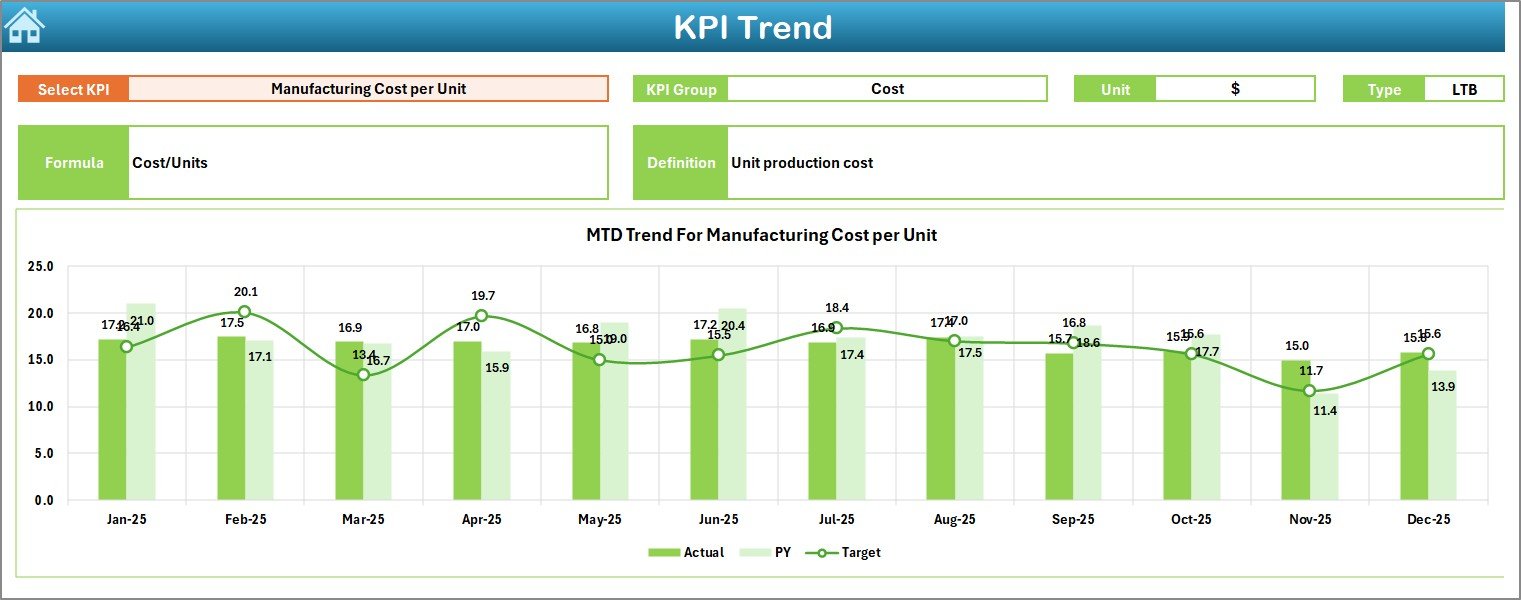
✅ Dropdown-based month and KPI selection
✅ Visual indicators with conditional formatting arrows
✅ Dedicated KPI trend analysis charts
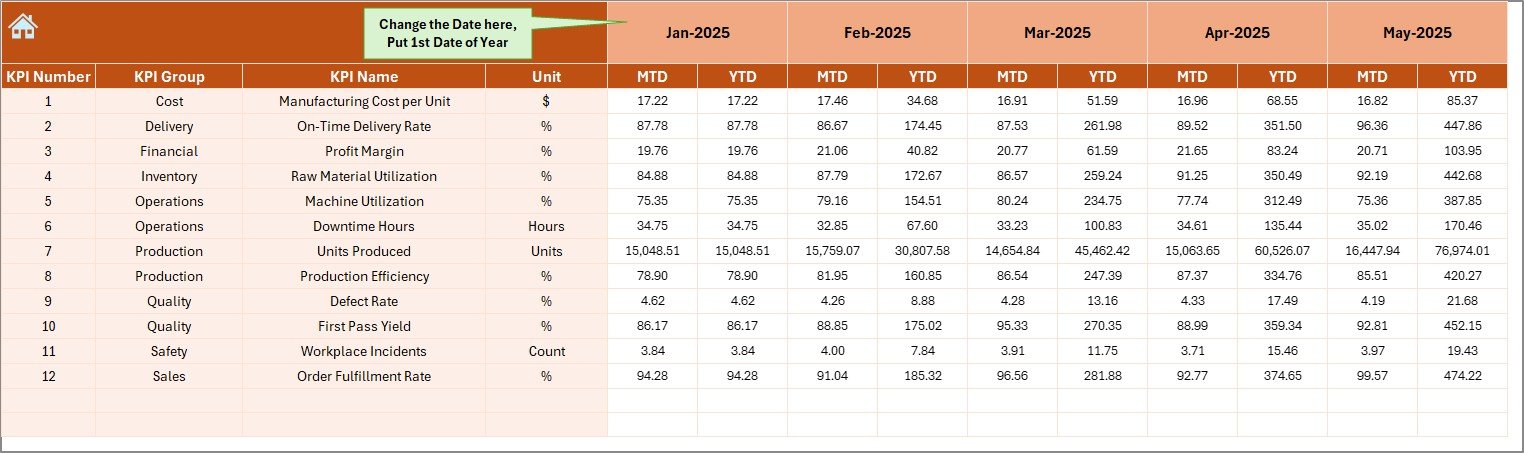
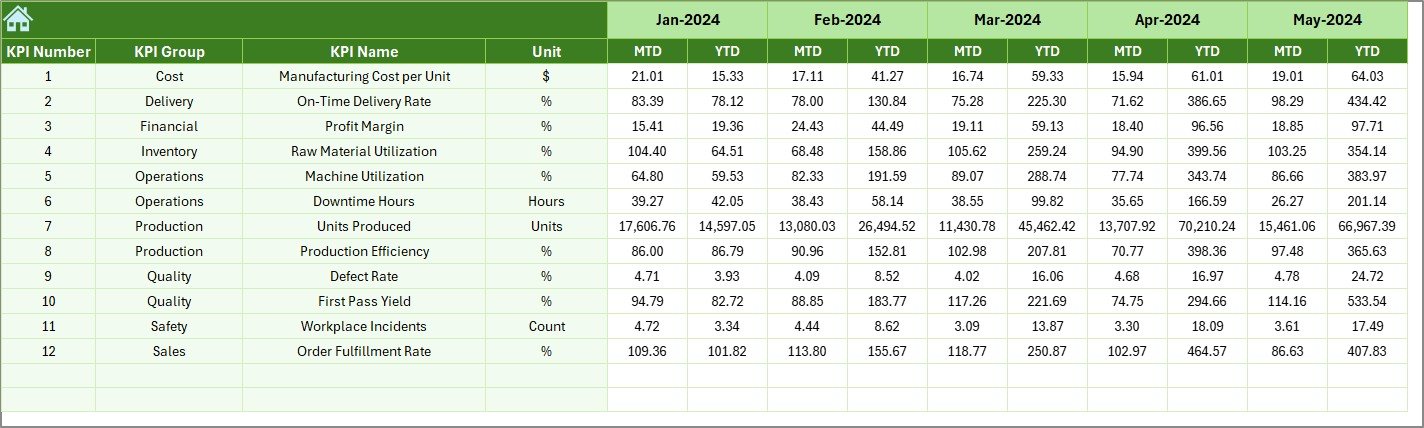
✅ Structured data input sheets for easy updates
✅ Centralized KPI definition documentation
✅ User-friendly navigation buttons for smooth workflow
✅ Fully customizable KPI structure for any manufacturing setup
This dashboard converts raw operational numbers into meaningful visuals that help managers react quickly and confidently.
📦 What’s Inside the Sports Equipment Manufacturing KPI Dashboard in Excel
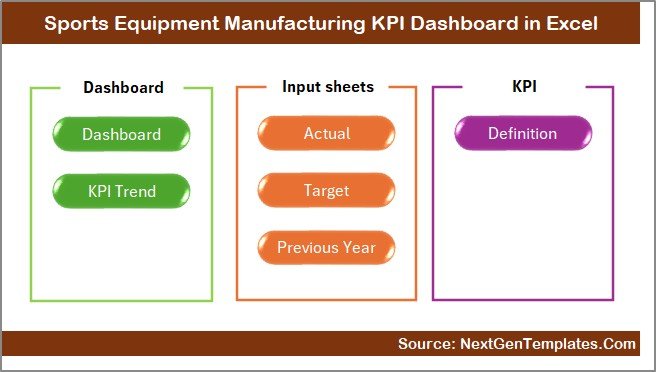
The template includes multiple professionally designed worksheets working together as a complete monitoring system:
📊 Summary Page – Navigation hub for instant sheet access
📈 Dashboard Sheet – Main KPI performance overview
📉 Trend Sheet – Deep KPI performance analysis with charts
🧾 Actual Numbers Sheet – Monthly operational data entry area
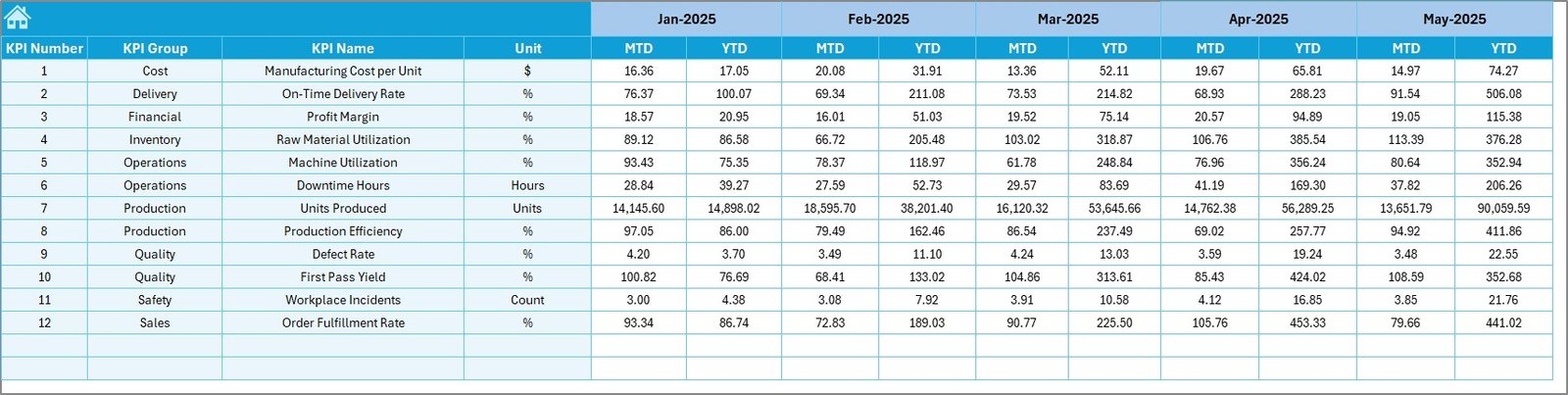
🎯 Target Sheet – Performance goal management
📅 Previous Year Sheet – Historical benchmarking analysis
📘 KPI Definition Sheet – KPI formulas, units, and explanations
Each sheet is logically structured so users can operate the system without technical expertise.
⚙️ How to Use the Sports Equipment Manufacturing KPI Dashboard in Excel
Using the dashboard is simple and efficient:
1️⃣ Enter monthly actual values in the Actual Numbers sheet
2️⃣ Define targets in the Target sheet
3️⃣ Add previous-year data for benchmarking
4️⃣ Select the reporting month from the dropdown menu
5️⃣ View automated KPI insights instantly on the dashboard
All charts, indicators, and comparisons update automatically — no manual calculations required.
👥 Who Can Benefit from This Sports Equipment Manufacturing KPI Dashboard in Excel
This dashboard is ideal for professionals who need clear manufacturing insights:
🏭 Production Managers monitoring output efficiency
⚙️ Plant Supervisors tracking machine utilization
📊 Operations Heads analyzing performance trends
✅ Quality Managers reducing defect rates
💼 Business Owners improving profitability
📦 Manufacturing Analysts managing KPI reporting
Whether you operate a small manufacturing unit or a large production facility, this dashboard adapts easily to your workflow.
By implementing this KPI dashboard, organizations gain centralized performance visibility, faster decision-making, and improved accountability across departments. Instead of reacting to problems late, teams can proactively improve operations using real-time insights.
Excel’s powerful features — formulas, charts, dropdowns, and conditional formatting — make this dashboard a cost-effective alternative to expensive analytics software while still delivering professional results.
If you want to streamline reporting, improve productivity, and monitor manufacturing performance in one place, this dashboard provides the perfect solution.
Click here to read the Detailed blog post
Watch the step-by-step video tutorial: