
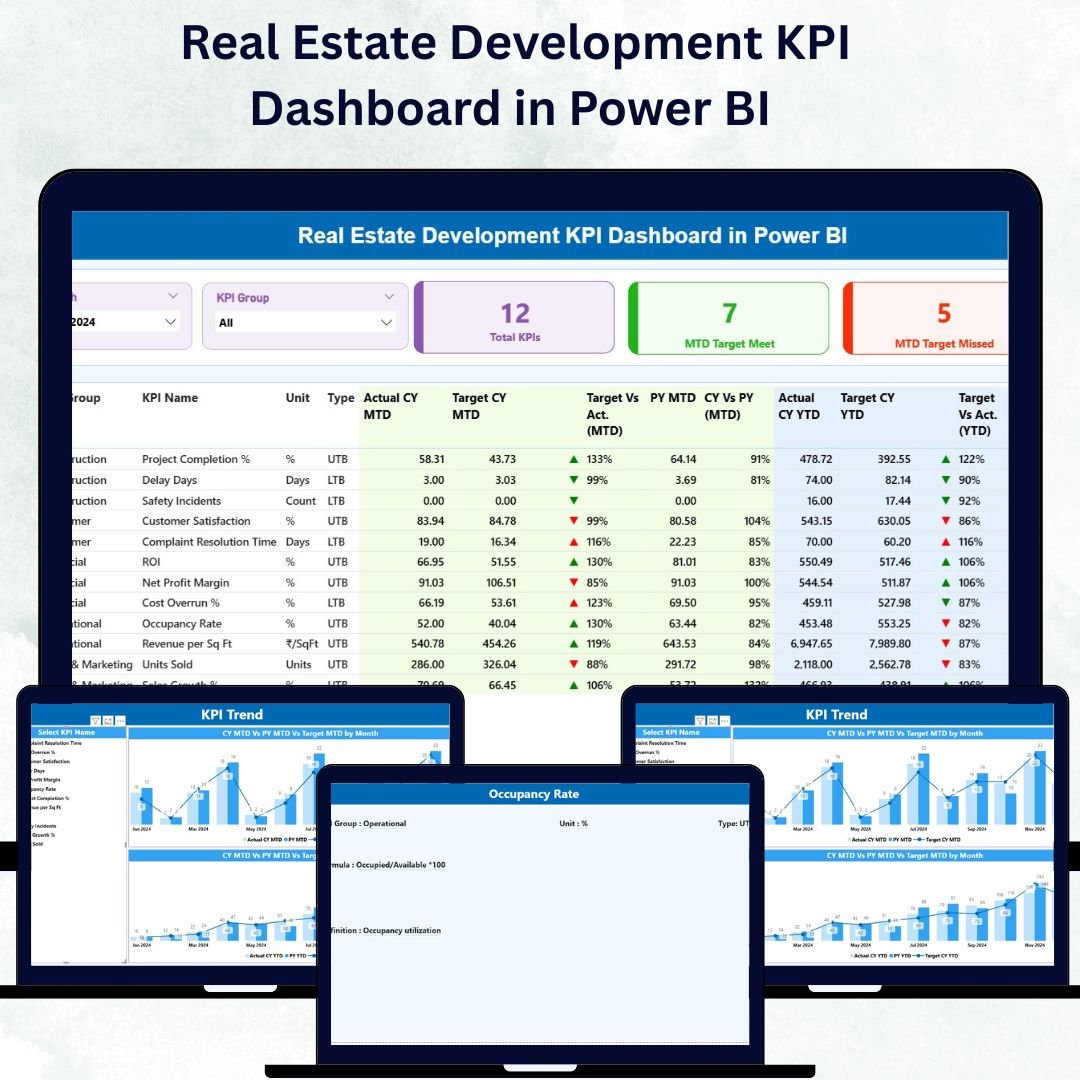
In the fast-paced world of real-estate development, data is everything. From project budgets and timelines to occupancy rates and ROI, decisions depend on accurate, real-time insights. But managing multiple spreadsheets and reports manually can slow you down — leading to missed deadlines and costly mistakes.
That’s where the Real Estate Development KPI Dashboard in Power BI transforms how you work 🏢📊.
This ready-to-use dashboard gives developers, investors, and project managers a unified visual platform to monitor performance across every stage — planning, construction, and sales. Built in Power BI and powered by Excel data, it connects, cleans, and visualizes information automatically — turning raw figures into interactive insights you can trust.
Whether you manage one property or a portfolio of developments, this dashboard ensures every metric is measurable, transparent, and actionable.
⚙️ Key Features of the Real Estate Development KPI Dashboard in Power BI
📊 3 Interactive Pages – Summary, KPI Trend & KPI Definition.
🎯 Dynamic Slicers – Filter by Month and KPI Group instantly.
📈 MTD & YTD Tracking – View Month-to-Date and Year-to-Date performance.
🟢 Visual Cards & Color Indicators – See targets met or missed at a glance.
🔍 Drill-Through Insights – Access formulas and definitions for every KPI.
💡 Excel Data Integration – Simple to update and refresh with one click.
🏗️ Real-Estate Specific KPIs – Cost variance, completion rate, ROI, sales performance, and occupancy.
⚙️ Customizable Structure – Add new KPIs or visuals to match your project needs.
💰 Scalable & Shareable – Works for small developers and large investment groups alike.
📦 What’s Inside the Dashboard Template
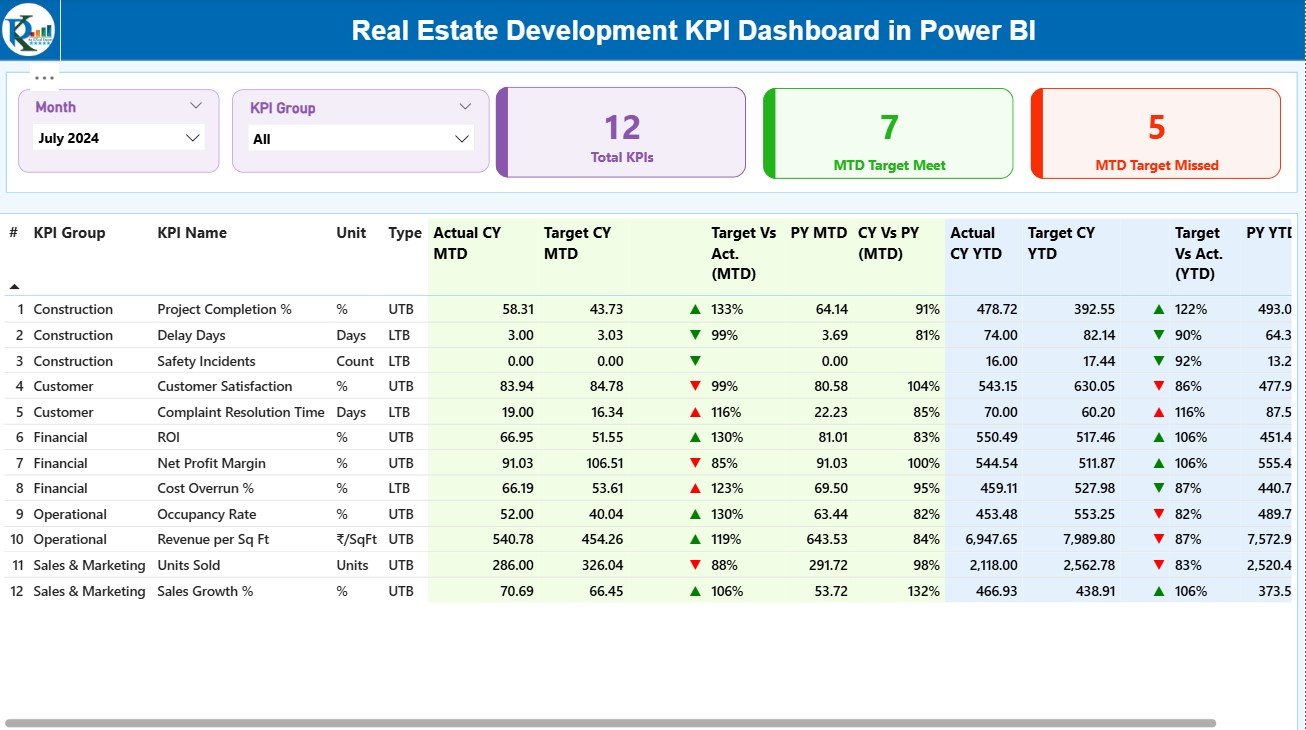
1️⃣ Summary Page – Your Performance Command Center
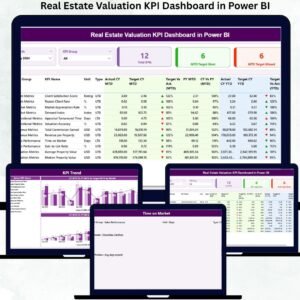
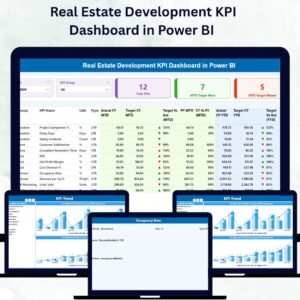
This main page consolidates every key indicator into one dashboard.
-
Month & KPI Group Slicers: Filter data by time and category.
-
Top 3 Cards: Total KPIs Tracked | MTD Targets Met | MTD Targets Missed.
-
Comprehensive KPI Table: Shows Actual, Target, and Previous Year numbers for both MTD and YTD along with arrows and color signals for quick interpretation.
It’s your all-in-one dashboard for construction progress, sales growth, and budget efficiency.
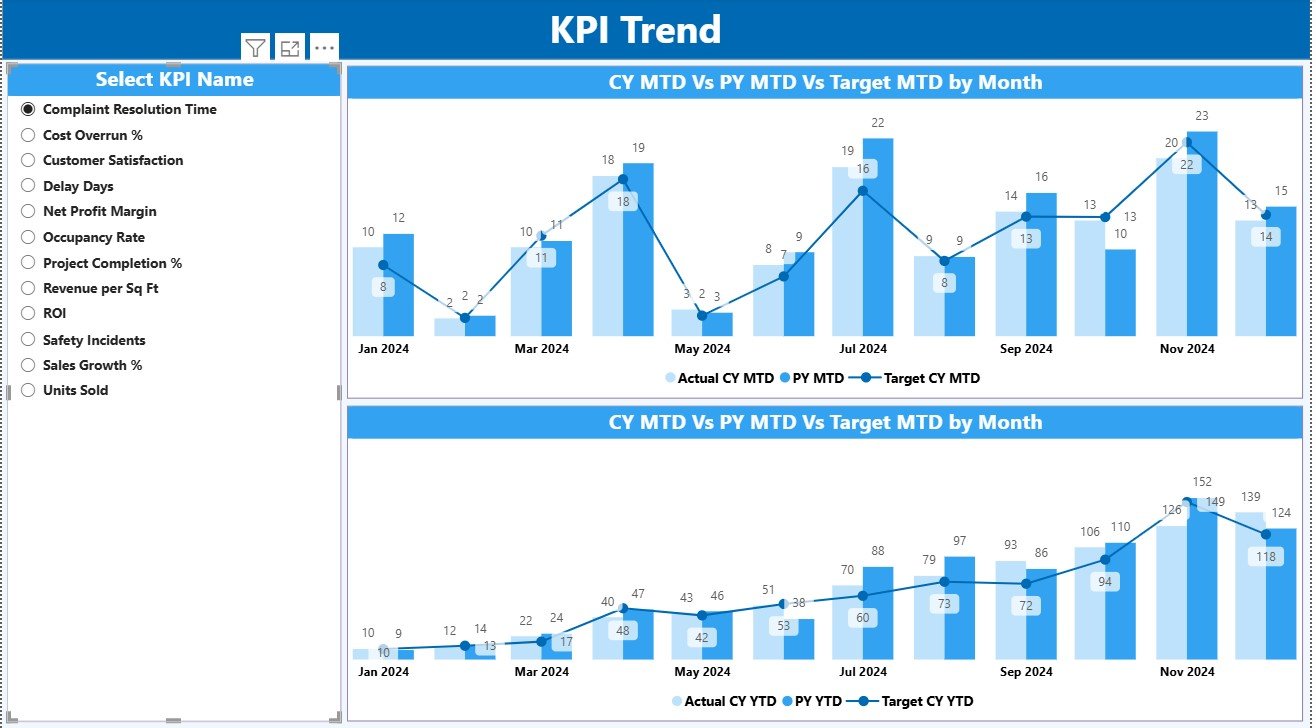
2️⃣ KPI Trend Page – Visualize Performance Over Time
Analyze short-term and long-term movements with ease.
-
Select any KPI from the slicer.
-
Two combo charts display Actual vs Target vs Previous Year for MTD and YTD.
-
Instantly see which KPIs are rising or falling.
Perfect for tracking cost trends, project timelines, and return ratios 📈.
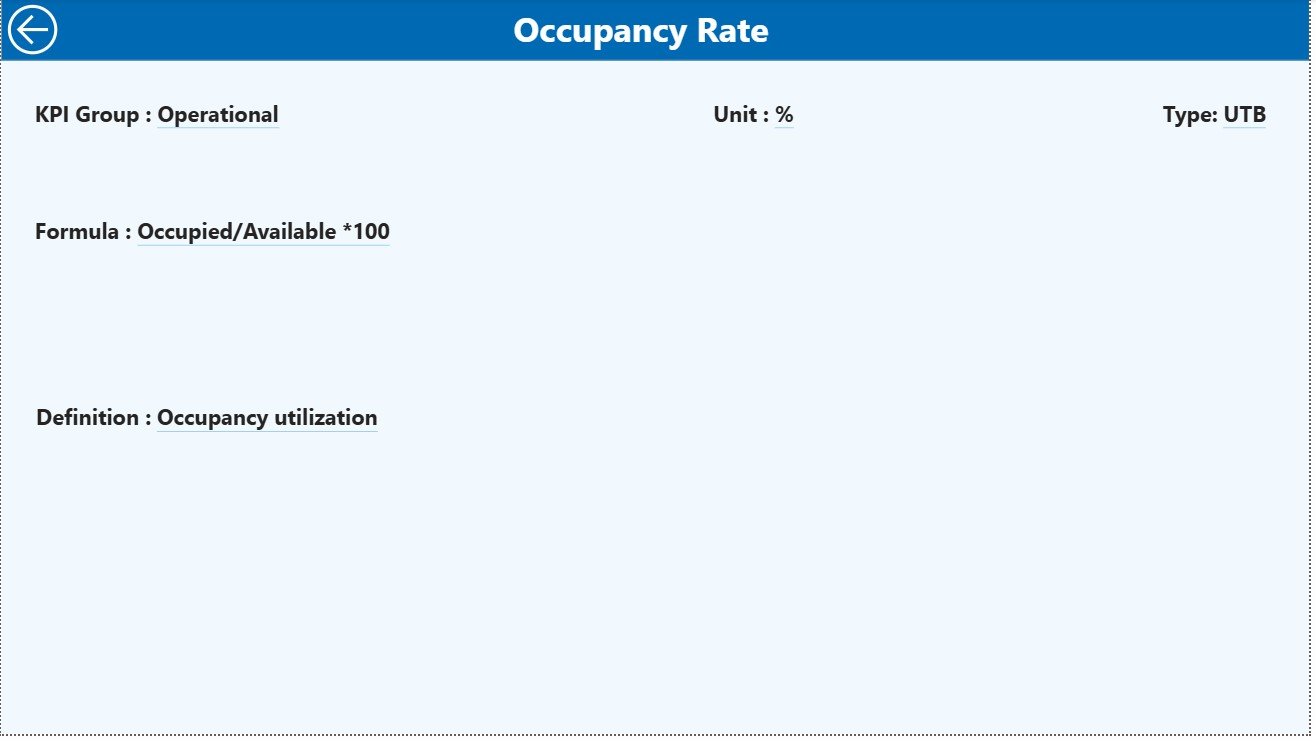
3️⃣ KPI Definition Page – Your Reference Library
Access detailed definitions, formulas, and calculation logic for each KPI.
A built-in Back Button brings you to the Summary Page for seamless navigation.
This ensures clarity and standardization for teams across finance, sales, and construction.
💡 Why Real-Estate Developers Need This Dashboard
🏢 Centralized Control: View financial, operational, and sales KPIs together.
📊 Visual Decision-Making: Understand complex data through color and charts.
🧱 Project Accountability: Monitor progress and performance at each milestone.
💰 Improved Profitability: Identify delays and cost overruns early.
📆 Faster Reporting: No more manual spreadsheets — everything updates automatically.
🌟 Advantages of the Real Estate Development KPI Dashboard in Power BI
✅ Real-Time Performance Tracking – MTD and YTD metrics update instantly.
✅ Clear Visualization – Charts simplify multi-layered data.
✅ Enhanced Accuracy – Eliminate human errors through automated formulas.
✅ Data Integration – Pull from Excel, SQL, or SharePoint seamlessly.
✅ Customization – Add new KPIs or visuals as projects evolve.
✅ Drill-Through Transparency – Know exactly how each metric is calculated.
✅ Scalability – Track multiple projects across locations with ease.
🧭 How to Use the Dashboard
1️⃣ Prepare Your Data: Enter Actuals, Targets, and KPI Definitions in Excel.
2️⃣ Load Into Power BI: Connect and refresh data with a single click.
3️⃣ Explore the Summary Page: Analyze KPI performance with filters.
4️⃣ Dive Into Trends: Use the KPI Trend page to see month-by-month progress.
5️⃣ Drill Through: Check definitions and formulas for clarity and consistency.
👥 Who Can Benefit from This Dashboard
-
Real Estate Developers 🏗️
-
Construction Project Managers 📋
-
Property Investors 🏢
-
Sales and Marketing Teams 💼
-
Financial Analysts & Planners 📊
Whether you’re managing residential, commercial, or mixed-use projects, this dashboard simplifies tracking, ensures accountability, and enhances transparency.
🧠 Conclusion
The Real Estate Development KPI Dashboard in Power BI revolutionizes how real-estate professionals monitor, analyze, and report performance.
By combining Power BI’s visualization power with Excel’s data flexibility, you gain real-time insight into your projects — from foundation to completion.
Stay ahead of delays, improve cash-flow visibility, and deliver stronger ROI with this all-in-one performance-tracking system.
Start using it today and transform your real-estate operations with the power of analytics 🏠💡.

Reviews
There are no reviews yet.