

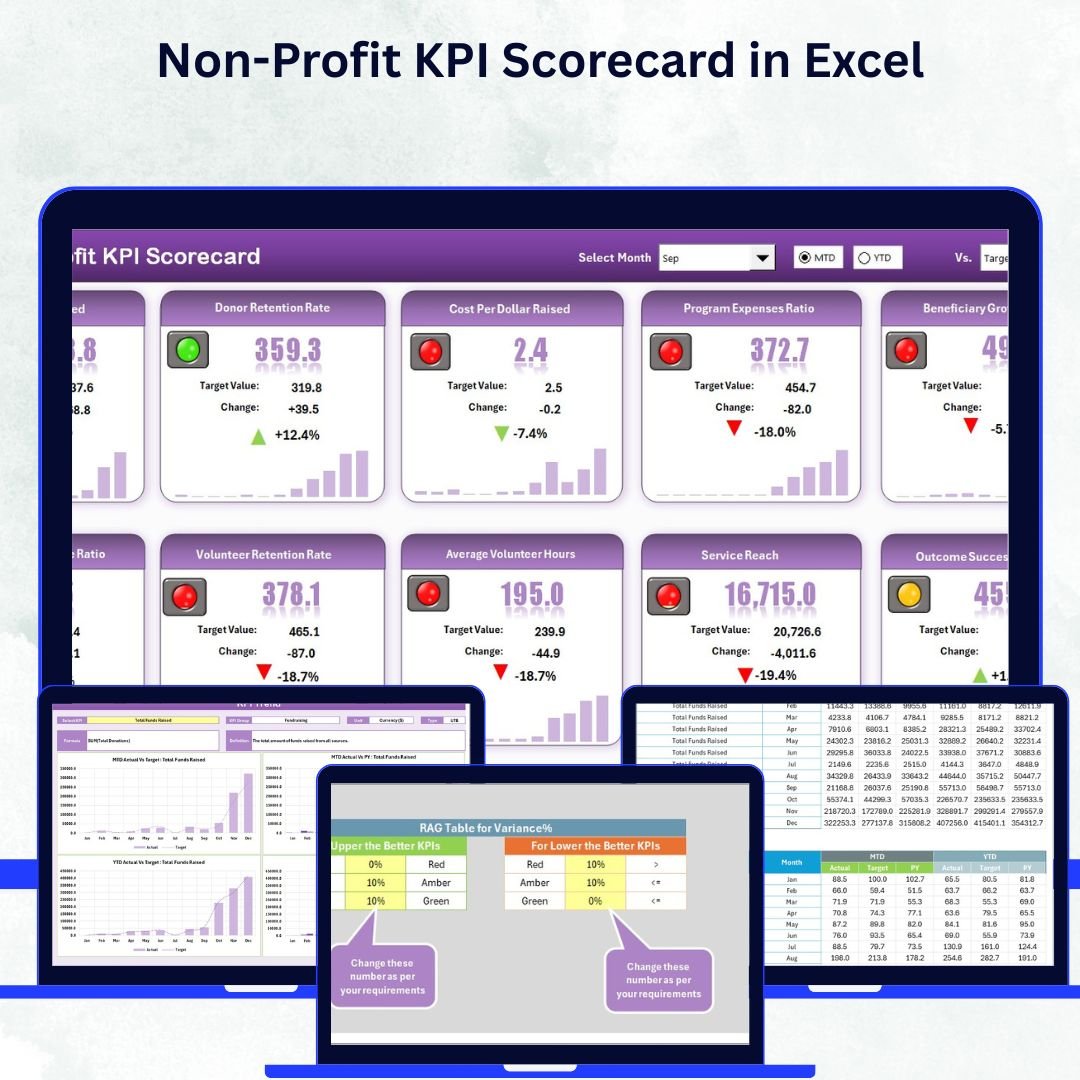


In the mission-driven world of non-profit organizations, impact matters more than profit — but data still drives decisions. The Non-Profit KPI Scorecard in Excel empowers non-profits to measure success, manage performance, and communicate impact clearly — all in one easy-to-use, affordable Excel template.
This ready-to-use tool transforms raw data into actionable insights, helping non-profit leaders and teams track progress toward their goals. Whether you’re monitoring donations, volunteer engagement, program outcomes, or operational efficiency, this scorecard gives you a complete performance picture — without needing complex software or technical skills.
With its intuitive design, automated calculations, and dynamic visuals, this Excel scorecard allows you to track Month-to-Date (MTD) and Year-to-Date (YTD) metrics, compare actual vs target values, and visualize trends across time. It’s perfect for NGOs, charities, foundations, and community organizations seeking transparency, accountability, and continuous improvement.
✨ Key Features of the Non-Profit KPI Scorecard in Excel
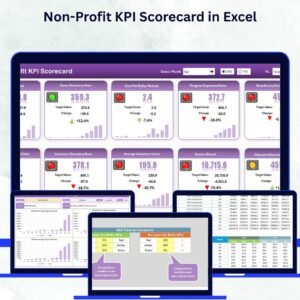
📊 Centralized Dashboard: The Scorecard Sheet provides a high-level overview of all KPIs with MTD and YTD comparisons.
🎯 Actual vs Target Tracking: Instantly identify which objectives are being met and where improvement is needed.
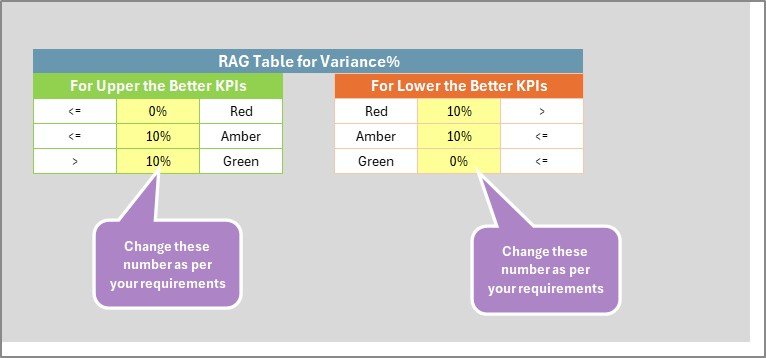
🎨 Color-Coded Indicators: Conditional formatting highlights performance levels — green for success, red for attention.
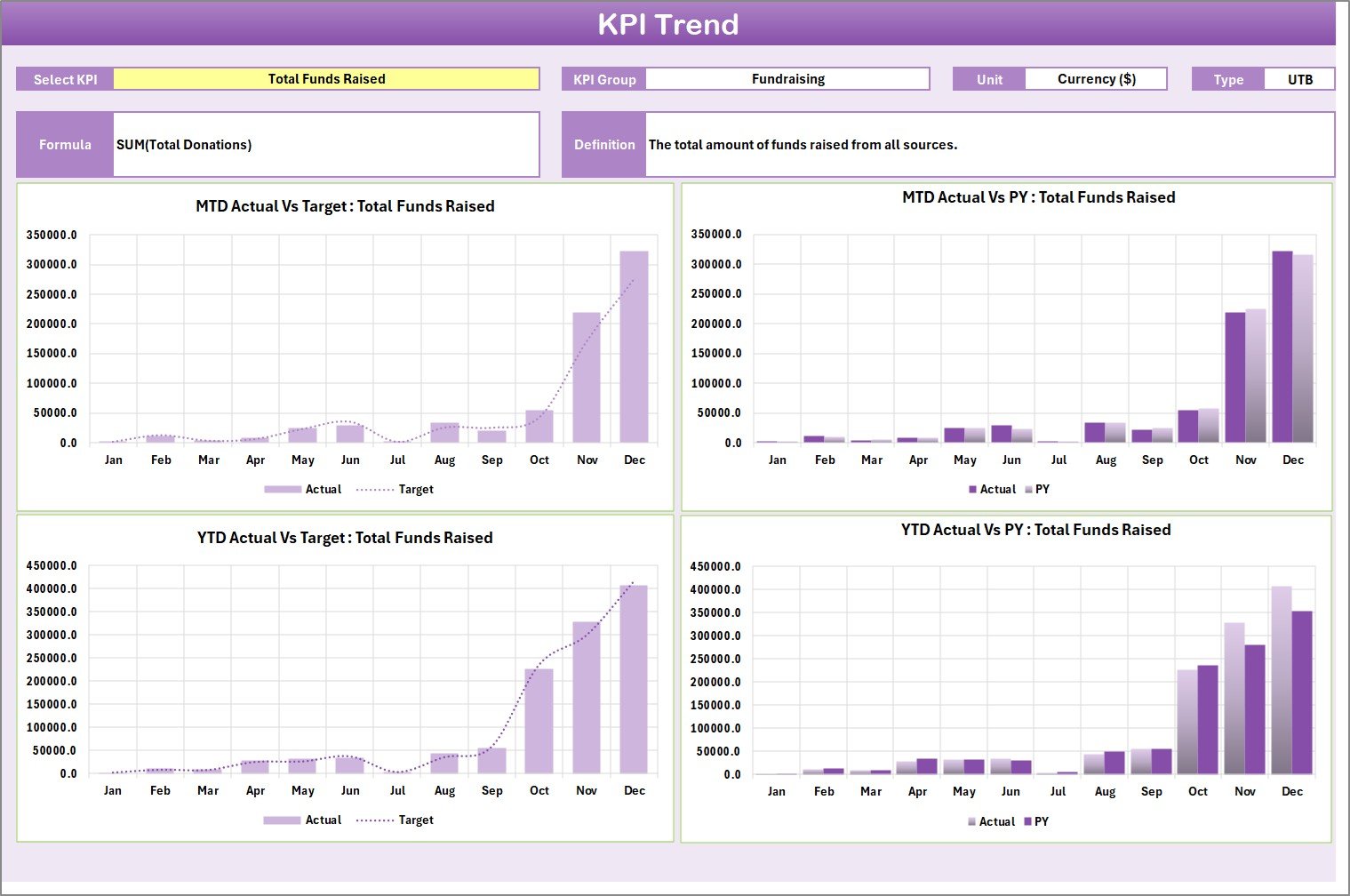
📈 Interactive Trend Analysis: The KPI Trend Sheet allows visual exploration of monthly and yearly performance progress.
🧩 Comprehensive KPI Definition: Includes a reference sheet explaining each KPI’s name, group, unit, and formula.
📅 Flexible Data Input: Input Sheet enables quick data entry and automatic updates across the entire workbook.
💡 Automated Calculations: No manual effort — Excel formulas compute metrics and update dashboards instantly.
📋 Category-Based Tracking: Monitor KPIs across fundraising, volunteer engagement, program impact, and operations.
💰 Cost-Effective: Fully Excel-based — no subscriptions or additional software needed.
📘 What’s Inside the Non-Profit KPI Scorecard in Excel
The template includes four integrated worksheets designed to give you complete visibility and control:
1️⃣ Scorecard Sheet:
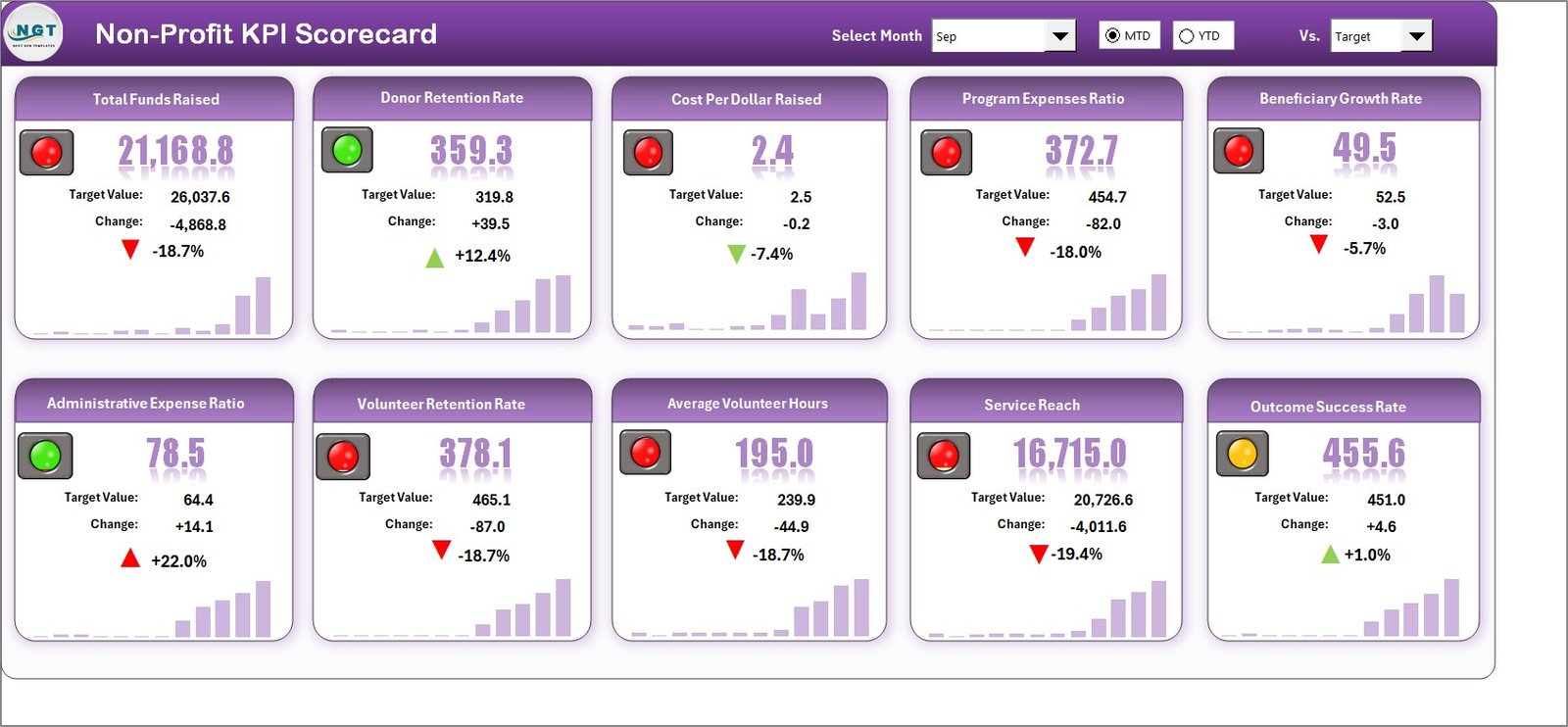
Your main dashboard — with KPI cards, dropdown filters for month and period (MTD/YTD), and color-coded visuals that summarize organizational performance.
2️⃣ KPI Trend Sheet:
Select any KPI to explore its progress over time. Visualize Actual vs Target vs Previous Year data using dynamic charts that highlight performance patterns and trends.
3️⃣ Input Data Sheet:
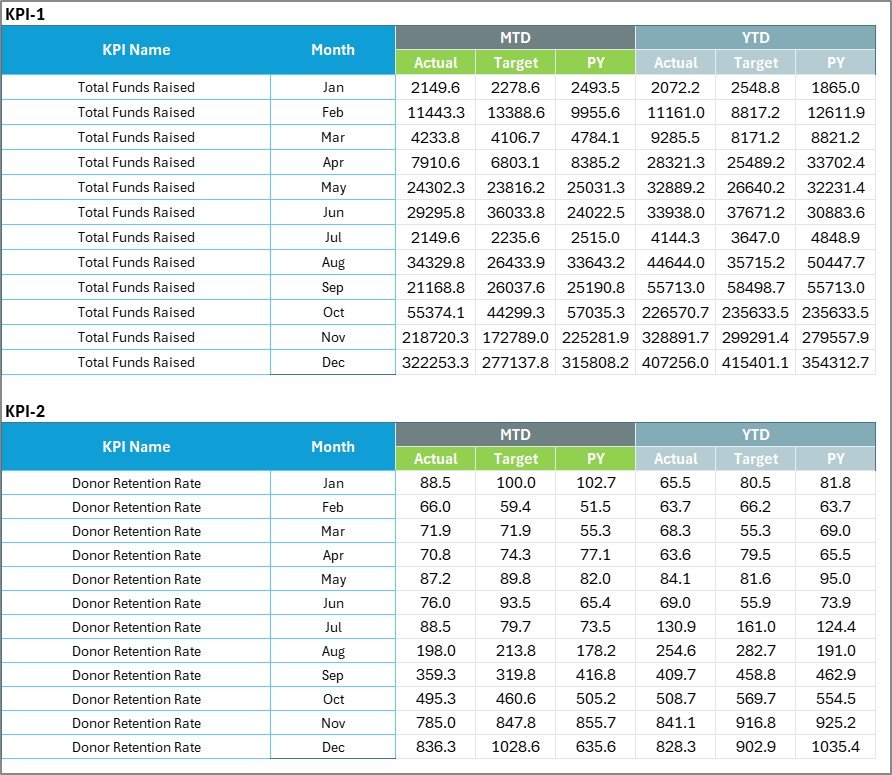
The data engine of your scorecard. Enter your monthly actual and target values here, and watch the rest of the dashboard update automatically.
4️⃣ KPI Definition Sheet:
Provides the foundation for clarity and consistency. Lists each KPI with its group, unit, formula, and definition — ensuring everyone interprets metrics the same way.
This simple yet powerful structure ensures data accuracy, transparency, and meaningful performance analysis at every level.
⚡ How to Use the Non-Profit KPI Scorecard in Excel
✅ Step 1: Define your organization’s KPIs in the KPI Definition Sheet.
✅ Step 2: Enter monthly actual and target data in the Input Data Sheet.
✅ Step 3: Open the Scorecard Sheet to view overall MTD and YTD performance.
✅ Step 4: Use dropdowns to filter by period or specific months.
✅ Step 5: Visit the KPI Trend Sheet to analyze progress visually and identify improvement areas.
All data updates automatically — saving hours of manual reporting time while ensuring accuracy.
👥 Who Can Benefit from the Non-Profit KPI Scorecard in Excel
💚 Non-Profit Executives: Gain clear visibility into impact metrics and financial efficiency.
📊 Fundraising Managers: Track donations, donor retention, and campaign ROI.
🤝 Volunteer Coordinators: Measure participation, engagement, and retention rates.
🏢 Program Directors: Monitor program success rates and beneficiaries served.
📈 Finance Teams: Evaluate spending ratios, cost per dollar raised, and budget variance.
💡 Board Members: Review performance reports that are transparent, visual, and easy to interpret.
This scorecard helps every stakeholder understand performance, align on goals, and make data-driven decisions that advance the organization’s mission.
🔗 Click here to read the Detailed Blog Post
🎥 Visit our YouTube channel to learn step-by-step video tutorials
🔗 YouTube.com/@PKAnExcelExpert
Watch the step-by-step video tutorial:
Compatibility and Requirements
- Works in Microsoft Excel desktop (Excel 2016 or later, or Microsoft 365).
- Microsoft’s guide Create a drop-down list explains the Excel feature this file is built on.
Frequently Asked Questions
Which sheets are in the Non-Profit KPI Scorecard?
Four: the Scorecard sheet, the KPI Trend sheet, the Input Data sheet and the KPI Definition sheet.
Can I switch between MTD and YTD?
Yes. Dropdown filters on the Scorecard sheet let you pick the month and choose month-to-date or year-to-date figures.
Which areas can I track?
KPIs are grouped across fundraising, volunteer engagement, program impact and operations.
How do I add my own KPIs?
List each KPI with its group, unit, formula and definition in the KPI Definition sheet, then enter monthly actual and target values in the Input Data sheet.
How are results highlighted?
Conditional formatting shows green for KPIs on target and red for those that need attention.
Related Non-Profit Templates
- Non-Profit KPI Scorecard In Google Sheets: the same scorecard in the browser
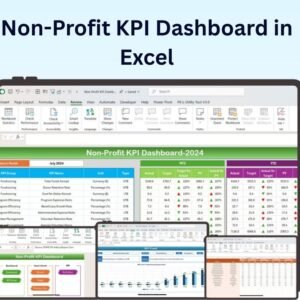
- Non-Profit KPI Dashboard in Excel: a fuller KPI dashboard
- Nonprofit Fundraising Dashboard in Excel: analyze donations and campaigns
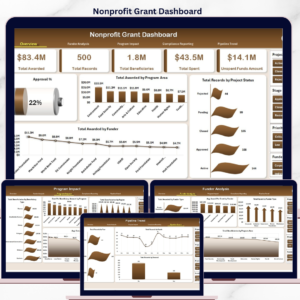
- Nonprofit Grant Dashboard in Excel: track grant applications and funds
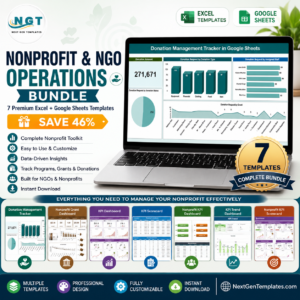
- Nonprofit & NGO Operations Bundle: 7 Excel and Google Sheets templates for NGOs
Browse all Excel KPI dashboards.





Reviews
There are no reviews yet.