
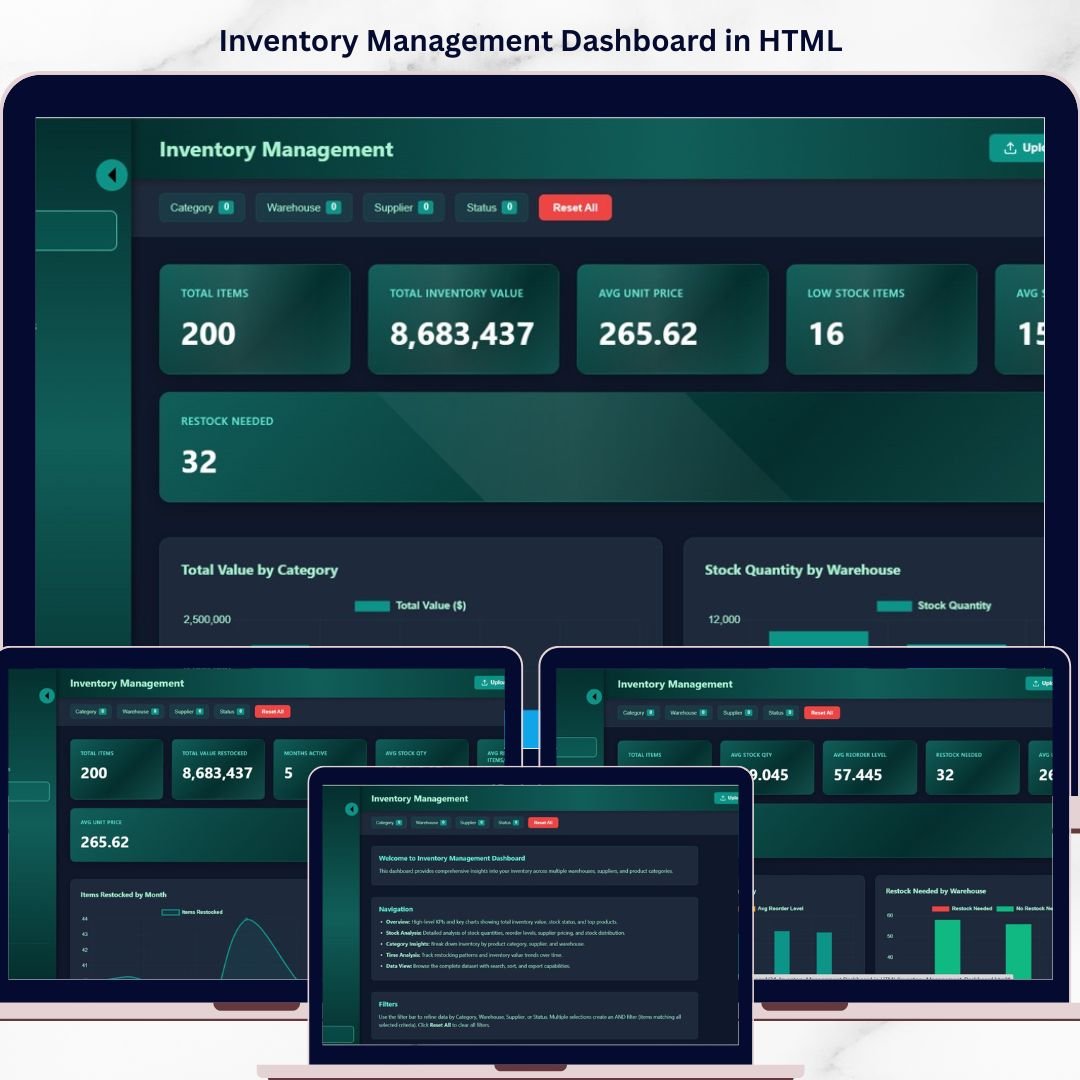
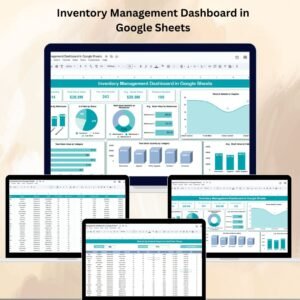
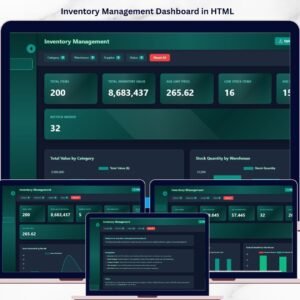
Inventory Management Dashboard in HTML is a powerful, interactive, and visually stunning dashboard template designed for warehouse managers, supply chain professionals, and inventory controllers who need to monitor stock levels, track product movements, analyze supplier performance, and optimize warehouse operations from a single browser-based interface. If your inventory data is scattered across multiple spreadsheets and disconnected systems, this dashboard brings everything together in one modern, filterable, and responsive HTML dashboard.
Instead of juggling complex software or expensive BI tools, this HTML Dashboard transforms your raw inventory data into actionable visual insights instantly. Just open the file in any browser, explore the interactive charts, apply filters, and make faster decisions about stock replenishment, supplier management, and warehouse efficiency.
🔑 Key Features of Inventory Management Dashboard in HTML
📦 Real-Time Inventory KPI Monitoring – Track essential inventory metrics like Total SKUs, Total Stock Value, Average Turnover Rate, Total Orders, Stockout Rate, and Reorder Alerts all in one centralized overview page with dynamic KPI cards and interactive slicers.
📊 Interactive Charts and Visualizations – Analyze inventory performance through dynamic charts such as Stock Value by Category, Orders by Warehouse, Turnover Rate by Product Line, and Stock Movement Trends with clarity and precision.
🎯 Smart Filters and Slicers – Instantly filter your data by warehouse location, product category, supplier, stock status, date range, and priority level to drill down into the numbers that matter most.
🖥️ Browser-Based – No Software Needed – This dashboard runs entirely inside your web browser. No need to install Excel, Power BI, or any other tool. Just open the HTML file and start analyzing.
🎨 Professional SaaS-Style Design – Enjoy a clean, modern, and premium design that looks like an enterprise-grade analytics dashboard application — not a basic spreadsheet.
🔄 Multi-Tab Navigation – Switch between multiple dashboard pages like Overview, Stock Analysis, Supplier Performance, Warehouse Analysis, Trend Analysis, and Data Explorer using smooth tab-based navigation.
📱 Responsive Layout – The dashboard is optimized to work beautifully on desktops, tablets, and mobile devices so you can check your inventory metrics anywhere.
💾 Data Export and Search – Access a detailed data table with search functionality, sortable columns, pagination, and CSV export options for deeper analysis and auditing.
📦 What’s Inside the Inventory Management Dashboard in HTML
📌 Overview Page – High-level KPI cards showing Total SKUs, Total Stock Value, Average Turnover Rate, Total Orders, Stockout Rate, and Reorder Alerts. Charts include Stock Value by Category, Orders by Warehouse, Stock Status Distribution, and Monthly Stock Movement Trends. Interactive slicers allow filtering by Category, Warehouse, Supplier, Stock Status, and Date Range.
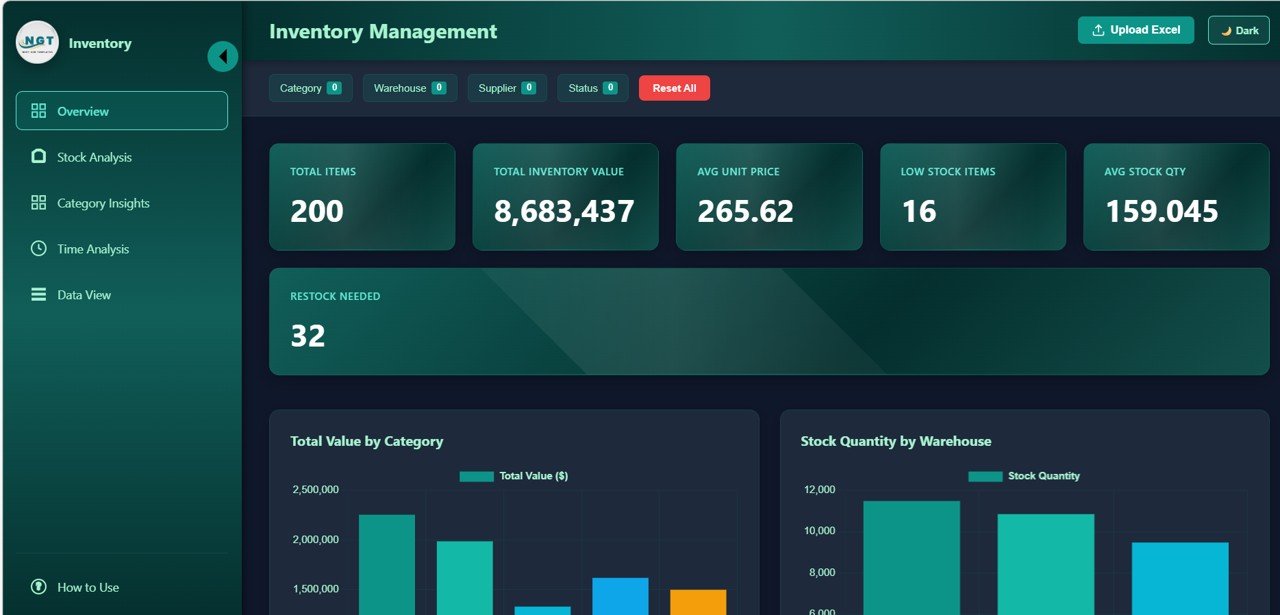
Inventory Management Dashboard in HTML – Overview Page
📌 Stock Analysis Page – Detailed breakdown of stock performance with charts like Stock Value by Product Line, Stock Quantity by Warehouse, Reorder Level vs Current Stock by Category, and Average Days in Stock by Product.
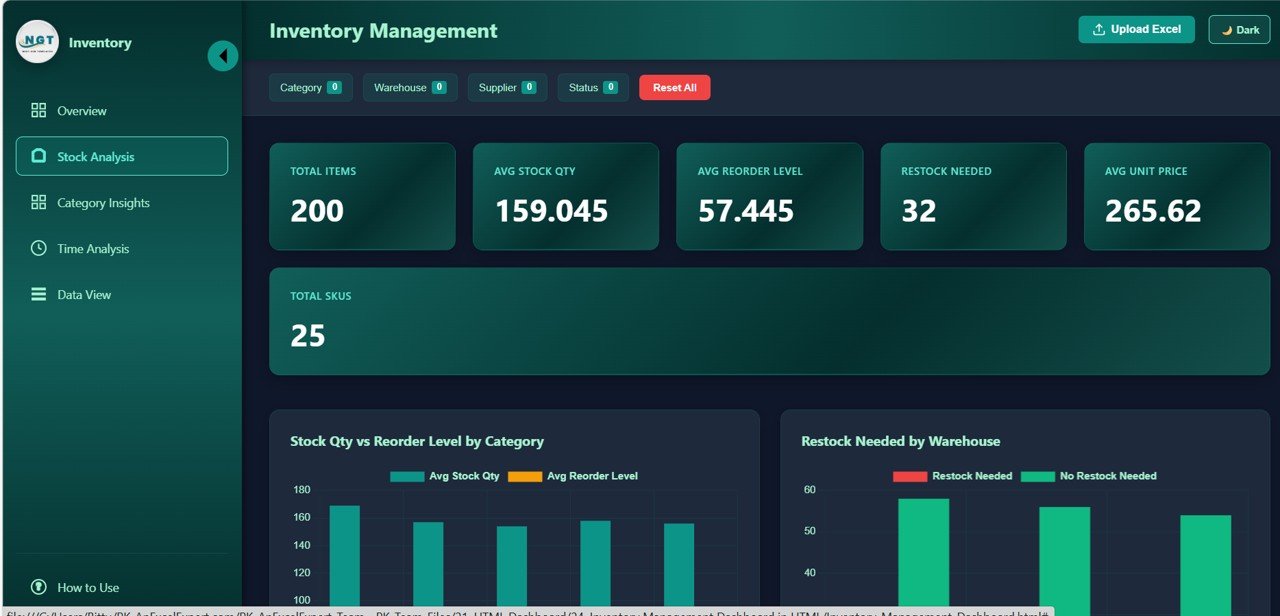
Stock Analysis
📌 Supplier Performance Page – Evaluate supplier efficiency with charts such as Lead Time by Supplier, Order Fulfillment Rate by Supplier, Defect Rate by Supplier, and Cost per Unit by Supplier to optimize your procurement strategy.
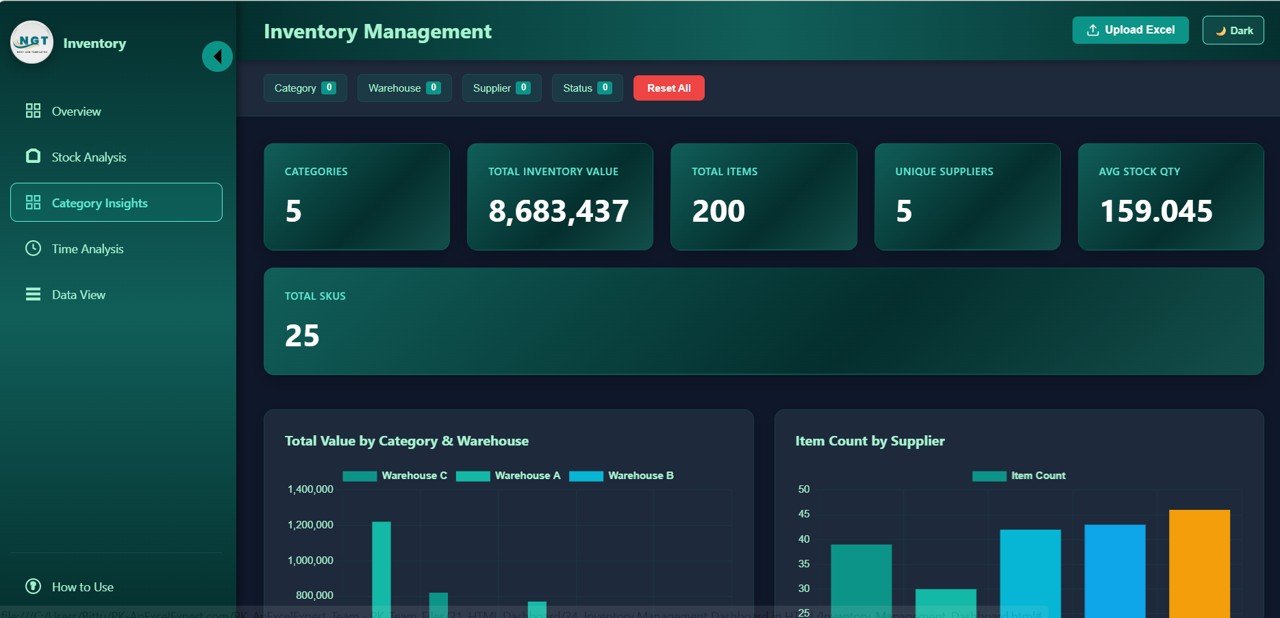
Supplier Performance
📌 Warehouse Analysis Page – Compare warehouse performance across locations with charts like Total Orders by Warehouse, Stock Utilization by Warehouse, Average Processing Time by Warehouse, and Stockout Incidents by Location.
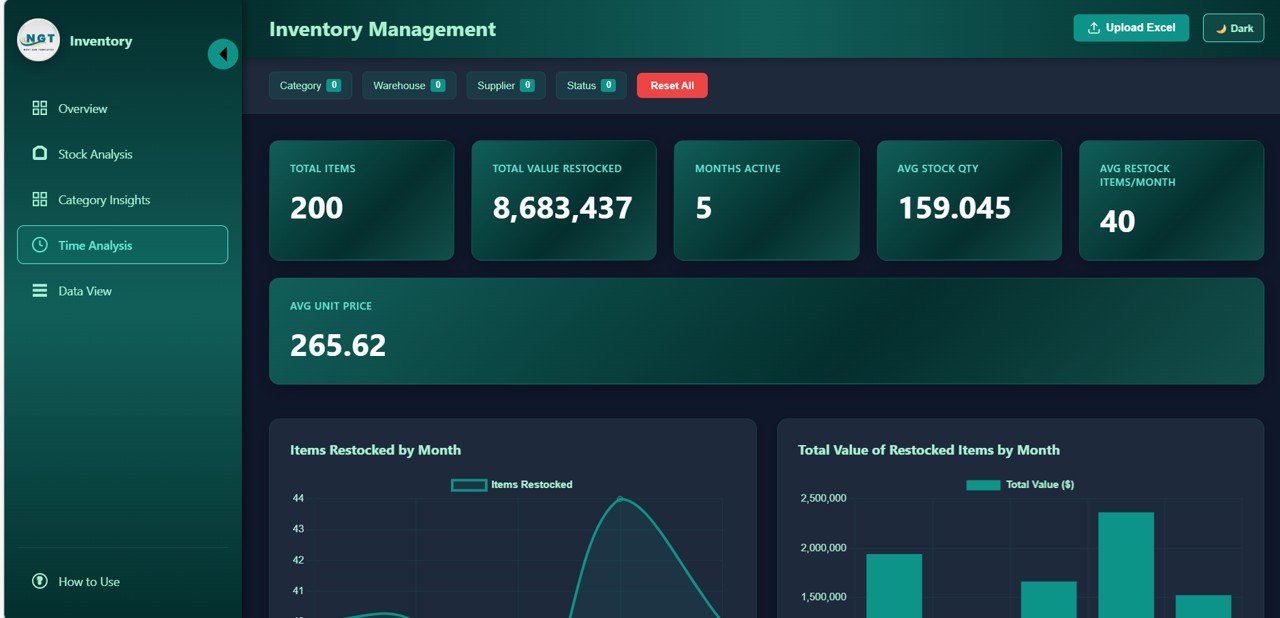
Warehouse Analysis
📌 Trend Analysis Page – Time-based analysis showing Monthly Stock Value Trends, Orders Over Time, Turnover Rate by Month, and Seasonal Demand Patterns to help you plan procurement cycles and staffing.
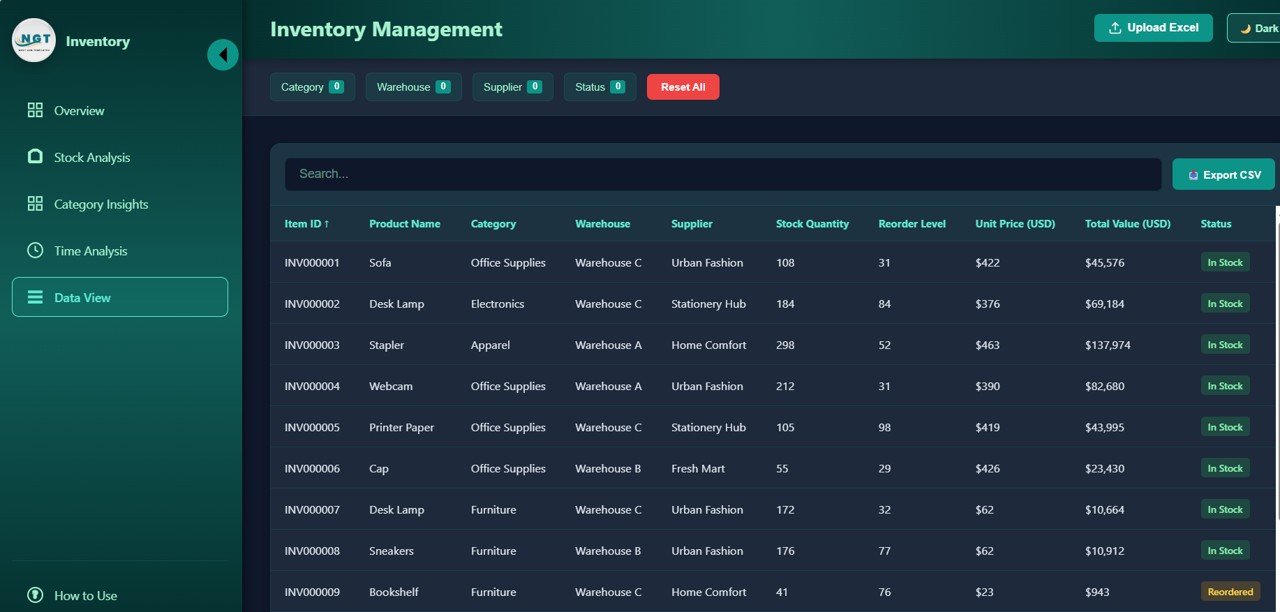
Trend Analysis
📌 Data Explorer Page – Searchable and sortable detailed data table with pagination and CSV export for record-level analysis of all inventory transactions and stock movements.
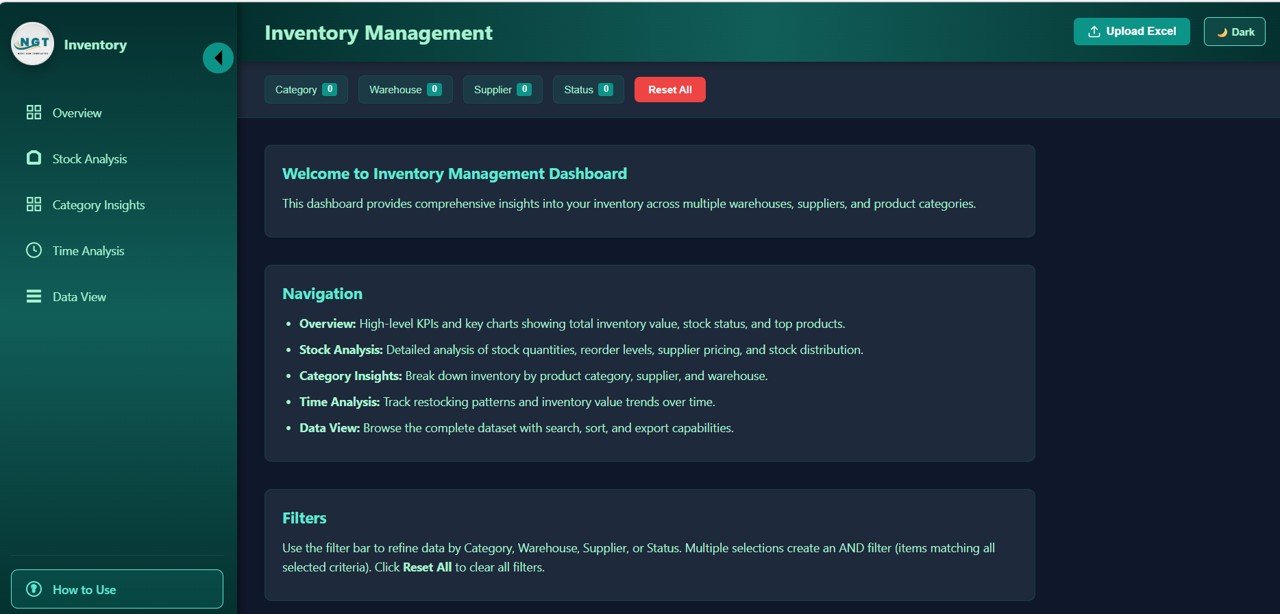
Data Explorer
⚙️ How to Use the Inventory Management Dashboard in HTML
1️⃣ Download the Template – Purchase and download the ZIP file containing the HTML dashboard.
2️⃣ Extract and Open – Unzip the file and open the HTML file in any modern browser like Chrome, Firefox, Edge, or Safari.
3️⃣ Explore the Dashboard – Navigate through the multiple tabs to explore different analytical views of your inventory data.
4️⃣ Customize Your Data – Replace the sample data with your actual inventory, warehouse, and supplier data to get real-time insights.
5️⃣ Apply Filters – Use the built-in slicers and filters to narrow down your analysis by warehouse, category, supplier, and more.
6️⃣ Export and Share – Export detailed data from the Data Explorer page and share the dashboard file with your team for collaborative decision making.
👥 Who Can Benefit from This Inventory Management Dashboard in HTML
🏢 Warehouse Managers – Monitor stock levels, warehouse utilization, and order processing efficiency from a single dashboard.
🚚 Supply Chain Professionals – Track supplier lead times, fulfillment rates, and procurement costs for smarter sourcing decisions.
💼 Inventory Controllers – Identify stockouts, overstock situations, and reorder needs with automated KPI tracking.
📊 Operations Managers – Gain visibility into cross-warehouse performance, seasonal trends, and operational bottlenecks.
🎓 Students and Educators – Use this as a learning tool or project submission for data analytics and supply chain management courses.
📈 Small Business Owners – Take control of your product inventory without investing in expensive enterprise software.
🌍 E-commerce and Retail Businesses – Analyze product movement, stock velocity, and demand patterns across multiple channels.
📖 Click here to read the Detailed Blog Post
🎥 Visit our YouTube channel to learn step-by-step video tutorials
👉 YouTube.com/@NextGenTemplates
















Reviews
There are no reviews yet.