Healthcare environments never slow down. Doctors manage patient appointments. Nurses coordinate shifts. Administrators track compliance deadlines, audits, training sessions, and maintenance schedules. Healthcare Task Calendar in Excel but when tasks live in scattered spreadsheets or paper planners, confusion becomes unavoidable.
Missed deadlines. Overlapping schedules. Forgotten follow-ups.
What if you could manage every healthcare task in one centralized, structured, and easy-to-use Excel system?
That’s exactly what the Healthcare Task Calendar in Excel delivers. 🚀
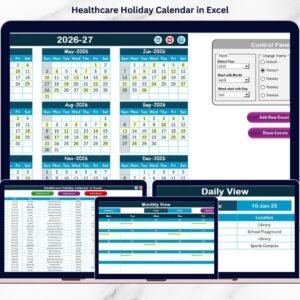
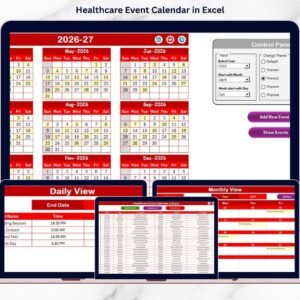
Healthcare Task Calendar in Excel This ready-to-use Excel template helps hospitals, clinics, diagnostic centers, and healthcare administrators manage annual planning, monthly scheduling, daily monitoring, and event records — all inside one powerful workbook.
No complicated software. No learning curve. Just organized task management.
🚀 Key Feature of Healthcare Task Calendar in Excel
This smart template includes 5 fully designed worksheets for complete task control.
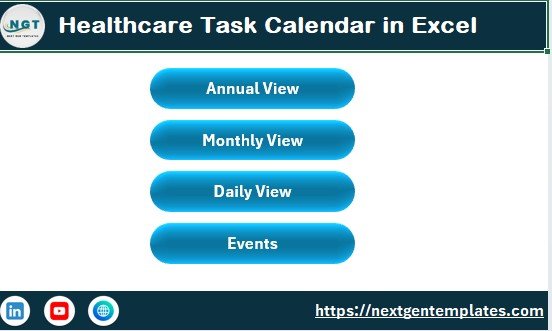
🏠 Home Sheet – Easy Navigation Hub
Four interactive buttons let you jump instantly to:
✔ Annual View
✔ Monthly View
✔ Daily View
✔ Events Database
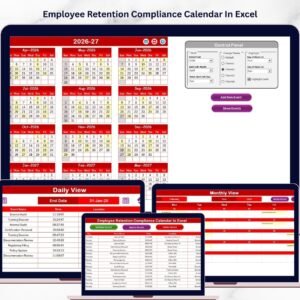
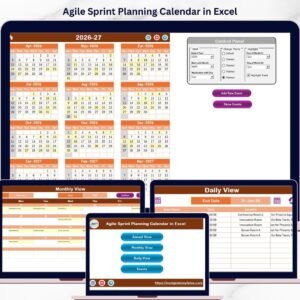
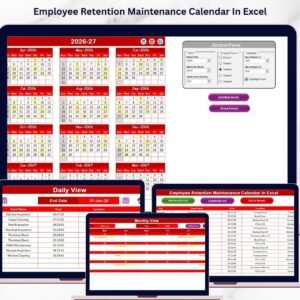
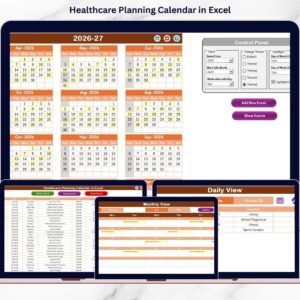
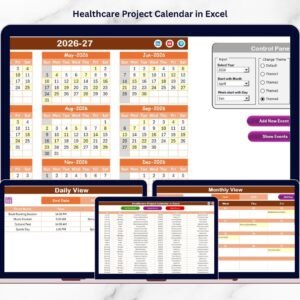
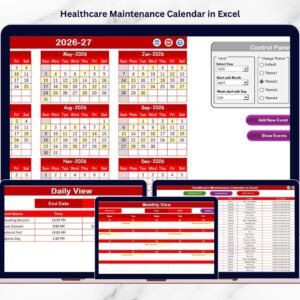
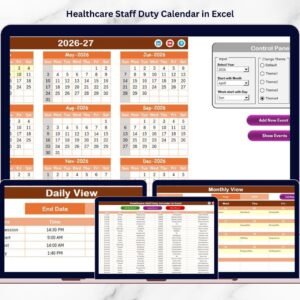
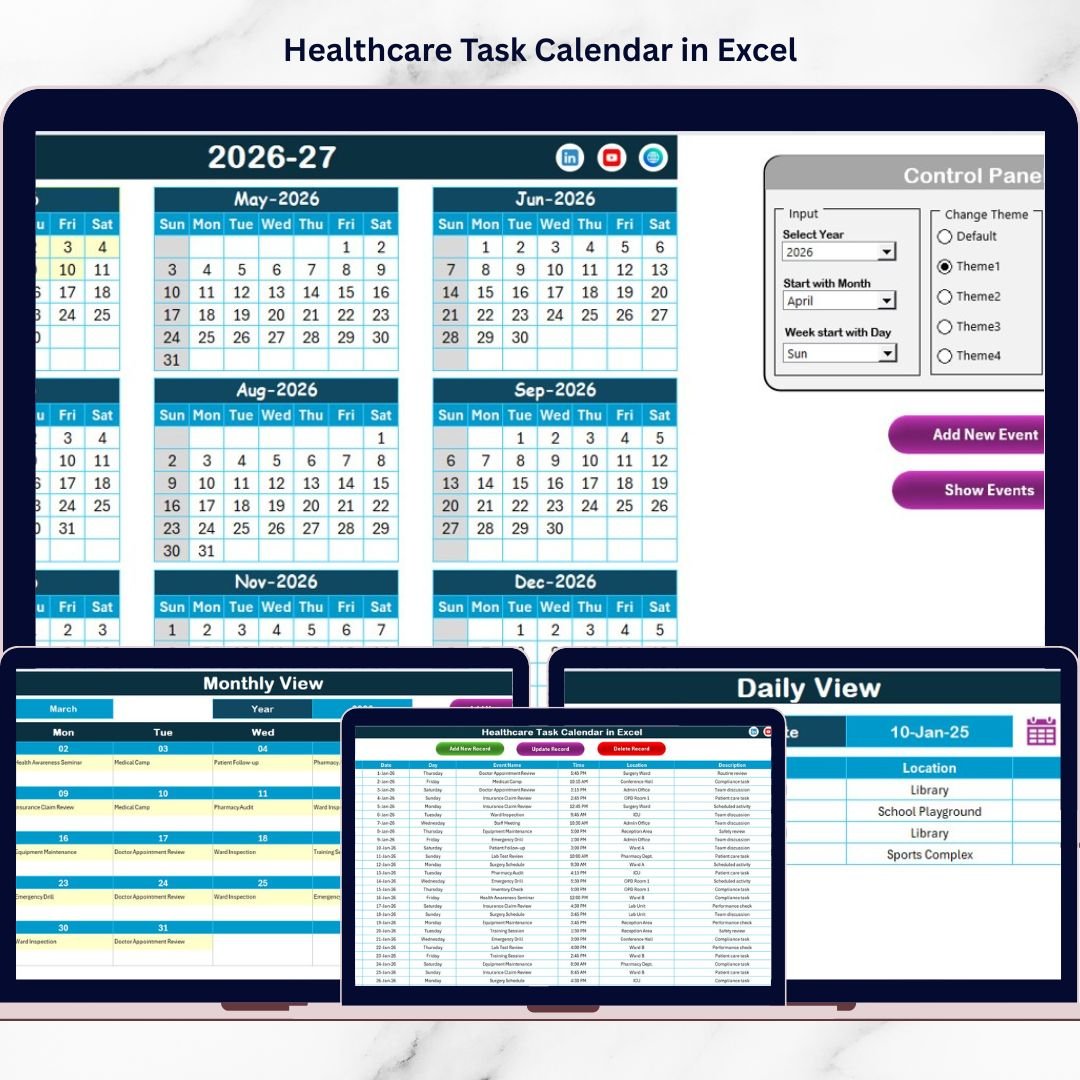
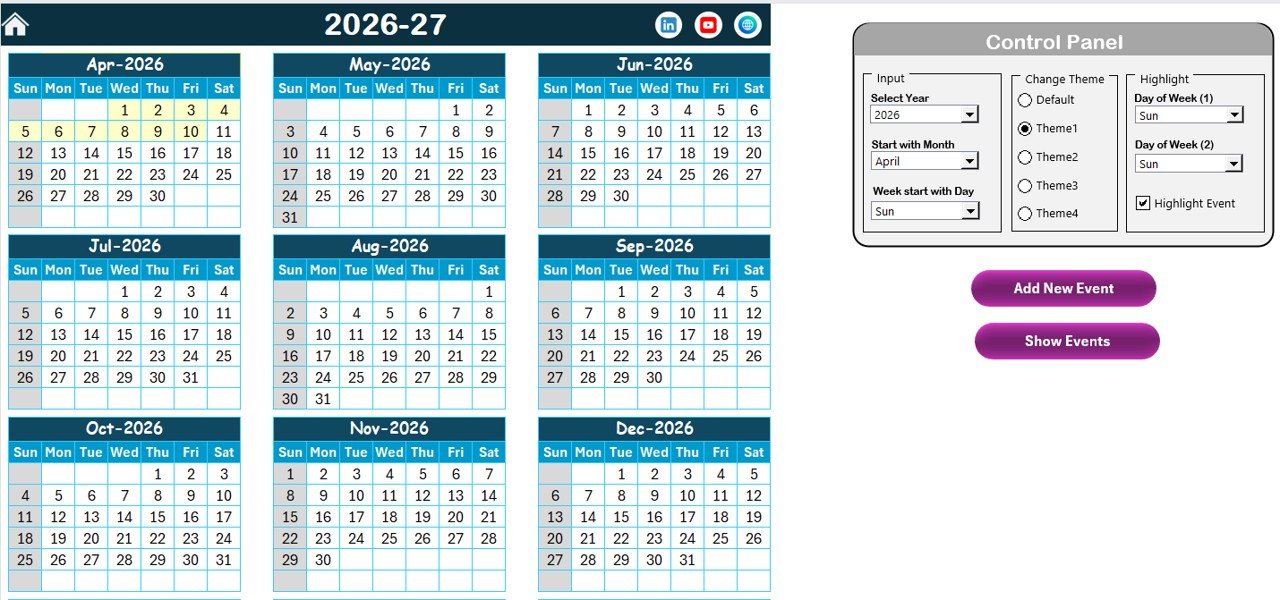
📅 Annual View – Complete Year Planning
View all 12 months in one structured layout.
Control panel allows you to:
✔ Select Year
✔ Change Starting Month
✔ Adjust Week Start Day
✔ Choose from 5 Color Themes
✔ Highlight Two Weekdays
✔ Highlight Event Dates Automatically
📝 Add New Event & Show Event Buttons
Select any date → Add event using form → Submit → Calendar updates automatically.
Click “Show Event” to review all tasks for a selected date instantly.
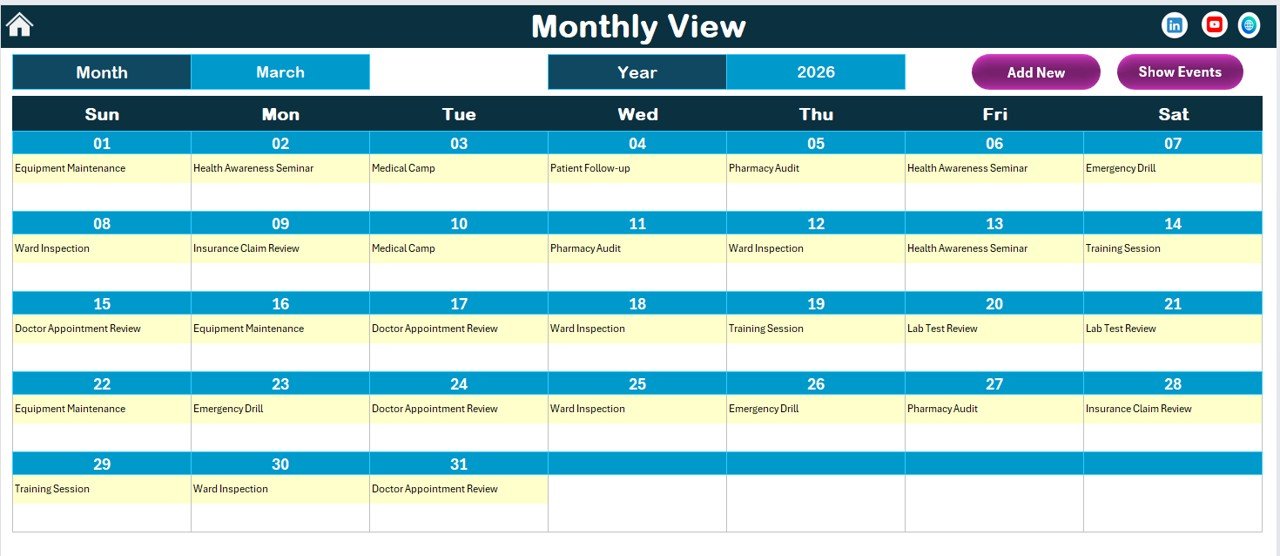
📆 Monthly View – Focused Task Visibility
Select Month & Year.
Displays one event directly on each date.
Shows “More than 1…” when multiple events exist.
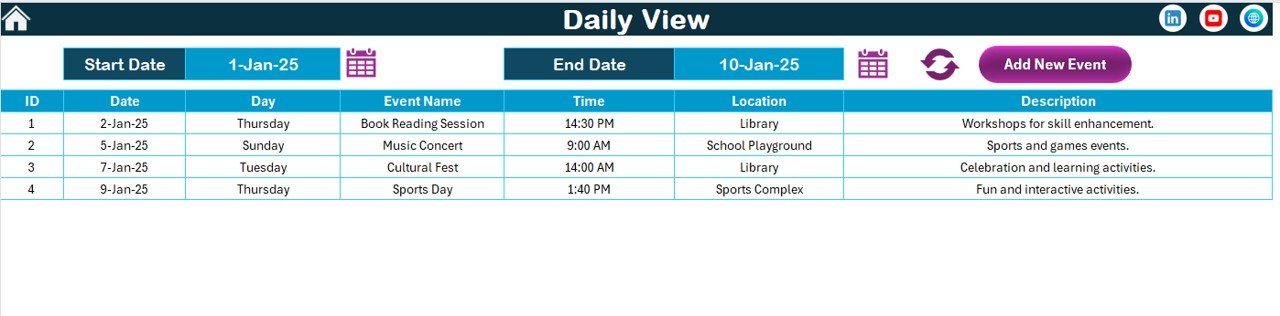
📊 Daily View – Detailed Task Monitoring
Select Start Date & End Date → Click Refresh → View complete event list with:
✔ Event Name
✔ Date
✔ Time
✔ Location
✔ Description
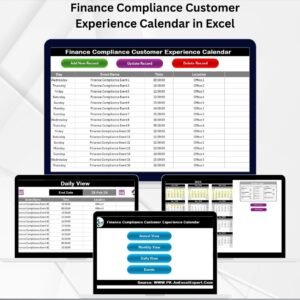
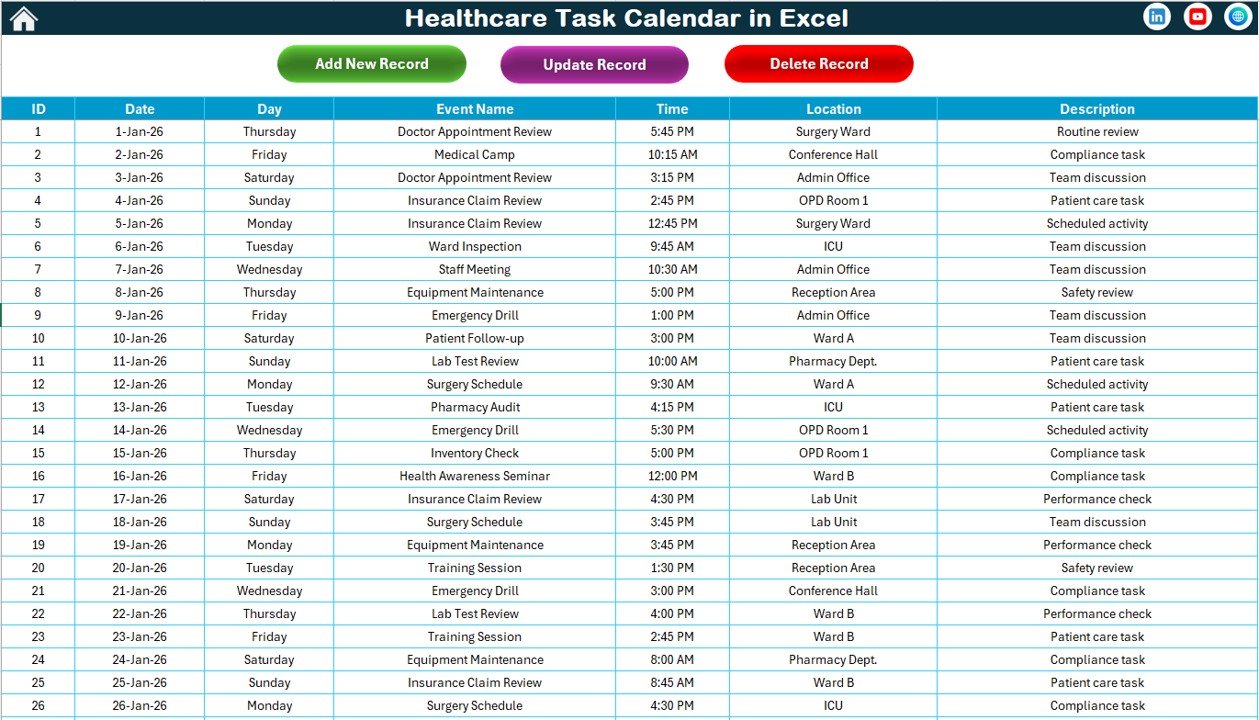
🗂 Events Sheet – Central Database
Stores all tasks with:
✔ Auto-generated ID
✔ Date & Day
✔ Time
✔ Location
✔ Description
✔ Add / Update / Delete buttons
Everything connects dynamically. Update once — view everywhere.
📦 What’s Inside the Healthcare Task Calendar in Excel
When you purchase this template, you receive:
✔ 5 structured worksheets
✔ Interactive control panel
✔ Event entry form
✔ Automatic ID generation
✔ Customizable themes
✔ Highlight features
✔ Annual, Monthly & Daily views
✔ Organized event database
This is not just a calendar — it’s a structured healthcare task management system.
🛠 How to Use the Healthcare Task Calendar in Excel
Getting started is simple:
1️⃣ Open the Home Sheet.
2️⃣ Navigate to Annual or Monthly View.
3️⃣ Select the year and settings in the control panel.
4️⃣ Choose a date and click “Add New Event.”
5️⃣ Enter event details and submit.
The system automatically updates.
To edit events:
Go to Events Sheet → Select ID → Update or Delete.
To review schedules:
Use Daily View and select a date range.
Even non-technical users can operate it easily.
👩⚕️ Who Can Benefit from This Healthcare Task Calendar in Excel
This calendar is ideal for:
🏥 Hospitals
🩺 Clinics
🧪 Diagnostic Centers
💉 Vaccination Units
📋 Healthcare NGOs
🏢 Medical Administrators
📚 Training Coordinators
If you manage healthcare schedules, this template keeps you organized.
The Healthcare Task Calendar in Excel helps you:
✔ Centralize task management
✔ Improve compliance tracking
✔ Avoid scheduling conflicts
✔ Enhance visibility
✔ Save reporting time
✔ Maintain structured records
Instead of juggling multiple tools, you manage everything in one place.
If your healthcare organization wants clarity, efficiency, and structured scheduling, this Excel template is the perfect solution.
Click here to read the Detailed blog post
Visit our YouTube channel to learn step-by-step video tutorials:
👉 https://youtube.com/@PKAnExcelExpert