Healthcare never slows down. Hospitals manage surgeries daily. Clinics handle appointments continuously. Administrators coordinate staff, audits, training sessions, vaccination drives, and compliance deadlines — all at the same time.
But here’s the problem.
Many healthcare facilities still rely on manual diaries or scattered spreadsheets. Healthcare Planning Calendar in Excel as a result, appointments get missed. Staff schedules overlap. Compliance deadlines slip through the cracks.
If you want complete control over healthcare scheduling, you need one structured system.
Introducing the Healthcare Planning Calendar in Excel — a powerful, ready-to-use scheduling and event management system designed specifically for hospitals, clinics, and healthcare organizations.
Healthcare Planning Calendar in Excel This Excel-based calendar helps you manage annual plans, monthly schedules, daily activities, and event records — all in one organized and automated file.
No more confusion. No more scheduling chaos. Just clarity and control. 🏥📅
🚀 Key Feature of Healthcare Planning Calendar in Excel
This template is designed to simplify healthcare scheduling and improve coordination.
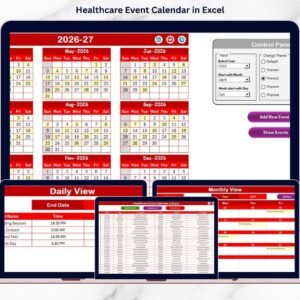
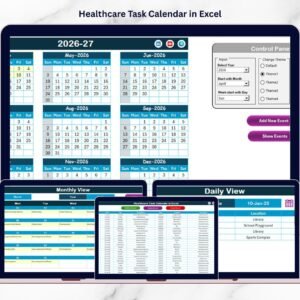
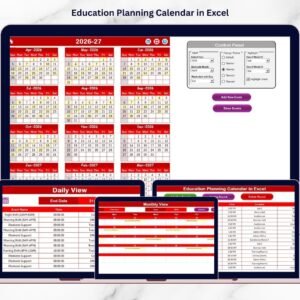
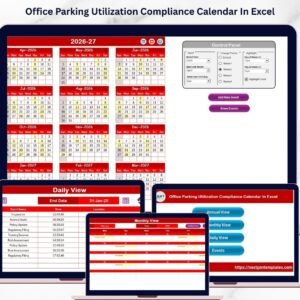
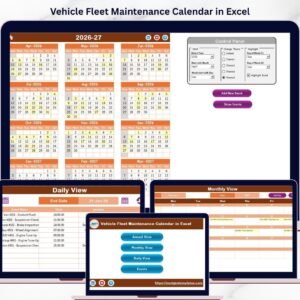
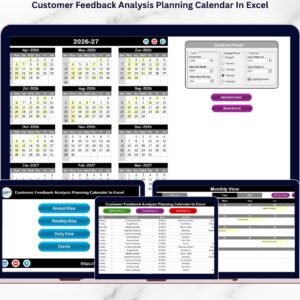
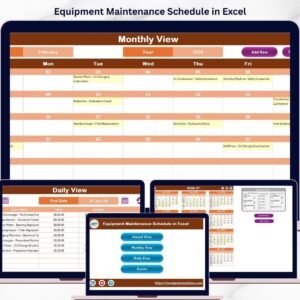
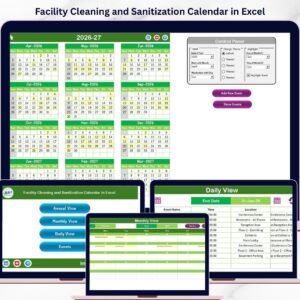
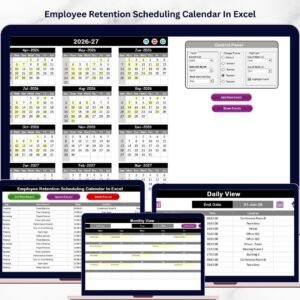
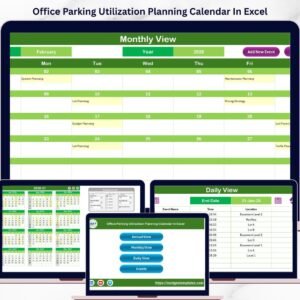
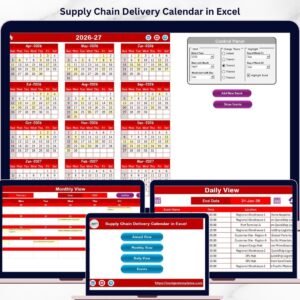
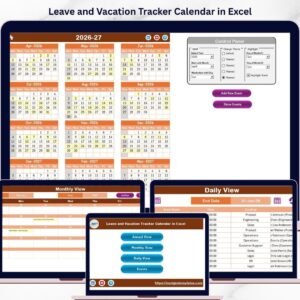
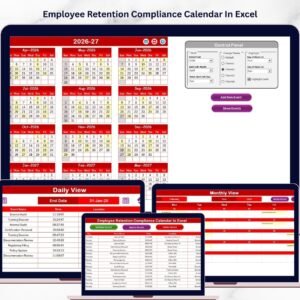
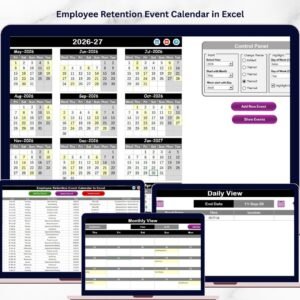
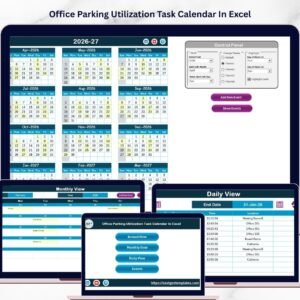
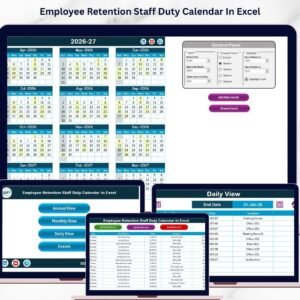
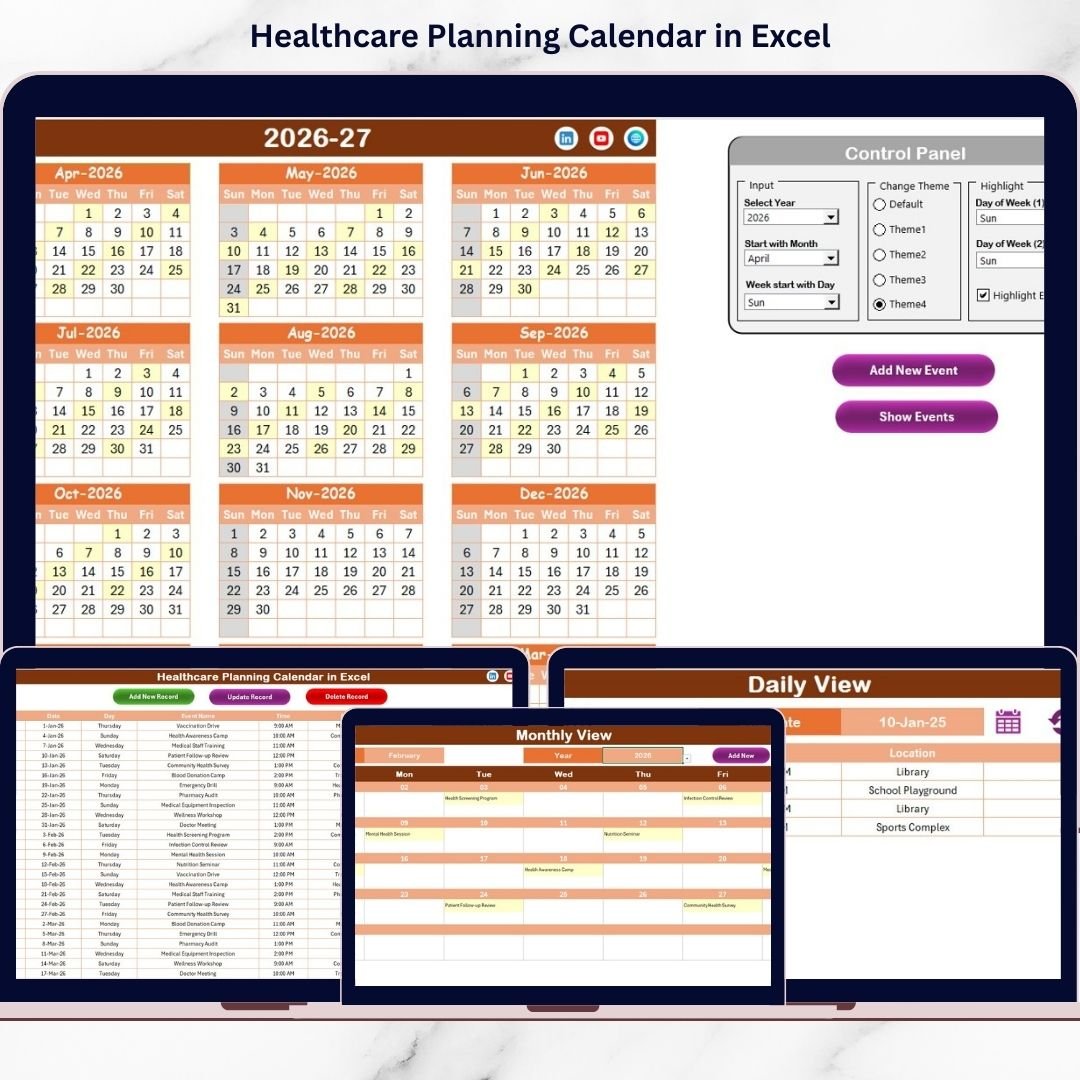
📅 Annual, Monthly & Daily Views
Switch between 12-month overview, focused monthly view, or detailed daily schedule instantly.
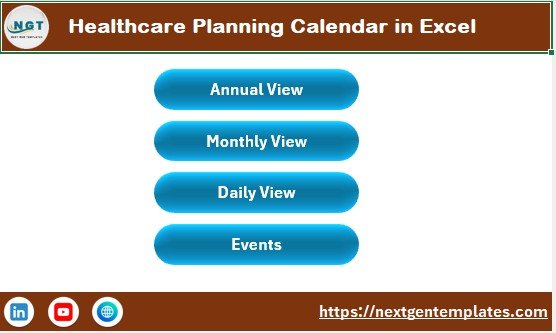
🏠 Home Navigation Dashboard
Access all sections easily using navigation buttons — Annual View, Monthly View, Daily View, and Events.
⚙️ Customizable Control Panel
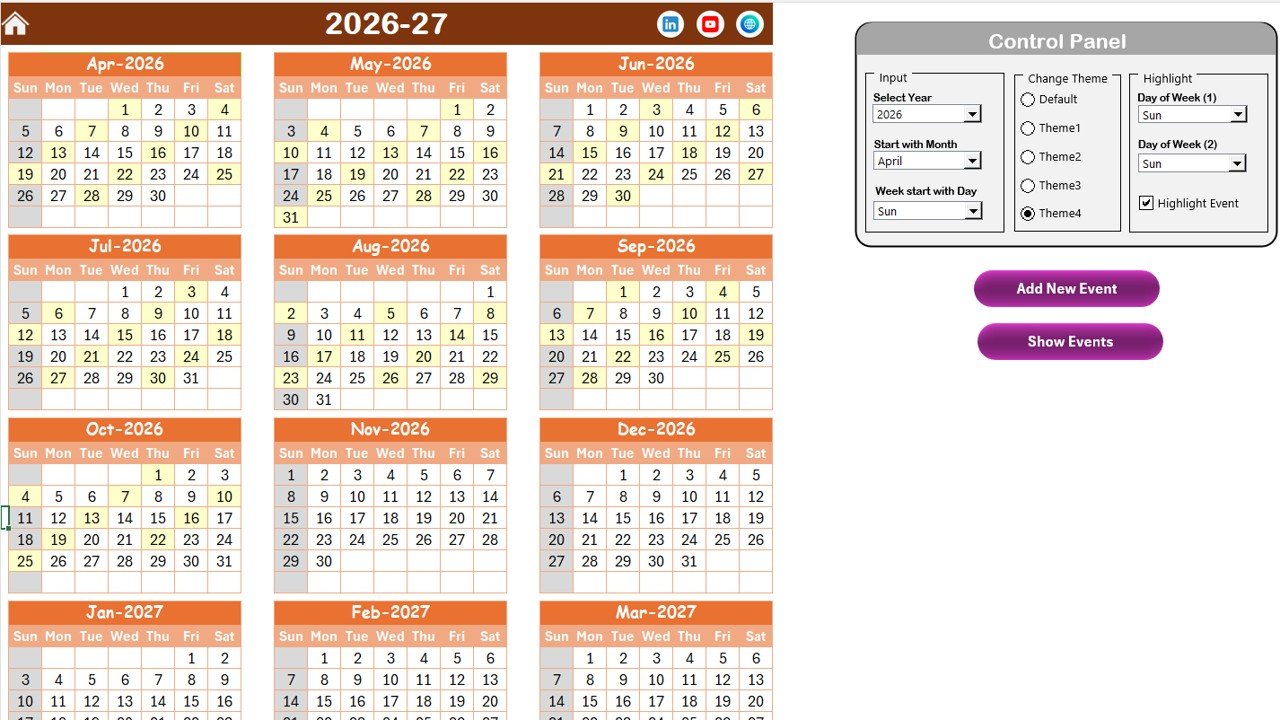
Select year, starting month, and first day of the week. The calendar adjusts automatically.
🎨 5 Professional Color Themes
Match your hospital branding or improve visual presentation instantly.
✨ Event Highlighting Option
Highlight selected weekdays and event dates automatically.
➕ Add, Update & Delete Events
Manage event lifecycle directly within Excel.
📊 Structured Events Database
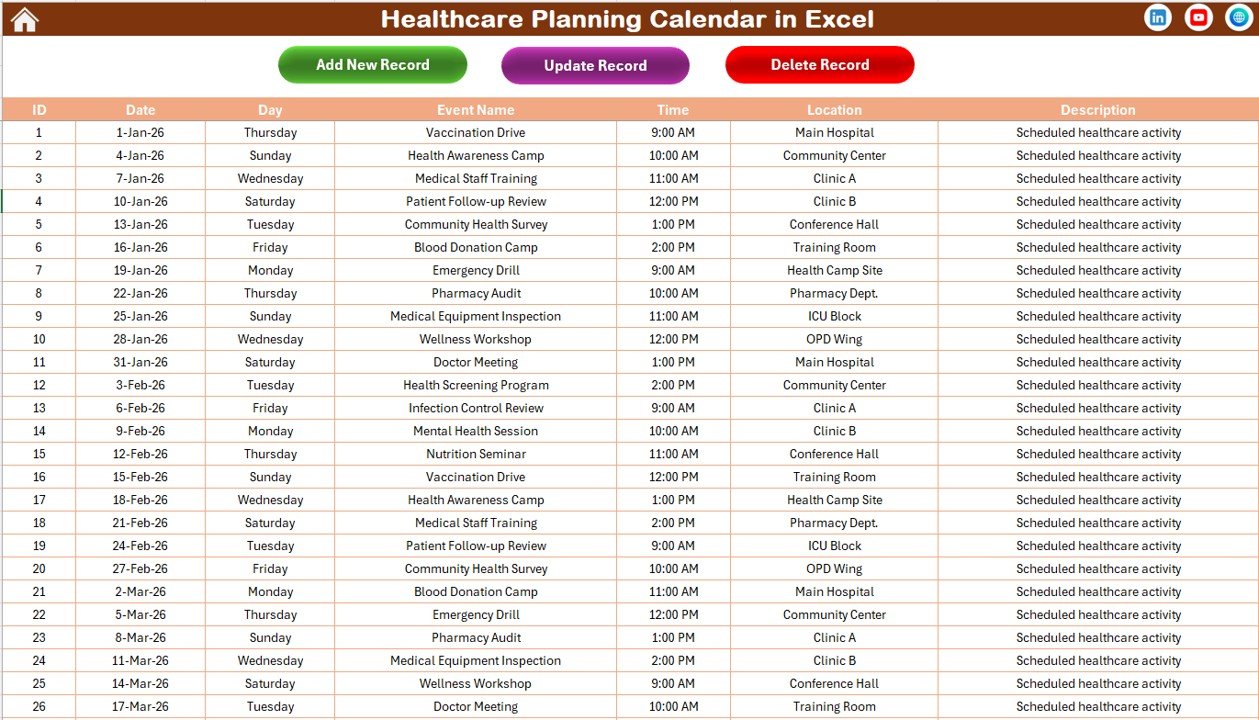
Store ID, Date, Day, Event Name, Time, Location, and Description in an organized table.
This is not just a calendar — it’s your healthcare coordination system.
📦 What’s Inside the Healthcare Planning Calendar in Excel
This ready-to-use Excel template includes 5 powerful worksheets:
🏠 1. Home Sheet
Acts as a navigation hub. Use clickable buttons to move instantly between views without searching sheets manually.
📅 2. Annual View Sheet
View all 12 months at a glance. Adjust year, month start, and weekday settings from the control panel. Highlight weekends or events with a single click.
Includes:
-
Add New Event button
-
Show Event button
-
Highlight event option
Perfect for yearly planning and long-term scheduling.
🗓️ 3. Monthly View Sheet
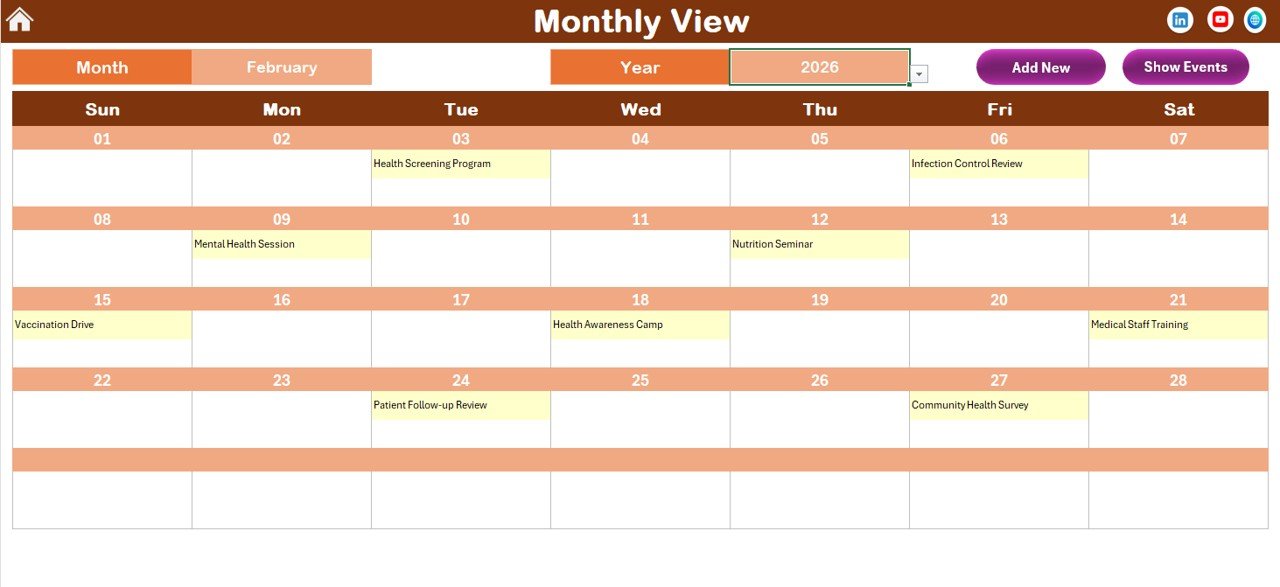
Focus on one month at a time. Automatically displays selected month and year. If multiple events exist on a date, it shows “more than 1…” for clarity.
📋 4. Daily View Sheet
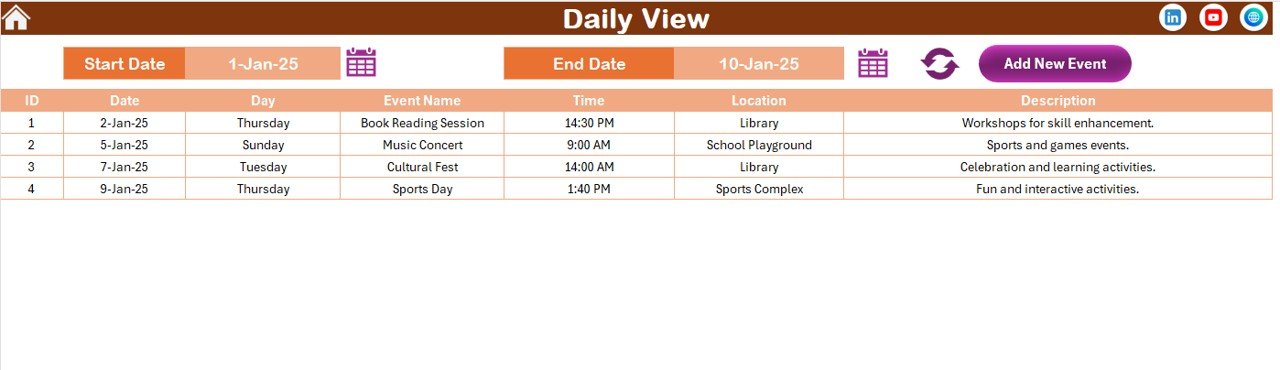
Select start and end date. Click refresh. Instantly view all events within that range. Ideal for operational monitoring.
🗂️ 5. Events Sheet
Acts as the central event database. Store complete event details with auto-generated IDs. Update or delete records easily.
Everything is organized. Everything is connected. Everything is automated.
⚙️ How to Use the Healthcare Planning Calendar in Excel
Using this calendar is simple:
1️⃣ Select the year and adjust calendar settings in Annual View.
2️⃣ Click on any date and add a new event.
3️⃣ Use Monthly View for focused scheduling.
4️⃣ Monitor daily activities using Daily View.
5️⃣ Manage event records from the Events sheet.
You can track:
-
Doctor appointments
-
Surgery schedules
-
Staff shifts
-
Vaccination drives
-
Health camps
-
Compliance audits
-
Training programs
-
Equipment maintenance
No advanced Excel skills required. Basic knowledge is enough to operate the system efficiently.
👩⚕️ Who Can Benefit from This Healthcare Planning Calendar in Excel
This template is ideal for:
🏥 Hospitals
🏥 Multi-Specialty Clinics
🧑⚕️ Private Medical Practices
📋 Healthcare Administrators
🩺 Nursing Coordinators
📊 Compliance Officers
🚑 Public Health Departments
Whether you manage a small clinic or a large hospital network, this calendar adapts to your needs.
Healthcare coordination requires precision. One missed date can affect patient care and compliance.
When you use this structured planning calendar:
✔ Reduce scheduling errors
✔ Improve patient appointment management
✔ Increase staff coordination
✔ Prevent compliance deadline misses
✔ Enhance operational transparency
✔ Improve overall efficiency
Instead of juggling multiple tools, manage everything in one centralized Excel system.
If you want better control over healthcare scheduling and administrative planning, this Healthcare Planning Calendar in Excel is your complete solution.
Click hare to read the Detailed blog post
Visit our YouTube channel to learn step-by-step video tutorials
👉 https://www.youtube.com/@PKAnExcelExpert