
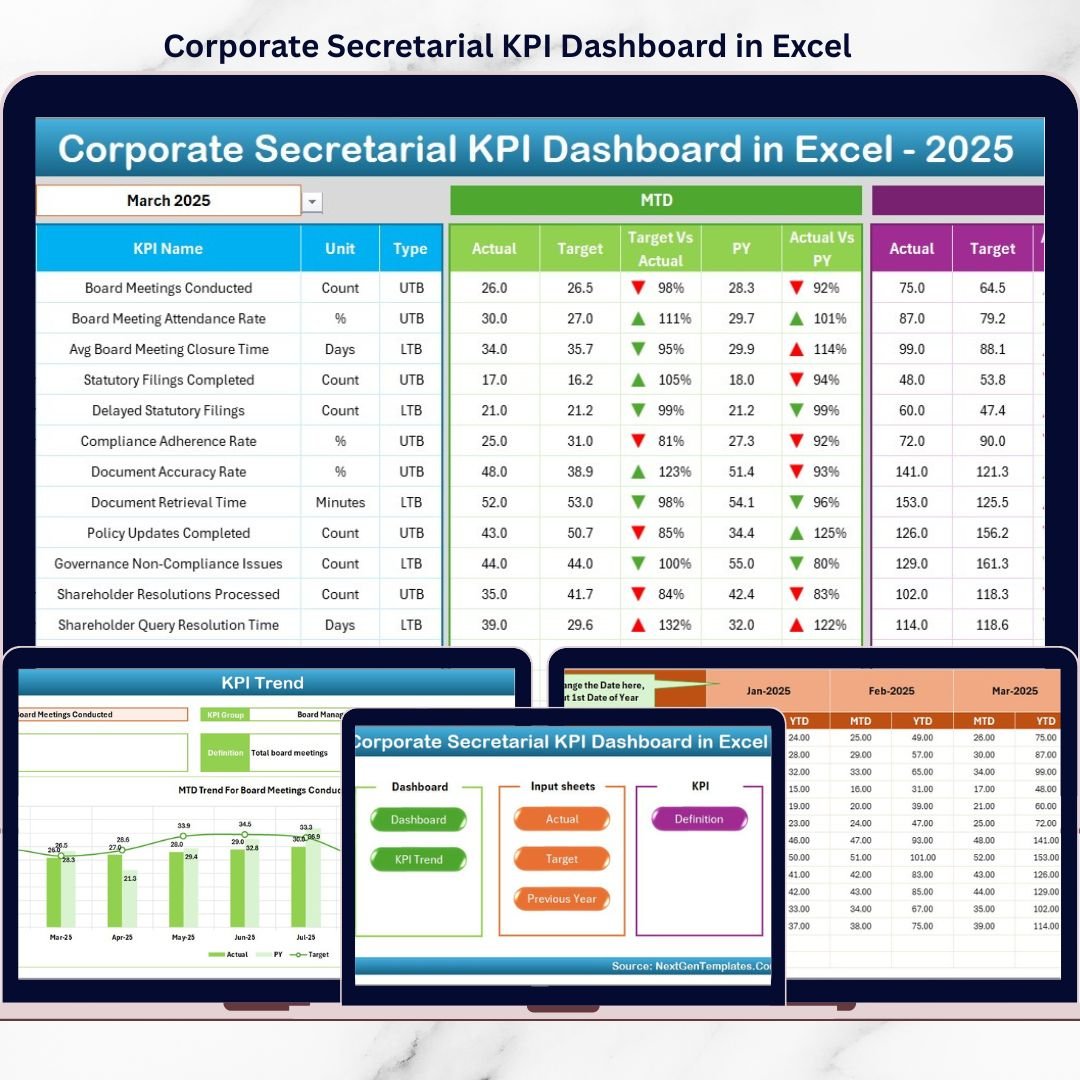
Corporate Secretarial KPI Dashboard functions sit at the core of governance, compliance, and regulatory discipline in any organization. From statutory filings and board compliances to audit readiness and regulatory timelines, even a small lapse can lead to penalties, reputational risk, and management escalations. However, when secretarial teams rely on scattered Excel trackers, emails, and manual registers, visibility drops and control weakens.
That is exactly where the Corporate Secretarial KPI Dashboard in Excel becomes a powerful, reliable, and business-ready solution 📊⚖️.
This ready-to-use Excel dashboard is designed specifically for corporate secretarial and compliance teams to track, monitor, and analyze key compliance KPIs in a structured and visual manner. Instead of juggling multiple trackers, this dashboard consolidates all secretarial performance indicators into one centralized Excel file.
Because the dashboard is built entirely in Microsoft Excel, it remains easy to use, cost-effective, and highly customizable. Teams can update data monthly, review performance instantly, and present compliance insights confidently to management, auditors, and board members.
With automated calculations, trend analysis, and visual indicators, this dashboard transforms secretarial reporting from manual monitoring to proactive compliance management.
## ✨ Key Features of Corporate Secretarial KPI Dashboard in Excel
This dashboard is thoughtfully designed to support real-world secretarial workflows.
📌 Centralized Compliance KPI Tracking
Track all corporate secretarial KPIs in one Excel file.
📊 MTD & YTD Performance Visibility
Monitor Month-to-Date and Year-to-Date compliance easily.
🎯 Target vs Actual Comparison
Instantly identify missed or achieved compliance targets.
📈 Previous Year Benchmarking
Compare current performance with last year’s data.
🚦 Visual Performance Indicators
Up/down arrows and conditional formatting for quick insights.
🧩 Excel-Native & Fully Customizable
No external tools or software required.
## 📂 What’s Inside the Corporate Secretarial KPI Dashboard in Excel
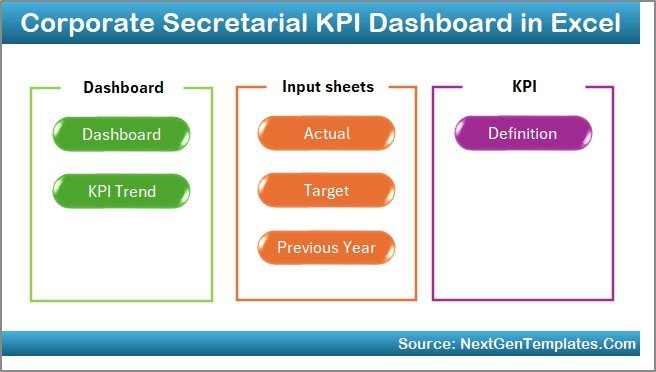
This dashboard includes 7 professionally structured worksheets, each serving a specific purpose.
🏠 Home Sheet
A clean index page with 6 navigation buttons for one-click access to all sheets.
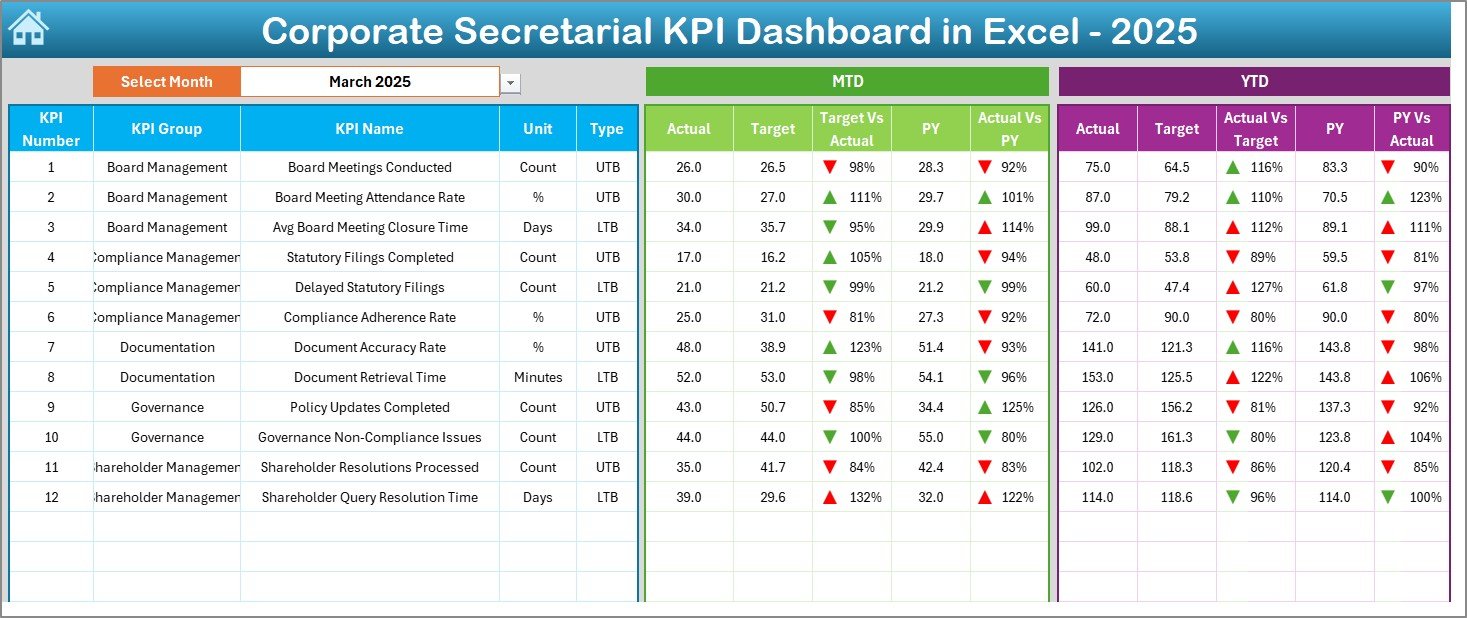
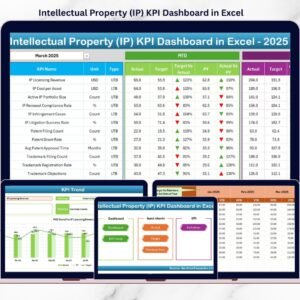
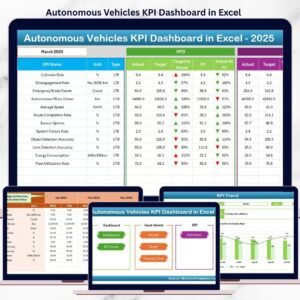
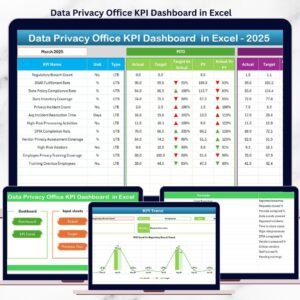
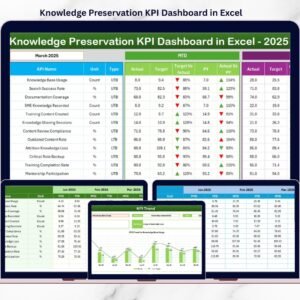
📊 Dashboard Sheet
The main performance view displaying:
-
MTD Actual, Target & Previous Year
-
YTD Actual, Target & Previous Year
-
Target vs Actual indicators
-
PY vs Actual indicators
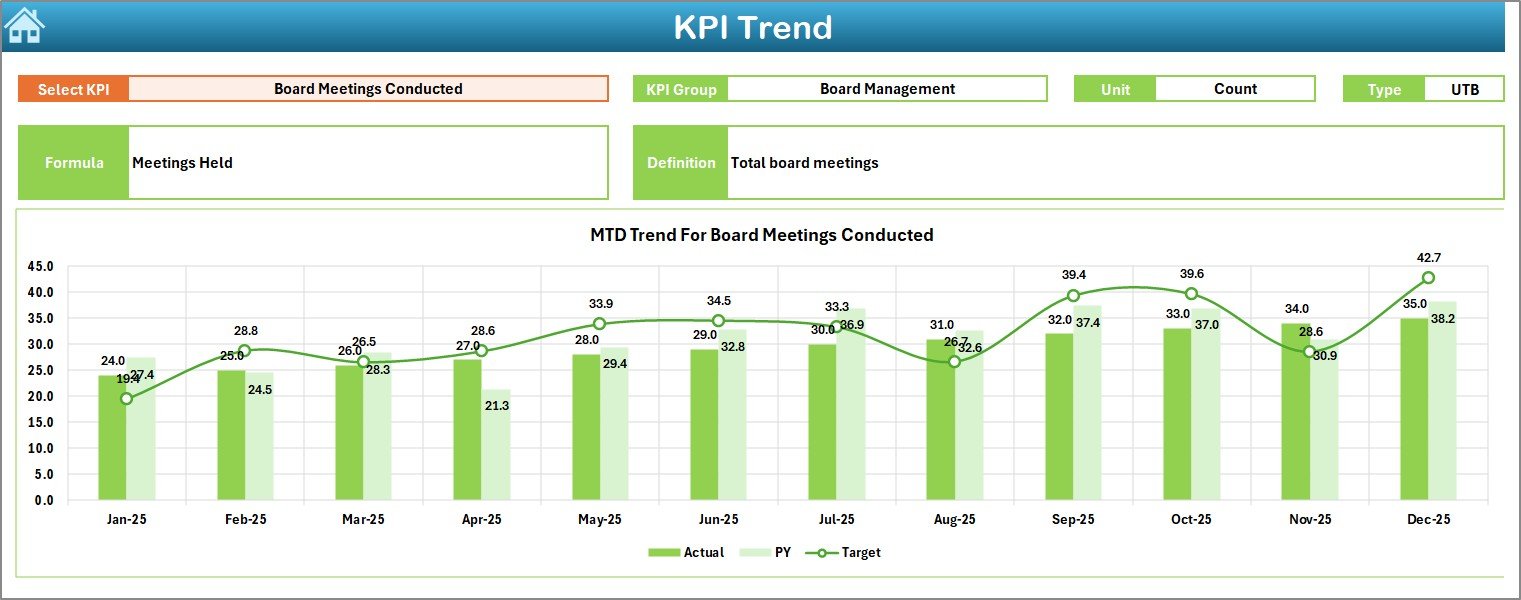
📉 KPI Trend Sheet
Deep-dive analysis for individual KPIs:
-
Select KPI from drop-down
-
View KPI group, unit, type, formula & definition
-
MTD and YTD trend charts
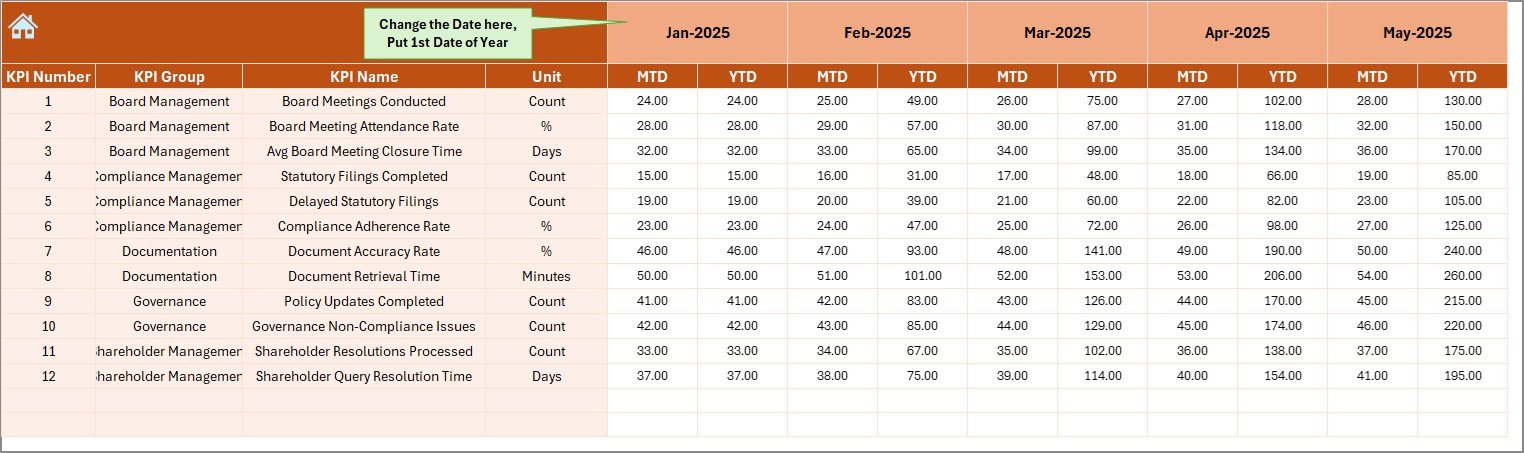
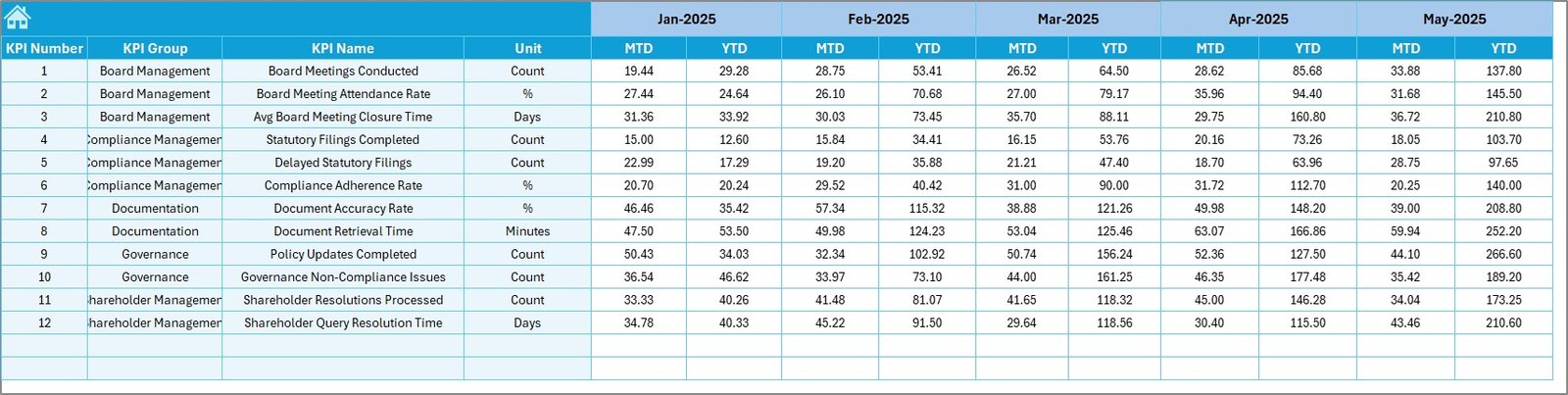
📝 Actual Numbers Input Sheet
Enter monthly actual KPI values without manual calculations.
🎯 Target Sheet
Define monthly and yearly KPI targets for structured benchmarking.
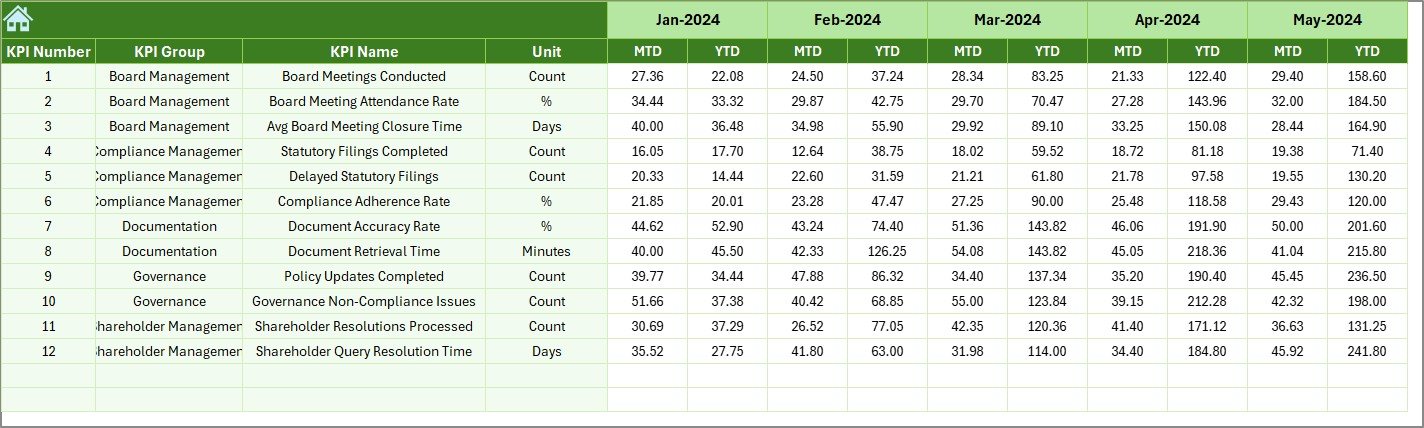
📅 Previous Year Numbers Sheet
Store historical KPI data for accurate YoY comparison.
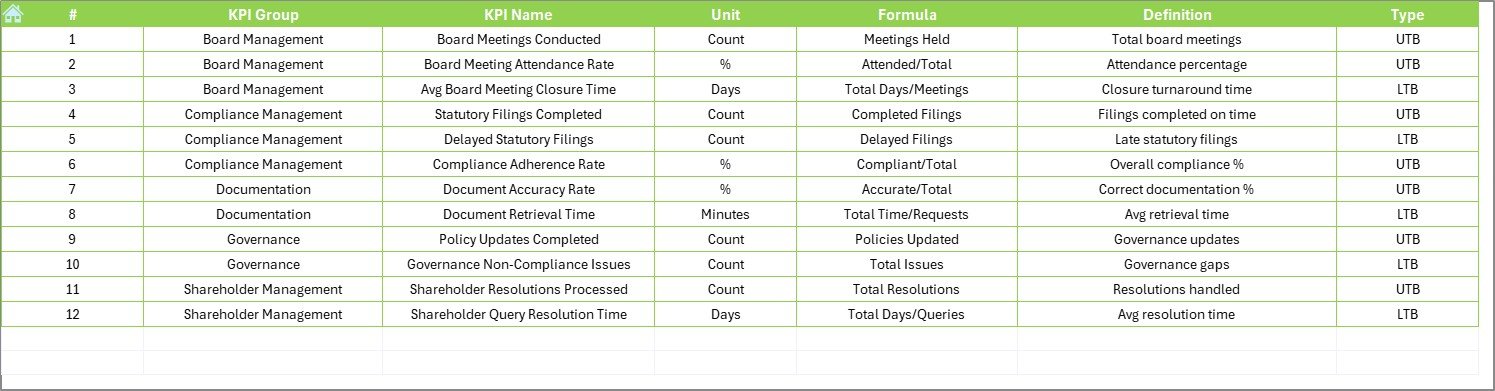
📘 KPI Definition Sheet
Maintain clear definitions, formulas, and units for governance and audit clarity.
Together, these sheets ensure clarity, accuracy, and audit-readiness.
## 🧩 How to Use the Corporate Secretarial KPI Dashboard in Excel
Using the dashboard is simple and practical:
1️⃣ Enter KPI definitions and targets
2️⃣ Update actual values monthly
3️⃣ Select the month from the dashboard
4️⃣ Review MTD, YTD, and YoY performance
5️⃣ Analyze trends and compliance gaps
6️⃣ Use insights during audits and management reviews
No advanced Excel skills are required.
## 👥 Who Can Benefit from This Corporate Secretarial KPI Dashboard
This dashboard is ideal for:
✔️ Corporate Secretarial Teams
✔️ Company Secretaries
✔️ Compliance & Governance Officers
✔️ Legal & Regulatory Teams
✔️ CFOs & Senior Management
✔️ Internal & External Audit Teams
Both small organizations and large enterprises can use it effectively.
### Click here to read the Detailed blog post
Visit our YouTube channel to learn step-by-step video tutorials
👉 https://youtube.com/@PKAnExcelExpert



























Reviews
There are no reviews yet.