The biotechnology industry operates in a highly data-intensive environment where research progress, laboratory efficiency, regulatory compliance, and financial performance must be monitored simultaneously. However, many biotech organizations still rely on disconnected spreadsheets and manual reporting systems, which often lead to delayed insights and poor visibility.
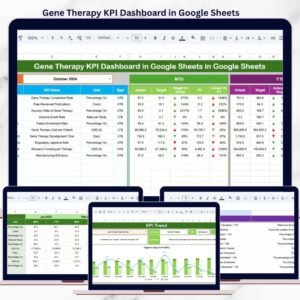
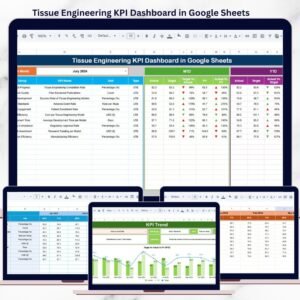
The Biotechnology KPI Scorecard in Google Sheets provides a structured and automated solution to track performance using measurable KPIs, visual indicators, and centralized analytics. Instead of reviewing lengthy reports, teams can evaluate operational performance through a clear monthly and yearly scorecard designed for faster decision-making.
This ready-to-use template helps biotechnology organizations transform complex operational data into actionable insights — all within a collaborative cloud environment.
⭐ Key Features of Biotechnology KPI Scorecard in Google Sheets
📊 Centralized KPI Monitoring
Track multiple biotechnology performance indicators in one structured scorecard.
📅 Dynamic Month Selection
Choose a reporting month using a dropdown and instantly update dashboard results.
🚦 Traffic Light Performance Indicators
Green, Yellow, and Red signals clearly show KPI performance status.
📈 MTD & YTD Analysis
Monitor both short-term and long-term organizational performance.
🔄 Automated Calculations
Dashboard updates automatically after data entry.
📉 Trend Analysis for KPIs
Analyze performance movement and percentage changes over time.
🤝 Cloud Collaboration
Teams update and review KPIs together in real time using Google Sheets.
📂 What’s Inside the Biotechnology KPI Scorecard
The template includes multiple worksheets designed for structured KPI tracking.
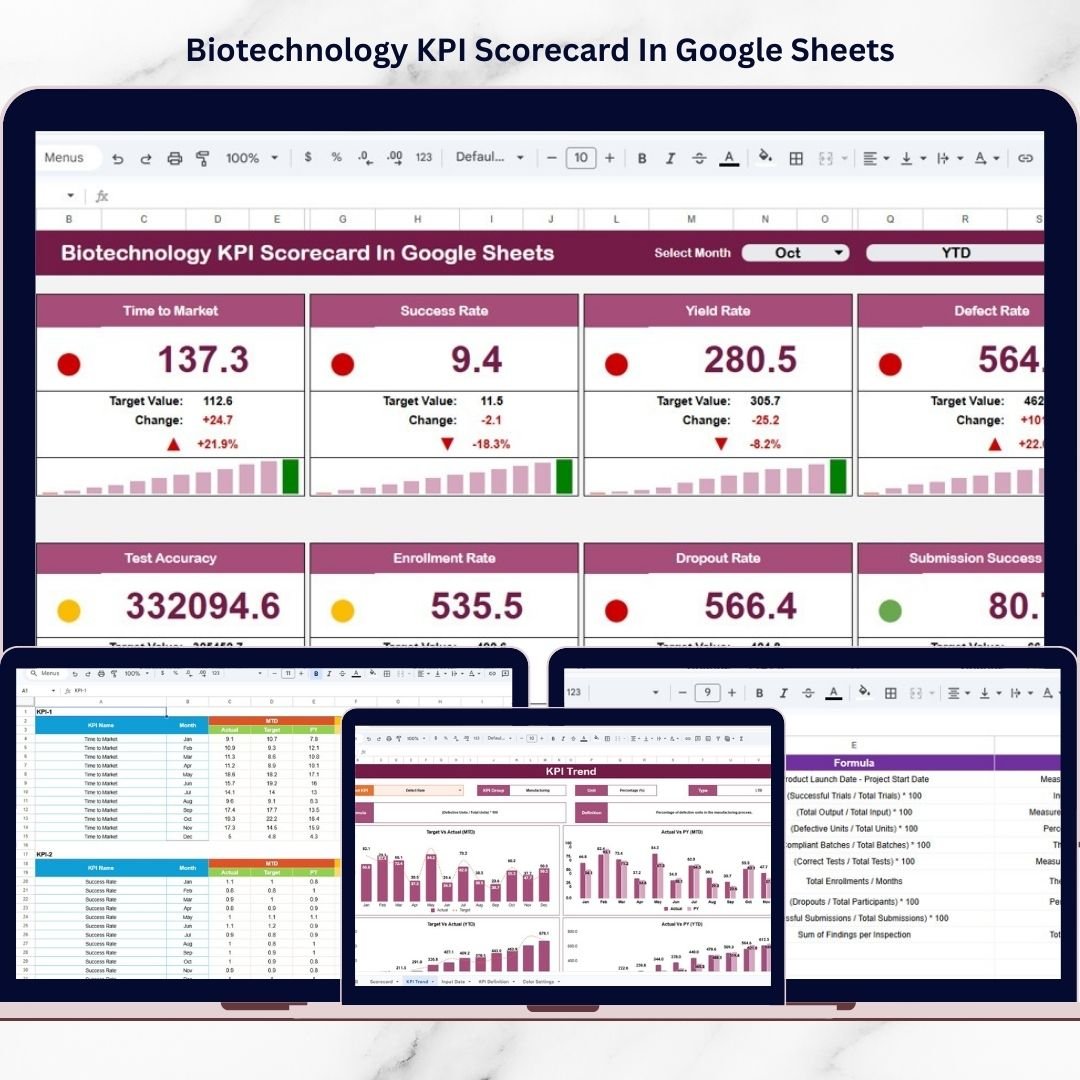
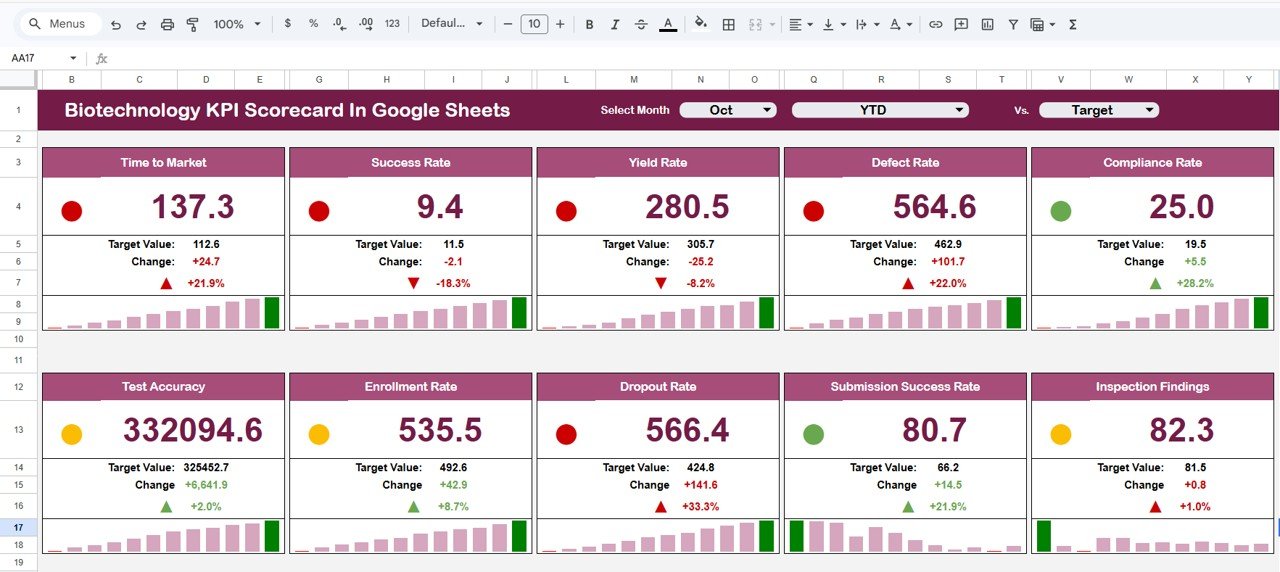
1️⃣ Scorecard Dashboard – Monthly & Yearly Overview
The main performance control center displaying:
-
Month dropdown selector
-
MTD (Month-To-Date) performance
-
YTD (Year-To-Date) performance
-
Traffic light indicators
-
Performance trend arrows
Because visuals update automatically, users instantly understand organizational performance.
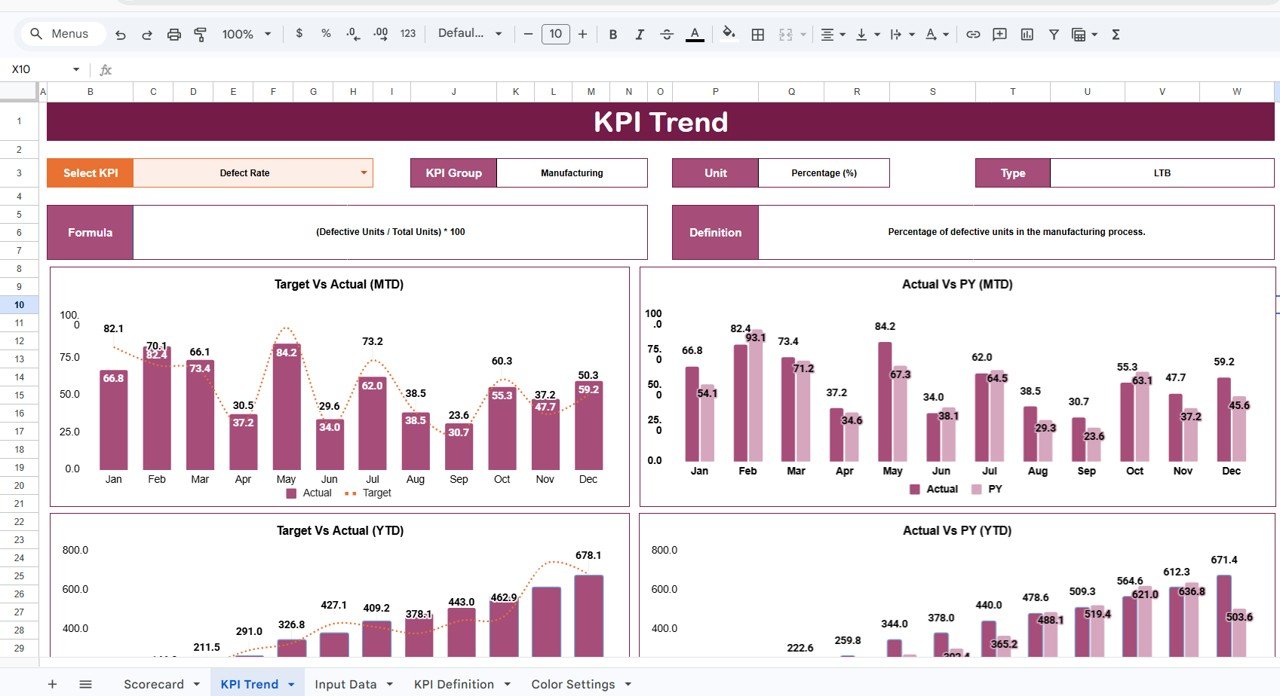
2️⃣ KPI Trend Sheet – Detailed KPI Analysis
Select a KPI (Cell C3) to view:
-
KPI Group
-
KPI Unit
-
KPI Type (LTB / UTB)
-
Performance direction
-
Trend comparison
This ensures KPI transparency across departments.
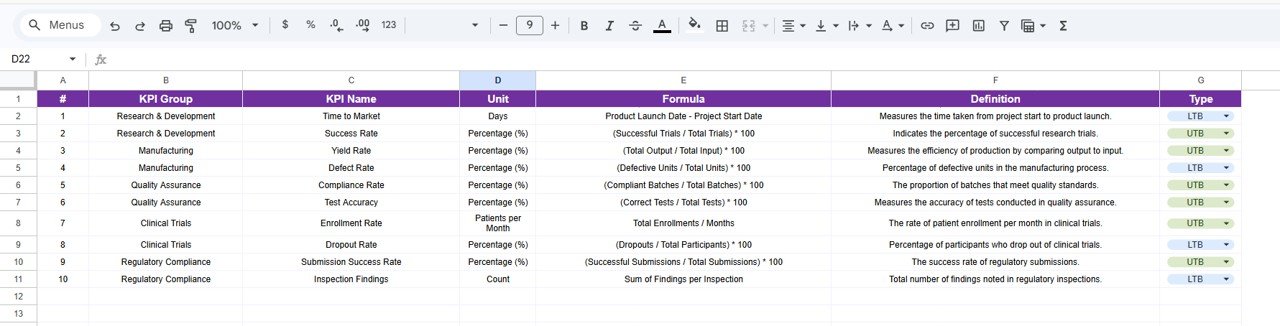
3️⃣ KPI Definition Sheet – KPI Documentation Center
A centralized reference including:
-
KPI Name
-
KPI Group
-
Unit of Measurement
-
KPI Formula
-
KPI Definition
Helps maintain consistent performance measurement standards.
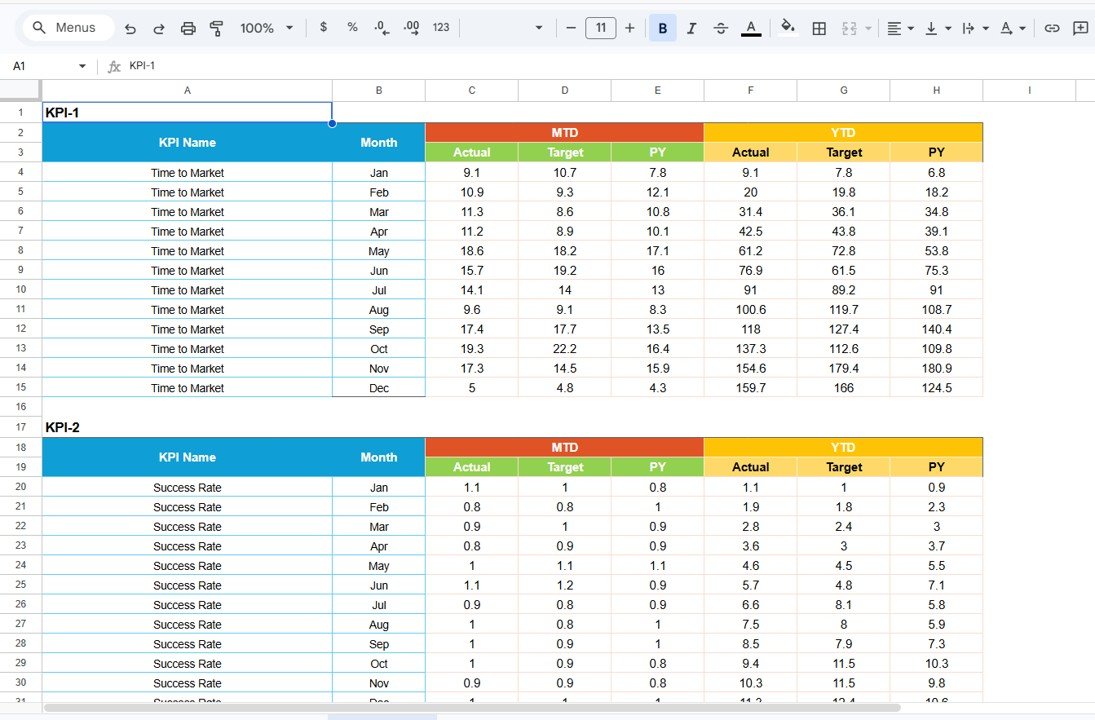
4️⃣ Data Input Sheet – Performance Data Entry
Simple and structured data entry:
-
Enter monthly KPI values
-
Update actual performance numbers
-
Dashboard refreshes automatically
Minimizes manual reporting errors.
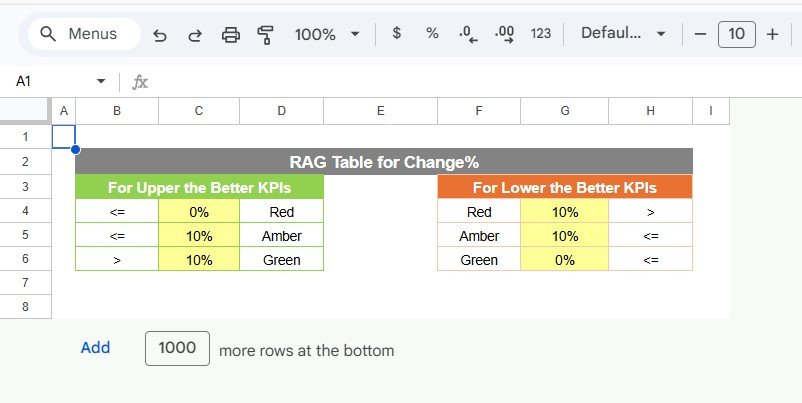
5️⃣ Colour Settings – Visual Performance Signals
Built-in visual indicators include:
🟢 Green → Strong performance
🟡 Yellow → Needs attention
🔴 Red → Requires improvement
⬆️ Improvement indicator
⬇️ Performance decline indicator
These visuals allow quick performance evaluation without deep analysis.
📊 KPIs You Can Track
The scorecard tracks 10 customizable KPIs, typically covering:
-
Research Progress Metrics
-
Laboratory Efficiency
-
Compliance Performance
-
Operational Productivity
-
Quality Indicators
-
Financial Performance Metrics
Organizations can easily modify KPIs according to research or operational goals.
🚀 Advantages of Biotechnology KPI Scorecard in Google Sheets
✅ Centralized performance monitoring
✅ Automated KPI calculations
✅ Easy collaboration across teams
✅ Visual performance evaluation
✅ Monthly and yearly comparisons
✅ Flexible KPI customization
✅ Cost-effective analytics solution
💡 Best Practices for Using the KPI Scorecard
-
Define clear KPI objectives aligned with strategy
-
Update KPI data regularly
-
Maintain consistent measurement units
-
Review KPIs monthly
-
Train teams on KPI interpretation
-
Monitor trends instead of isolated numbers
-
Ensure accurate data entry
Following these practices ensures reliable performance insights.
☁️ Why Google Sheets Is Ideal for KPI Scorecards
Google Sheets offers powerful advantages:
-
Cloud-based accessibility
-
Real-time collaboration
-
Automatic saving
-
Easy sharing and permissions
-
Flexible customization
-
No additional software cost
Therefore, biotechnology teams can implement analytics quickly without complex systems.
🎯 Who Can Benefit from This Scorecard?
This template is ideal for:
-
Biotechnology Companies
-
Research Laboratories
-
Pharmaceutical R&D Teams
-
Clinical Research Organizations
-
Lab Operations Managers
-
Strategy & Performance Analysts
🏁 Conclusion
The Biotechnology KPI Scorecard in Google Sheets provides a structured and efficient way to monitor biotechnology performance using measurable KPIs and automated analytics. Instead of relying on scattered reports, organizations gain centralized visibility into operational and strategic performance.
With traffic light indicators, trend analysis, and collaborative access, teams can evaluate progress faster, improve accountability, and make data-driven decisions confidently.
Ultimately, organizations that consistently measure performance achieve stronger research outcomes, operational efficiency, and sustainable growth.
### Click hare to read the Detailed blog post
Watch the step-by-step video tutorial: