Bring cash flow, spending, budgets and client payments into organized reports. Choose a focused finance tracker or a dashboard that fits your existing reporting process.
Individual products include only the files and formats listed on their product pages. Prices are loaded from the store.
Choose your software
Excel
A familiar workbook workflow for data entry and reporting. Check the required Excel version; VBA products may require desktop Excel and macro support.
Power BI
Interactive reporting for teams using Power BI. Check the product’s source data and refresh steps. Microsoft licensing may be required for sharing reports.
Google Sheets
A browser-based spreadsheet workflow for teams. Follow the included instructions to make your own copy, then set appropriate sharing permissions.
Check before you buy
Open the product page and review its screenshots, demo and exact file contents.
Confirm the application, software version and any macro or setup requirements.
Match your data fields and reporting needs to the template’s input structure.
For a bundle, compare its included products with templates you already own.
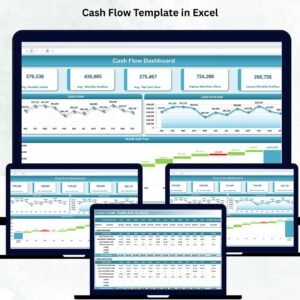
Start with the Cash Flow Template in Excel. Review its input fields and reporting layout to confirm they match the cash movements you want to track.
Can a template replace my accounting software?
These products support reporting and tracking. Check the product’s scope; a dashboard does not automatically provide a full accounting ledger, tax filing or bank integration.
Can I work in Google Sheets instead of Excel?
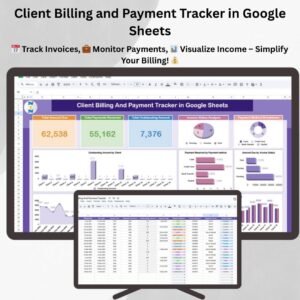
Yes, selected products on this page use Google Sheets, including the Client Billing and Payment Tracker and Income and Expense Dashboard. Individual Excel products are separate formats.