Managing a distillery is not only about crafting premium spirits. It is about controlling yield, minimizing losses, maintaining quality, optimizing production cost, and achieving revenue targets every month. However, when performance data sits in disconnected spreadsheets, visibility disappears. Consequently, issues stay hidden, targets get missed, and profit margins shrink.
That is why we built the Distilleries KPI Dashboard in Power BI — a ready-to-use, structured performance intelligence system designed specifically for distillery operations.
This powerful dashboard centralizes production, quality, financial, efficiency, and compliance KPIs into one interactive Power BI report. Moreover, it allows you to compare MTD and YTD performance against targets and previous year results instantly. As a result, you gain clarity, control, and confidence in every operational decision.
If you want to run your distillery with data-driven precision, this dashboard delivers exactly what you need.
🚀 Key Feature of Distilleries KPI Dashboard in Power BI
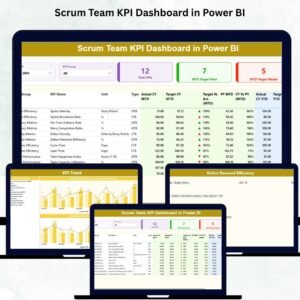
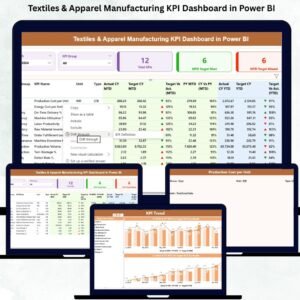
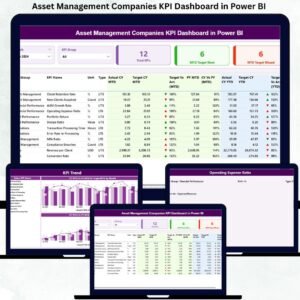
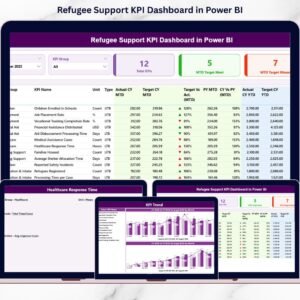
This dashboard includes 3 structured and interactive pages inside Power BI Desktop.
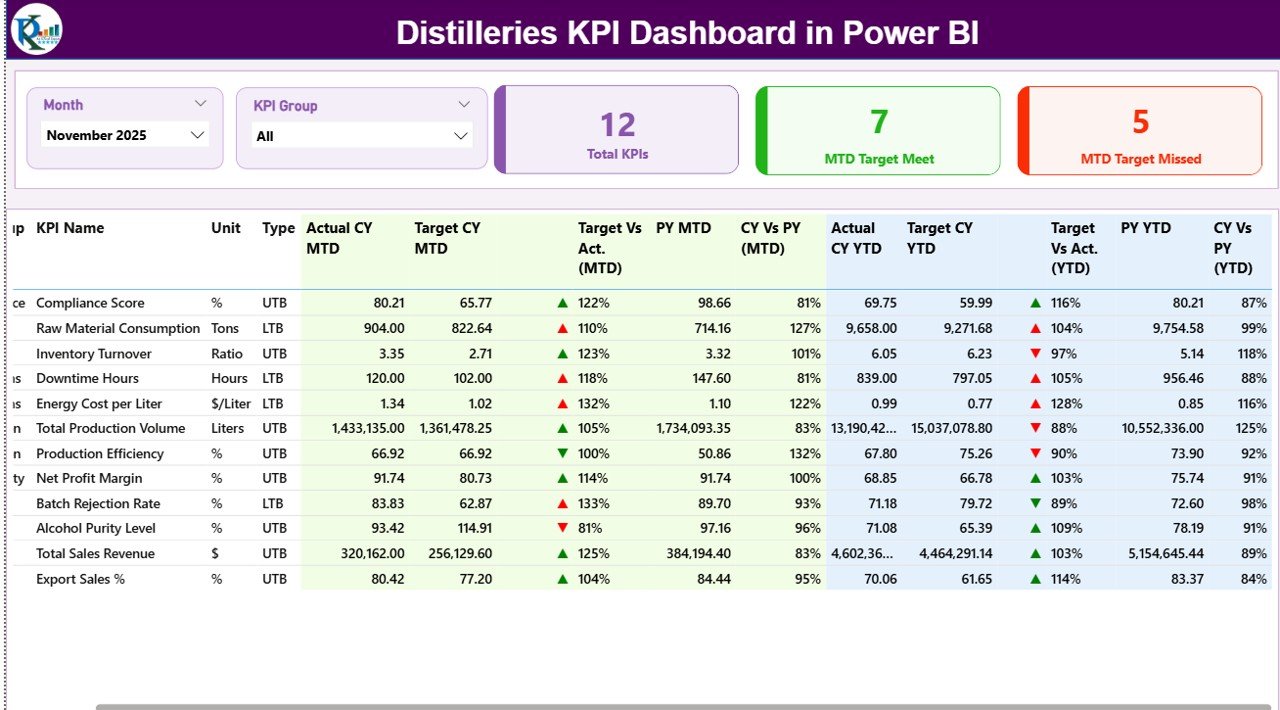
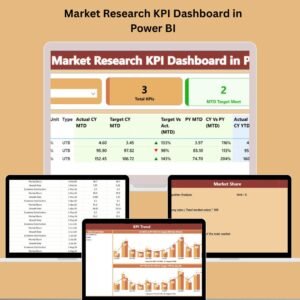
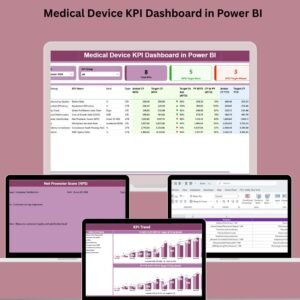
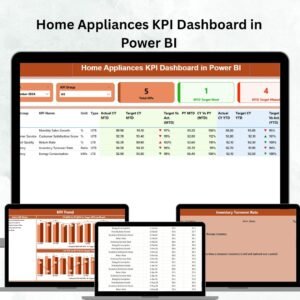
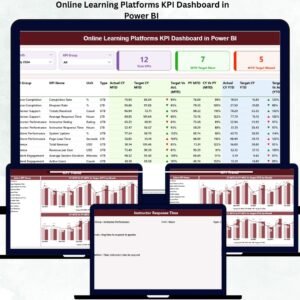
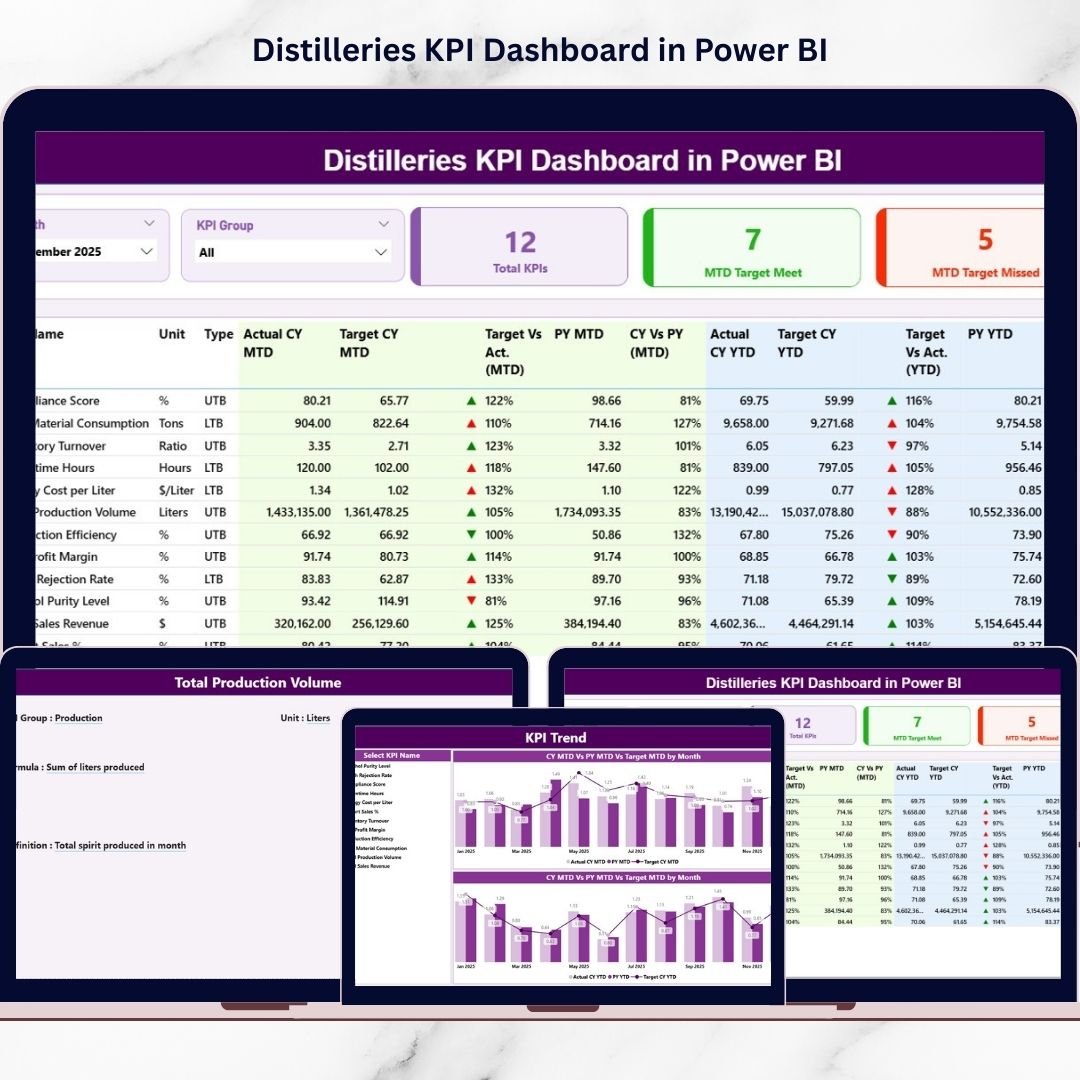
📊 Summary Page – Complete KPI performance overview
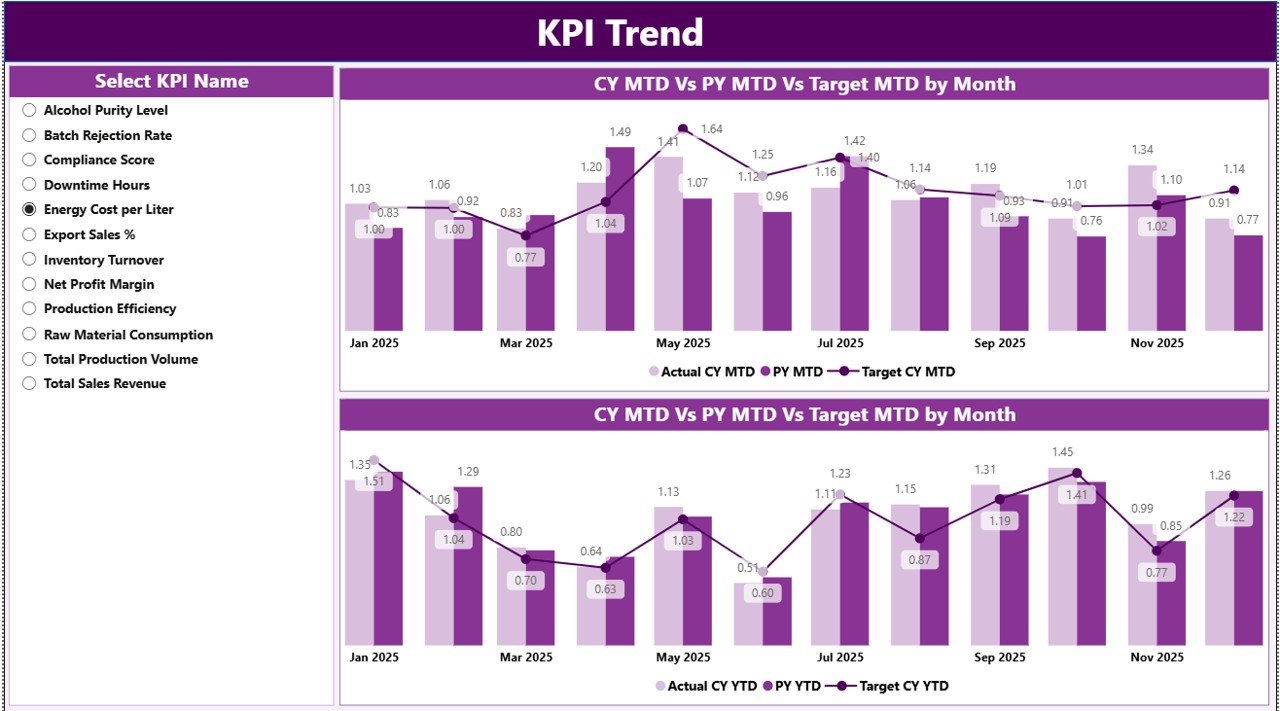
📈 KPI Trend Page – Visual trend analysis (MTD & YTD)
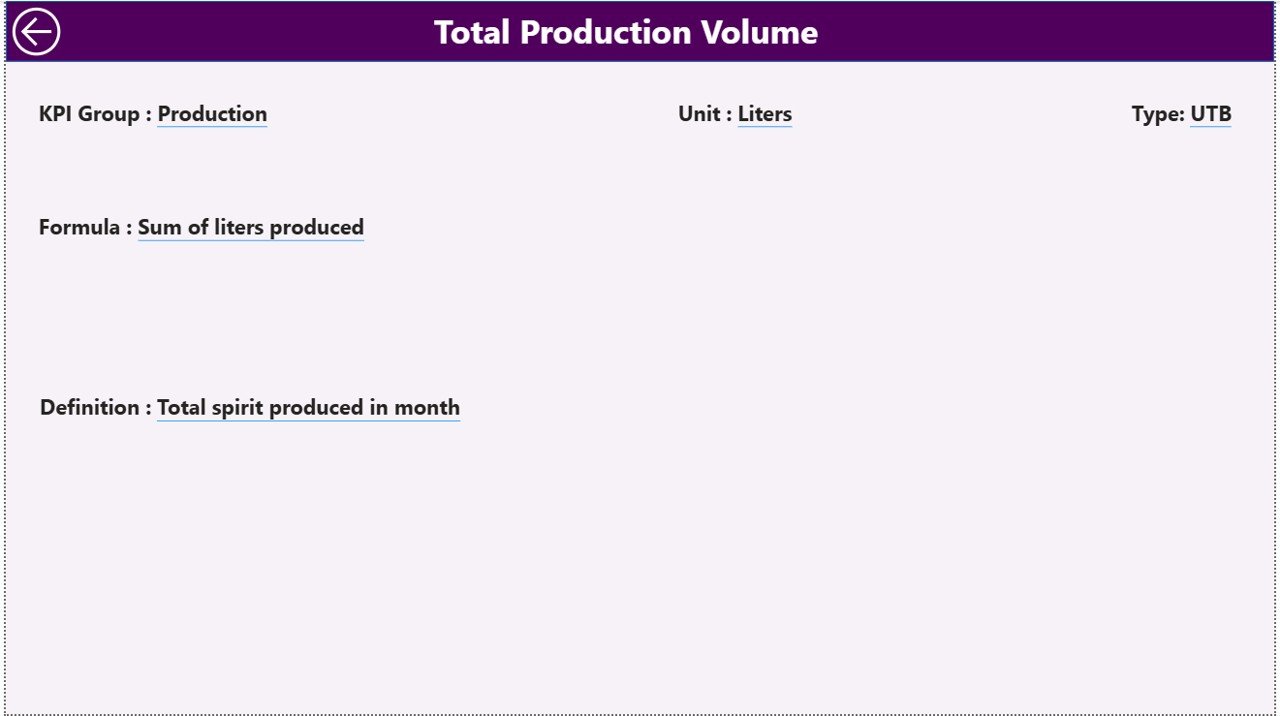
📘 KPI Definition Page – Drill-through KPI logic & formulas
✨ Powerful Highlights:
Month Slicer for dynamic filtering
KPI Group Slicer (Production, Quality, Financial, Efficiency, Compliance)
MTD & YTD Comparison
Target vs Actual Analysis
Previous Year Benchmarking
▲ / ▼ Performance Indicators
Interactive Combo Charts
Excel-Based Data Input
Fully Customizable KPI Framework
Because everything runs inside Power BI, your reporting becomes interactive, professional, and presentation-ready.
📦 What’s Inside the Distilleries KPI Dashboard in Power BI
This ready-to-use Power BI file includes:
✔ 3 Interactive Dashboard Pages
✔ KPI Performance Cards (Total KPIs, Target Meet, Target Missed)
✔ Detailed KPI Table with MTD & YTD Metrics
✔ Target vs Actual % Calculation
✔ CY vs PY Growth Comparison
✔ Combo Trend Charts (MTD & YTD)
✔ Drill-Through KPI Definitions
✔ Excel Data Source with Structured Sheets
✔ Flexible KPI Classification (LTB & UTB)
You simply update Excel data, refresh Power BI, and start analyzing performance immediately.
🛠 How to Use the Distilleries KPI Dashboard in Power BI
Implementation is simple:
1️⃣ Define KPIs in the Excel KPI Definition Sheet.
2️⃣ Enter Monthly Actual Numbers in Input_Actual Sheet.
3️⃣ Enter Targets in Input_Target Sheet.
4️⃣ Refresh Power BI.
5️⃣ Use slicers to filter by Month or KPI Group.
6️⃣ Review Summary Page first for high-level insights.
7️⃣ Analyze trends in KPI Trend Page.
8️⃣ Drill through to KPI Definition Page for formula clarity.
For example:
If Yield % drops below target, investigate fermentation or distillation efficiency.
If Cost per Liter rises, review raw material or energy usage.
If Sales Growth % declines compared to previous year, adjust distribution planning.
Because visuals update automatically, you can act immediately.
👥 Who Can Benefit from This Distilleries KPI Dashboard?
This dashboard is ideal for:
🥃 Distillery Owners
🏭 Plant Managers
🧪 Quality Control Teams
💰 Finance Heads
📦 Operations Managers
📊 Business Analysts
Whether you manage a small craft distillery or a large production facility, this dashboard scales with your operations.
📊 What KPIs Can You Track?
You can monitor key distillery metrics such as:
Production KPIs
Alcohol Yield %
Production Volume
Batch Completion Rate
Downtime Hours
Capacity Utilization %
Quality KPIs
Rejection Rate % (LTB)
Lab Test Compliance %
Customer Complaint Rate
Financial KPIs
Revenue per Liter
Production Cost per Unit
Gross Margin %
Inventory Turnover
Efficiency KPIs
Energy Consumption per Batch
Water Usage per Liter
Raw Material Loss % (LTB)
Because the KPI Definition sheet is editable, you can customize the dashboard according to your distillery’s requirements.
💡 How This Dashboard Improves Decision-Making
When you use this dashboard consistently:
You detect underperforming KPIs quickly
You reduce operational losses
You control production costs
You improve yield efficiency
You increase profit margins
You align teams with measurable goals
Instead of relying on assumptions, you make decisions backed by structured data.
Click here to read the Detailed blog post
Visit our YouTube channel to learn step-by-step video tutorials