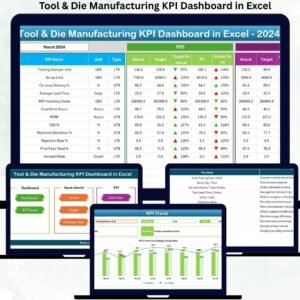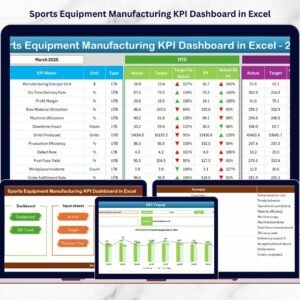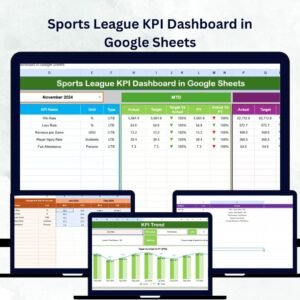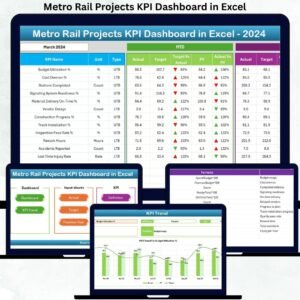
The footwear industry operates in a fast-paced and highly competitive environment where manufacturers must balance production efficiency, quality control, operational costs, and delivery timelines. However, many factories still rely on scattered spreadsheets and manual reporting, which makes performance tracking slow and unreliable.
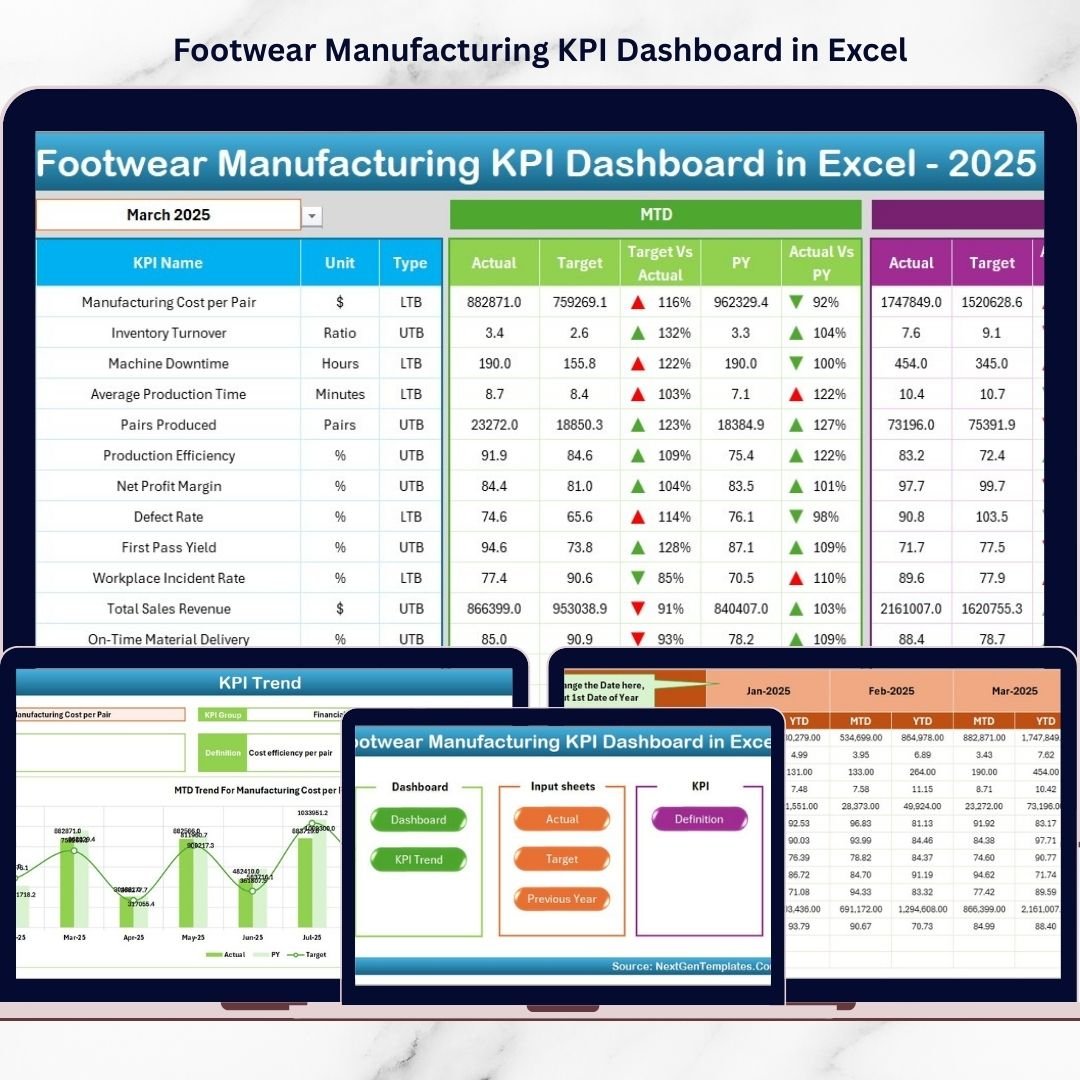
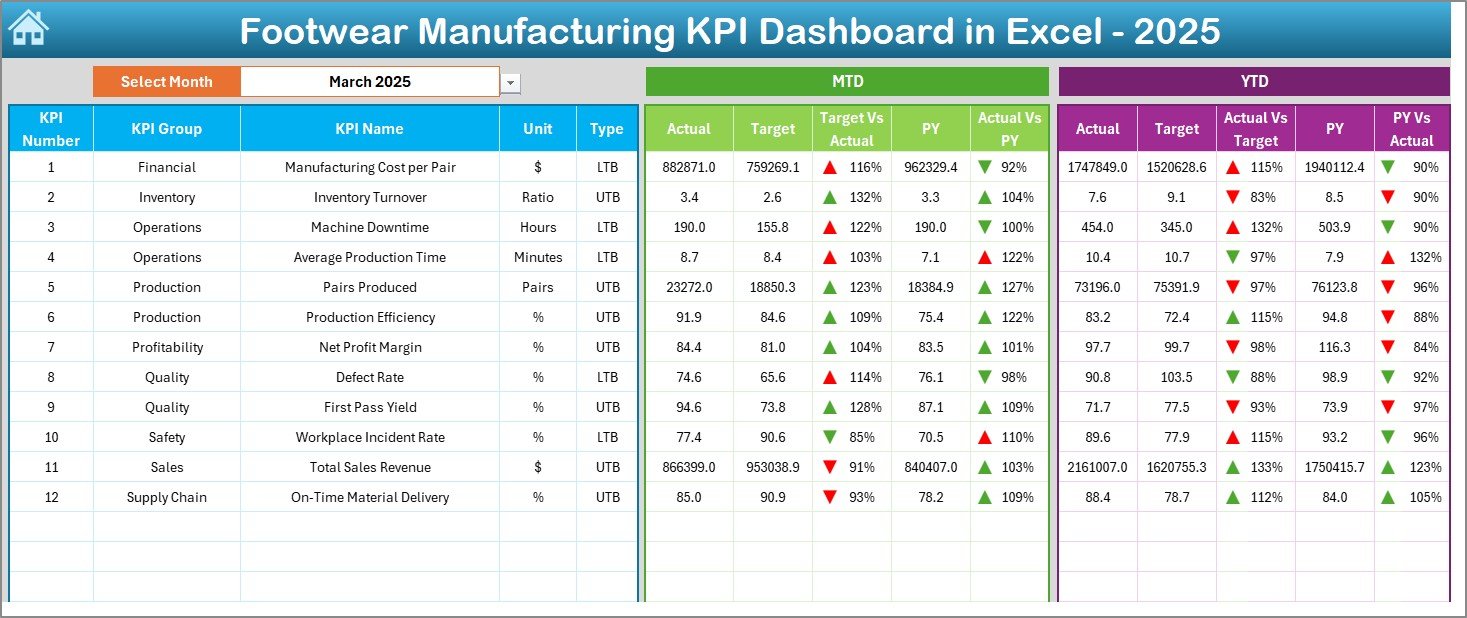
The Footwear Manufacturing KPI Dashboard in Excel solves this challenge by transforming raw production data into clear, visual insights. Instead of analyzing multiple reports, managers can monitor all key performance indicators (KPIs) from one centralized dashboard and make faster, data-driven decisions.
This ready-to-use Excel dashboard helps footwear manufacturers improve productivity, reduce defects, and optimize operations without investing in expensive analytics software.
⭐ Key Feature of Footwear Manufacturing KPI Dashboard in Excel
📊 Centralized KPI Monitoring
Track production, quality, delivery, and cost KPIs in one place.
📅 Dynamic Month Selection
Select a month from cell D3 and automatically update the entire dashboard.
📈 MTD & YTD Performance Tracking
Monitor both short-term and long-term manufacturing performance.
🔼 Visual Performance Indicators
Conditional formatting arrows instantly highlight improvement or decline.
🏭 Manufacturing-Focused KPI Design
Built specifically for footwear production workflows.
📉 Actual vs Target Comparison
Identify performance gaps immediately.
🕒 Previous Year Benchmarking
Compare current results with historical performance.
⚡ Automated Calculations
Reduce manual reporting effort with built-in formulas.
📂 What’s Inside the Footwear Manufacturing KPI Dashboard
The Excel template contains 7 structured worksheets:
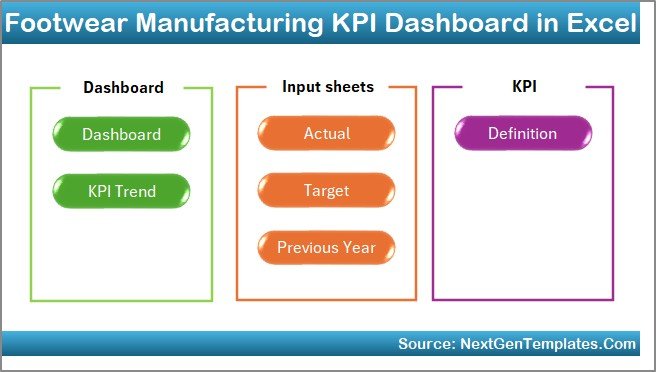
✔️ Home Sheet – Navigation center with quick-access buttons
✔️ Dashboard Sheet – Complete KPI performance overview
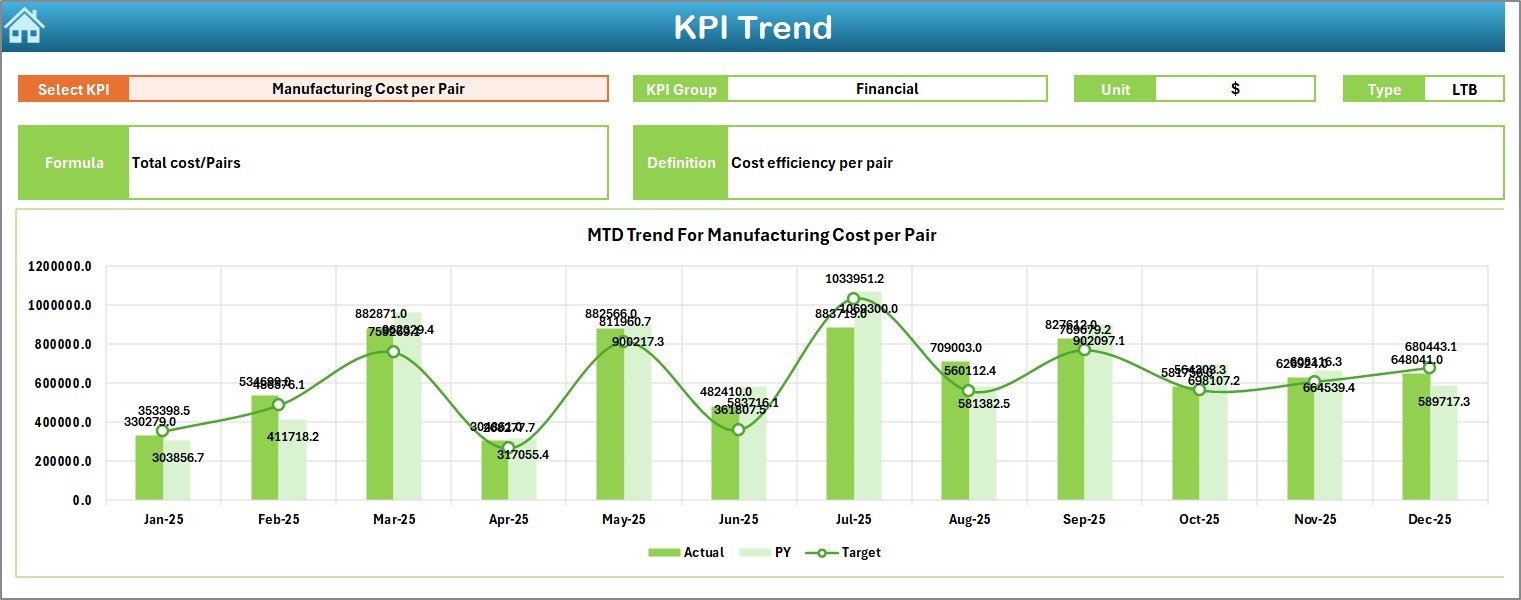
✔️ KPI Trend Sheet – Detailed KPI trend analysis
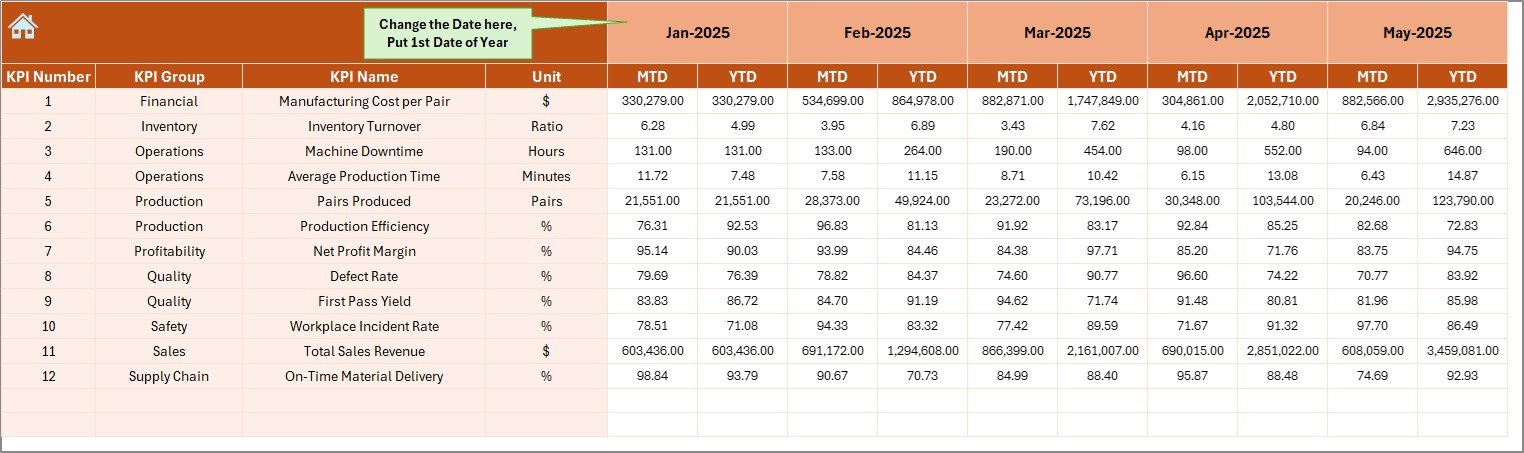
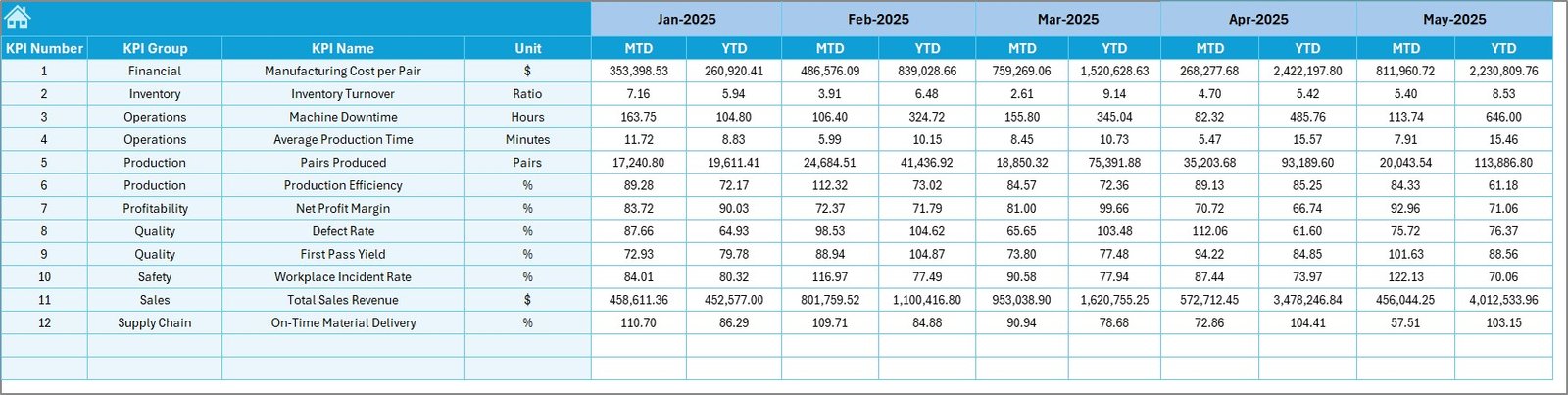
✔️ Actual Numbers Input Sheet – Data entry section
✔️ Target Sheet – Goal planning and KPI targets
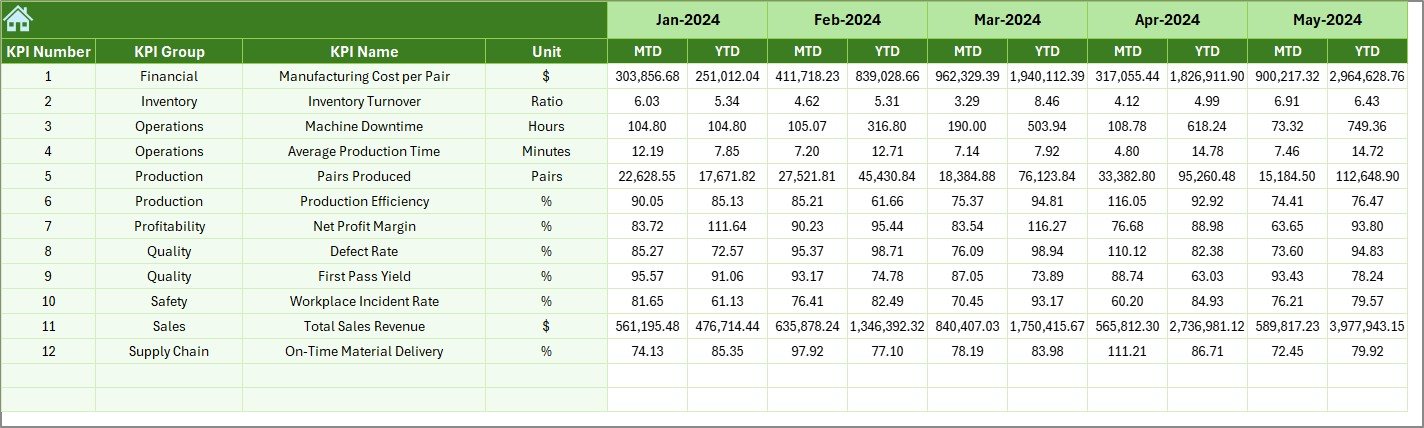
✔️ Previous Year Numbers Sheet – Historical benchmarking
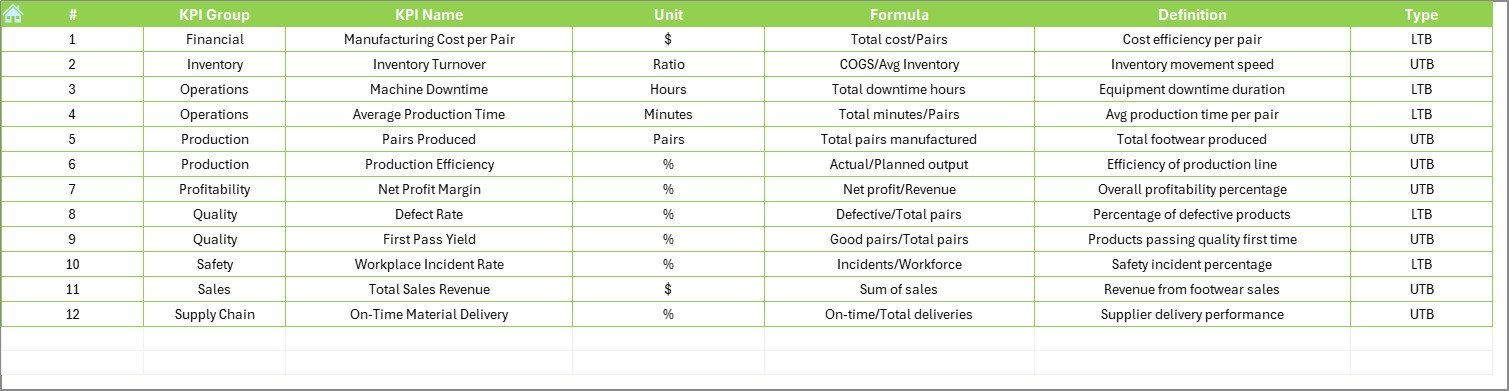
✔️ KPI Definition Sheet – KPI formulas and documentation
Each sheet works together to create a complete manufacturing performance management system.
🛠️ How to Use the Footwear Manufacturing KPI Dashboard
Follow these simple steps:
Step 1: Define manufacturing KPIs in the KPI Definition sheet
Step 2: Enter monthly targets in the Target sheet
Step 3: Add previous year data for comparison
Step 4: Input actual production numbers regularly
Step 5: Select reporting month from dropdown
Step 6: Analyze insights and take corrective action
Once data is entered, the dashboard updates automatically.
📊 KPIs You Can Track in Footwear Manufacturing
Production KPIs
-
Units produced per day
-
Production efficiency %
-
Machine utilization rate
-
Line productivity
Quality KPIs
-
Defect rate
-
Rework percentage
-
First-pass yield
-
Inspection quality score
Delivery KPIs
-
On-time delivery %
-
Order completion rate
-
Lead time performance
Cost KPIs
-
Cost per pair
-
Labor efficiency
-
Material utilization rate
These KPIs provide a complete operational performance view.
🎯 Who Can Benefit from This Dashboard?
This dashboard is ideal for:
✅ Factory Managers
✅ Production Supervisors
✅ Quality Control Teams
✅ Operations Managers
✅ Footwear Business Owners
✅ Supply Chain Analysts
Both small manufacturers and large factories can implement it easily.
🚀 Advantages of Footwear Manufacturing KPI Dashboard in Excel
✔️ Centralized performance visibility
✔️ Faster decision-making
✔️ Improved production monitoring
✔️ Early defect detection
✔️ Better cost control
✔️ Easy implementation using Excel
✔️ No expensive software required
Because Excel is already familiar to most teams, adoption becomes quick and simple.
💡 Best Practices for Maximum Results
-
Update data weekly or monthly
-
Track only actionable KPIs
-
Validate data before entry
-
Conduct monthly KPI reviews
-
Train teams on KPI definitions
-
Compare MTD, YTD, and previous year trends regularly
Following these practices ensures accurate insights and continuous improvement.
📘 Click hare to read the Detailed blog post
📺 Visit our YouTube channel to learn step-by-step video tutorials
👉 https://Youtube.com/@PKAnExcelExpert