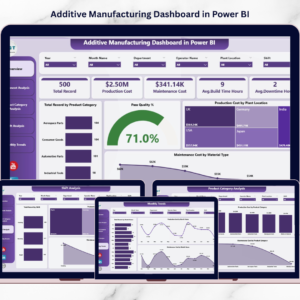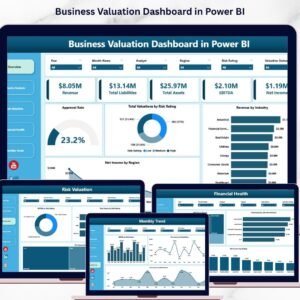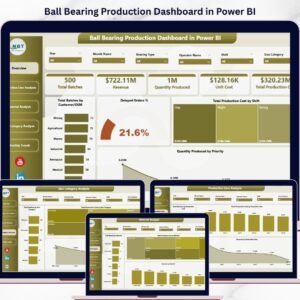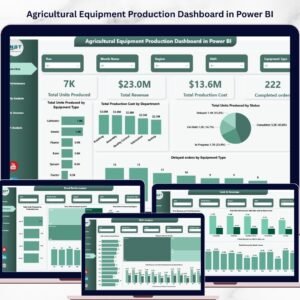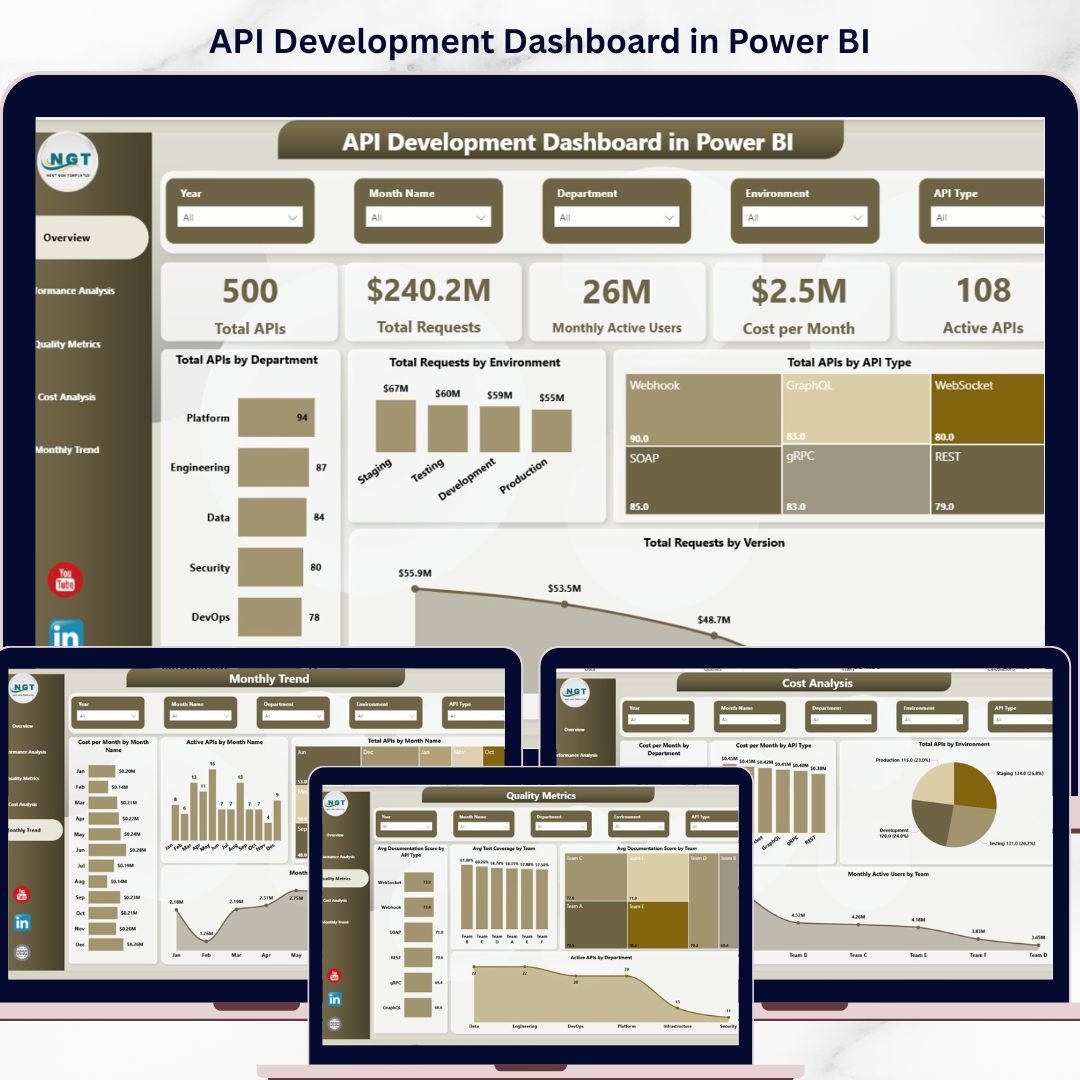
Take control of your manufacturing performance like never before with the API Development Dashboard in Power BI🚀In today’s fast-paced automotive industry, relying on scattered spreadsheets and disconnected reports can slow down your decision-making and reduce efficiency. That’s why smart manufacturers are switching to powerful, data-driven solutions.
This ready-to-use Power BI dashboard helps you track production performance, monitor quality, control costs, and uncover insights—all in one interactive platform. Whether you manage production lines or oversee operations, this dashboard gives you everything you need to make faster, smarter decisions.
🔥 Key Features of Automotive Parts Manufacturing Dashboard in Power BI
📊 5 Interactive Dashboard Pages – Get a complete 360° view of your manufacturing operations
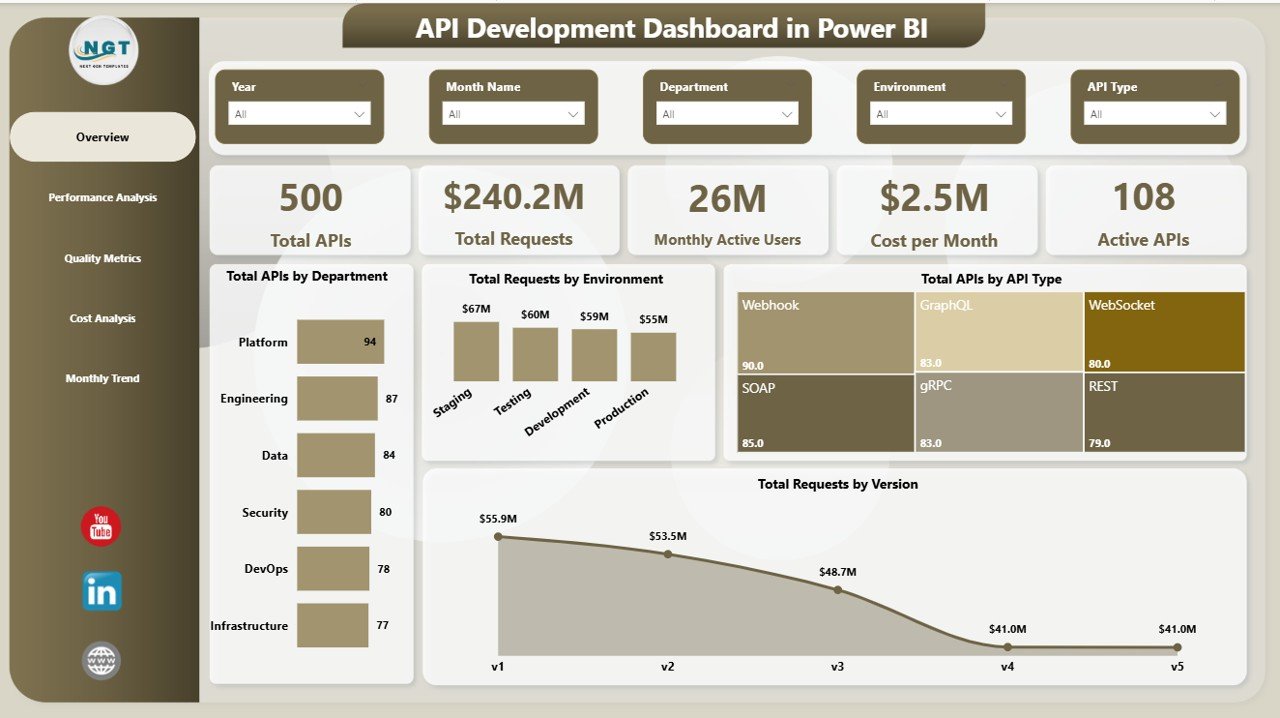
📈 Overview Page – Instantly monitor KPIs like production volume, cost per month, active production lines, and operational activity
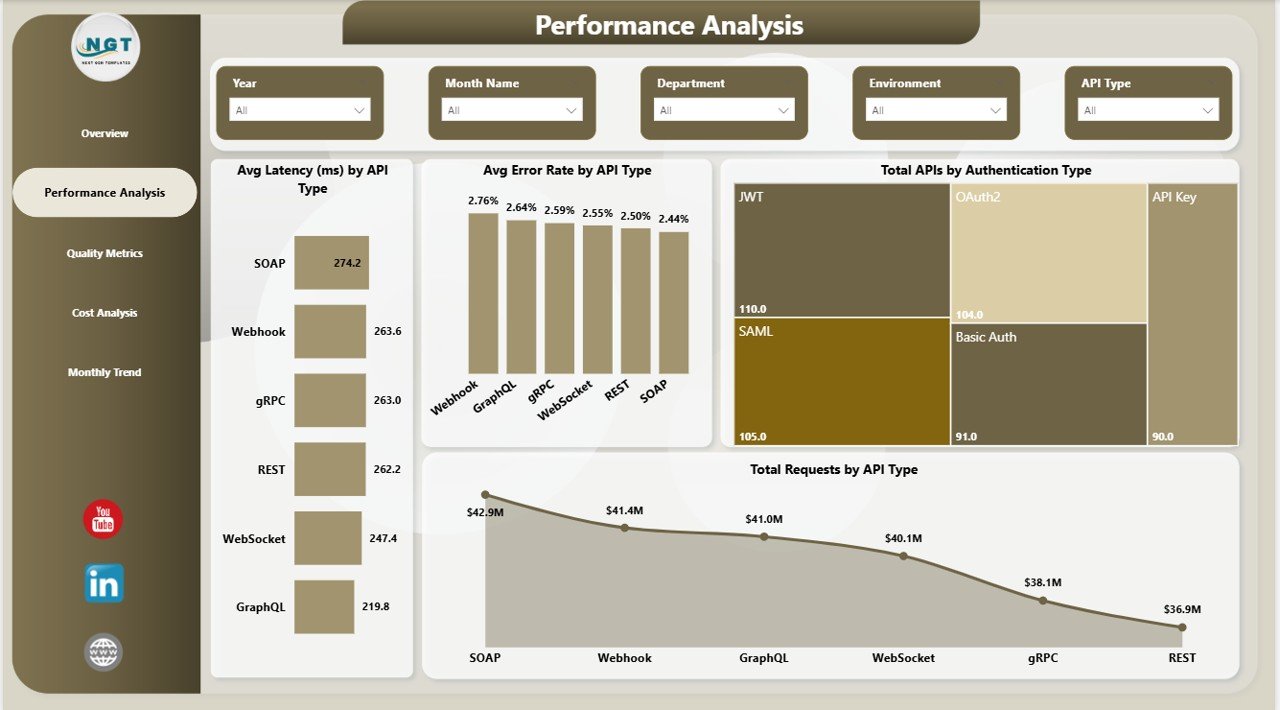
⚙️ Performance Analysis – Identify production delays, track defect rates, and analyze efficiency across processes
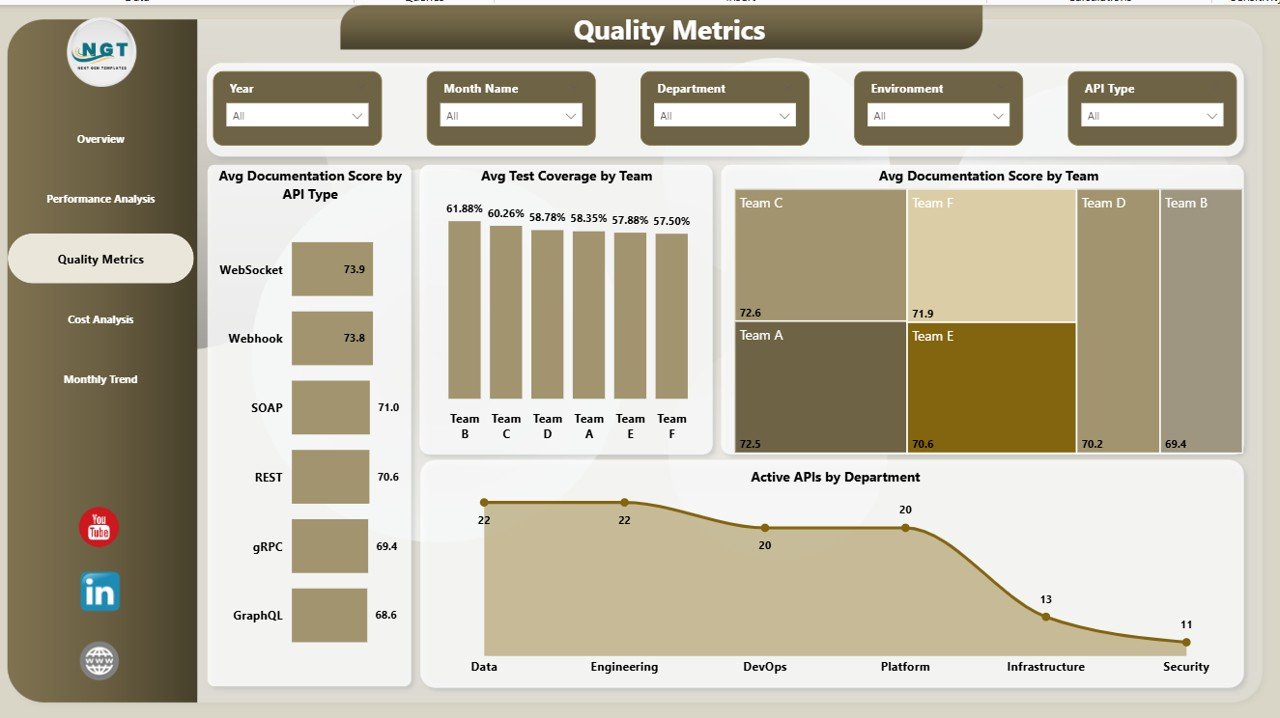
🧪 Quality Metrics Tracking – Monitor test coverage, documentation scores, and team-level quality performance
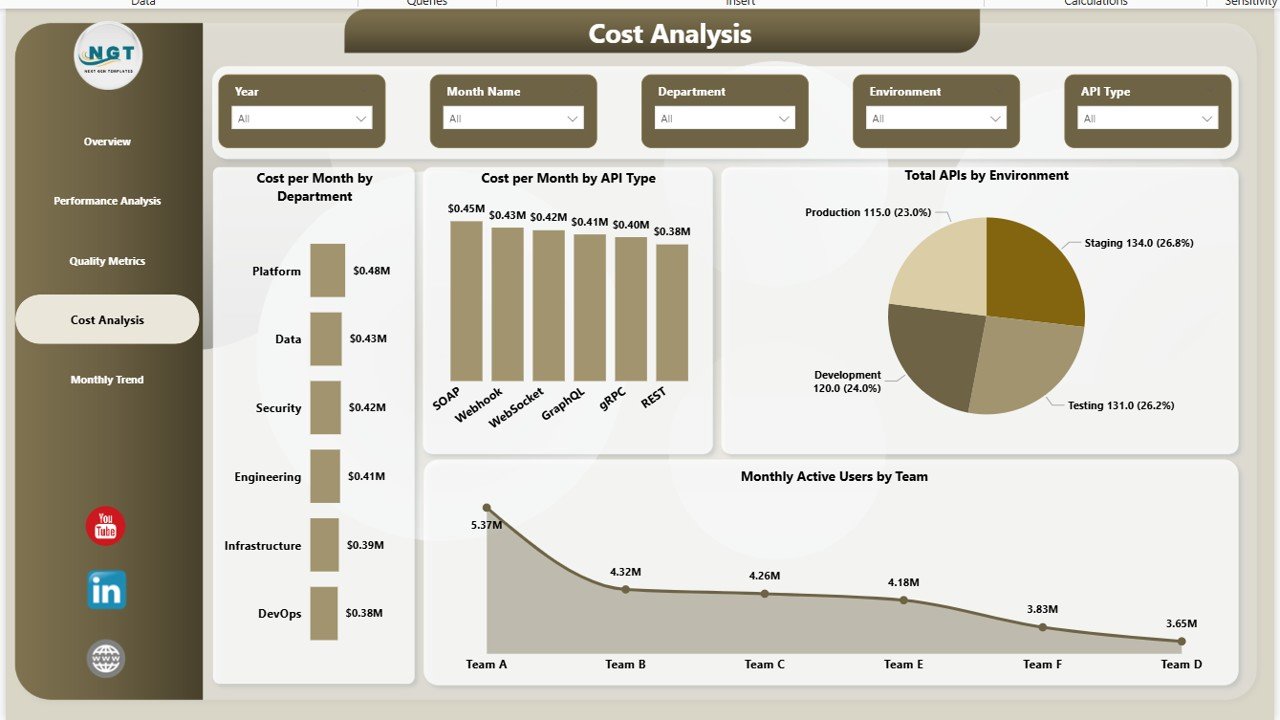
💰 Cost Analysis Insights – Track department-wise costs, identify high-expense areas, and optimize spending
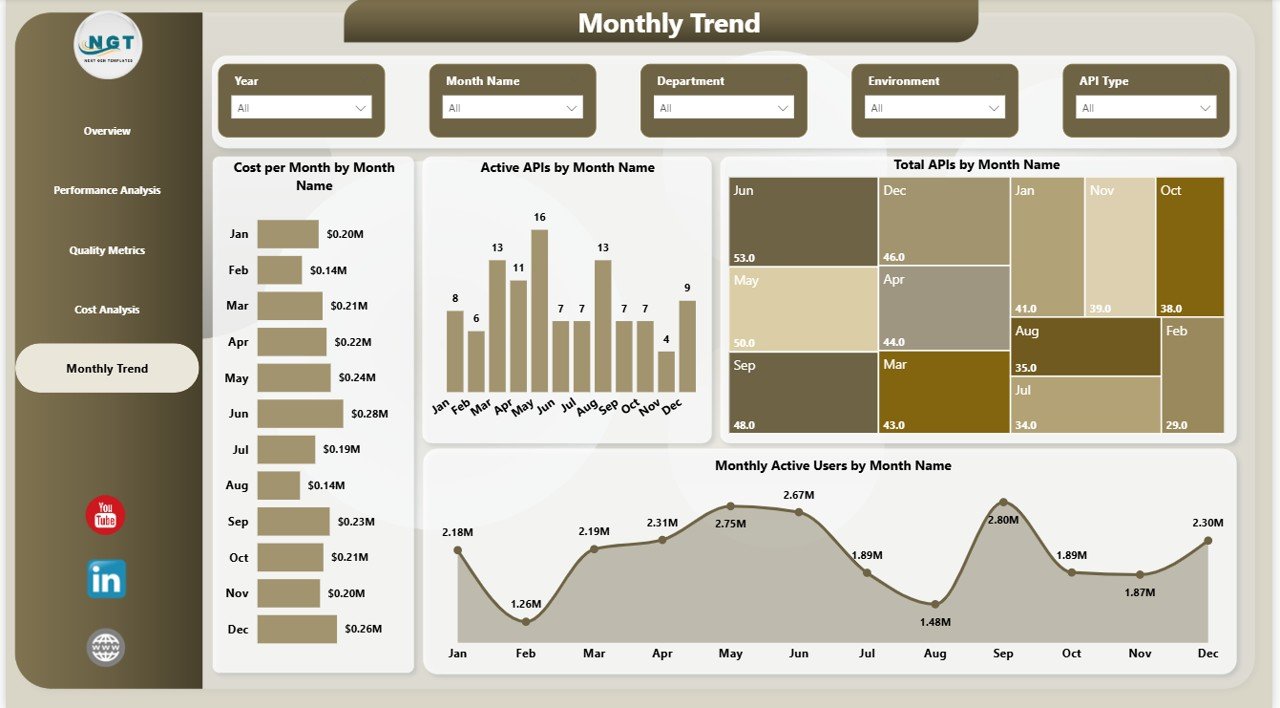
📅 Monthly Trend Analysis – Analyze trends, compare monthly performance, and forecast future production
🎯 Interactive Visuals & Filters – Use slicers to drill down into data and explore insights dynamically
📦 What’s Inside the Automotive Parts Manufacturing Dashboard in Power BI
When you download this product, you get a fully structured and ready-to-use Power BI file designed for real-world manufacturing analysis.
✔️ Professionally designed Power BI dashboard
✔️ 5 fully interactive pages (Overview, Performance, Quality, Cost, Monthly Analysis)
✔️ Pre-built KPI cards and advanced charts
✔️ Dynamic slicers for filtering data
✔️ Easy-to-customize structure for your business needs
✔️ Clean and organized data model
Everything is designed to help you go from raw data to actionable insights in minutes.
🛠️ How to Use the Automotive Parts Manufacturing Dashboard in Power BI
Using this dashboard is simple—even if you are not a Power BI expert.
1️⃣ Import your production and operational data
2️⃣ Connect your data sources (Excel, ERP systems, etc.)
3️⃣ Refresh the dashboard to update visuals
4️⃣ Use slicers to filter data by department, time, or category
5️⃣ Analyze KPIs and identify performance gaps
6️⃣ Take data-driven actions to improve efficiency
Within minutes, you will have a powerful reporting system ready to support your decisions.
👥 Who Can Benefit from This Automotive Parts Manufacturing Dashboard in Power BI
This dashboard is designed for professionals across the automotive and manufacturing industry:
👨🏭 Manufacturing Managers – Monitor production performance and efficiency
⚙️ Production Engineers – Analyze process delays and improve output
🧪 Quality Control Teams – Track defect rates and ensure compliance
📊 Business Analysts – Generate insights and reports quickly
🏢 Operations Managers – Optimize workflows and reduce costs
🚗 Automotive Industry Executives – Make strategic, data-driven decisions
Whether you run a small manufacturing unit or a large automotive plant, this dashboard adapts to your needs.
💡 With this dashboard, you can:
✔️ Improve production efficiency
✔️ Reduce downtime and bottlenecks
✔️ Enhance product quality
✔️ Control costs effectively
✔️ Make faster, data-driven decisions
Stop guessing and start managing your manufacturing operations with confidence.
Click here to read the Detailed blog post
Watch the step-by-step video tutorial: