

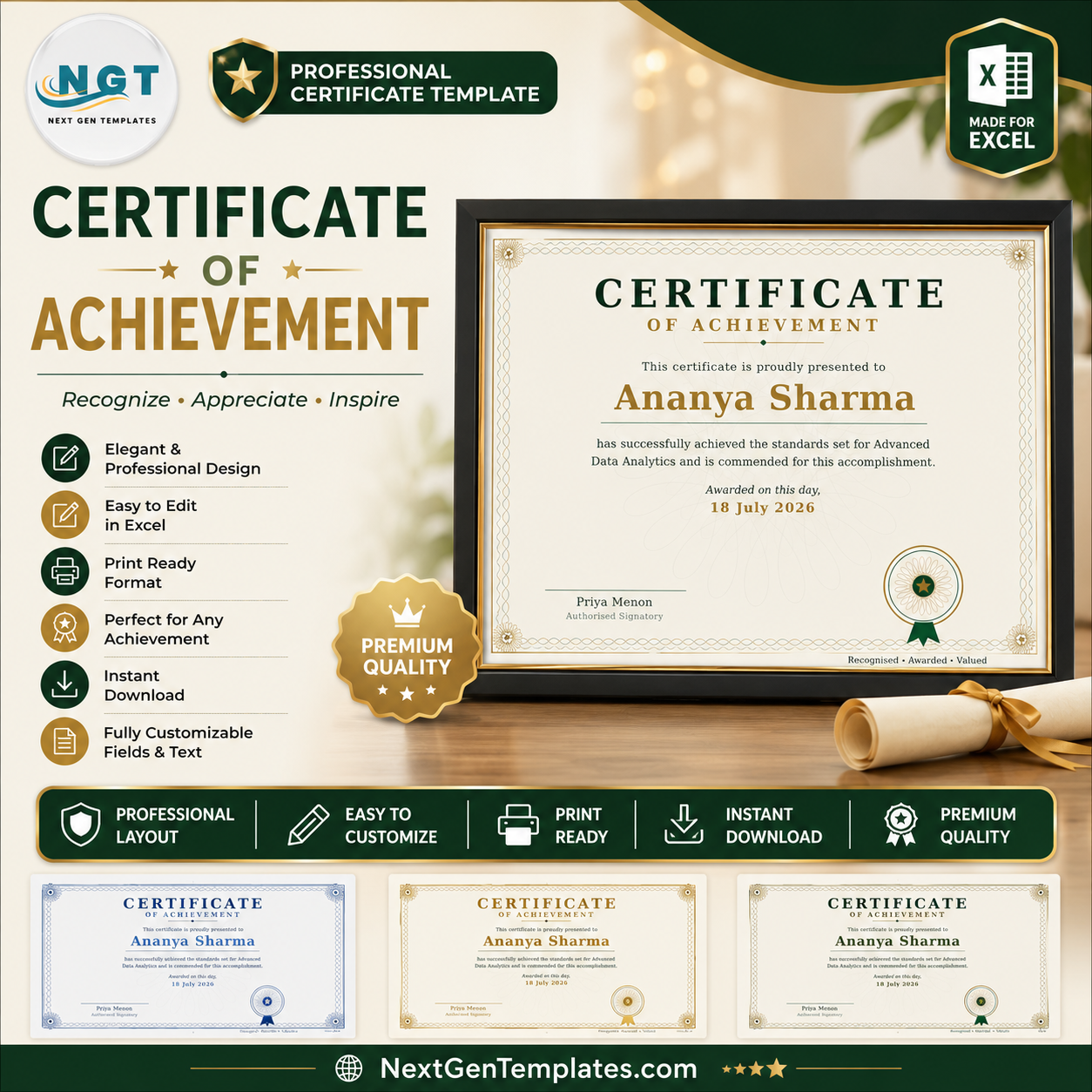
Upload your list. Get 200 Certificates of Achievement in one click.
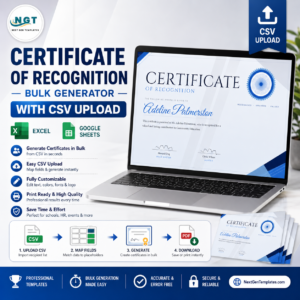
Stop typing names into a template one at a time. Drop in a CSV, and the NGT Certificate Studio generates a perfectly laid-out Certificate of Achievement for every single person on your list — ready to download as PNG, PDF, or a single ZIP. Whether it’s 5 winners or 500, it’s the same one click.
▶ Try it free — no signup. Open the live Studio, type a name, and watch your certificate render instantly in your browser.
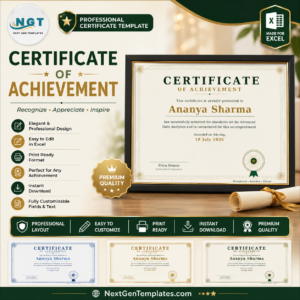
Certificate of Achievement
What you get
- Unlimited certificates, forever — one payment, no subscription, no per-certificate fees.
- CSV bulk upload — one row per recipient, one click to generate them all.
- PNG, PDF & ZIP export — individual files or the whole batch bundled together.
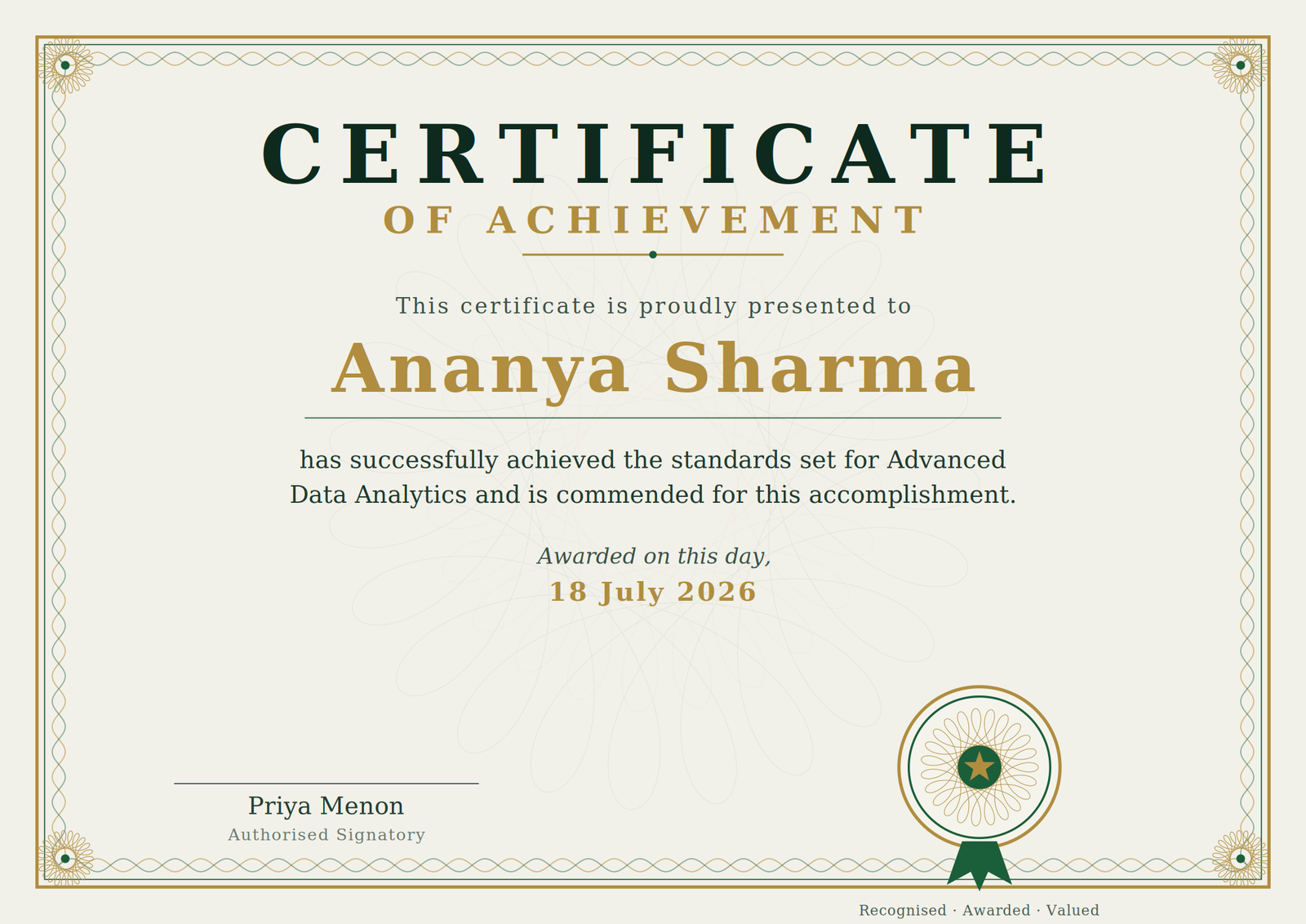
- Every word is editable — title, recipient line, citation body, date, signatory and seal text.
- 4 professional palettes — switch the entire certificate’s colourway in a click.
- True print quality — renders up to 4200×2970 px, sharp enough for A3 printing.
- Runs in your browser — nothing to install, works on Windows, Mac and Chromebook.
Why the Studio beats the alternatives
| NGT Certificate Studio | Canva | Hiring a designer | Microsoft Word | |
|---|---|---|---|---|
| Cost | One payment — yours forever | A subscription, forever | Charged per certificate | An afternoon of your life |
| 200 names at once | One CSV, one click | Manual, or paid “Bulk Create” tier | Slow and expensive | Fiddly mail-merge |
| Edit every word | Yes | Yes | Change requests cost extra | Yes |
| Your list stays private | Never leaves your computer | Uploaded to their cloud | Shared with a stranger | Stays local |
| Print resolution | Up to 4200×2970 px | Varies by plan | Depends on brief | Limited |
How it works — three steps
- Prepare your list. One column of recipient names (and an optional column for the achievement, course, or department).
- Upload the CSV. The Studio merges each row into the Certificate of Achievement layout and previews the batch.
- Download. Grab a single certificate, or export the entire batch as PNG, PDF, or one ZIP file.
Your recipient list never leaves your computer
Every certificate is generated right inside your browser. Your CSV is never uploaded, never stored, and never sent to a server. We never see a single name. That’s a promise HR teams, schools, and training providers can actually take to their compliance officer.
Frequently asked questions
Do I need to install any software?
No. The Studio runs entirely in your web browser — Chrome, Edge, Firefox or Safari. There’s nothing to download or set up.
Does it work offline?
Once the Studio page has loaded, generation happens locally in your browser, so a dropped connection won’t stop you mid-batch.
How many certificates can I make?
Unlimited, forever. One certificate or ten thousand — there is no cap and no per-certificate charge.
Can I edit the wording?
Yes. The title, the “presented to” line, the citation body, the award date, the signatory name and the seal text are all fully editable.
What file formats do I get?
High-resolution PNG and print-ready PDF for individual certificates, plus a ZIP download for the whole batch.
Is there a commercial licence?
Yes — your one-time purchase lets you generate and issue certificates for your organisation, clients, students, employees, or event attendees.
What is the CSV supposed to look like?
A simple spreadsheet: one recipient per row. Add a second column for the specific achievement or course and the citation line fills itself in automatically.
Reviews
There are no reviews yet.