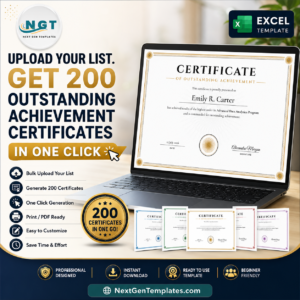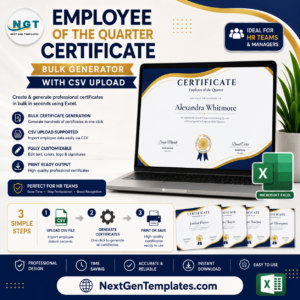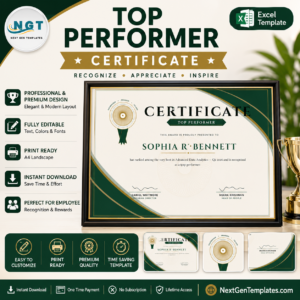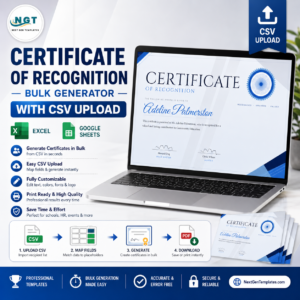
certificate of merit It is the week of the awards ceremony, you have a spreadsheet of 180 recipients, and you are about to open a blank certificate and start typing names one at a time. Stop. There is a faster way — and it does not involve a subscription or a designer.
This guide shows how to turn a simple list into a folder of print-ready Certificates of Merit in one click, why the usual Word mail-merge route is so painful, and what an HR or school team actually needs from a certificate tool.
Why the “just use Word” advice falls apart
Word mail-merge can produce certificates in bulk, in theory. In practice, anyone who has tried it at scale knows the failure modes:
- The layout drifts. A long name pushes text onto a second line and the whole certificate reflows. Multiply that by 200 and you are proofreading all afternoon.
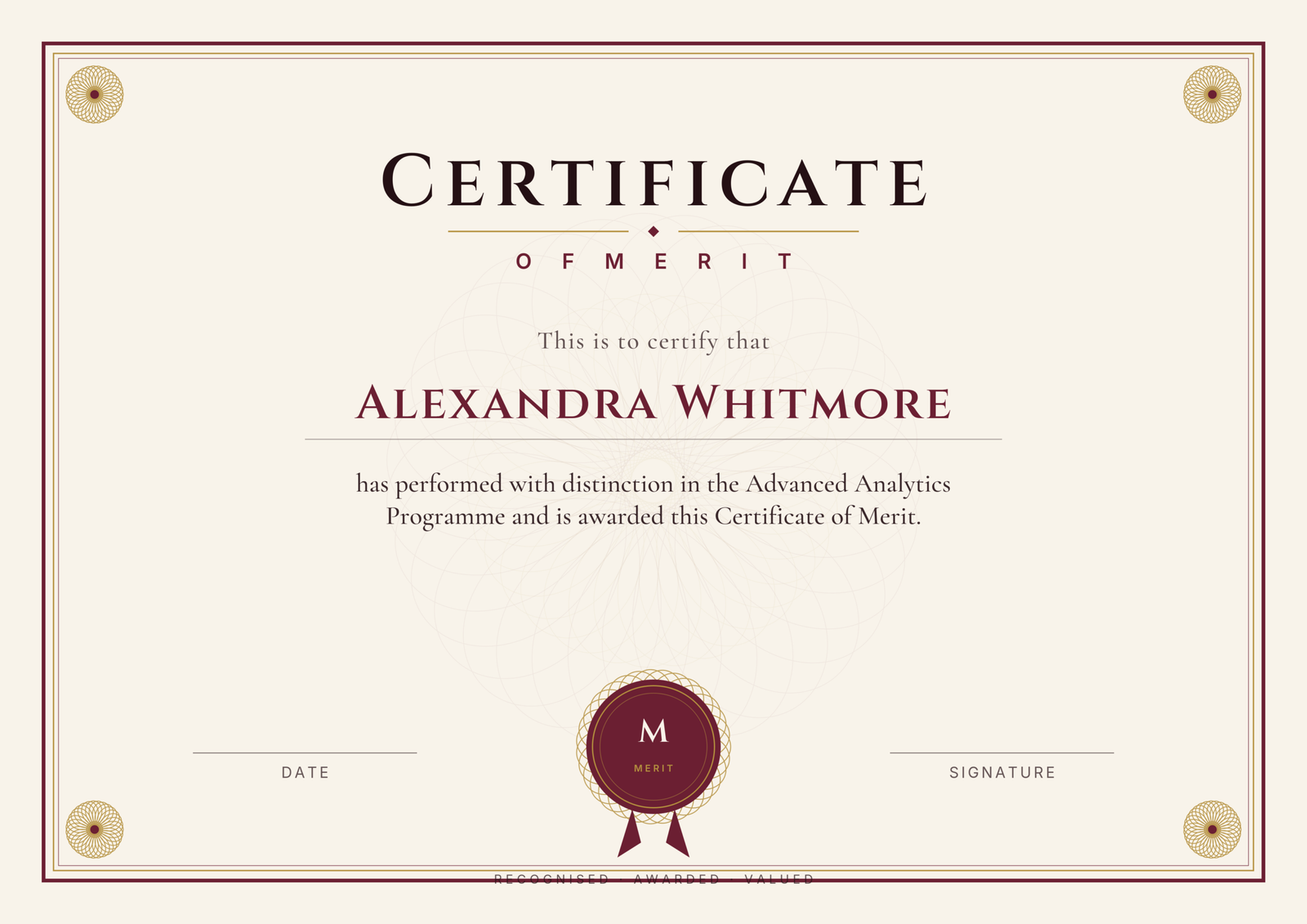
- The design is generic. Getting a genuine engraved border, a guilloché seal and proper typography into Word is fiddly, and the result rarely looks like a real award.
- Export is clumsy. Merging to individual PDFs means splitting one giant file, renaming each page, and hoping the page breaks landed correctly.
- It does not scale twice. Next quarter you do the whole dance again from scratch.
Canva is the other common answer, but it trades one problem for another: bulk features sit behind a subscription you pay forever, and your recipient list is uploaded to someone else’s servers.
What a certificate tool actually needs to do
Strip away the marketing and the job is simple. A team issuing merit certificates needs four things:
- Bulk from a list — one row per person, one click, one batch out.
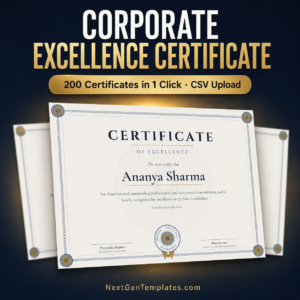
- A design that looks awarded — not a clip-art border, but real engraved ornament that prints sharp.
- Editable wording — because “Certificate of Merit for the Q2 Sales Drive” and “Certificate of Merit in Advanced Power BI” are both valid, and the tool should not force one phrasing.
- Privacy — employee and student names are real data. They should not be uploaded anywhere.
The three-step bulk method
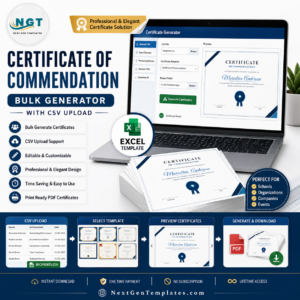
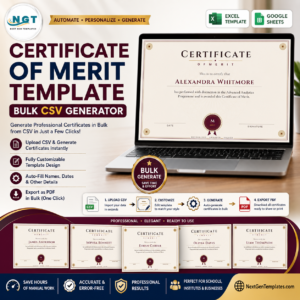
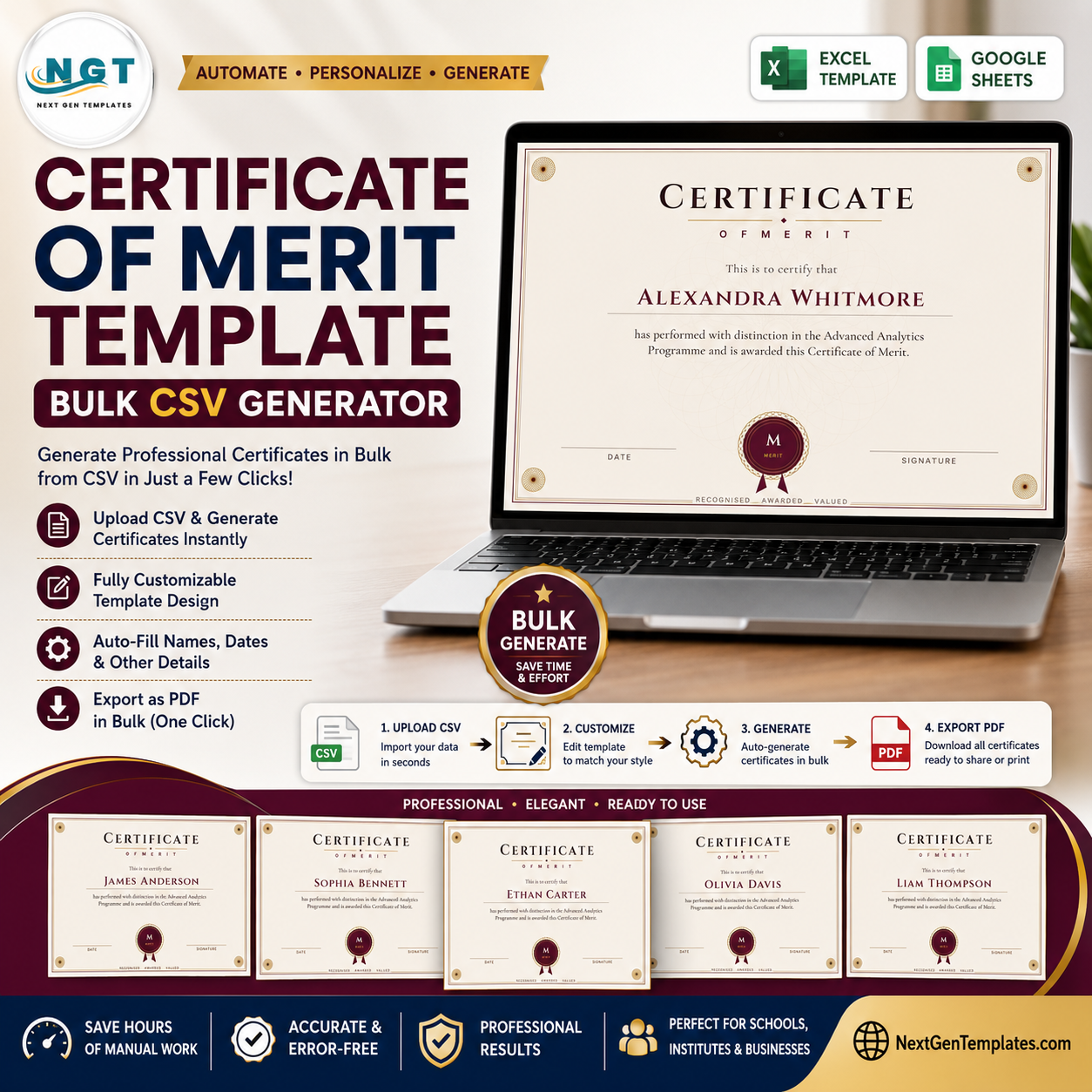
The Certificate of Merit Studio is a browser-based generator built exactly around that job. Here is the whole workflow:
1. Prepare your list
Make a CSV with a name column and a course column. The course field is deliberately flexible — it reads naturally whether you put a course name (“Advanced Analytics”), a period (“June 2026”) or a department (“Quality Assurance”). One certificate, three legitimate uses.
2. Upload and preview
Drop the CSV into the Studio. The first certificate renders live, so you can adjust the title, citation, date or seal text once and have it apply to every recipient. Switch between four palettes — burgundy, navy, security green and slate — in a click.
3. Download the batch
One click gives you every certificate as PNG or PDF, bundled in a ZIP, at print resolution up to 4200×2970 (crisp A4 landscape). Send them, print them, or hand them to the framer.
The part most tools skip: your list never leaves your browser
Every certificate is generated locally, inside your browser. Your recipient list is never uploaded, never stored and never seen by us — not a single name. For HR teams and schools handling real personal data, that is not a nice-to-have; it is the whole point.
One payment, not a subscription
The generator is a one-time purchase. Pay once, generate unlimited certificates forever — this quarter, next quarter and the one after. No per-certificate fee, no monthly bill, no account required to try it.
Get the Certificate of Merit Generator
Or try it free in the Studio first — no signup, no card.
Frequently asked questions
How many certificates can I generate?
Unlimited. There is no cap and no per-certificate charge.
Do I need to install anything?
No — it runs in your web browser. Once the page has loaded it even works offline.
Can I change the wording?
Yes, every line: title, citation, recipient name, date, signatures and seal text.
What formats do I get?
PNG and PDF for single certificates and a ZIP for the whole batch.
Is my recipient list safe?
Completely. Generation happens in your browser; the list is never uploaded.
Can I use the certificates commercially?
Yes — your purchase includes a commercial licence for your school, business or organisation.
Related certificate generators
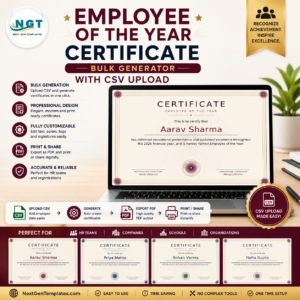
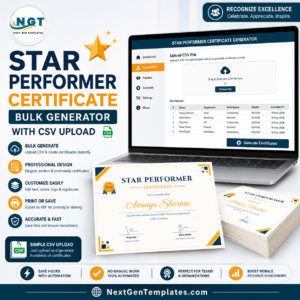
Need a different award? Browse the full Certificates collection — including Employee of the Month, Employee of the Year, Employee of the Quarter, Star Performer and Outstanding Achievement — all built on the same bulk-CSV Studio.