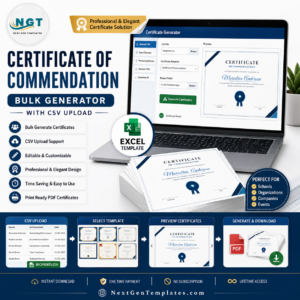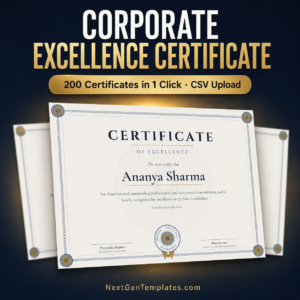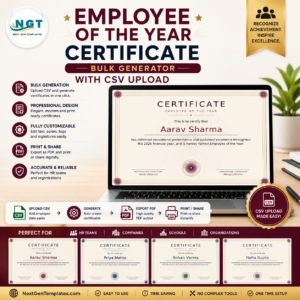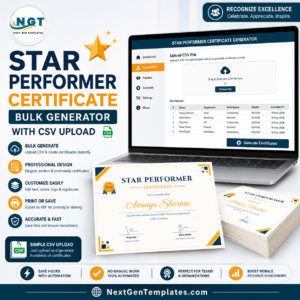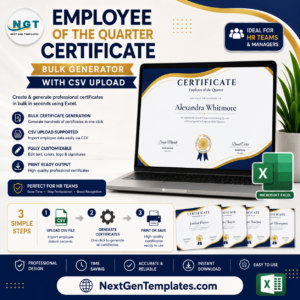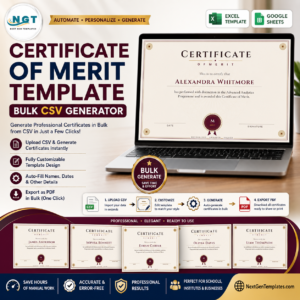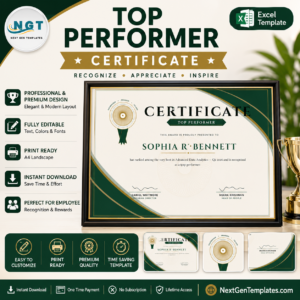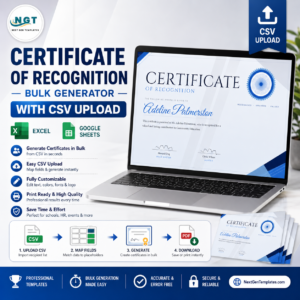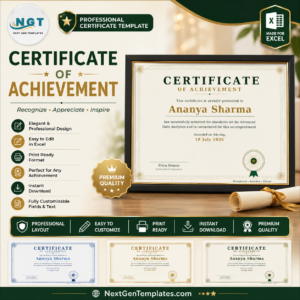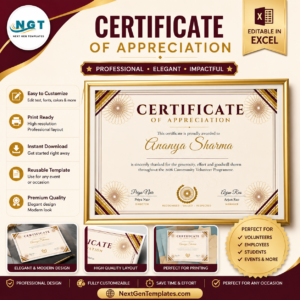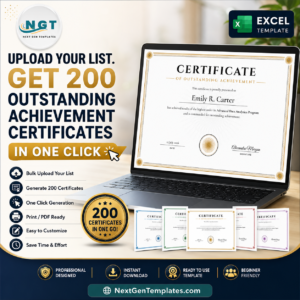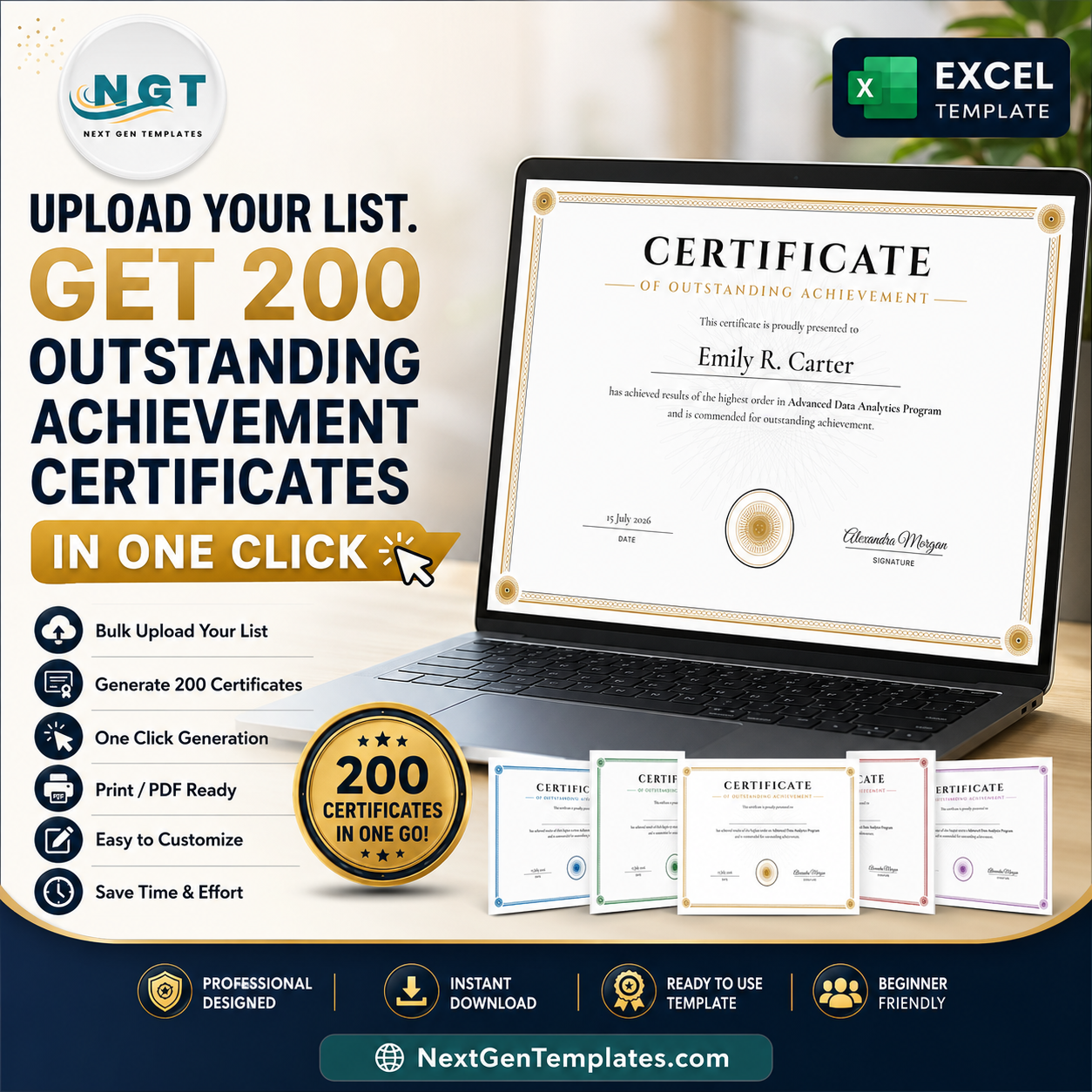
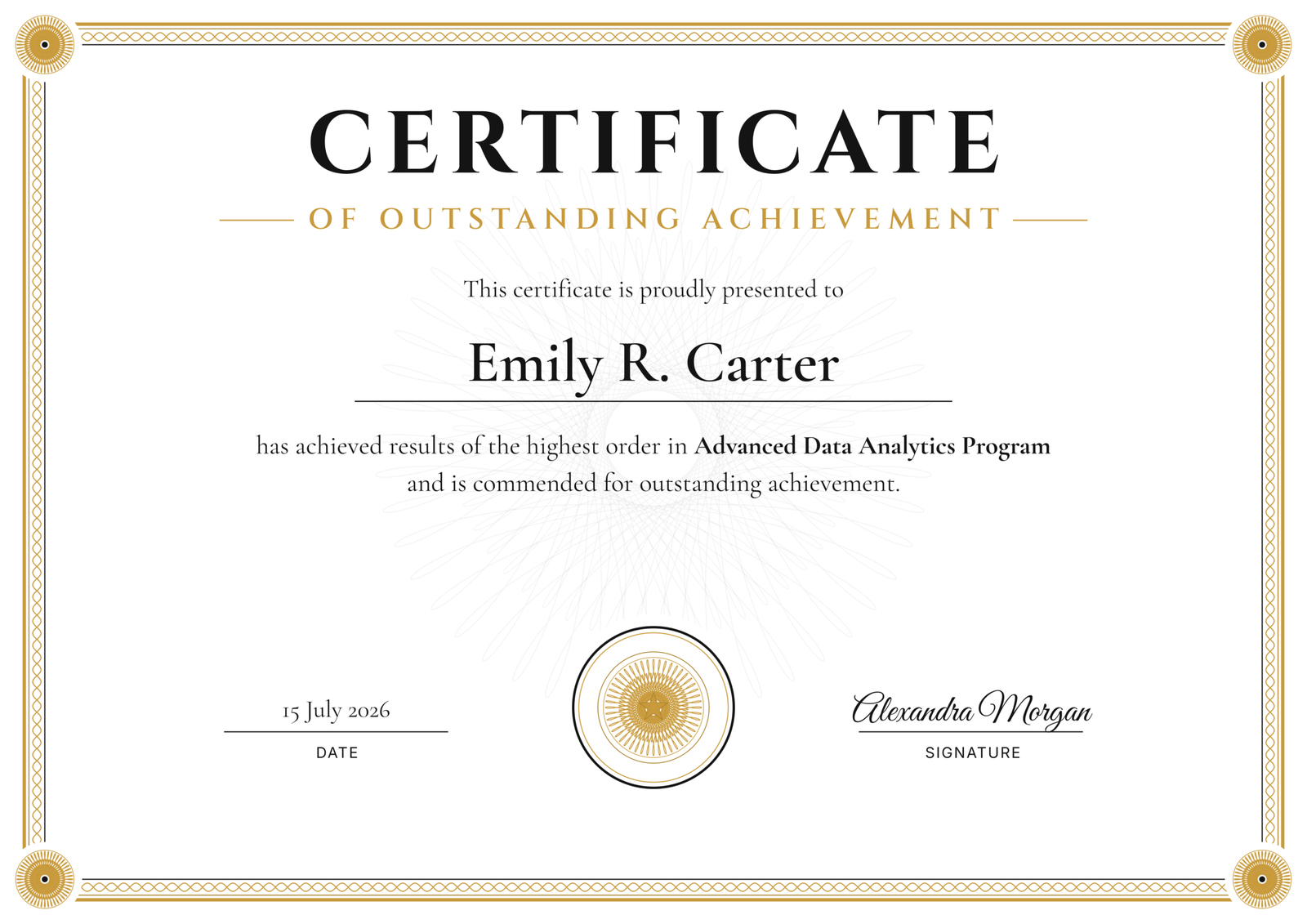
Stop typing names one at a time. The Outstanding Achievement Certificate — Bulk Generator turns a simple CSV of recipients into a full stack of print-ready certificates in seconds. Upload your list, click Generate, download a ZIP. Friday’s awards ceremony is handled before your coffee goes cold.outstanding achievement certificate
Try it free — no signup
Open the live Studio, type a name, watch the certificate render instantly in your browser.outstanding achievement certificate
What You Get
- Unlimited certificates, forever — one payment of $2.99. No subscription, no per-certificate fees, no renewal.
- CSV bulk upload — paste or upload hundreds of names and course/award titles; every certificate is generated automatically.
- PNG, PDF and ZIP export — single certificates or the entire batch in one download.
- Every word editable — title, subtitle, citation, date, signature labels and seal text are all yours to change.
- Classic black & gold engraved design — formal serif typography with a hand-tuned guilloché seal and border, plus 4 switchable colour palettes.outstanding achievement certificate
- True print quality — export up to 4200×2970 px, crisp at A4 and Letter sizes.
Why Not Canva, a Designer, or Word?
| NGT Certificate Studio | Canva Pro | Freelance designer | Word mail merge | |
|---|---|---|---|---|
| Cost | $2.99 once | Subscription, forever | Charged per certificate or per batch | “Free” — plus an afternoon of your life |
| Bulk generation | CSV → ZIP in one click | Manual duplication per name | Email back-and-forth per revision | Fragile merge fields, broken layouts |
| Turnaround | Seconds | Hours | Days | Hours (and reprints) |
| Privacy | Names never leave your browser | Uploaded to their cloud | Shared with a third party | Local, but painful |
How It Works
- Open the Studio — click the link above; the Outstanding Achievement design loads instantly in your browser.
- Add your recipients — type one name, or upload a CSV with names and achievement titles.
- Download — export a single PNG/PDF, or the entire batch as a ZIP, at full print resolution.
Your Data Stays Yours
Your recipient list never leaves your computer. Every certificate is generated locally in your browser. Nothing is uploaded, nothing is stored on our servers — we never see a single name. For HR teams, schools and training providers handling personal data, this matters.
Frequently Asked Questions
Does it work offline?
Yes. Once the Studio page has loaded, generation happens entirely in your browser — you can disconnect and keep producing certificates.
Can I use the certificates commercially?
Yes. Issue them to employees, students, clients or event attendees without limits. The one-time licence covers unlimited business use.
What formats can I export?
High-resolution PNG and PDF for single certificates, and a ZIP archive for bulk batches — up to 4200×2970 px, ready for professional printing.
How many certificates can I generate?
Unlimited. Generate 5 today, 500 next month, 5,000 next year — same one-time payment.
Do I need to install any software?
No. The Studio runs in any modern browser on Windows, Mac, Linux, or a tablet. Nothing to download or install.
Can I edit the wording?
Every line — title, subtitle, presentation line, citation, seal text, date and signature labels. The citation supports a merge field, so each recipient’s course, award or department fills in automatically from your CSV.
Can I change the colours?
Yes — the design ships in its signature black & gold, with four alternative palettes you can switch with one click.