
Renewable Infrastructure Projects Dashboard is the future. However, managing renewable infrastructure projects is not simple. Solar farms, wind plants, hydro stations, and biomass facilities require massive investments, strict monitoring, and continuous ROI tracking. Meanwhile, government subsidies, operating costs, and regional performance add further complexity.
If you are still managing renewable projects through scattered spreadsheets, you are risking poor visibility and delayed decisions.
That is why we created the Renewable Infrastructure Projects Dashboard in Excel — a powerful, ready-to-use template designed to centralize renewable project performance in one structured system.
This interactive Excel dashboard helps you monitor ROI %, Investment, Revenue, Operating Cost, Government Subsidy, Risk Level, and Project Status — all inside a professional, easy-to-use file.
If you want smarter capital allocation and stronger investment control, this dashboard is built for you.
🚀 Key Feature of Renewable Infrastructure Projects Dashboard in Excel
This dashboard includes 5 fully structured analytical pages, supported by a Data Sheet and Support Sheet.
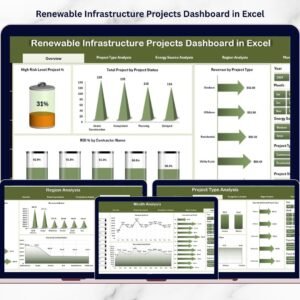
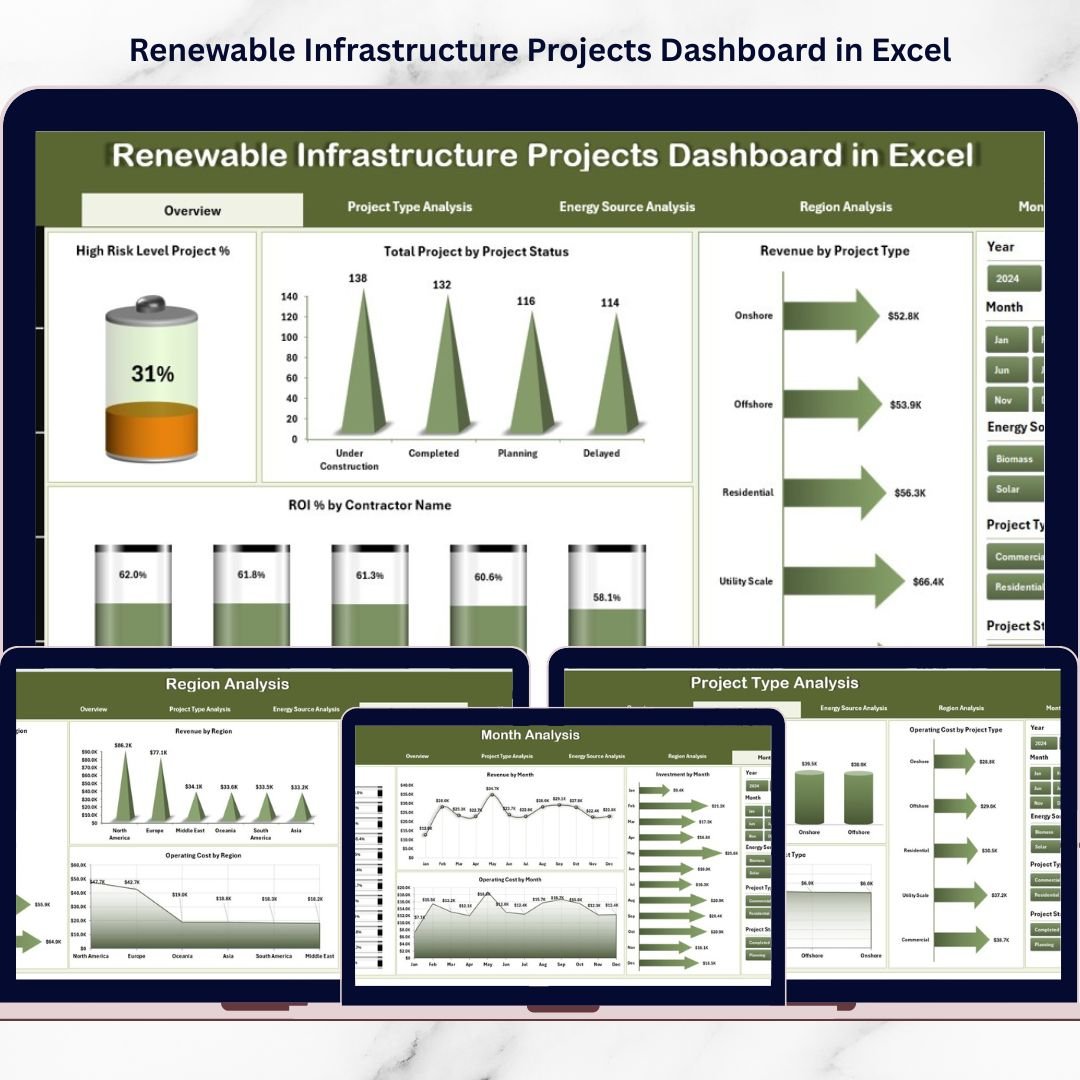
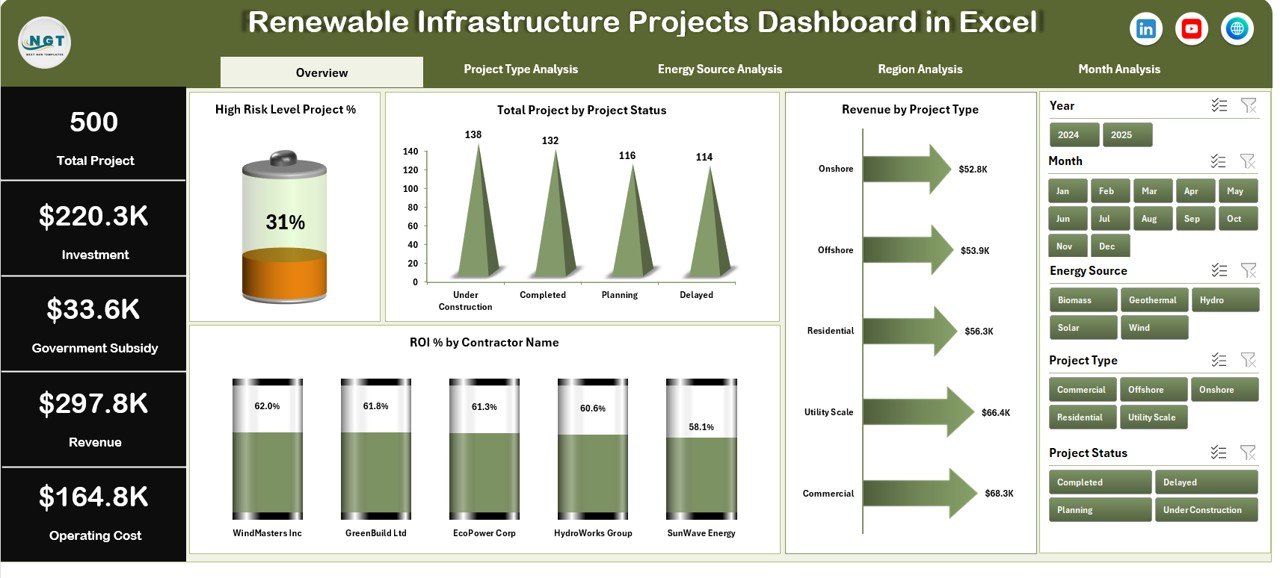
📊 Overview Page – Instant snapshot of High-Risk Project %, Total Projects, Total Revenue, and Average ROI %.
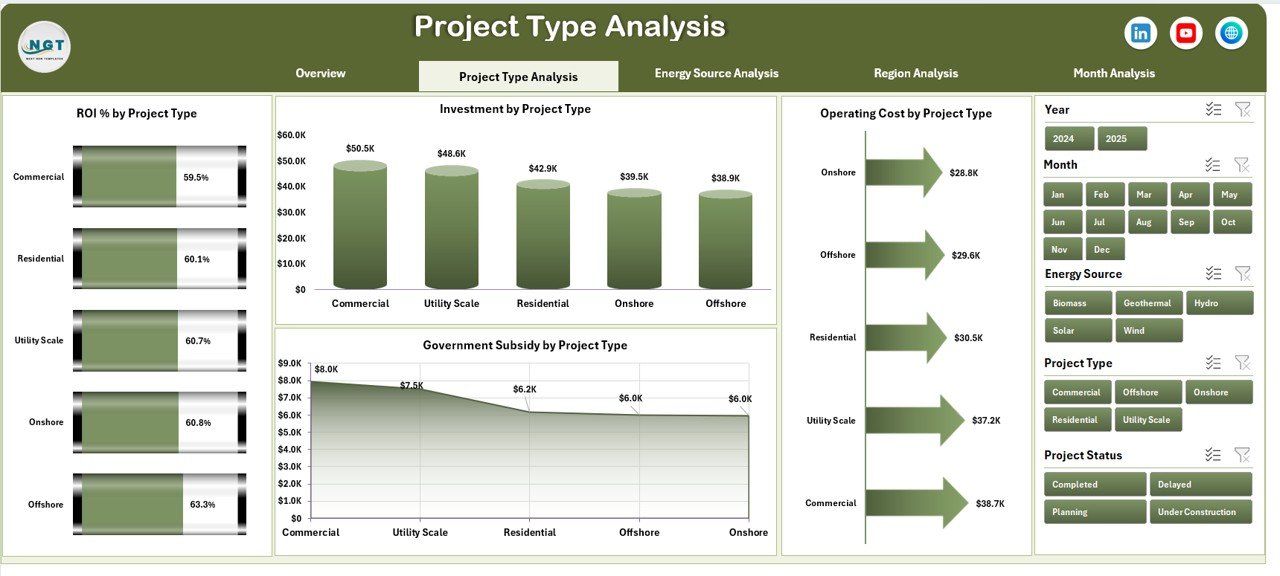
🌞 Project Type Analysis – Compare Solar, Wind, Hydro, Biomass, and Geothermal project performance.
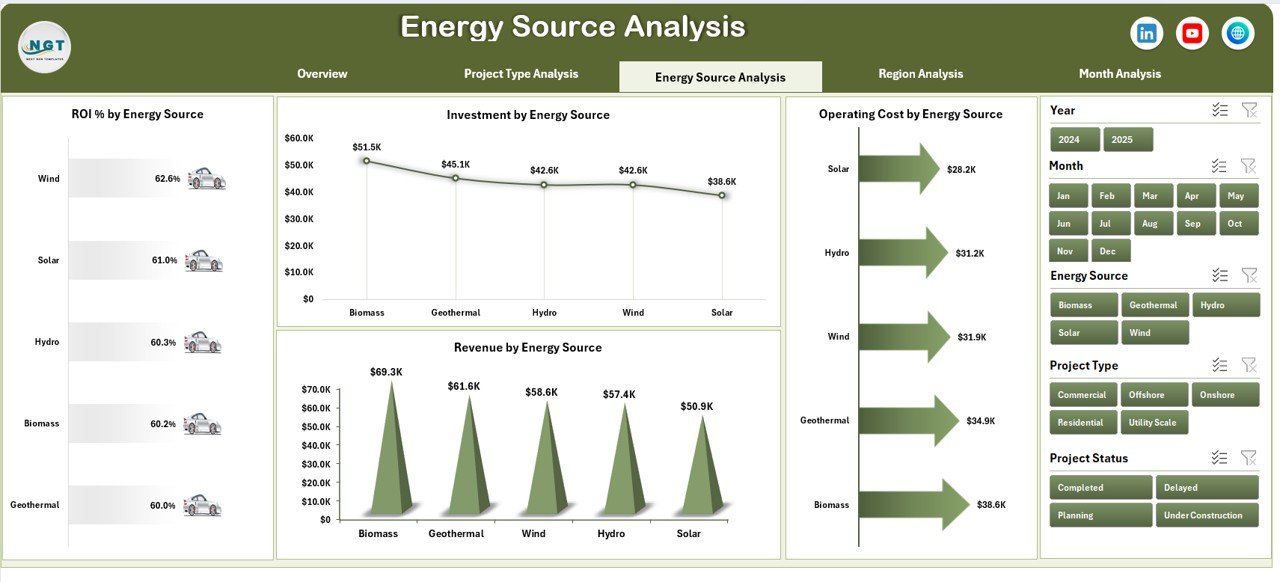
⚡ Energy Source Analysis – Evaluate ROI, Investment, Revenue, and Operating Cost by energy source.
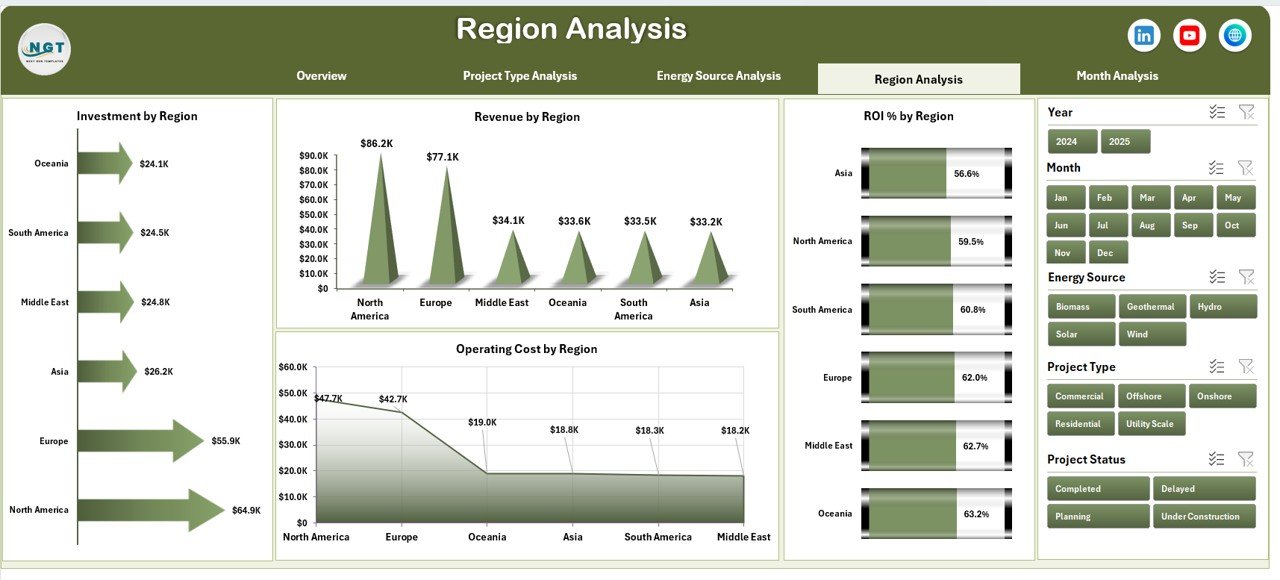
🌍 Region Analysis – Monitor regional profitability and subsidy impact.
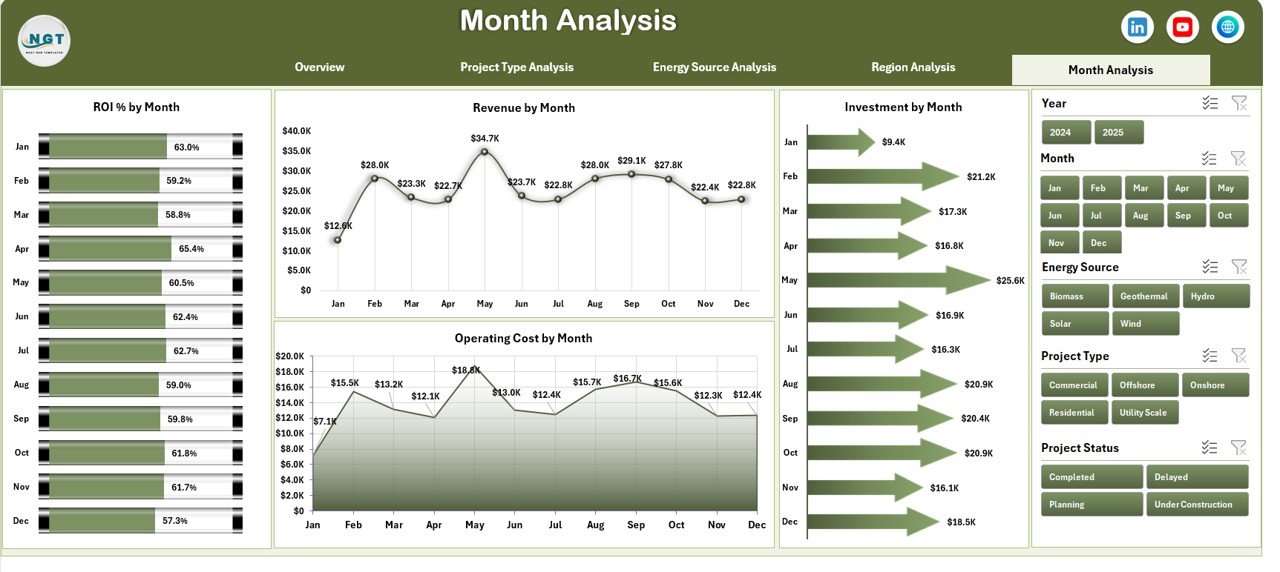
📅 Month Analysis – Track ROI and cost trends month by month.
✨ Additional highlights:
Left-side Page Navigator for seamless navigation
Right-side slicers for dynamic filtering
Pivot Tables & Pivot Charts for automated analysis
Structured Data Sheet for easy updates
Fully customizable KPI formulas
Because everything runs in Excel, you maintain full control without expensive BI software.
📦 What’s Inside the Renewable Infrastructure Projects Dashboard in Excel
This ready-to-use Excel file contains:
✔ 5 Interactive Dashboard Pages
✔ Structured Data Sheet with project-level inputs
✔ Support Sheet for helper calculations
✔ KPI Cards for Risk %, Revenue & ROI
✔ ROI % tracking by contractor, region & energy source
✔ Investment & Operating Cost monitoring
✔ Government Subsidy distribution analysis
✔ Project Status tracking
✔ Monthly trend visualization
You simply update the Data Sheet and refresh Pivot Tables. The dashboard updates automatically.
🛠 How to Use the Renewable Infrastructure Projects Dashboard in Excel
Using this dashboard is simple:
1️⃣ Enter project data in the Data Sheet (Investment, Revenue, Cost, Subsidy, Risk Level, Region, etc.).
2️⃣ Ensure ROI formula is applied correctly:
ROI % = (Revenue – Operating Cost – Investment + Subsidy) / Investment
3️⃣ Refresh Pivot Tables.
4️⃣ Use slicers to filter by region, project type, contractor, or month.
5️⃣ Analyze performance insights instantly.
For example:
If Solar projects show higher ROI than Wind, you can adjust capital allocation.
If a region reports rising operating costs, you can investigate inefficiencies.
If High-Risk Project % increases, management can act immediately.
Because performance becomes visible, decision-making becomes faster.
👥 Who Can Benefit from This Renewable Infrastructure Projects Dashboard in Excel
This dashboard is ideal for:
🌱 Renewable Energy Companies
💼 Infrastructure Investors
🏛 Government Energy Departments
📊 Financial Analysts
🏗 Project Management Teams
🌍 Sustainability Consultants
Whether you manage a renewable portfolio or analyze green investments, this dashboard supports strategic and operational decisions.
It improves:
✔ ROI monitoring
✔ Risk management
✔ Subsidy tracking
✔ Investment efficiency
✔ Regional profitability analysis
When renewable data becomes structured and visual, sustainable growth becomes achievable.
💰 How This Dashboard Supports Smarter Investment Decisions
Investment discipline drives renewable success.
This dashboard helps you:
Compare ROI across energy types
Detect underperforming contractors
Track subsidy impact on profitability
Monitor operating cost spikes
Identify high-risk exposure early
Instead of relying on assumptions, you invest based on clear performance data.
And that strengthens long-term sustainability.
Click hare to read the Detailed blog post
Visit our YouTube channel to learn step-by-step video tutorials
Watch the step-by-step video tutorial:
Compatibility and Requirements
- Works in Microsoft Excel desktop (Excel 2016 or later, or Microsoft 365).
- The dashboard runs on PivotTables, pivot charts and slicers. Microsoft explains PivotTables in Create a PivotTable to analyze worksheet data.
Frequently Asked Questions
Which pages does the dashboard have?
Five pages: Overview, Project Type Analysis, Energy Source Analysis, Region Analysis and Month Analysis, plus a Data sheet and a Support sheet.
Which project types can I compare?
Solar, wind, hydro, biomass and geothermal projects.
How is ROI % calculated?
ROI % = (Revenue – Operating Cost – Investment + Subsidy) / Investment. The formula is customizable.
How do I update the dashboard?
Enter project data in the Data sheet, refresh the PivotTables, then use the slicers to filter by region, project type, contractor or month.
Does it track subsidies and risk?
Yes. It shows government subsidy distribution, risk level and high-risk project %.
Related Renewable Energy Templates
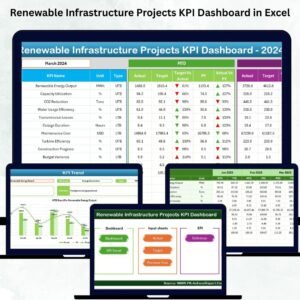
- Renewable Infrastructure Projects KPI Dashboard in Excel: track the same projects against KPI targets
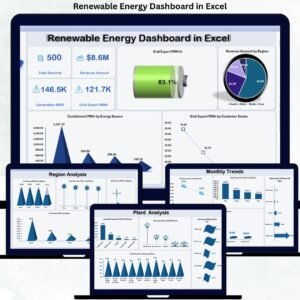
- Renewable Energy Dashboard in Excel: energy output and performance
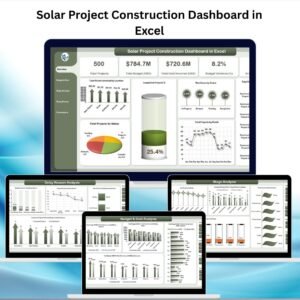
- Solar Project Construction Dashboard in Excel: follow solar builds
- Renewable Infrastructure Projects KPI Dashboard in Power BI: the KPI version in Power BI
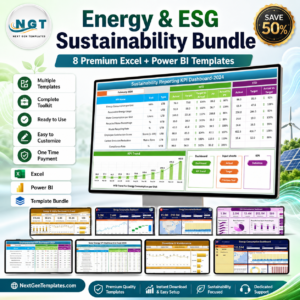
- Energy & ESG Sustainability Bundle: 8 energy and ESG templates in one download
Browse all Excel dashboards.