🎉 Black Friday Sale: 40% OFF everything with code BF40 · ends 1 Dec  Shop now →

Budget vs Actual Variance Report - Free Practice File (Excel)

₹0.00
Details, requirements and demo below

Budget vs Actual Variance Report – Free Practice File (Excel)

₹0.00

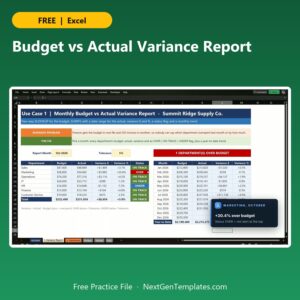
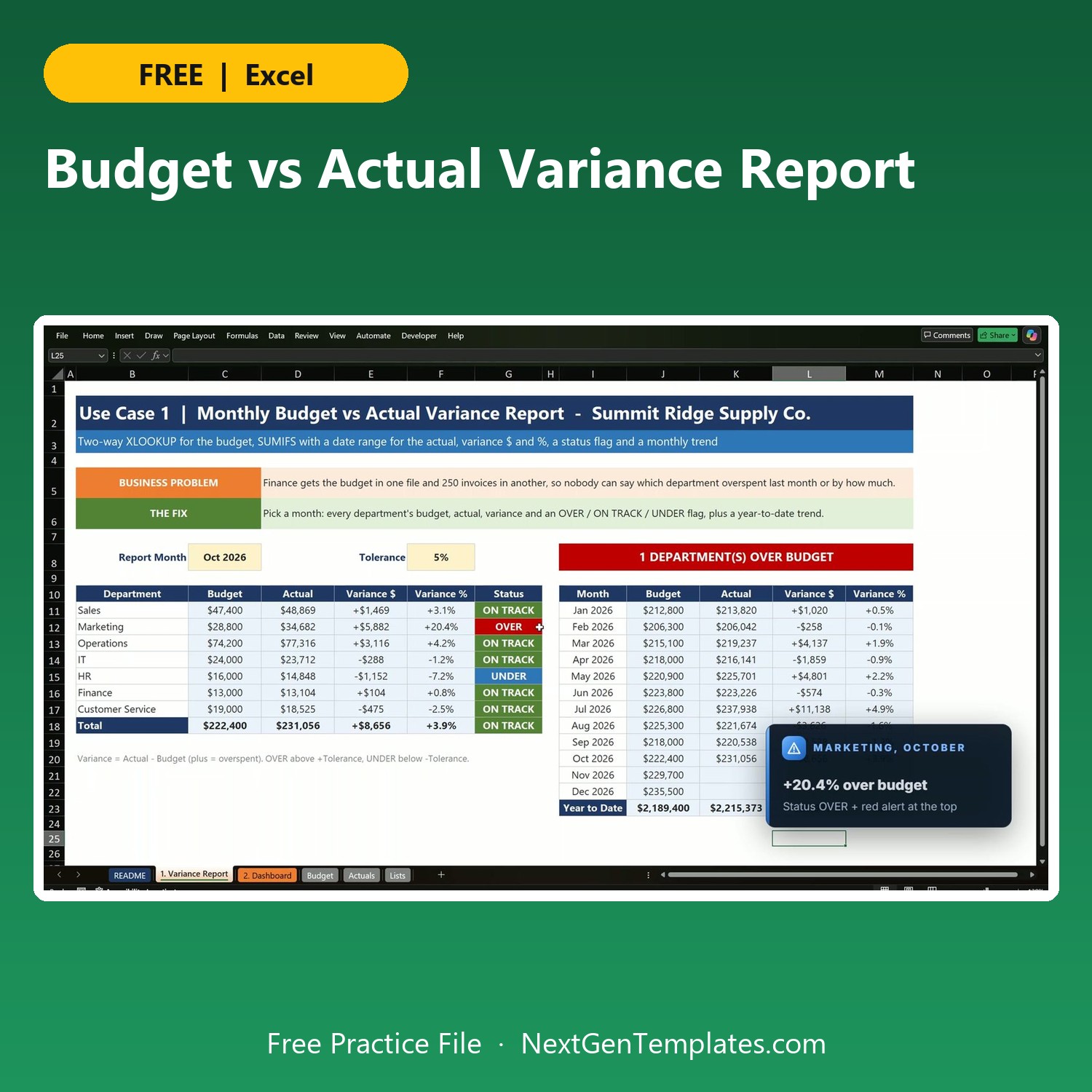
See which department overspent in any month: budget, actual spend, variance, variance % and an over / on track / under status, plus a monthly trend and a dashboard.

Free Excel practice file. Read the written tutorial or watch the video on YouTube.

- +
,
Most popular paid version
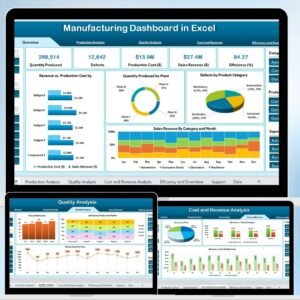
Manufacturing Dashboard in Excel
Original price was: ₹2,499.00.Current price is: ₹1,799.00.  ·  use code FIRST10 for 10% off your first order.
See the dashboard →
Pricing country
Prices follow your selected country; checkout uses your billing country.
Financial Modeling in Excel: 3-Statement, DCF & Dashboards courseLaunch offer
🎓 NEXTGENTEMPLATES ACADEMY
Want to build financial models like this yourself?
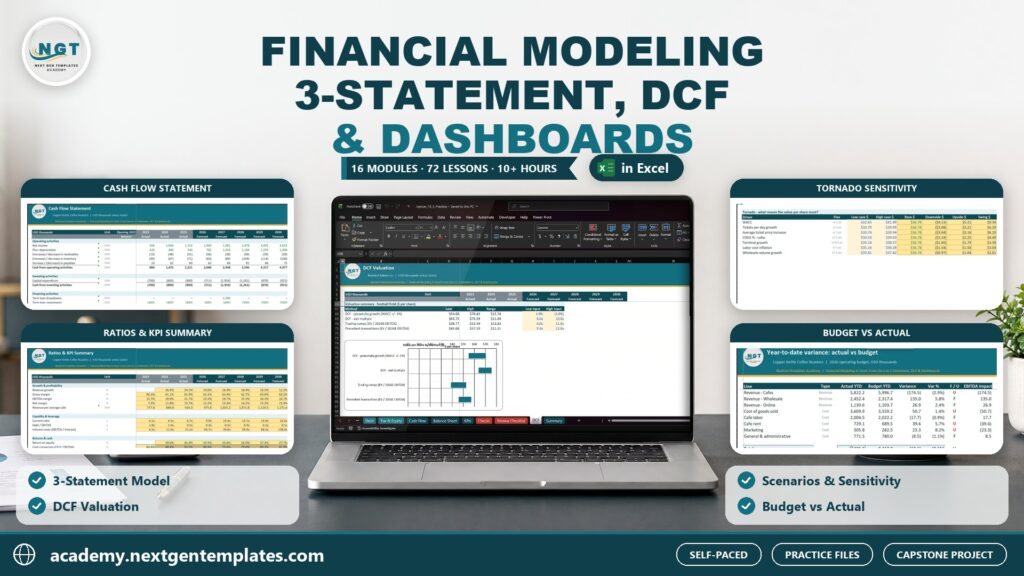
Financial Modeling in Excel: 3-Statement, DCF & Dashboards

Build a linked three-statement model, a DCF valuation, scenarios and budget vs actual, plus a Power BI finance dashboard. 10h 27m of video by PK, with practice and solution files for every lesson.

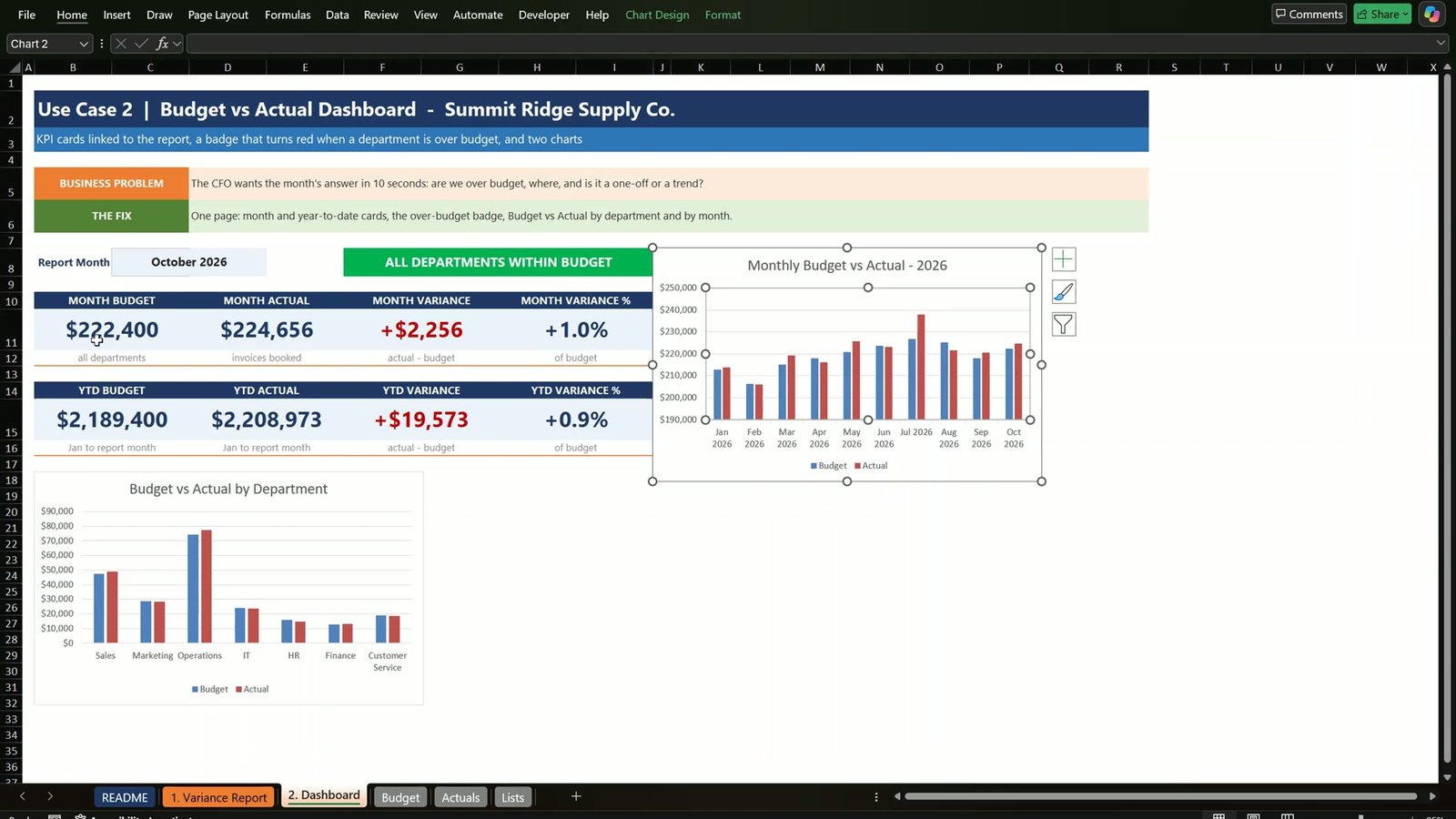
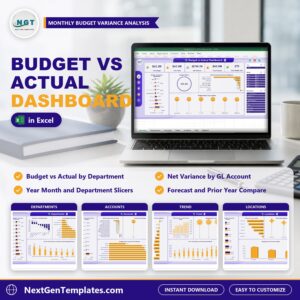
The Budget vs Actual Variance Report is a free Excel practice file that goes with our step by step tutorial. See which department overspent in any month: budget, actual spend, variance, variance % and an over / on track / under status, plus a monthly trend and a dashboard.

What you will practise

  • Two-way XLOOKUP pulls the budget by department and month
  • SUMIFS with a date range totals the actual invoices
  • Status colors and an over-budget alert label
  • Year to date totals and two charts on the dashboard

What you download

You get a ZIP with two Excel workbooks: the Practice file (build it yourself) and the finished Solution file. The price is $0.

How to use it

  1. Download the file from your order email or your account.
  2. Unzip it and open the Practice workbook in Excel.
  3. Follow the video and build each step.
  4. Check your work against the finished solution.

Video tutorial

Watch the video or read the written guide with screenshots.

All company names and figures in the file are fictional sample data.
Frequently asked questions

Which Excel version do I need?
Microsoft Excel 2016 or later on desktop (Microsoft 365 recommended). Many of our formula templates also open in Excel 2013 and Excel for the web - the exact requirement is listed in this product's description.
Does it work on Mac?
Yes. Formula-based Excel templates (no macros) work in Excel for Mac 2016 or later.
Does it work on mobile or Excel Online?
You can view it in the Excel mobile app and Excel for the web, but for entering data, using slicers and refreshing pivots we recommend desktop Excel.
How do I add my own data?
Replace the sample rows on the data sheet with your own (keep the column headers), then click Data > Refresh All so every chart and pivot updates.
Some sheets are protected - how do I edit them or change the logo?
A few of our trackers, data entry systems and dashboards protect sheets so formulas are not overwritten by mistake. Go to Review > Unprotect Sheet - most have no password. If Excel asks for one, message us with your order number and we will share it straight away.
How many records can it handle?
It has been tested with several thousand rows and suits normal small-business volumes. Excel itself handles over 1 million rows.
Is it a one-time payment or a subscription?
One-time payment. No subscription, no per-user fees and nothing to renew - the file is yours to keep.
How do I get the file after payment?
Instantly. The download link appears on screen after checkout, is emailed to you, and stays under My Account > Downloads on our website. If the email does not arrive within a few minutes, check your spam or promotions folder.
Is a user manual included?
Most of our newer products include a PDF user manual in the download. If yours does not have one, message us with your order number and we will send it.
Do I get free updates?
Bug fixes are always free - if something does not work as described, we fix it and send you the corrected file. New versions with new features are not included in the price, unless this product's description says otherwise.
Can you customise it for me?
Yes. Small changes to this template (your columns, categories, logo, colours, minor layout) cost the template price plus $40-80 (Rs 3,000-6,000 + GST), quoted once you send your list. A fully custom build is usually $100-200 (Rs 8,000-18,000 + GST) with two revision rounds. Email your requirements to [email protected] or message us on WhatsApp.
Can I use it for my business or my clients?
Yes, for your own personal or internal business use, for as long as you like. Reselling or redistributing the template is not allowed.
What is your refund policy?
Because these are digital downloads, they are non-refundable once delivered - except when the product does not match its description (report it within 48 hours of purchase) or there is a technical problem our team cannot fix within 72 hours. Email [email protected] with your order number.
How do I get help?
Email [email protected] (Mon-Fri, 10 AM-7 PM IST) or message us on WhatsApp +91 80770 90260 (chat only, no calls). Please include your order number.

Still have a question? Click Need help? at the bottom-left to ask our assistant, or message us on WhatsApp.

Reviews

There are no reviews yet.

Only logged in customers who have purchased this product may leave a review.

You may also like…

Budget vs Actual Variance Report - Free Practice File (Excel)Budget vs Actual Variance Report – Free Practice File (Excel)
₹0.00
- +
Scroll to Top