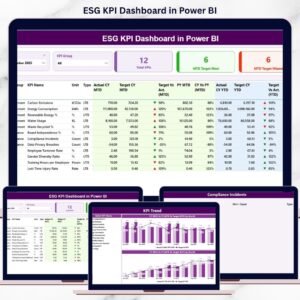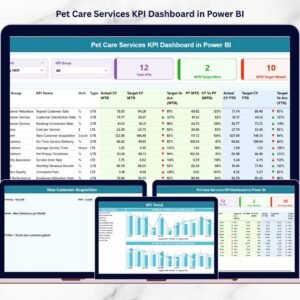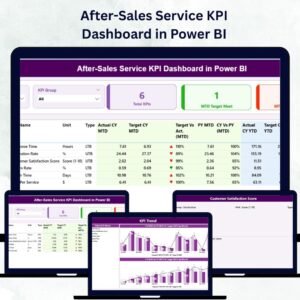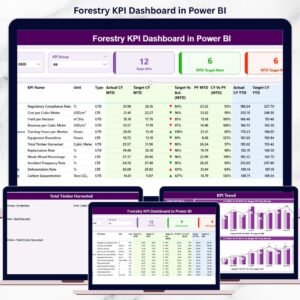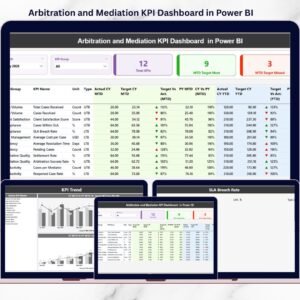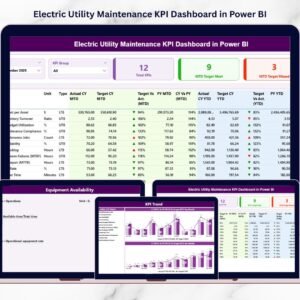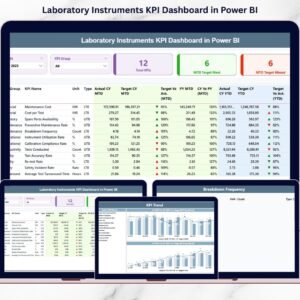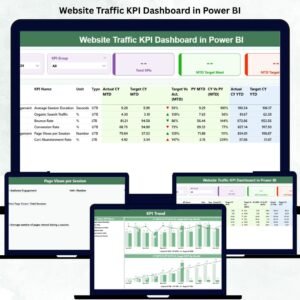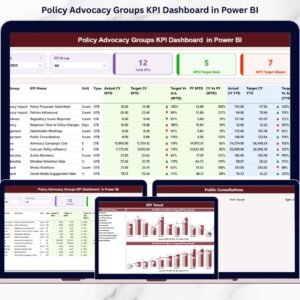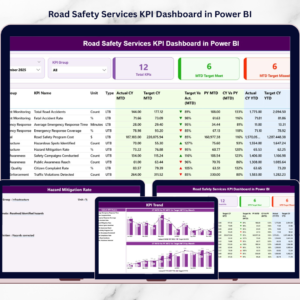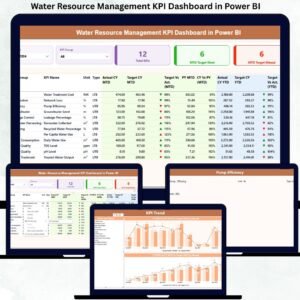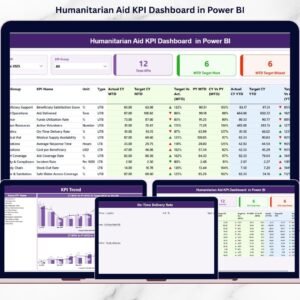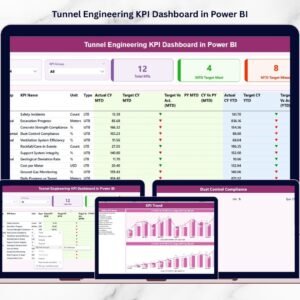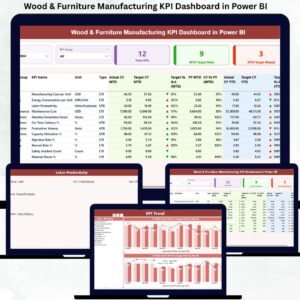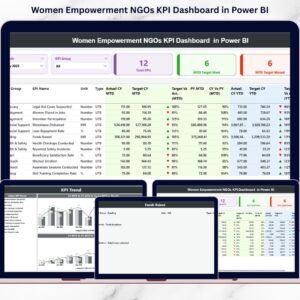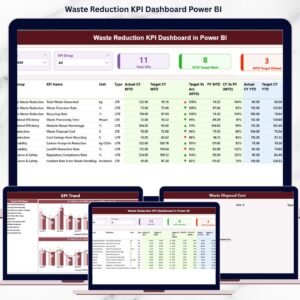
Renewable infrastructure projects move at high speed—and everyday matters. Solar farms, wind parks, hydro installations, and other renewable assets operate under strict timelines, budget pressure, and sustainability targets. Even a small delay in procurement, efficiency drop, or unexpected cost increase can affect the overall project. To stay on track, teams need instant clarity. The Renewable Infrastructure Projects KPI Dashboard in Power BI delivers that clarity in the simplest and smartest way.
This ready-to-use Power BI dashboard helps project managers, engineers, contractors, and renewable energy companies monitor their most important KPIs in real time. With clean visuals, dynamic slicers, clear KPI definitions, and structured Excel input sheets, this dashboard turns complex data into meaningful insights. You instantly see what’s working, where delays appear, and which KPIs require immediate attention.
Whether you manage solar installations, large-scale wind projects, or hybrid renewable sites, this dashboard becomes your central performance control system—helping you make faster, accurate, and data-driven decisions.
✨ Key Features of the Renewable Infrastructure Projects KPI Dashboard in Power BI
⚡ Instant Visibility of All Renewable KPIs
Track project progress, efficiency, cost, timelines, risks, and operational metrics—all in one view.
📅 MTD & YTD Performance Insights
Every KPI displays Month-to-Date and Year-to-Date numbers along with comparisons to targets and previous year values.
🔍 Dynamic Slicers for Smart Filtering
Filter data by month or KPI group to focus on energy efficiency, cost, timelines, safety, operations, or sustainability metrics.
📈 Trend Analysis for Deeper Understanding
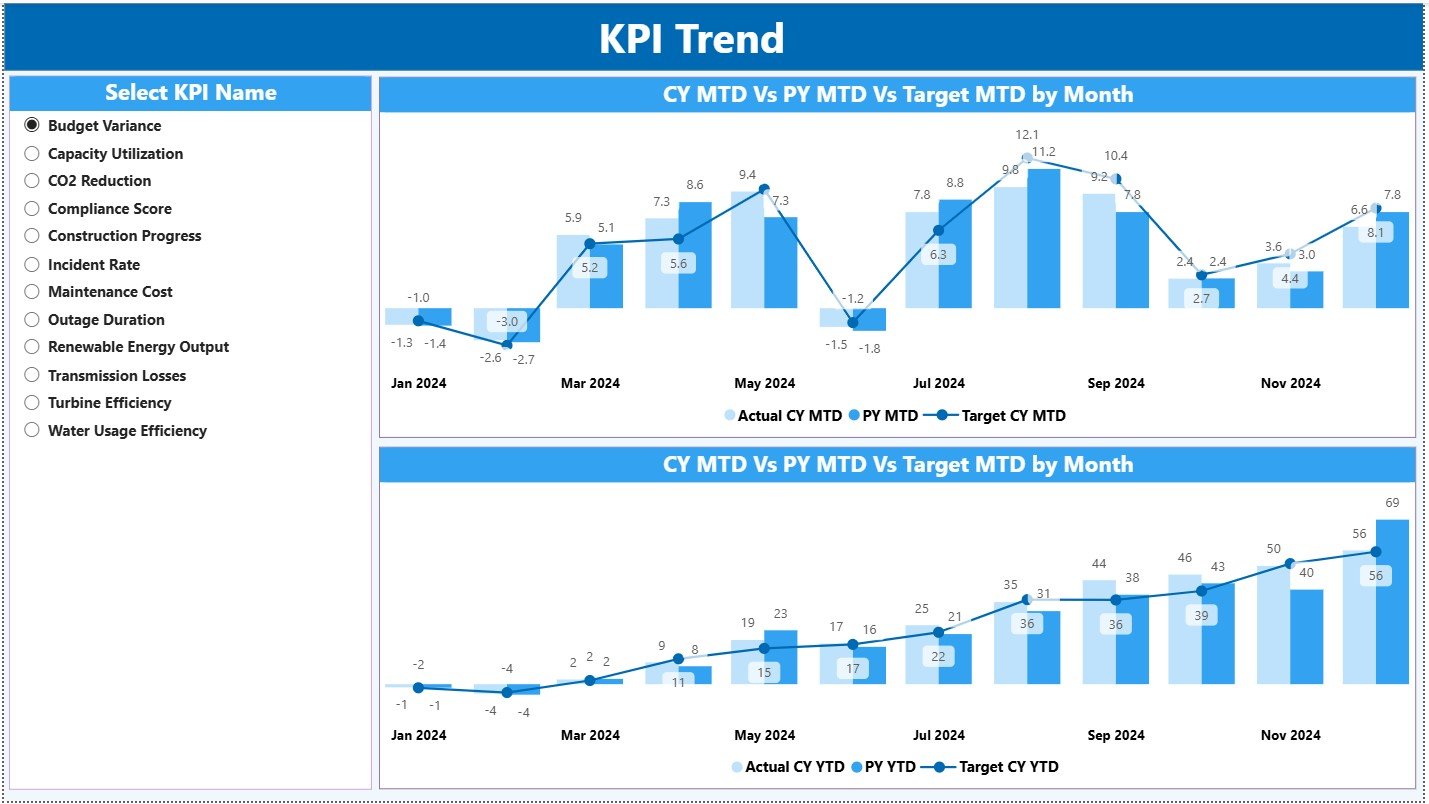
The KPI Trend Page shows month-wise performance movement for Actual, Target, and Previous Year, helping teams detect issues early.
📘 Structured KPI Definitions
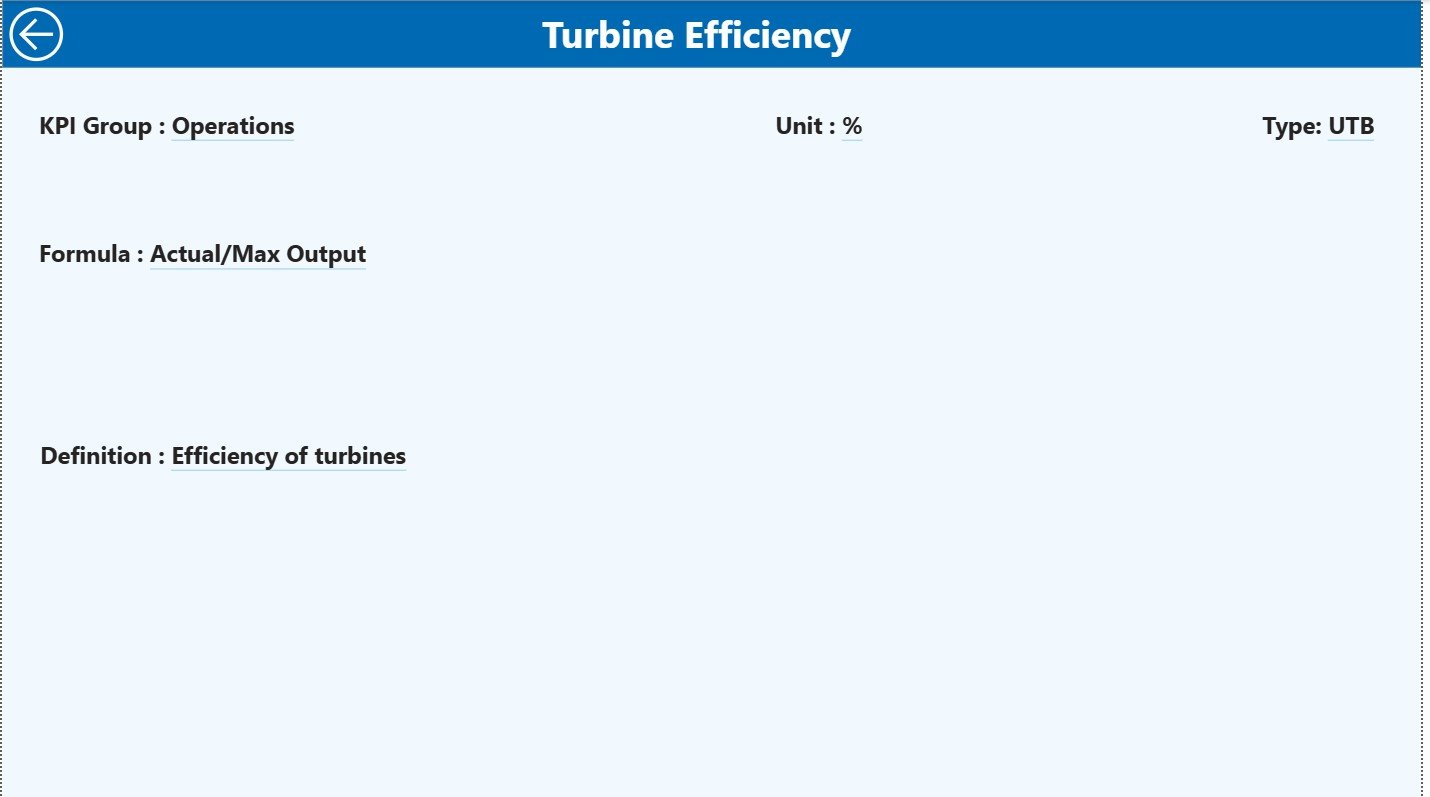
Drill-through pages ensure every KPI has a clear formula, definition, unit, and type (UTB/LTB)—perfect for aligning all departments.
🧮 Excel-Driven Data Entry
The dashboard connects to simple Excel sheets for Actual, Target, and Definitions—making updates seamless, even for non-technical users.
📦 What’s Inside the Renewable Infrastructure Projects KPI Dashboard in Power BI
This dashboard includes three powerful pages, each designed to support end-to-end renewable project monitoring.
📌 1. Summary Page – The Main Performance Overview
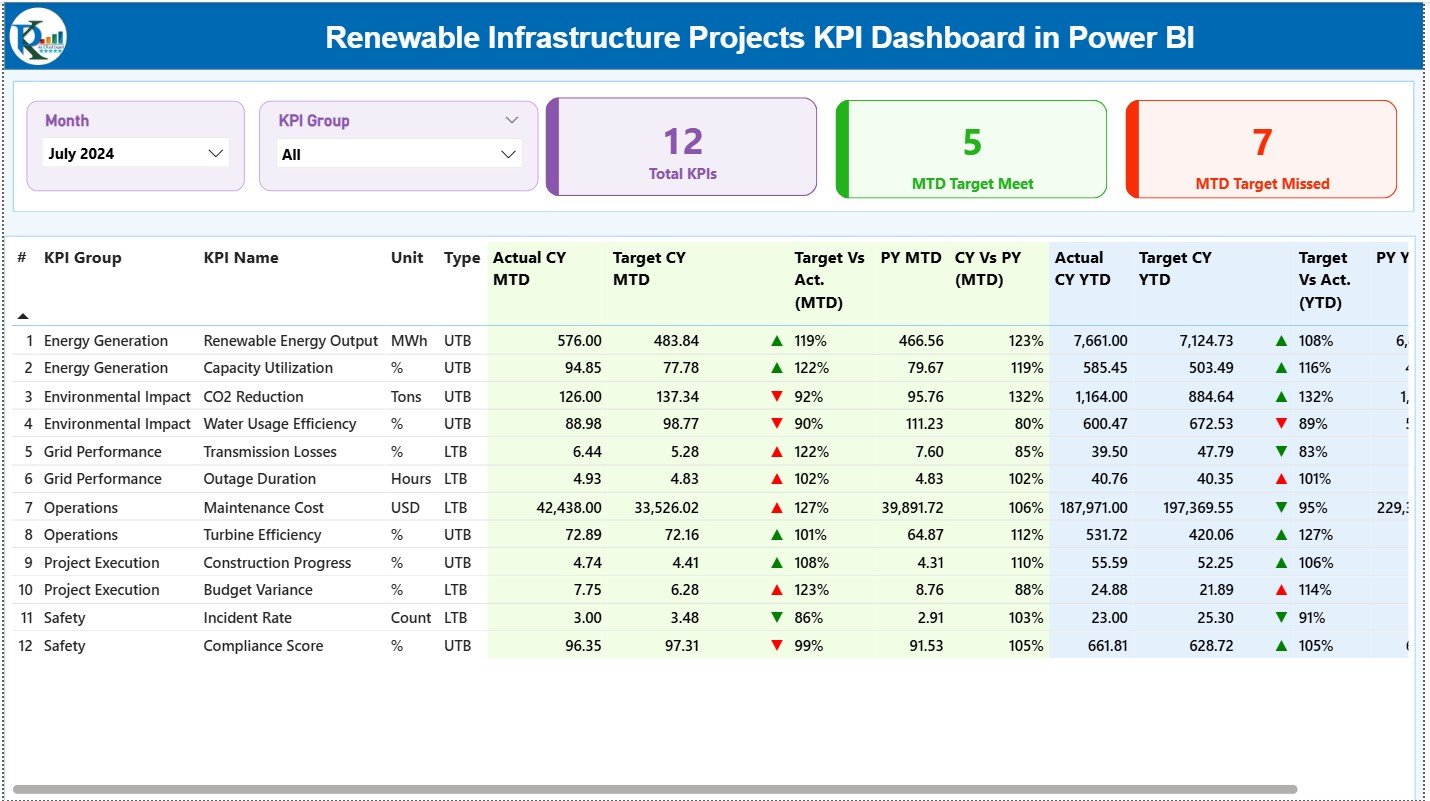
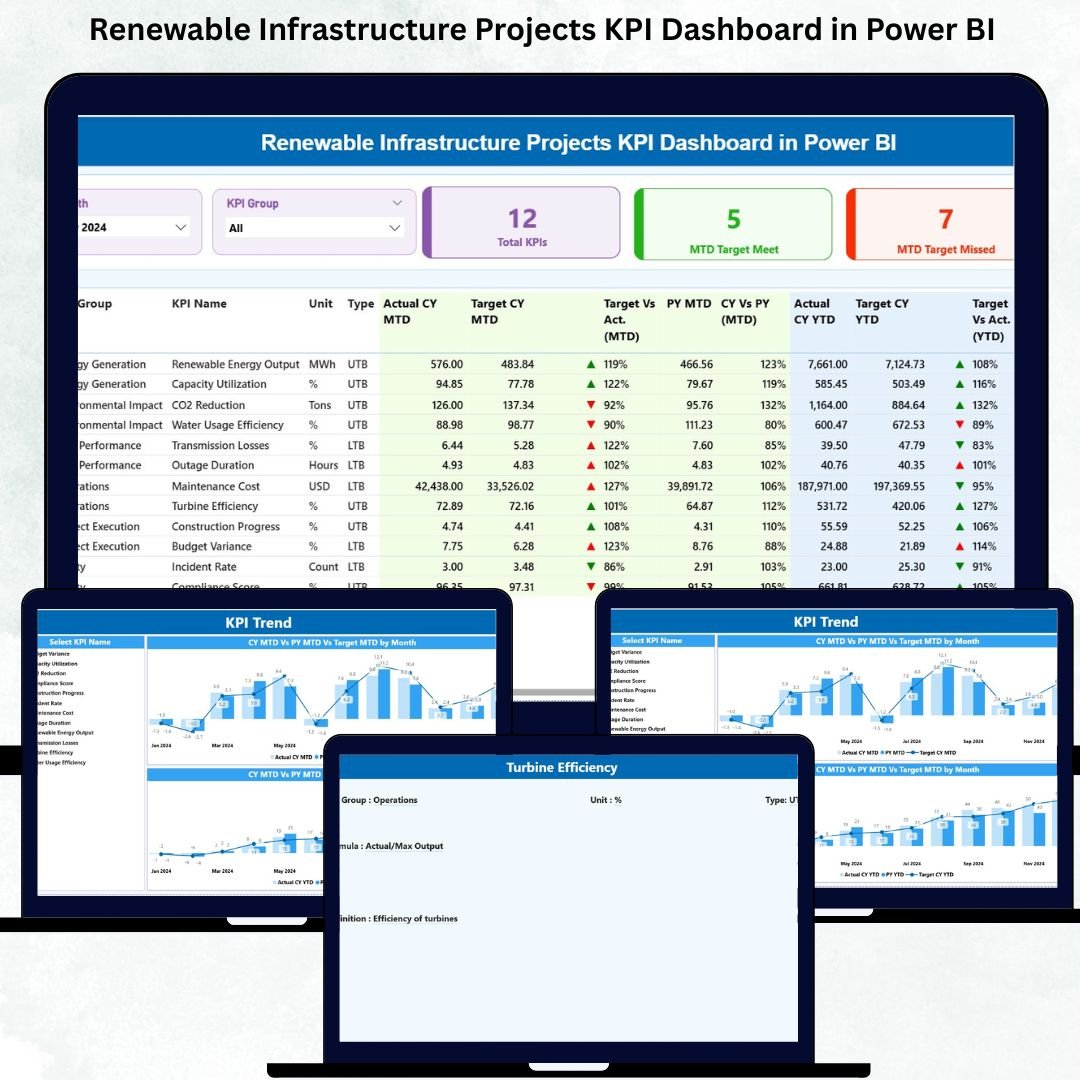
The Summary Page acts as the executive view of all KPIs.
⭐ Key Elements
-
Month Slicer
-
KPI Group Slicer
-
Total KPIs Count
-
MTD Target Meet Count
-
MTD Target Missed Count
Below the KPI cards, you see a complete KPI table showing:
-
KPI Number
-
KPI Group
-
KPI Name
-
Unit
-
KPI Type (UTB/LTB)
-
Actual MTD / Target MTD / Icon
-
Actual YTD / Target YTD / Icon
-
PY MTD & PY YTD comparisons
This page instantly shows which KPIs are on track and which need attention—saving hours of manual review work.
📌 2. KPI Trend Page – Visual Insights for Better Decisions
The Trend Page helps you understand the movement of each KPI across months.
📊 Charts Included
-
MTD Trend Chart (Actual vs Target vs Previous Year)
-
YTD Trend Chart (Actual vs Target vs Previous Year)
Managers use this page to identify:
-
Seasonal variations
-
Efficiency improvements
-
Cost spikes
-
Productivity declines
-
Year-over-year performance patterns
This makes the Trend Page ideal for review meetings, forecasting, and strategic planning.
📌 3. KPI Definition Page – Your Complete KPI Dictionary
This drill-through page provides full clarity on every KPI.
📘 Includes
-
KPI Number
-
KPI Group
-
KPI Name
-
Unit
-
Formula
-
KPI Definition
-
Type (LTB or UTB)
A back button lets users return to the Summary Page instantly.
Perfect for onboarding new team members or maintaining reporting consistency.
🛠 How to Use the Dashboard
1️⃣ Enter MTD & YTD actual numbers in the Input Actual Sheet
2️⃣ Enter monthly targets in the Input Target Sheet
3️⃣ Add KPI formulas & definitions in the KPI Definition Sheet
4️⃣ Refresh Power BI
5️⃣ Analyze performance using slicers, cards, and charts
This workflow is simple enough for beginners yet powerful enough for industry professionals.
👥 Who Can Benefit from This Dashboard
This template is ideal for:
⚡ Renewable energy project managers
🏗 EPC contractors
🌬 Wind & solar farm operators
📊 Sustainability teams
💼 Infrastructure consultants
🔧 Engineering & maintenance teams
🏢 Renewable energy investment firms
Anyone managing performance, timelines, or operational efficiency will benefit immediately.