
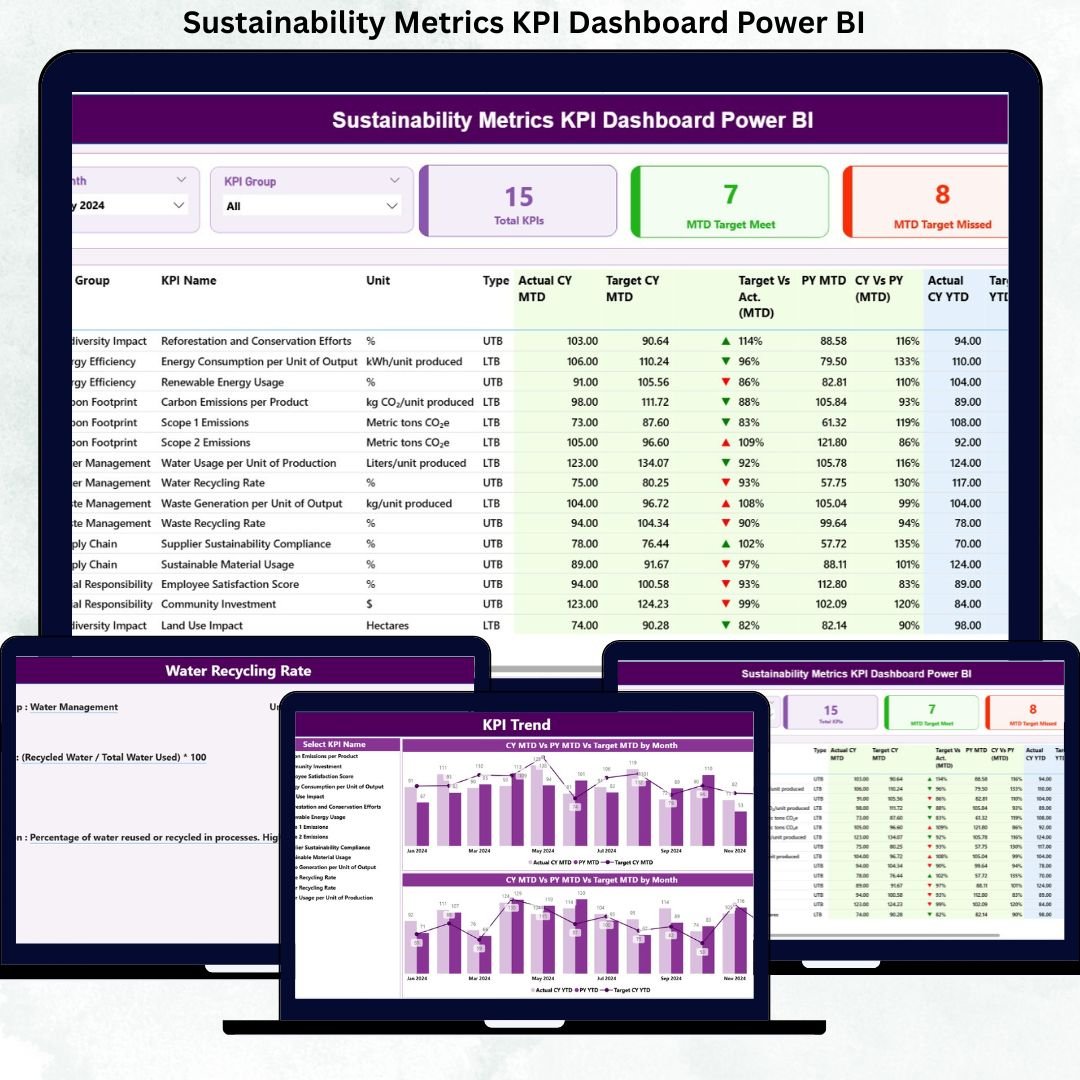
Sustainability is no longer a side initiative—it is a core business responsibility. Organizations today must track environmental, social, and governance (ESG) performance with the same rigor as financial KPIs. However, when sustainability data sits across multiple spreadsheets, emails, and manual reports, clarity disappears and decisions slow down.
That is exactly why the Sustainability Metrics KPI Dashboard in Power BI becomes a critical performance management solution.
This ready-to-use, interactive Power BI dashboard transforms raw sustainability data into clear KPIs, target comparisons, trend analysis, and visual indicators—all in one centralized view. Instead of spending hours preparing reports, sustainability teams and leadership gain instant visibility into performance against targets and previous years.
Built using Excel as the data source and Power BI as the visualization layer, this dashboard delivers the perfect balance of simplicity, flexibility, and analytical power. As a result, organizations can track short-term progress, monitor long-term goals, and drive meaningful sustainability actions with confidence.
🔑 Key Features of Sustainability Metrics KPI Dashboard in Power BI
📊 Centralized Sustainability KPI Monitoring
Track all sustainability metrics from a single, structured Power BI dashboard.
🎯 Target vs Actual Performance Tracking
Instantly identify KPIs meeting or missing targets using icons and percentages.
📈 MTD & YTD Performance Visibility
Monitor Month-to-Date and Year-to-Date progress side by side.
🔄 Current Year vs Previous Year Comparison
Measure improvement or decline with CY vs PY comparisons.
📋 Detailed KPI Table with Indicators
View units, KPI type (LTB/UTB), icons, and calculated percentages clearly.
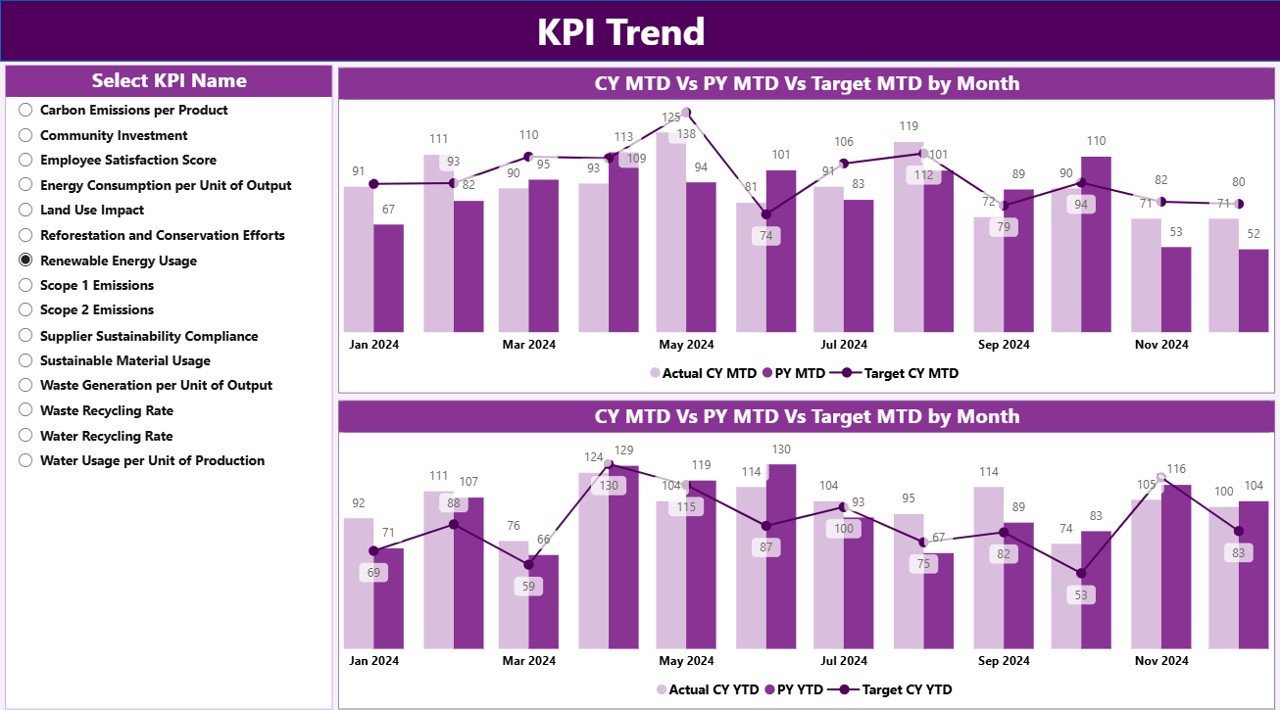
📉 Trend Analysis with Combo Charts
Visualize sustainability performance trends over time.
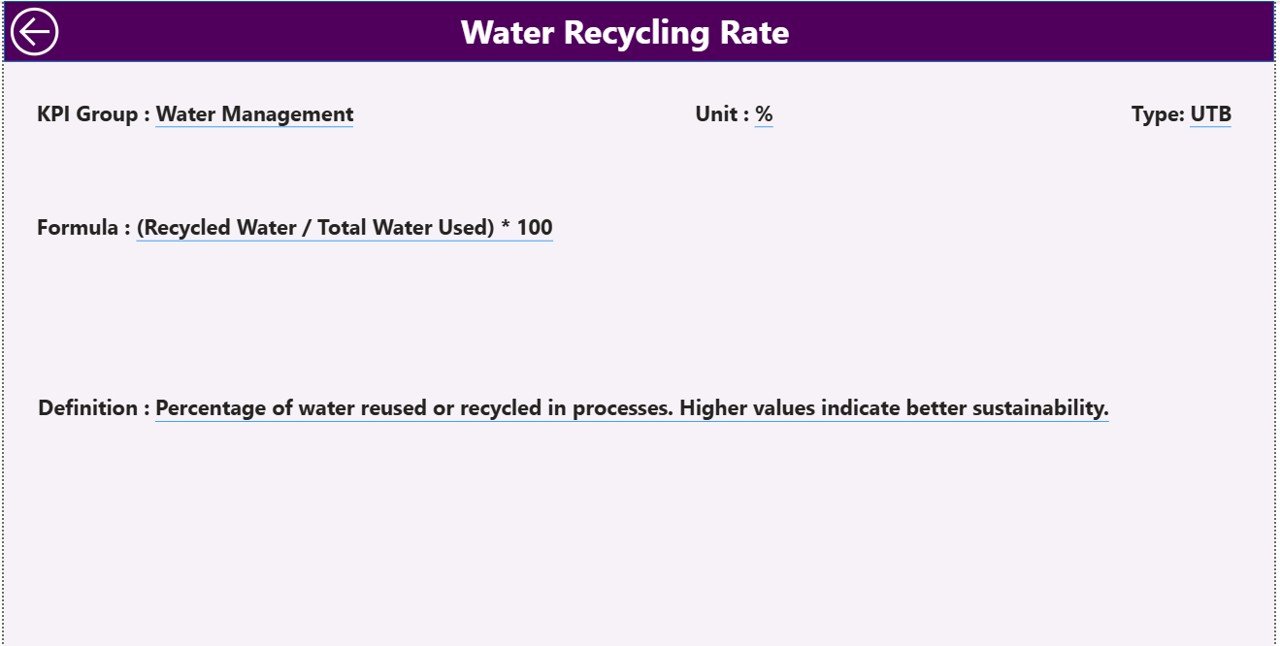
📘 Built-In KPI Definitions & Governance
Drill through to KPI definitions, formulas, and logic for full transparency.
⚡ Excel-Based Data Updates
Update data easily in Excel and refresh Power BI in seconds.
📂 What’s Inside the Sustainability Metrics KPI Dashboard in Power BI
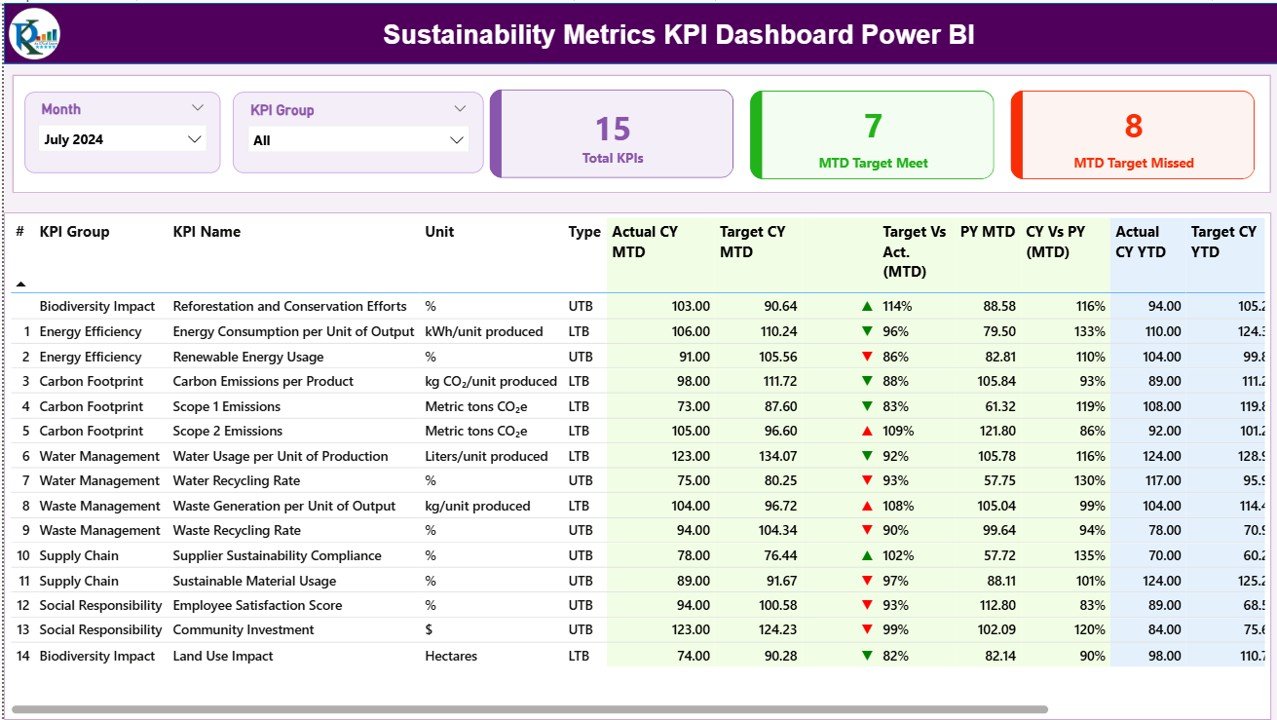
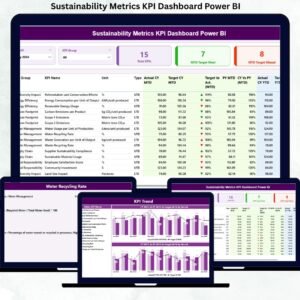
📁 Summary Page – KPI overview with slicers, cards, icons, and detailed KPI table
📁 KPI Trend Page – MTD & YTD trend analysis using combo charts
📁 KPI Definition Page – Drill-through reference page for KPI governance
📊 Excel Data Source Includes
• Input_Actual Sheet – Actual MTD & YTD values
• Input_Target Sheet – Target MTD & YTD values
• KPI Definition Sheet – KPI master data and logic
Together, these components deliver a complete sustainability performance tracking system.
🛠️ How to Use the Sustainability Metrics KPI Dashboard in Power BI
1️⃣ Enter actual sustainability values in the Excel Input_Actual sheet
2️⃣ Maintain targets in the Input_Target sheet
3️⃣ Define KPIs clearly in the KPI Definition sheet
4️⃣ Refresh the Power BI dashboard
5️⃣ Use Month and KPI Group slicers for focused analysis
6️⃣ Review KPI cards and tables on the Summary Page
7️⃣ Analyze trends and drill into KPI definitions when needed
No advanced Power BI skills are required. The dashboard is designed for easy adoption by sustainability and business teams.
👥 Who Can Benefit from This Sustainability Metrics KPI Dashboard in Power BI
🌍 Sustainability and ESG managers
📊 ESG analysts and reporting teams
🏭 Operations and facilities teams
💼 Strategy and finance teams
🏢 Corporate leadership and executives
📋 Compliance and audit teams
If your organization tracks sustainability or ESG performance, this dashboard delivers immediate value.
📘 Click here to read the Detailed blog post
🎥 Visit our YouTube channel to learn step-by-step video tutorials
👉 YouTube Channel





















Reviews
There are no reviews yet.