
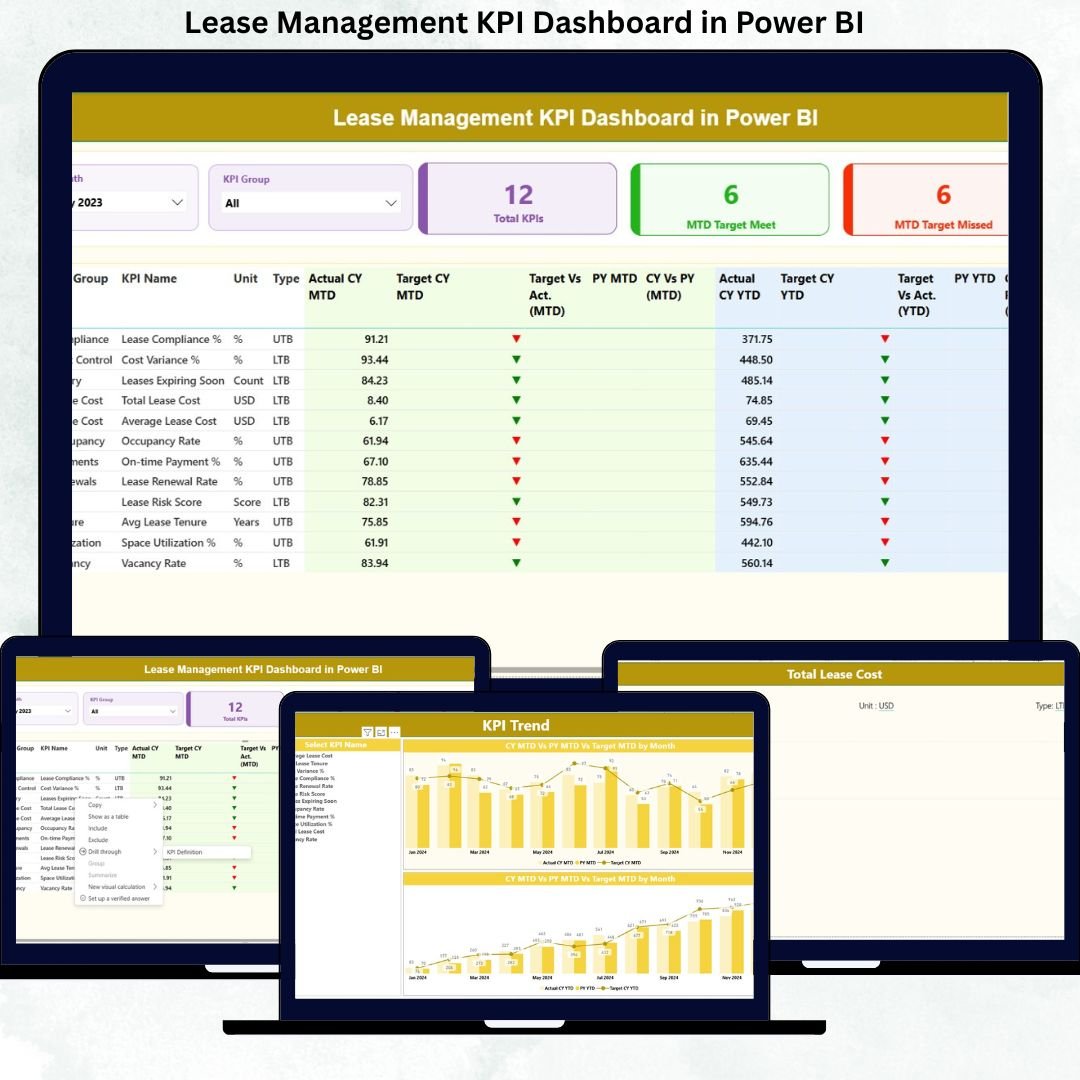
Managing lease portfolios without real-time visibility often results in hidden costs, missed renewals, compliance risks, and delayed decisions. That is exactly why the Lease Management KPI Dashboard in Power BI is designed—to give finance teams, real estate managers, and leadership a single source of truth for lease performance.
This ready-to-use Power BI dashboard transforms raw lease data into clear, interactive, and decision-ready insights. Instead of juggling multiple spreadsheets and static reports, you get a centralized analytics system that tracks MTD, YTD, target vs actual, and year-on-year performance with precision. As a result, lease management becomes proactive, strategic, and data-driven.
Built using Excel as the data source and Power BI as the visualization engine, this dashboard is powerful yet easy to maintain. You do not need complex integrations or heavy IT support. Simply update your Excel file, refresh Power BI, and instantly access updated insights.
Key Features of Lease Management KPI Dashboard in Power BI 🚀
📊 Centralized Lease KPI Monitoring
Track all critical lease KPIs in one interactive Power BI dashboard without switching between reports.
📅 Dynamic Month & KPI Group Slicers
Filter data instantly by reporting month and KPI category to analyze specific lease segments.
🎯 MTD & YTD Performance Tracking
Monitor both short-term and long-term lease performance side by side for better control.
📈 Target vs Actual & CY vs PY Comparison
Identify performance gaps using automated variance analysis and trend comparisons.
🚦 Conditional Formatting Indicators
Instantly spot target meets and misses using green ▲ and red ▼ icons.
📉 Interactive KPI Trend Analysis
Visualize KPI performance over time using MTD and YTD combo charts.
📘 Built-In KPI Definitions & Formulas
Ensure consistency with a dedicated KPI Definition page showing formulas, logic, and KPI type (LTB/UTB).
What’s Inside the Lease Management KPI Dashboard in Power BI 📂
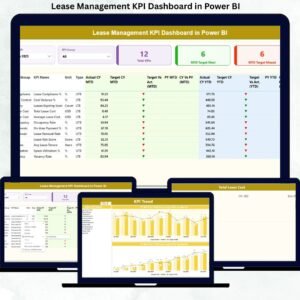
This dashboard includes three professionally designed Power BI pages:
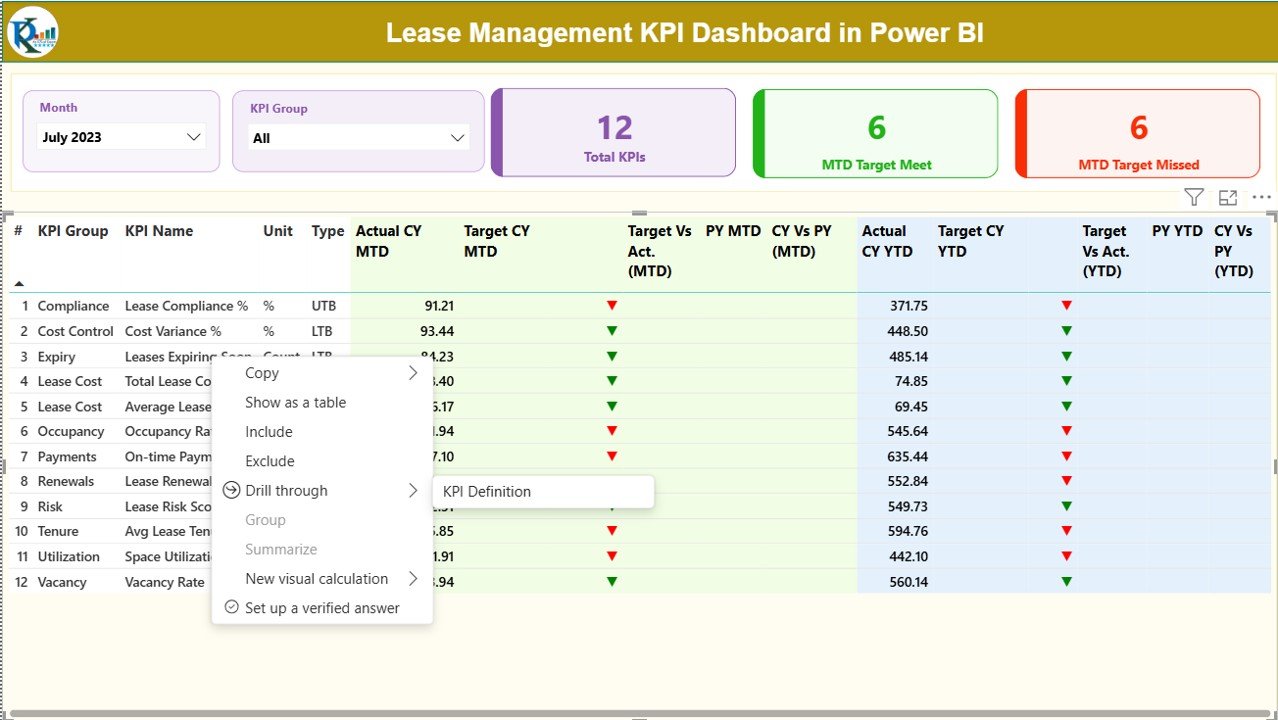
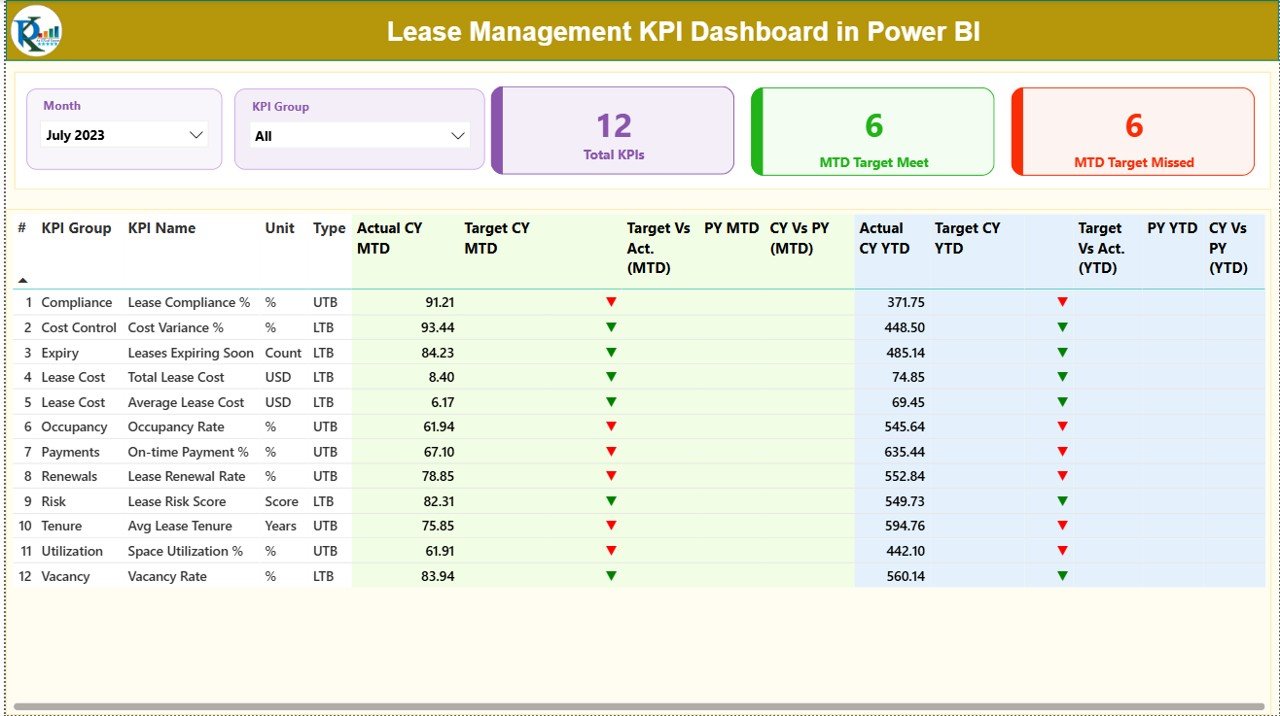
📌 Summary Page
The main control center showing:
-
Month and KPI Group slicers
-
KPI cards for Total KPIs, MTD Target Met, and MTD Target Missed
-
A detailed KPI table with MTD and YTD metrics, target comparisons, and year-on-year analysis
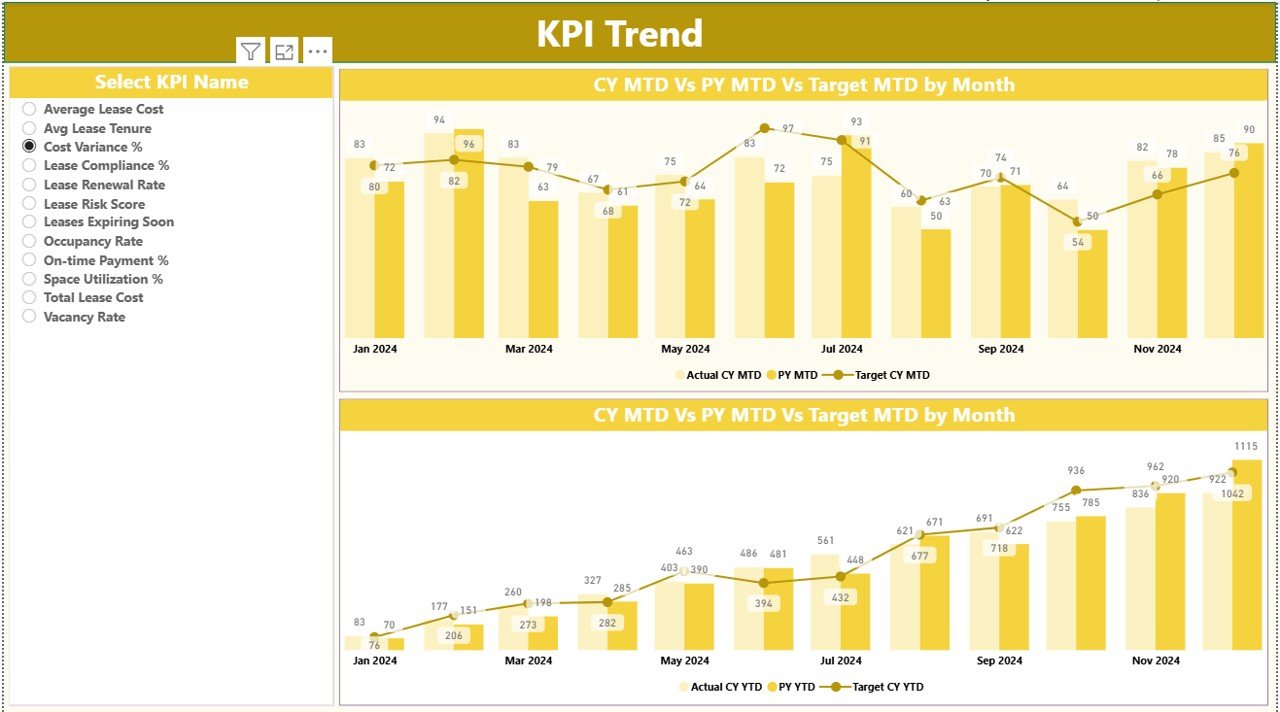
📌 KPI Trend Page
Analyze historical performance using:
-
MTD and YTD trend charts
-
Actual vs Target vs Previous Year visuals
-
KPI Name slicer for focused analysis
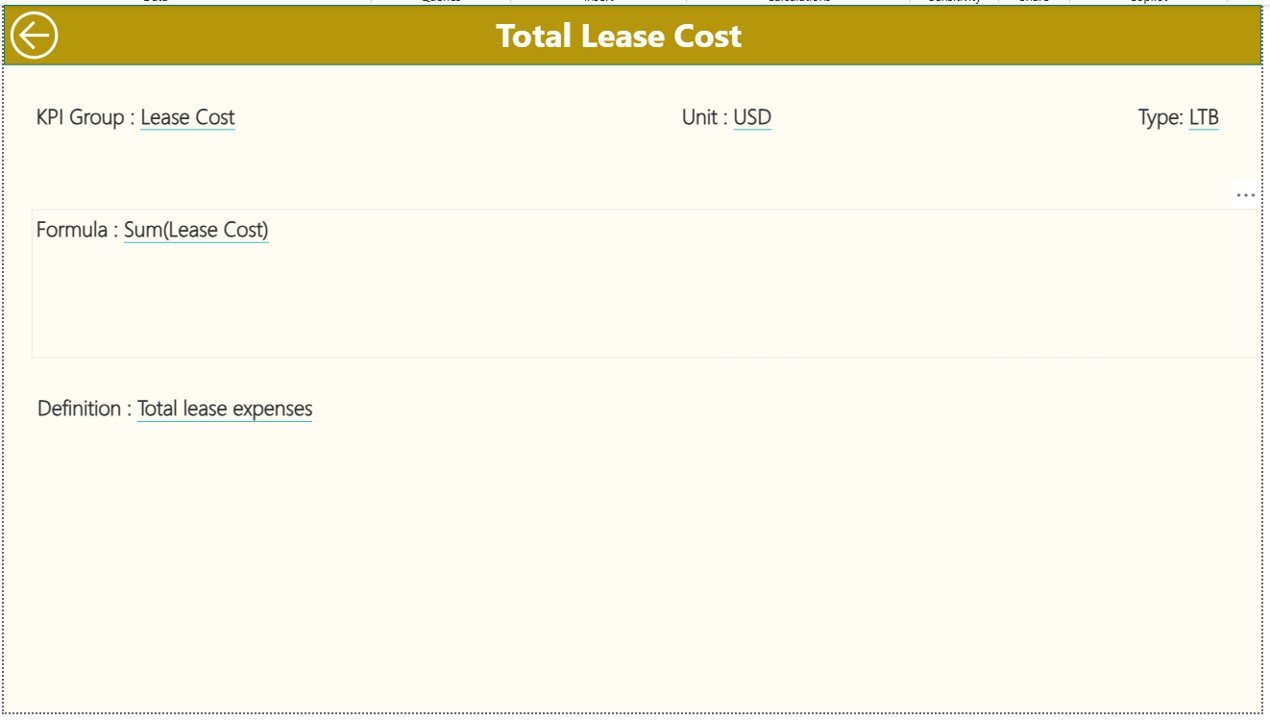
📌 KPI Definition Page (Drill-Through)
View KPI number, group, unit, formula, definition, and type with a simple back-navigation option.
How to Use the Lease Management KPI Dashboard in Power BI ⚙️
Using this dashboard is simple and intuitive:
1️⃣ Enter actual and target values in the provided Excel sheets
2️⃣ Define KPIs clearly in the KPI Definition sheet
3️⃣ Load the Excel file into Power BI
4️⃣ Select month and KPI group using slicers
5️⃣ Review summary metrics, trends, and variances
6️⃣ Drill through KPIs for definitions and logic
Because of this structure, even non-technical users can start using the dashboard confidently within minutes.
Who Can Benefit from This Lease Management KPI Dashboard? 👥
This dashboard is ideal for:
🏢 Finance & Accounting Teams – Control lease costs and variances
🏬 Corporate Real Estate Managers – Track occupancy and renewals
📑 Lease Administrators – Monitor compliance and expirations
📊 FP&A Professionals – Improve forecasting and budgeting
🧾 Audit & Compliance Teams – Ensure transparency and accuracy
👔 Business Leaders & Executives – Get executive-ready insights instantly
Whether you manage a small lease portfolio or a large enterprise setup, this dashboard scales with your needs.
Click here to read the Detailed Blog Post
Watch the step-by-step video tutorial:
Visit our YouTube channel to learn step-by-step video tutorials:
Youtube.com/@PKAnExcelExpert






























Reviews
There are no reviews yet.