

Managing health-sector tenders is complex, high-risk, and heavily regulated. Hospitals, public health departments, pharmaceutical procurement units, and government healthcare agencies handle high-value tenders every year. Even a small delay, cost overrun, or compliance gap can lead to serious financial and operational consequences.
That is exactly why the Health Tender KPI Dashboard in Excel is designed as a powerful, practical, and business-ready solution for healthcare organizations.
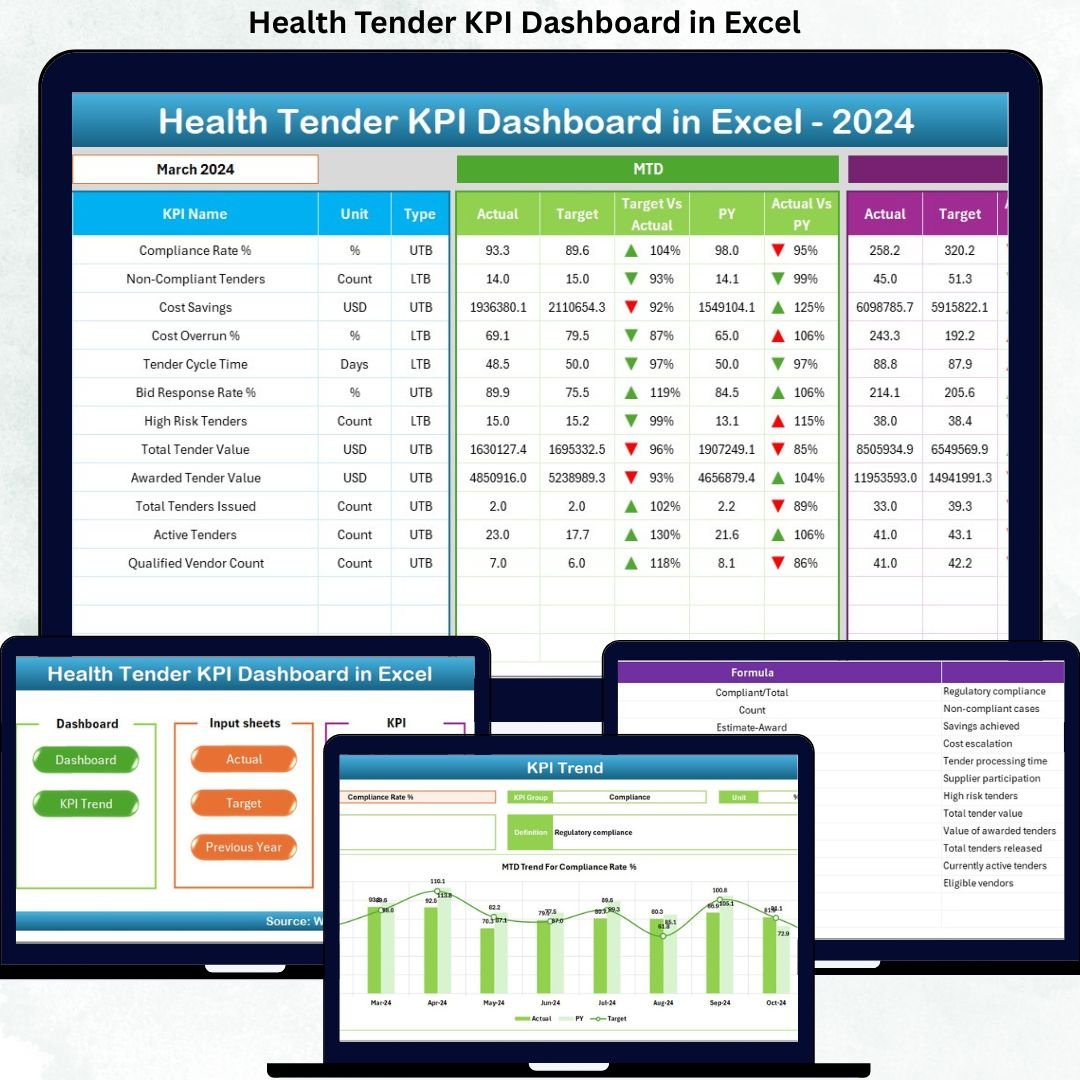
This professionally built Excel dashboard converts raw tender data into clear KPIs, trends, and performance insights, allowing decision-makers to track tender efficiency, costs, timelines, and compliance from a single screen—without expensive BI tools or complex systems.
🔑 Key Features of Health Tender KPI Dashboard in Excel
📊 Centralized KPI Monitoring – Track all health tender KPIs from one interactive dashboard
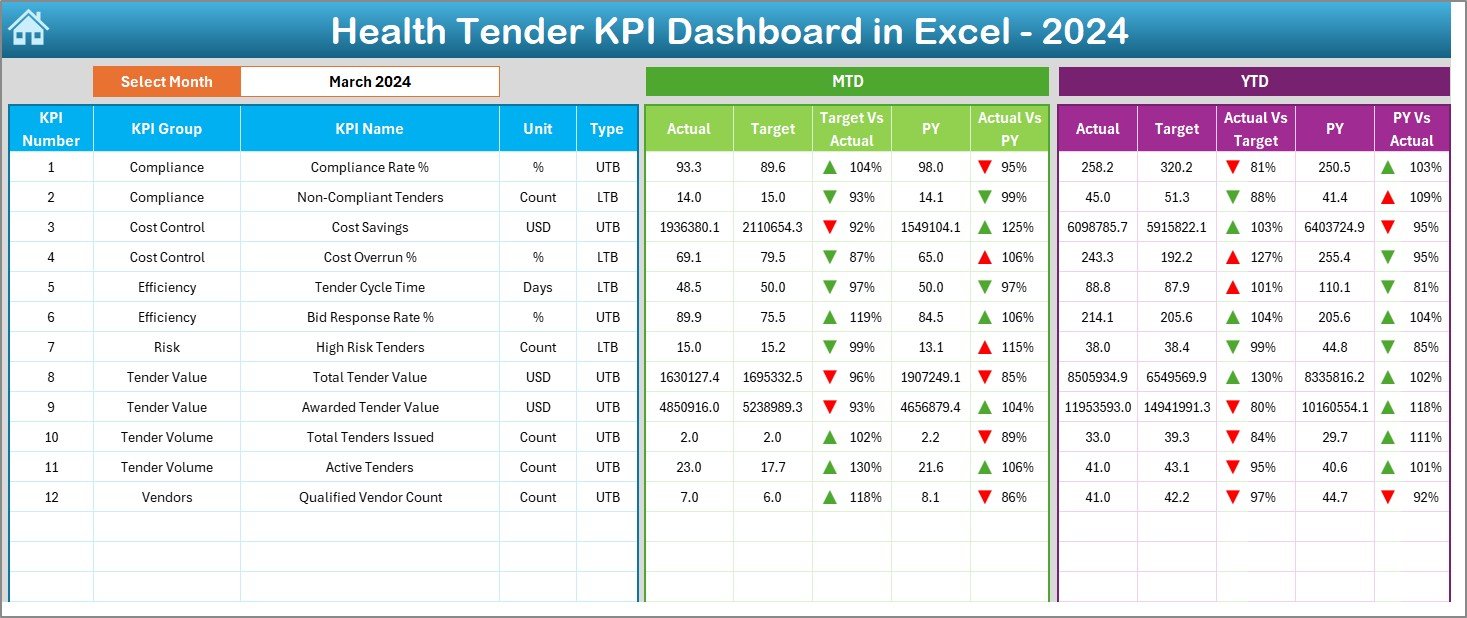
📅 Dynamic Month Selection – Change reporting month instantly using a simple drop-down
📈 MTD & YTD Performance Tracking – Monitor Monthly-to-Date and Year-to-Date results with ease
🎯 Target vs Actual Analysis – Instantly identify cost overruns and performance gaps
📉 Previous Year Comparison – Measure improvement or decline using historical data
🚦 Conditional Formatting Indicators – Visual arrows clearly show performance direction
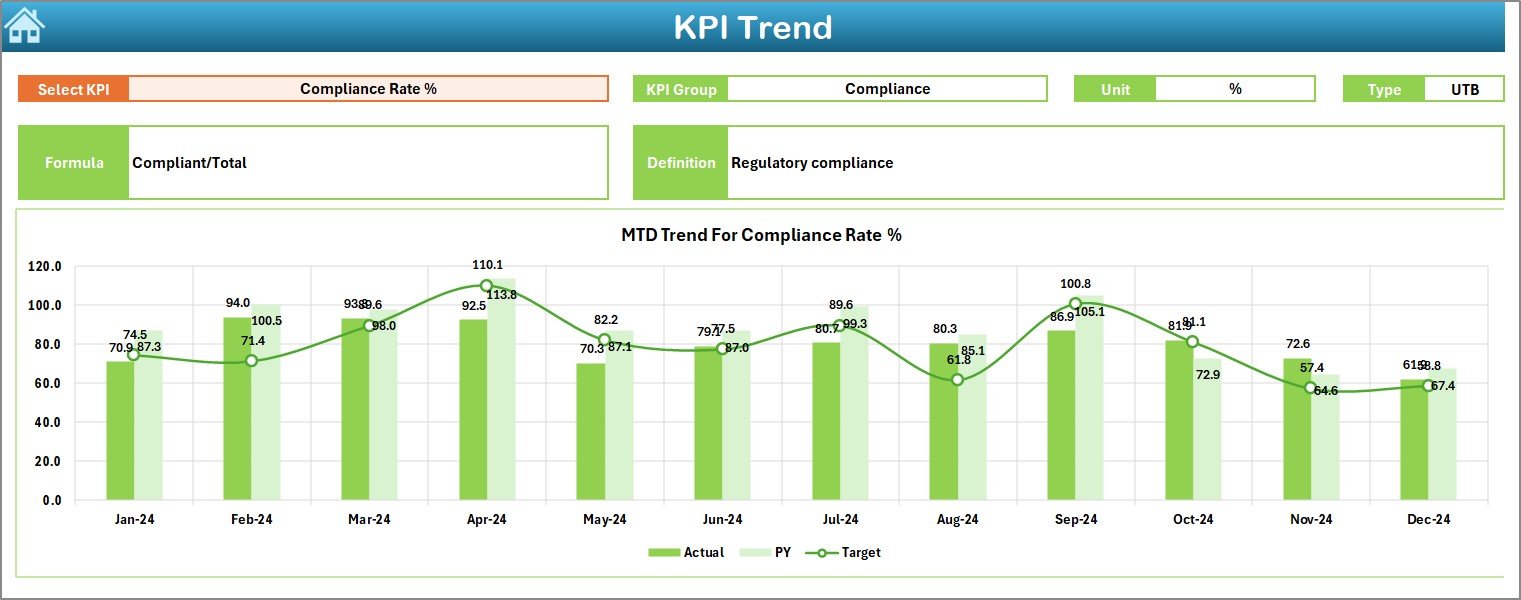
📊 Trend Analysis – Analyze KPI behavior over time instead of static numbers
🧩 Fully Excel-Based Solution – No Power BI or external tools required
📦 What’s Inside the Health Tender KPI Dashboard
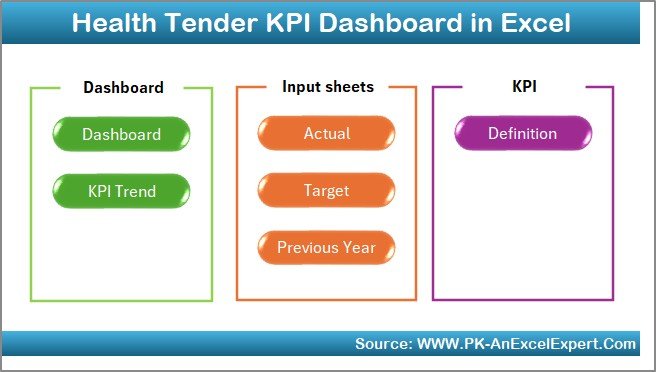
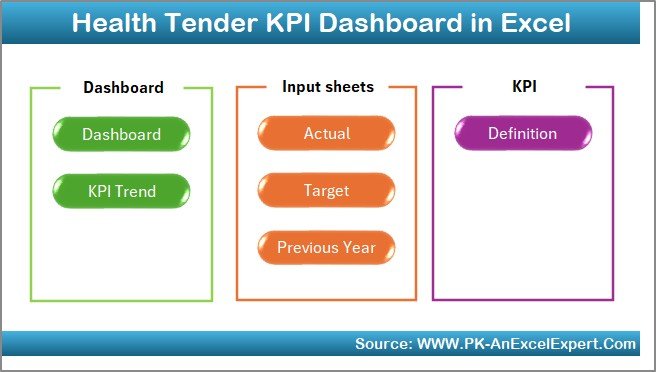
This Health Tender KPI Dashboard in Excel includes 7 professionally structured worksheets, each designed for a specific purpose:
📘 Summary Page – Acts as a navigation hub with clickable buttons for instant sheet access
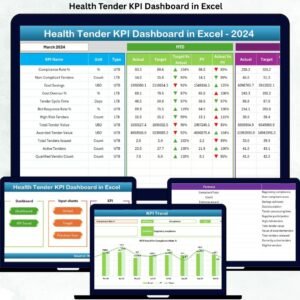
📊 Dashboard Sheet – Displays all KPIs with MTD, YTD, Target, and Previous Year comparisons
📈 Trend Sheet – Shows KPI trends with Actual, Target, and Previous Year charts
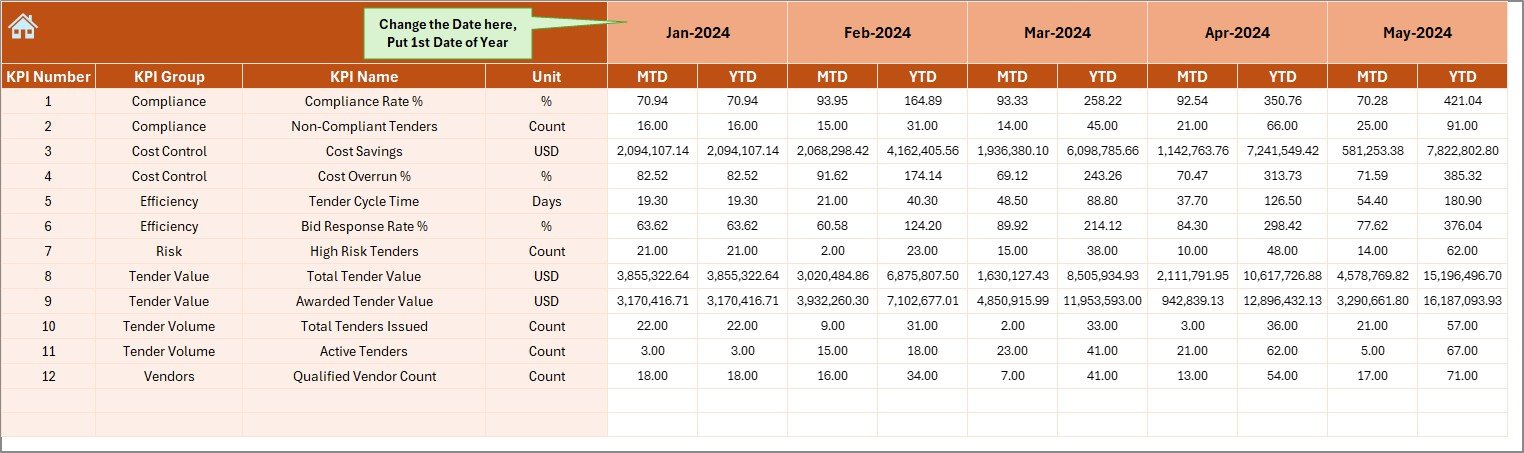
🧮 Actual Numbers Sheet – Enter real performance data with automatic MTD and YTD calculations
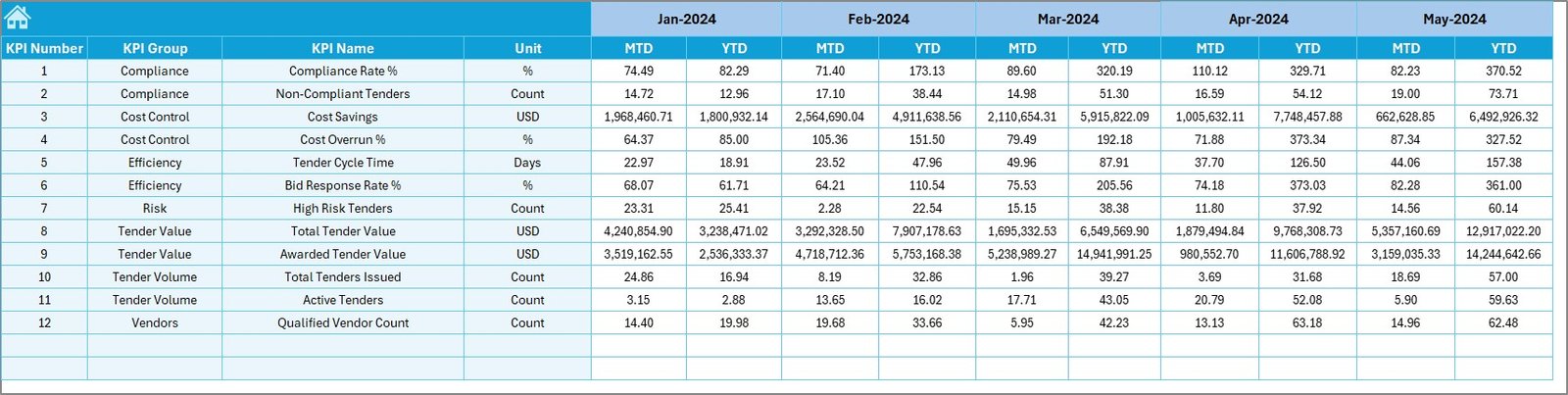
🎯 Target Sheet – Store monthly and annual KPI targets
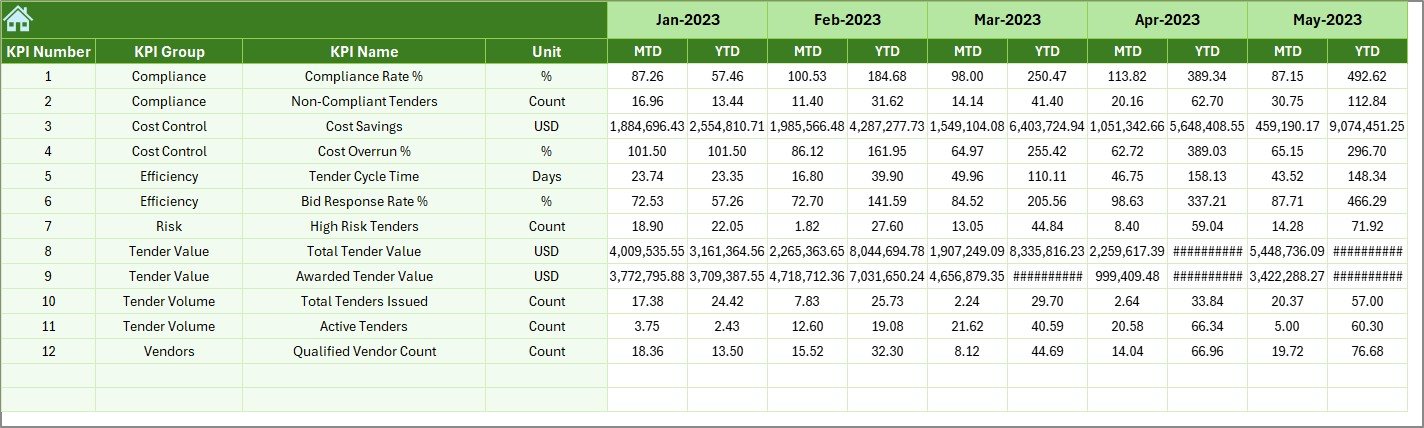
📅 Previous Year Sheet – Capture historical KPI values for year-over-year analysis
📑 KPI Definition Sheet – Clearly defines KPI group, unit, formula, and type (UTB / LTB)
Together, these sheets create a complete tender performance monitoring system.
🛠️ How to Use the Health Tender KPI Dashboard
Using this dashboard is simple and user-friendly:
1️⃣ Enter actual tender performance data in the Actual Numbers sheet
2️⃣ Define targets in the Target Sheet
3️⃣ Input previous year values in the Previous Year Sheet
4️⃣ Select the reporting month from the dashboard drop-down
5️⃣ Instantly view MTD, YTD, trends, and performance indicators
Because calculations are automated, users avoid manual errors and save hours of reporting time.
👥 Who Can Benefit from This Health Tender KPI Dashboard
This dashboard is ideal for:
🏥 Government & private hospitals
🏛️ Public health departments
💊 Pharmaceutical procurement teams
📋 Medical tender committees
🌍 NGO healthcare programs
📊 Healthcare compliance & audit teams
If your organization manages healthcare tenders, this dashboard delivers clarity, control, and confidence.
Click here to read the Detailed Blog Post
Watch the step-by-step video tutorial:





























Reviews
There are no reviews yet.